Table of Contents
If you’re anything like me, you probably have a few holiday photos you love… but they’re missing that “wow” factor. I wanted something more fun than just adding a filter, so I tried Xmasinator to see if it could actually turn my own face photos into festive scenes.
And honestly? It’s pretty fun. Xmasinator is an online AI image tool where you upload your face photos, pick a holiday concept, and it generates an artistic holiday image using your input. You’re not starting from scratch—you’re basically telling the tool, “Make me part of the holiday vibe,” and then choosing the style/theme you want.
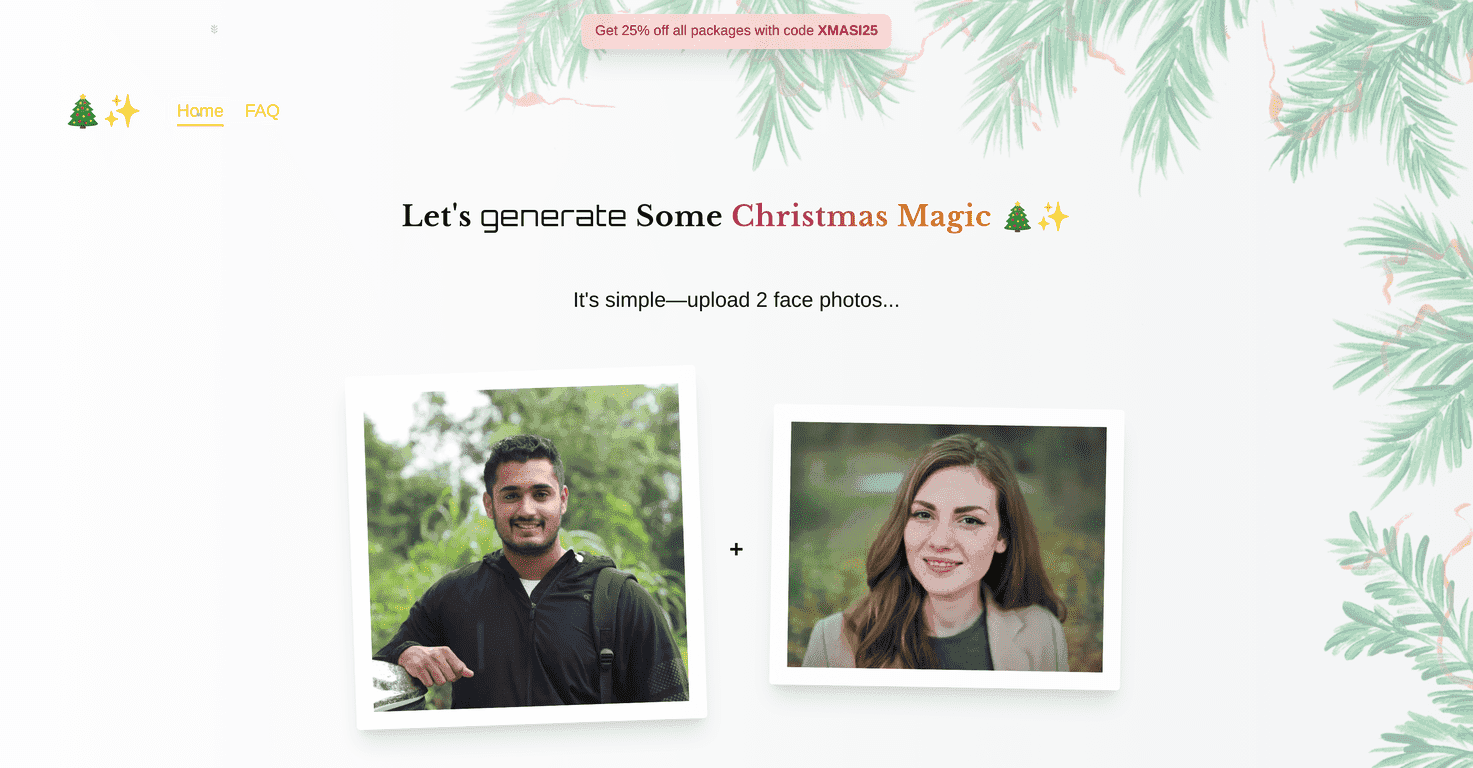
One thing I appreciated right away: the flow is simple. You upload two photos, then you choose from a bunch of festive concepts (I saw more than 30 options while browsing). Want a snowy look? A Santa-style theme? Something more “cozy holiday card” than “movie poster”? You can usually find a concept that matches the mood you’re going for.
They also offer a demo option, which matters. I don’t love paying for something I haven’t tested, so being able to try it first definitely helped me decide faster.
Xmasinator Review: What I Actually Liked (and What Didn’t)
Xmasinator is built around one core idea: you upload face photos, and it generates holiday-themed images featuring you. The “two photo” setup is part of the experience, and in my testing it made the process quick—no hunting for dozens of images or messing around with complicated settings.
Here’s what stood out to me most:
- It’s easy to start. You don’t need design skills. I was able to upload, pick a concept, and preview results without feeling like I was fighting the interface.
- The concepts feel varied. When I browsed the theme options, I noticed different holiday vibes—some were more “classic Christmas,” others felt more stylized and artsy.
- The demo option helps. Being able to test before buying is a big deal. It reduces that “well, what if I hate the output?” anxiety.
That said, I also want to be honest: AI-generated images can only work with what you give it. If your photos are blurry, heavily angled, or have weird lighting, the result won’t be as convincing. Garbage in, you know the rest.
Key Features
- Image Upload: Upload two face photos for personalized generation
- AI-Powered Generation: Turn your photos into artistic holiday images
- Diverse Concepts: Choose from 30+ festive themes
- Affordable Pricing: Starts at $1.99 per image
- Demo Option: Try the service before committing
Pros and Cons (Real Talk)
Pros
- Simple upload process. It’s quick—especially if you just want a couple of images for holiday social posts.
- Style variety. The different holiday concepts help you get different looks without needing to tweak settings.
- Budget-friendly entry point. Starting at $1.99 per image makes it easier to experiment.
- Demo option builds trust. I like being able to test the output first instead of buying blindly.
Cons
- Two-photo limit can feel restrictive. If you wanted to use multiple angles (profile + front + different lighting), you can’t really do that here.
- AI results aren’t always perfect. Depending on your photo quality and the theme you pick, the likeness and details can vary. Some people will love the stylized look, and others might feel it misses the mark.
Pricing Plans
Image generation starts at $1.99. If you want a discount, you can use code XMASI25 for 25% off all packages.
Tip from my side: if you’re planning to make a few holiday images (for example, one for you, one for a friend, and one for family), I’d start with the demo and then only pay for the themes you actually like. It saves money and time.
How to Get Better Results (My Quick Checklist)
- Use clear, well-lit photos. Face visible, minimal shadows, and no heavy filters.
- Pick photos with a similar angle. Since it’s based on two uploads, matching your face angle can help consistency.
- Try a couple of themes. If one concept looks “off,” another one might come out way better.
- Think about where you’ll post it. If you want profile-picture style images, choose concepts that frame the face more clearly.
Wrap up
Overall, I think Xmasinator is a genuinely fun way to create custom holiday images without any design experience. It’s quick to use, the theme selection is solid (30+ concepts is enough to keep things interesting), and the price starting at $1.99 makes it easy to test different styles. If you want something more personal than generic holiday cards, it’s a pretty good option—just don’t expect every AI result to be flawless, especially if your photos aren’t sharp.