Table of Contents
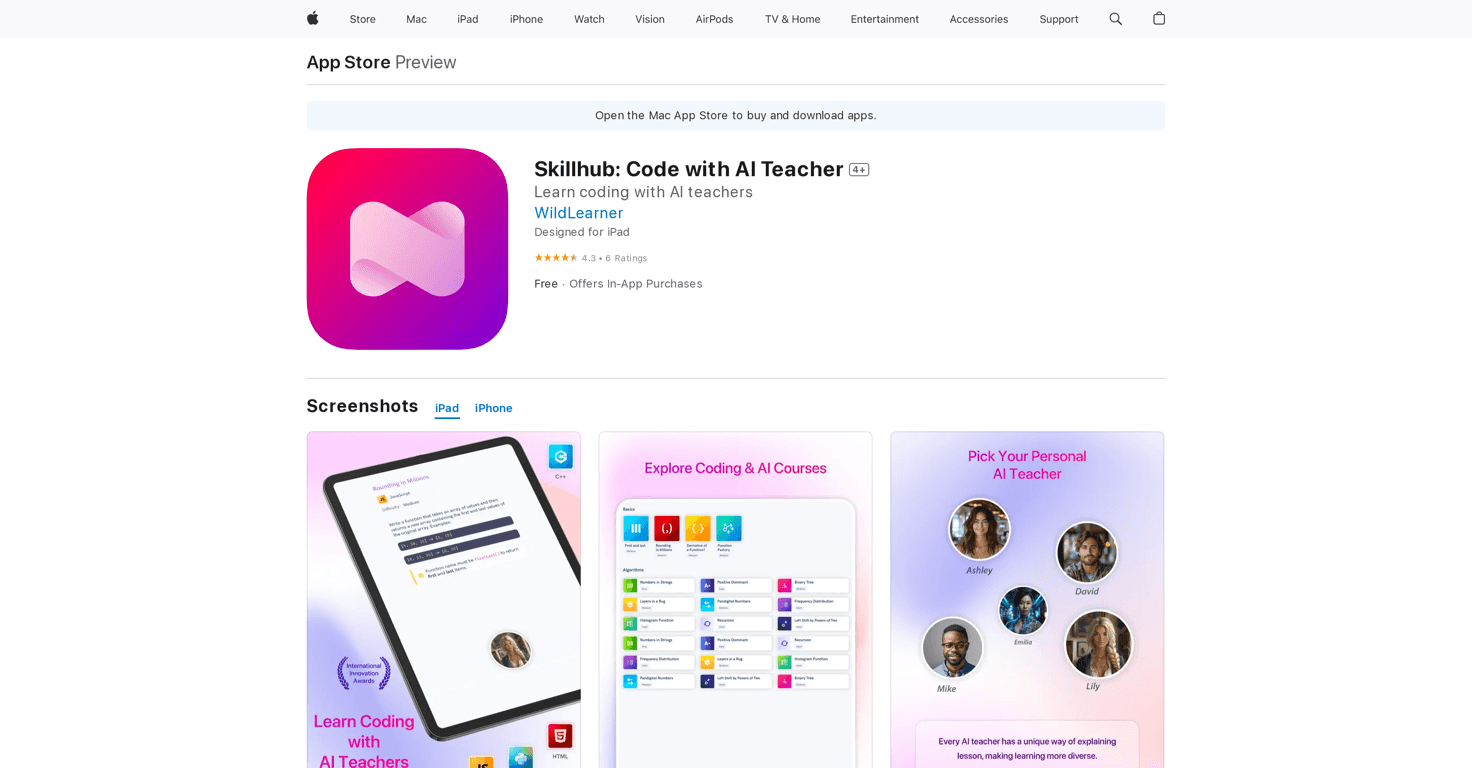
Are you looking to learn coding but feel overwhelmed by the options out there? Skillhub simplifies this journey with its interactive and supportive platform. By integrating AI teachers, it promises an engaging experience for users of all skill levels. In this Skillhub review, we’ll dive into the features that make it a strong contender for aspiring programmers.
Skillhub Review
Skillhub is an innovative educational app that offers over 20 coding courses, ranging from Python to JavaScript, making programming accessible to everyone. The interactive lessons provide real-time coding practice, ensuring users don’t just learn theory but also gain hands-on experience. The standout feature is the AI support, where users can message their AI teachers for help, creating a personalized learning environment. Plus, with a mobile code compiler, you can practice coding on the go! Those looking to connect with others can engage with a global community of learners, making Skillhub not just an app but a vibrant learning space.
Key Features
- 20+ Coding Courses across popular programming languages
- Interactive Lessons for real-time coding practice
- AI Support for personalized assistance
- Mobile Code Compiler for coding on-the-go
- Personalized Learning through tailored challenges and quizzes
- Community Engagement with a global network
- Certificate Generation to showcase completed courses
- Ad-Free Experience with Skillhub Pro subscription
Pros and Cons
Pros
- Comprehensive course offerings for various skill levels
- Personalized feedback from AI teachers enhances learning
- Learn at your own pace for better retention
- Interactive elements keep learners engaged
- Free basic access with optional premium features
Cons
- In-app purchases required for full access to advanced topics
- Some users may seek deeper content coverage
- User interface could use improvements for easier navigation
Pricing Plans
Skillhub offers a free version with limited access, while Skillhub Pro is available for $14.99/month or $142.99/year, providing an ad-free experience and unlimited content access.
Wrap up
In summary, Skillhub stands out as a valuable tool for anyone eager to embark on their coding journey. The personalized support, interactive lessons, and flexible learning options make it an appealing choice. Whether you’re just starting or looking to refine your skills, Skillhub is designed to accompany you every step of the way towards becoming a proficient coder.