Table of Contents
What Is SmartSLD?
Honestly, I was curious about SmartSLD because I keep running into situations where drawing single-line diagrams (SLDs) feels like a tedious chore—especially when you’re juggling multiple revisions or trying to quickly sketch something out on the fly. I figured, if this tool can genuinely help speed things up without sacrificing clarity, it might be worth a shot.
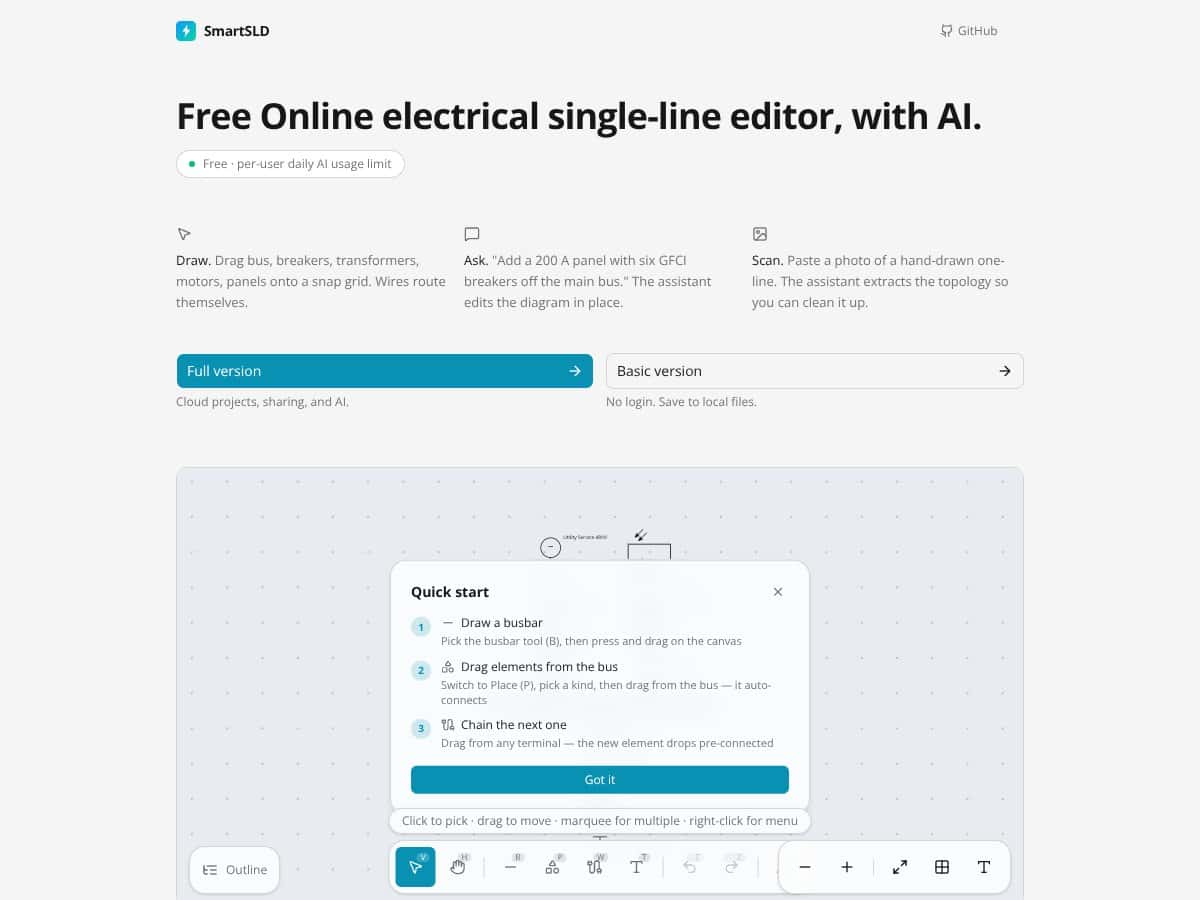
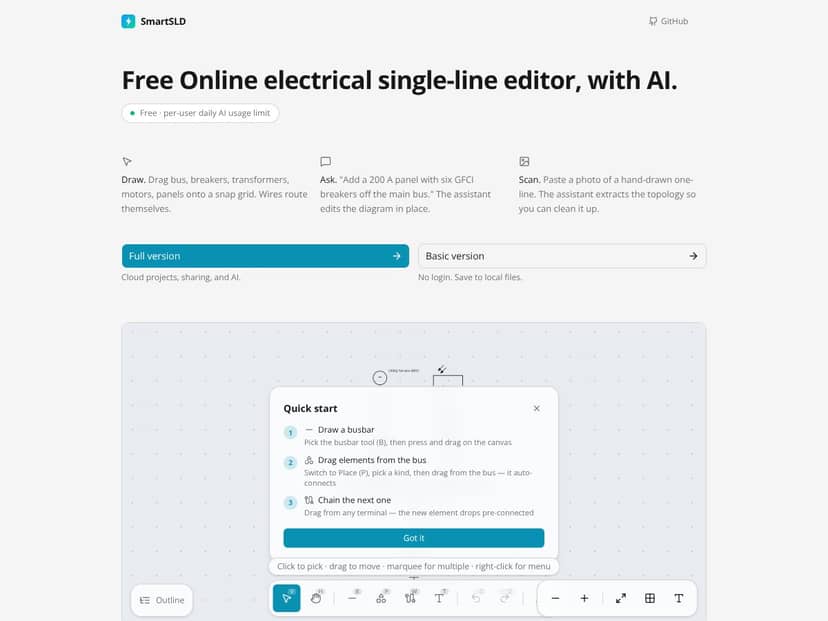
So, what is SmartSLD? In plain English, it’s a web-based tool that lets you create electrical single-line diagrams directly in your browser. You don’t need to install anything; just load up the website, and you’re ready to sketch. It claims to handle the basics of drawing buses, breakers, transformers, motors, and panels—then automatically route wires between them. You can also ask the AI to add components based on text commands or even upload photos of hand-drawn diagrams for it to extract the topology.
The main problem it’s trying to solve is the repetitive, time-consuming nature of diagramming. Instead of manually placing each element and drawing wires, you can use SmartSLD to speed up the process and get more consistent results. It’s aimed at electrical engineers, project managers, or anyone who needs to generate or update SLDs quickly without diving into complex CAD software.
As for who’s behind it, the website doesn’t provide much info about the company or team. It seems to be a standalone product, possibly from a small startup or a solo developer, which makes me a bit skeptical about long-term support or advanced features. My initial impression was that it’s advertised as a simple, no-fuss solution—what you see is what you get. It’s definitely not a full-fledged CAD replacement, and they’re upfront about that, but I was curious whether it could actually deliver on the promise of quick, AI-assisted diagramming.
One thing to keep in mind: it’s not a comprehensive electrical design tool like AutoCAD Electrical or ETAP. It’s more of an aid for basic diagram creation and documentation. If you’re expecting detailed simulation, extensive libraries, or complex automation, this isn’t the product for that. It’s a lightweight, browser-based utility—think of it as a sketchpad with some AI magic rather than a professional engineering suite.
SmartSLD Pricing: Is It Worth It?
| Plan | Price | What You Get | My Take |
|---|---|---|---|
| Free Tier | Unknown / Not publicly disclosed | Limited access to basic features, no login required, local file saves, some AI capabilities | Fair warning: since the free plan details are unclear, you might find it very limited or with hidden restrictions. It’s a good way to test basic diagramming but probably not enough for serious projects. |
| Paid Plans | Check their website | Access to full features, cloud storage, project sharing, advanced AI, possibly higher usage limits | Here's the thing about the pricing: without clear numbers, it's hard to say if this is a bargain or overpriced. Comparing it to established tools like AutoCAD Electrical or Lucidchart, it might be cheaper, but the lack of transparency makes it a gamble. |
My honest take:
Honestly, the pricing structure remains a bit of a mystery — which is a red flag if you’re trying to budget or justify an investment. If they’re offering a free tier, it’s probably quite limited, and you’ll need to upgrade to unlock the real value. What they don’t tell you on the sales page is whether there are monthly or annual costs, or if you’ll hit usage caps that could slow you down. This might be a dealbreaker for some, especially if you’re used to transparent pricing from other engineering tools. Fair warning: if you’re a professional needing dependable, unlimited access, you might want to compare this with more established options first. But if your needs are basic and you want a quick, browser-based diagram tool, it could be worth exploring — just tread carefully and verify current prices on their site.
How SmartSLD Stacks Up Against Alternatives
AutoCAD Electrical
- AutoCAD Electrical is a robust, industry-standard CAD software with extensive tools for designing detailed electrical schematics, including multi-line diagrams, panel layouts, and wiring diagrams. It offers deep customization, automation, and integration with other CAD workflows, making it suitable for large, complex projects.
- Pricing is quite high, often several thousand dollars per year or perpetual license, which can be a barrier for small teams or individuals. It’s generally targeted at professional engineering firms or large corporations.
- Choose this if you need highly detailed, customizable electrical designs and are already familiar with AutoCAD or need integration with other CAD work.
- Stick with SmartSLD if you want quick, simple single-line diagrams without the complexity or cost of full CAD software, especially if you prefer a browser-based tool.
SmartDraw
- SmartDraw offers a wide range of diagram templates, including electrical schematics, flowcharts, and organizational charts. It’s more general-purpose, with an easy drag-and-drop interface and some automation features, but less specialized for electrical diagrams than SmartSLD.
- Pricing is around $297/year or a one-time purchase of about $595, making it more affordable than AutoCAD but still a notable expense for casual users.
- Choose this if you need versatile diagramming beyond electrical, or if you want a desktop app with rich template options.
- Stick with SmartSLD if your main focus is on creating electrical single-line diagrams quickly and easily without the extra features you won’t use.
Lucidchart
- Lucidchart is a cloud-based diagramming tool good for collaborative work, with templates for many types of diagrams, including electrical schematics. It emphasizes team collaboration and integration with tools like Slack, Google Drive, and Office.
- Pricing starts at around $7.95/month for individual plans, with team plans going higher. It’s very accessible for small teams or those already invested in cloud workflows.
- Choose this if collaboration and real-time editing are priorities, or if you’re familiar with other cloud diagram tools.
- Stick with SmartSLD if you prefer a dedicated electrical diagram tool with built-in component libraries and automatic routing, rather than general diagramming.
EdrawMax
- EdrawMax is a versatile diagramming suite that includes templates for electrical diagrams, flowcharts, mind maps, and more. It offers a desktop app and online options, with a focus on ease of use and a large library of symbols.
- Pricing is around $99/year or a one-time fee of about $149, making it quite affordable for casual or semi-professional use.
- Choose this if you want a one-stop diagramming tool that can handle multiple diagram types without breaking the bank.
- Stick with SmartSLD if you want a tool specifically optimized for electrical single-line diagrams with AI assistance and automatic routing—features EdrawMax doesn’t focus on.
Bottom Line: Should You Try SmartSLD?
Overall, I’d rate SmartSLD around 7/10. It’s a solid choice if you’re after a straightforward, browser-based way to whip up single-line electrical diagrams without fuss. The automation, component library, and export options help save time and keep things consistent, especially for quick projects or documentation updates.
If you’re an electrical engineer or tech-savvy project manager who wants to generate diagrams fast and share them easily, give it a shot. The free tier is a good way to test the waters—if it fits your workflow, upgrading to a paid plan is probably worth it for the added features.
However, if you need detailed, highly customizable, or complex diagrams, or work offline often, a more traditional CAD tool like AutoCAD Electrical might serve you better. SmartSLD isn’t the best fit for very intricate designs or large-scale engineering projects.
Personally, I’d recommend it if your focus is on simple, clean SLDs that you need to generate quickly and share easily. If your projects require detailed design work or integration into larger CAD environments, then your money might be better spent elsewhere.
In summary, if you’re looking for a quick, easy, browser-based diagramming tool for electrical single-line diagrams, give SmartSLD a try. If you need something more powerful or offline, consider other options.
Common Questions About SmartSLD
Is SmartSLD worth the money?
It depends on your needs. For quick, straightforward diagramming with automation and exporting, it’s a good value. For more complex or detailed design work, it may fall short.
Is there a free version?
Yes, SmartSLD offers a free tier that lets you create and export diagrams, but with limited features and possibly some restrictions on exports or storage. Upgrading unlocks more capabilities.
How does it compare to AutoCAD Electrical?
AutoCAD Electrical is much more powerful and customizable, suited for complex, detailed projects. SmartSLD is simpler, faster, and more accessible but less flexible for advanced engineering tasks.
Can I use it offline?
No, since it’s web-based, an internet connection is required. If offline work is a priority, look for desktop solutions like AutoCAD or EdrawMax.
What file formats does it export?
SmartSLD can export diagrams as DXF, SVG, PNG, and JSON, making it easy to integrate with other CAD or documentation tools.
Is there a refund policy?
Refund policies depend on the payment platform; check the site or your provider’s terms before purchasing. Usually, refunds are possible if within a certain window and if the product is unused.