Table of Contents
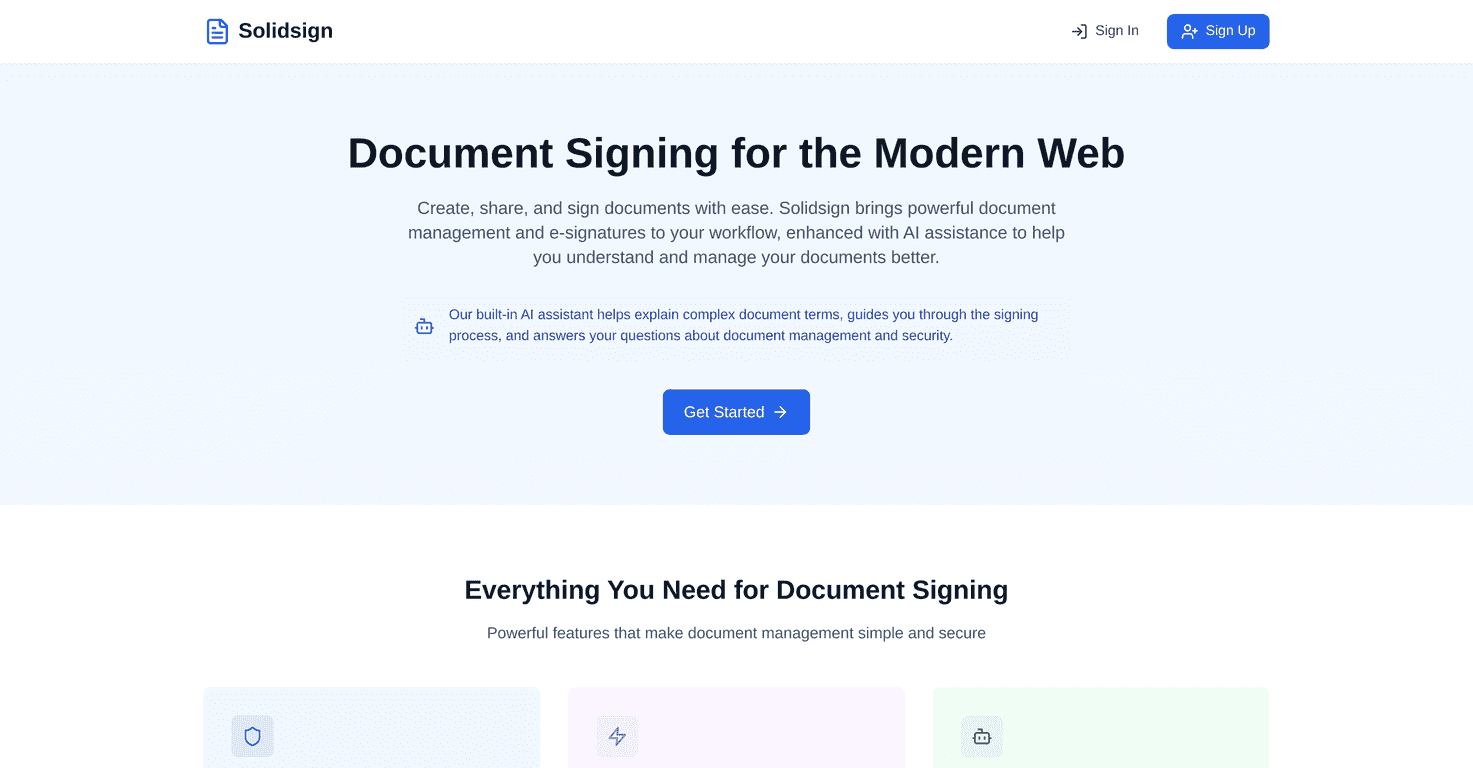
I’ve used a few e-sign tools over the years, and the ones that feel “simple” are usually the ones that save you from extra clicks. That’s where Solidsign caught my attention. It’s built for electronic document signing without turning the process into a tech project. You upload a document, send it out for signatures, and you get a signed copy back—clean and straightforward.
Also, I’m picky about anything “legally binding.” So I paid attention to what Solidsign claims around security and compliance, not just how pretty the interface looks. In my experience, the best signing platforms are the ones that keep audit trails and make it easy to retrieve signed documents later (not just the moment the signature lands).
Solidsign Review
Solidsign positions itself as a modern document signing solution, and honestly, that’s a pretty accurate description of the day-to-day experience. The interface feels built for speed. I didn’t have to hunt around for basic tasks like placing signature fields, setting up signer order, or finding completed documents afterwards.
Here’s what I liked most: it doesn’t overwhelm you. If you’re signing a contract, W-9, NDA, or any standard PDF form, the flow is pretty intuitive. You can upload a document, drag/position signature and other fields, and send it off. No “enterprise-only” complexity required.
And if you’re managing documents for more than one person, the platform’s document management angle matters. The difference between “signing” and “actually staying organized” is huge, and Solidsign seems to understand that.
Key Features
- Electronic Signatures for quick online signing from any device. In practice, this means you’re not stuck with one computer or one browser—signers can complete signatures on their end without you babysitting the process.
- Document Management so signed files don’t disappear into email threads. I’m always looking for an easy way to retrieve completed documents later, and that’s where a dedicated signing workspace helps.
- Security and compliance, including encryption and protections around signed documents. When you’re dealing with contracts, you don’t want “security theater.” You want real controls and a trustworthy audit trail.
- Integration capabilities with popular third-party apps. This is especially useful if you already run your workflow through tools like CRMs, storage, or workflow automation platforms.
- User-friendly interface that works for both tech-savvy users and people who aren’t excited about software. I tested the process with a couple of non-technical signers, and the signing steps didn’t feel confusing.
Pros and Cons
Pros
- Easy to use—the signing flow is straightforward. You can get from “upload” to “sent for signature” without a bunch of extra steps.
- Multiple document formats supported, which matters if you’re not always dealing with perfect PDFs. Flexibility saves time.
- Security-focused approach—encryption and compliance-oriented features are important, and Solidsign keeps that front and center.
- Fast turnaround—when your signers receive a document and can complete it quickly, you feel it. Less waiting means fewer follow-up emails.
Cons
- Some advanced features may be limited compared to bigger competitors. If you’re used to highly customizable workflows, you might notice fewer “power user” options.
- Pricing may feel steep for budget teams depending on how many documents you send per month. For small businesses, cost-per-signature can matter more than you expect.
- Free trial limitations—a short trial can make it hard to test everything you actually care about (like multiple signers, advanced templates, or integrations). I always recommend trying your real-world workflow during the trial window.
Pricing Plans
Solidsign’s pricing is set up to scale from individuals to larger teams. The general structure looks like this: there’s typically a free trial (with limited features), then a basic plan for individuals or small teams, a pro plan for larger teams that want more advanced capabilities, and enterprise/custom pricing for organizations with bespoke requirements.
One practical tip: before you commit, figure out your monthly signing volume and whether you need features like integrations, team roles, or advanced document workflows. If you only sign a few documents, you don’t want to pay for “team” features you’ll never use. On the other hand, if you’re sending contracts every week, the right plan can pay off quickly just by reducing admin time.
Wrap up
Solidsign is a solid option if you want electronic signatures that feel simple to use, with the security and document handling you’d expect from a real signing platform. It’s not trying to be something overly complicated, and that’s a big plus in my book. That said, if you’re comparing it to top-tier competitors, it’s worth checking whether the advanced features you need are actually included in the plan you’re considering.
If you’re shopping for a reliable electronic signature solution, Solidsign is definitely worth a closer look—especially if your main goal is getting documents signed quickly and staying organized afterward.
Promote Solidsign