Table of Contents
If you’ve been burned by “AI video” tools that look good in demos but fall apart in real prompts, I get it. I tested SotaVideo to see if it actually makes video creation easier—or if it’s just another shiny interface. What I noticed right away: it’s quick to start, the controls are pretty straightforward, and the outputs look genuinely polished for something that starts from a text prompt. That said, there are some limits (mostly around prompt precision and how consistently audio lands). Below is what I did, what worked, what didn’t, and how I’d decide if SotaVideo is worth your credits.
SotaVideo Review: What I Tested and What I Actually Got
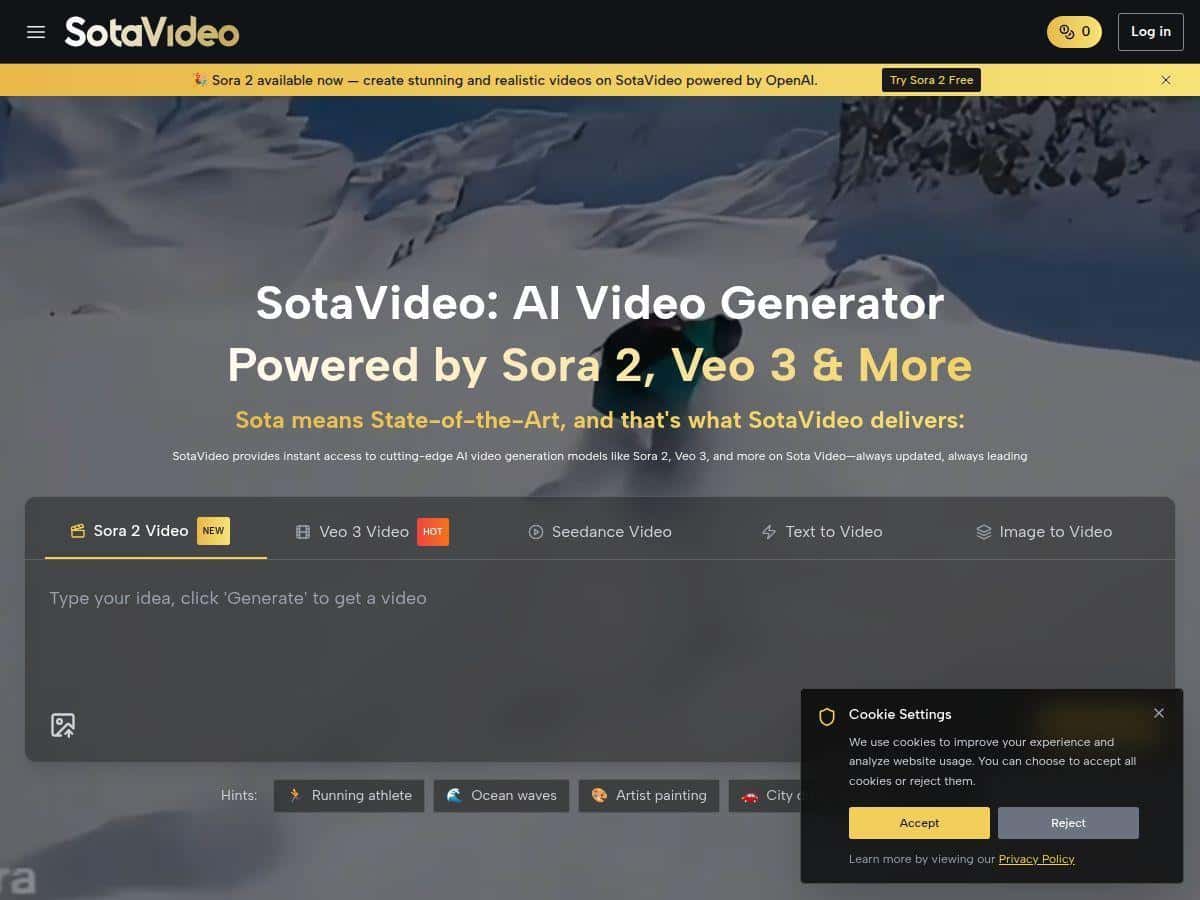
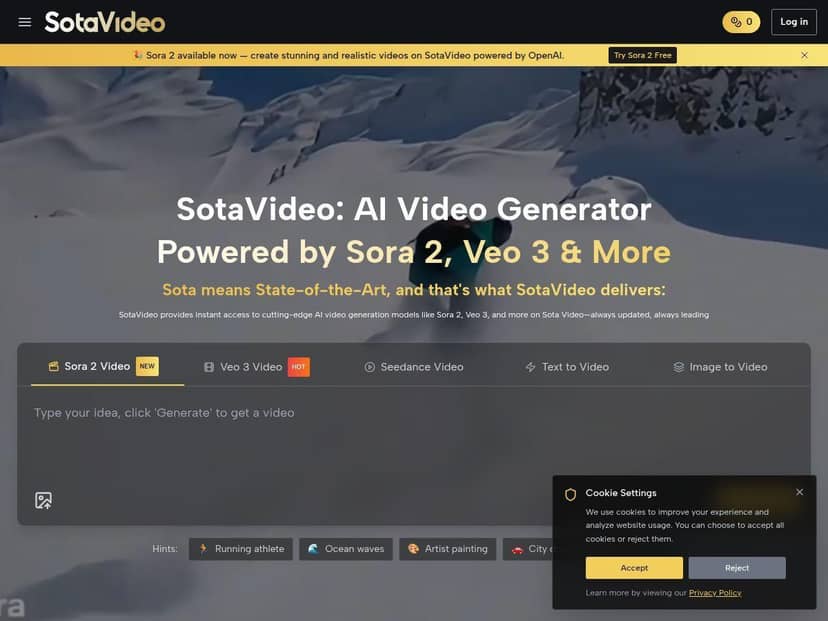
First thing: SotaVideo is easy to jump into. I didn’t have to hunt through menus for the basics. I started with text-to-video, then tested image-to-video, and I also played with both model options listed on the platform (Sora 2 and Veo 3).
My setup (so you can compare): I generated a mix of short clips meant for social (roughly 5–10 seconds), and I tried a couple of different “style/emotion” directions. I also used the native audio option when it was available, because that’s one of the big claims—and it’s the part most tools mess up.
Text-to-video: how the results felt
With SotaVideo, the biggest difference I noticed wasn’t just “quality.” It was consistency. Some prompts produced clean, stable motion right away. Others got the vibe but struggled with details—like keeping the same character features from scene to scene or locking the camera direction.
When I used prompts that were more specific (subject + action + setting + camera feel), I got better results. Example prompt pattern I found worked well:
- Subject: “a barista pouring latte art”
- Environment: “modern coffee shop, warm lighting”
- Motion: “close-up, slow cinematic pan”
- Style: “realistic, shallow depth of field”
When I kept it vague (“cinematic coffee shop scene”), the videos were still pretty, but the action sometimes drifted—like the barista’s hands didn’t match the exact pour moment I described.
Sora 2 vs Veo 3: what I noticed
I don’t want to oversell it, but I did see practical differences:
- Sora 2: Often felt strong on visual coherence and smooth motion, especially when the scene stayed simple (one subject, one action).
- Veo 3: Seemed to lean harder into “cinematic” look and, in my tests, the native audio option felt more usable when the prompt clearly implied speech or ambience.
One thing to call out: if your prompt is trying to do too many things at once (multiple characters, fast scene changes, complex actions), both models can get confused. You’ll usually get better results by splitting your idea into smaller clips.
Audio: where it surprised me (and where it didn’t)
The native audio tools are one of the reasons I kept generating more than I planned. In a couple of tests, the audio matched the mood well—background music sat under the visuals nicely and didn’t feel totally detached.
But I also noticed a limitation: when I asked for “dialogue” without being very specific about what’s being said, the audio didn’t always line up with the character’s mouth movement (and sometimes it sounded more like ambience than actual spoken dialogue). So if audio realism matters, you’ll want to treat prompts like instructions, not just vibes.
Tip I’d actually use: If you want dialogue-style audio, include something like “spoken words” + a short script (even a simple one). If you just want mood, ask for “background music and room ambience” instead. You’ll usually get fewer “almost right” results.
Time and iteration
In terms of workflow, the platform felt fast enough to iterate. I didn’t time every single render down to the second, but in my experience I could generate, review, and tweak prompts in a pretty reasonable loop—fast enough that I could try 3–5 variations per concept without losing the thread.
Before/after style changes (real example)
Here’s a simple way to think about it. I started with a prompt like:
- Before: “A futuristic city street at night, cinematic”
That output looked great visually, but the “story” was a bit generic. Then I tightened the prompt:
- After: “A futuristic city street at night, neon reflections on wet pavement, a delivery drone passing overhead, slow tracking shot, realistic, cinematic lighting”
The second version felt more intentional. Motion was easier to “read,” and the scene elements matched the prompt better—especially the drone passing overhead and the wet reflections.
Key Features: How SotaVideo Works in Practice
- Sora 2 and Veo 3 model support
- Instead of treating this like a marketing checkbox, I found it matters when your prompt is either simple or complex. For single-subject shots, both models can shine. For more chaotic scenes, you’ll likely need more prompt iterations—so pick the model that best matches your goal (coherence vs cinematic vibe).
- Text-to-video and image-to-video
- Text-to-video is the quickest path. Image-to-video is useful when you already have a reference style or a character/scene you want to keep consistent. In my tests, image-to-video helped with visual direction, but it still wasn’t magic—if the prompt contradicts the image, the model will “average” the results.
- Practical workflow: Use image-to-video when you care about look/identity. Use text-to-video when you care about action and camera feel.
- Up to 4K resolution
- Yes, it supports up to 4K. In my experience, higher resolution is where the cost/credit usage becomes more noticeable. If you’re building a campaign with multiple variations, I’d generate in a lower resolution first, lock the concept, then only “upgrade” the winners.
- My rule of thumb: Don’t jump straight to 4K for your first 2–3 attempts. Get the scene right first.
- Native audio (music + dialogue-style options)
- This is one of the more valuable features—when you set expectations correctly. For ambience and music, I got results that felt tied to the visuals. For dialogue, you’ll want a clearer script or at least a more explicit description of what should be spoken.
- What I’d do differently next time: I’d prompt for “background music + subtle room ambience” if I’m not providing a script, because the “dialogue” option without specifics can drift.
- Visual styles and emotional tone controls
- SotaVideo gives you a way to steer the “feel” of the output. I noticed that style/emotion tags work best when they’re aligned with the scene. For example, “warm cinematic” matched a cozy indoor setting much better than it did for a cold, rainy exterior.
- Quick test I recommend: Take one prompt and try two emotional directions—like “uplifting” vs “tense.” If the model is behaving well, you’ll see clearer changes than just color grading.
- Prompt-based interface
- The UI is prompt-first, which is great if you don’t want to deal with complex settings. But it also means your prompt quality matters more than you’d think. Short prompts can work, but if you want repeatable results, you’ll need to describe action and camera movement.
- Prompt complexity threshold: If you start stacking too many requirements (3 characters + 2 locations + rapid cuts + exact time of day), expect more “close enough” outputs. Split the concept into separate generations.
- Multiple export formats for social and marketing
- If you’re posting to different platforms, having format options is practical. I didn’t do a full platform-by-platform export audit, but the workflow felt geared toward repurposing clips without needing a separate editing round just to get the basics right.
- Built-in post-production tools
- These tools help when you want quick fixes after generation—think trimming, basic adjustments, and polishing rather than full editor-level control. If you’re expecting Premiere/After Effects depth, you’ll probably still want a traditional editor for heavy lifting. But for “make it post-ready,” it’s convenient.
Pros and Cons: The Honest Version
Pros
- Real cinematic look for AI-generated clips—especially when your prompt includes action + camera guidance.
- Fast iteration so you can test variations instead of committing to one idea.
- Multiple model options (Sora 2 and Veo 3) that feel meaningfully different depending on the prompt.
- Native audio can actually add realism—music and ambience are the safest wins.
- Built-in tools help you get from “generated” to “ready to share” without extra steps.
Cons
- Credits can add up if you’re generating lots of high-resolution variations.
- Credit management is part of the workflow—you’ll want a strategy (test low, upgrade winners).
- Prompting takes practice if you want consistency. Vague prompts lead to vague motion and details drifting.
- Dialogue sync isn’t guaranteed—if you want spoken dialogue realism, you’ll need to be more specific than you think.
Pricing Plans: How Credits Affect Real Projects
SotaVideo uses a credit-based system. The concept is simple: you buy credits, and generation consumes credits based on what you’re making (standard HD vs higher resolution, plus any extra options).
They mention starting at 2 credits for standard HD videos, and higher resolutions/features can go up to 50 credits or more. Credits don’t expire, which I liked—there’s less pressure to “use them today or lose them.”
Here’s how I’d estimate cost for a campaign: Suppose you’re making 10 short promo clips. If you do quick tests first (lower res), then upgrade only the best 2–3 concepts to higher resolution, your total credit spend is way more predictable than generating everything at the top tier immediately.
Example strategy (practical):
- Generate 10 concepts at a lower tier to lock the visual idea.
- Pick the 3 strongest and regenerate them at higher resolution.
- Only add audio-heavy variations (dialogue-focused prompts) for the final winners.
Exact totals will depend on the resolution you choose and which generation options you enable, but the main takeaway is this: if you treat credits like “production budget,” SotaVideo feels manageable. If you treat it like “unlimited tries,” costs can creep up fast.
So… Is SotaVideo worth trying?
In my experience, SotaVideo is best when you want speed and don’t want to get stuck in traditional editing just to test an idea. The interface is approachable, the outputs look high-quality, and the native audio is a real benefit when you prompt it the right way. Just don’t expect perfect dialogue sync on the first attempt, and don’t jump straight to 4K for everything.
If you like experimenting—writing prompts, iterating, and turning the best results into posts—SotaVideo is a solid tool to add to your workflow. If you need ultra-consistent character continuity across dozens of scenes, you’ll still want a more controlled pipeline (or you’ll need to split scenes and keep prompts tight).