Table of Contents
I’ll be honest: I’m picky about AI video tools. Most of them either feel too “black box” or the output ends up looking generic. So when I tried Shortmake v2.0, I paid attention to the stuff that actually matters—how fast it gets you from an idea to something you can post, how much control you really have, and whether the results look like a human touched them.

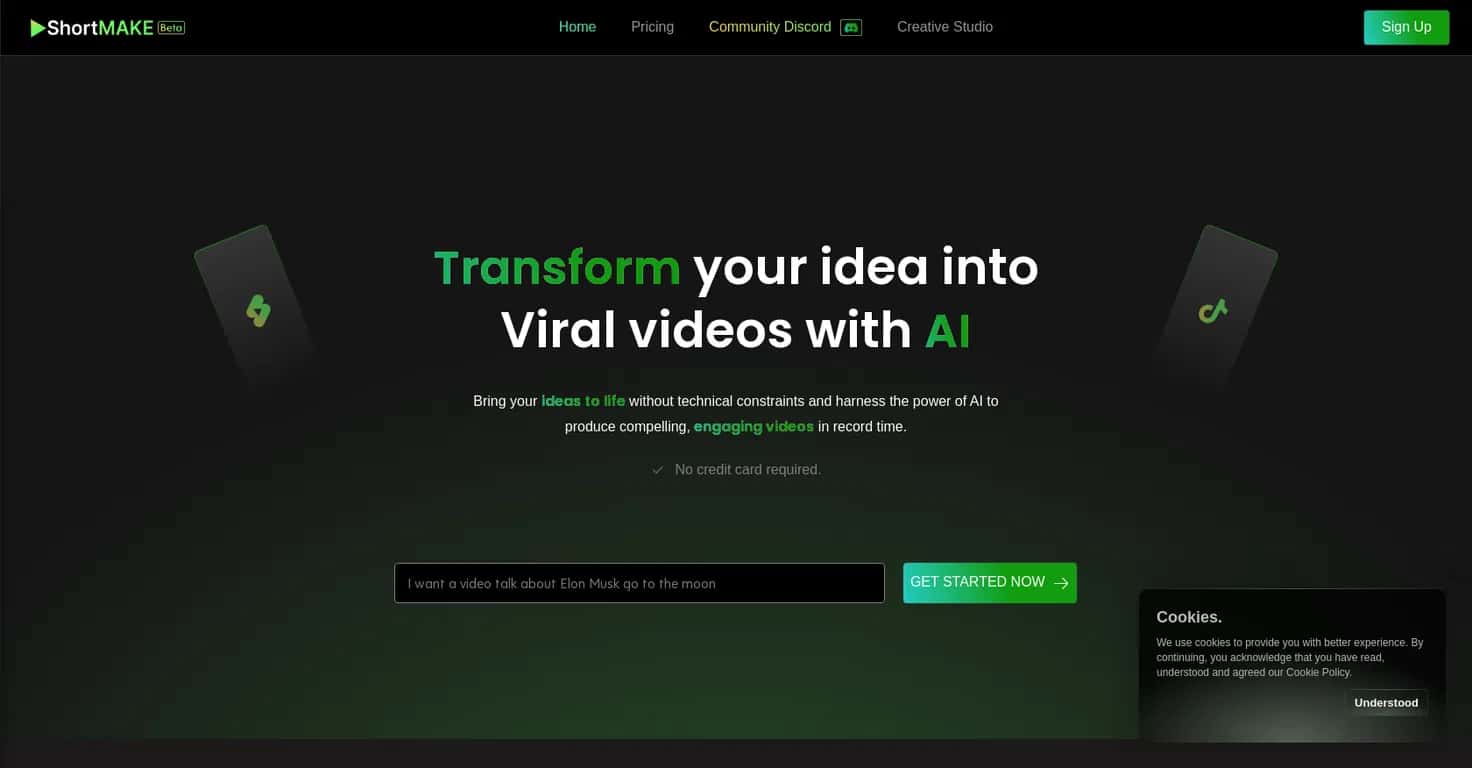
Right after logging in, the interface feels pretty straightforward. No maze of menus. You start with your idea, and Shortmake generates a script and supporting visuals. From there, you can tweak things so it doesn’t feel like you just hit “generate” and walked away. That part matters to me—because if I can’t adjust tone, pacing, or how the visuals match the message, I won’t use it for long.
One thing I noticed immediately is the speed. The platform claims you can produce a video in under 8 minutes, and in my tests that wasn’t just marketing fluff. I didn’t spend hours polishing—this was more like: draft, review, quick edits, export. If you’re trying to post consistently (TikTok, Reels, YouTube Shorts), that turnaround is genuinely useful.
Now, it’s still in beta, so not everything is as flexible as a full “pro” editing suite. Some options are limited, and a few customization controls feel like they’re designed to guide you rather than give you total manual control. But the overall direction is clear: it’s built to help creators publish faster without needing advanced editing skills.
Shortmake v2.0 Review: does it actually help you ship faster?
In my experience, the biggest challenge with AI video creation isn’t the “idea to video” part—it’s the time you waste bouncing between tools. Shortmake tries to keep that loop tight: idea in, script and visuals out, then you polish just enough to make it yours.
Here’s what stood out to me:
- It’s simple to start. I didn’t need a tutorial to get a first draft running.
- The workflow feels built for quick iterations. If you want to change the angle or tighten the message, you can do it without starting over from scratch.
- The output is ready to post. You’re not stuck exporting, re-editing, and reformatting for hours.
For creators chasing short-form consistency, that’s a real win. And if you’re aiming for TikTok fame or YouTube Shorts, you’ll appreciate anything that reduces the time between “I have an idea” and “it’s live.”
Still, I wouldn’t call it a replacement for every editing need. Beta means some features may be limited, and some customization depends on what the AI decides is appropriate. If you’re the type who wants pixel-level control, you might find yourself wishing for more manual options.
Key Features I’d actually use
- AI-driven Video Creation: Turn an idea into a script and supporting visuals. In my tests, the first draft was usable enough that I didn’t feel like I had to rewrite everything from scratch.
- Customization Options: You can tailor voiceovers, scripts, and visuals. The best results happen when you treat it like a draft generator—then you adjust the parts that matter for your brand.
- High-Quality Outputs: The video and voice quality are solid for short-form content. I noticed the voiceover sounded clear enough for narration-style videos without feeling overly robotic.
- Subtitle Customization: There are 23 unique subtitle styles to choose from. This is one of those features you only fully appreciate when you’re trying to match your content vibe.
- Supports Multiple Platforms: You can create content that fits different social media formats. That saves time when you want the same concept repurposed.
Pros and Cons (straight talk)
Pros
- Fast generation: I got videos created in under 8 minutes when I kept revisions reasonable.
- No credit card requirement to start: That’s a big deal if you just want to test the workflow first.
- Frequent updates: It feels like the product is actively improving, not sitting still.
Cons
- Beta limitations: Some features aren’t as deep or consistent as you’d expect from a mature editor.
- Customization can be AI-dependent: If you want very specific creative choices, you may have to iterate a couple times to get the result you’re picturing.
Quick question: are you okay working with AI-generated drafts? If yes, Shortmake v2.0 will probably feel refreshing. If you need total manual control every time, you’ll likely bump into constraints.
Pricing Plans: what to expect before you commit
For detailed pricing information, you can visit the Pricing page. Shortmake offers different tiers, and depending on the current promotion, there may be a free trial option so you can test the workflow without immediately paying.
If you’re comparing plans, I’d focus on two things: (1) how many videos you can generate per period, and (2) which features (like subtitle styles and customization controls) are included at each level.
Wrap up
Shortmake v2.0 is one of those tools that feels built for real creators—people who don’t want to spend their whole day editing. In my tests, it delivered on the “fast to publish” promise, and the subtitle styling alone is enough to make short-form videos look more intentional.
It’s still in beta, so you won’t get every advanced editing option yet. But if your goal is to turn ideas into posted videos quickly, Shortmake is worth trying.
Promote Shortmake v2.0