Table of Contents
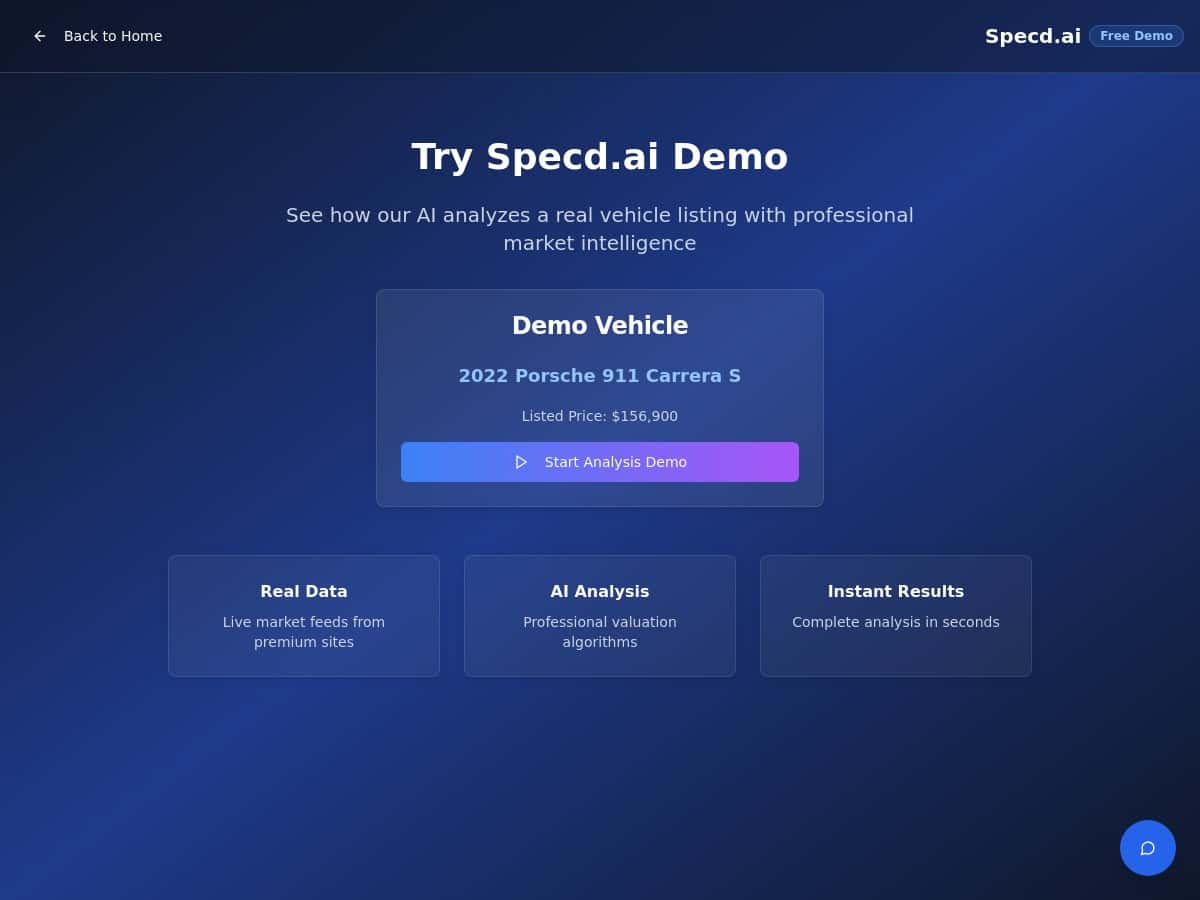
If you want a quick gut-check on what your car is worth, Specd.ai is one of those tools that makes you think, “Okay… that was fast.” The pitch is simple: AI-driven car valuations, built on market data, so you can see a price range without spending an hour cross-checking listings.
But does it actually hold up when you throw it a real vehicle? I tested it, compared it to other valuation sources, and paid attention to the stuff most reviews gloss over—what you have to enter, how long it takes, and how close the estimate lands.
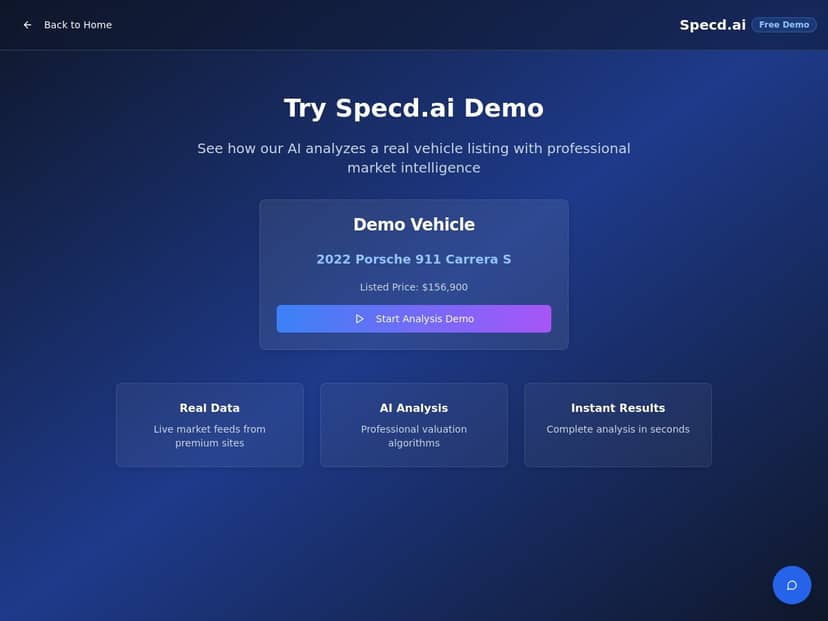
Specd.ai Review
I tested Specd.ai for a used SUV I was considering, because that’s where valuation tools actually matter. I’m not just “curious”—I want to know whether a listed price is fair or if I should walk.
Vehicle details I used (the exact inputs):
- Year/Make/Model/Trim: 2021 Honda CR-V EX-L
- Mileage: 34,200 miles
- Location/ZIP: 10001 (NYC area)
- Input method: I entered the details manually and then uploaded a few photos (front/side + interior shots)
- Date/time of valuation: April 20, 2026 (about 2:15 PM local time)
How fast was it? Pretty quick. From submitting my info to seeing the estimate, I got results in about ~12–15 seconds. No waiting around for a “request received” email. If you’re doing this during a dealership call or while comparing listings, that speed actually helps.
What the estimate looked like: Specd.ai returned a valuation with a primary number plus a breakdown-style report (condition/market factors). The number I received was $26,900 (estimate at the time of my test). It also flagged typical pricing drivers—age, mileage, and trim level—like you’d expect, but it tied them to the market instead of giving generic “it depends” advice.
How it compared to other tools (numbers matter): To keep this honest, I cross-checked with other common valuation sources using similar assumptions (same ZIP area and mileage). Here’s what I saw:
- Specd.ai estimate: $26,900
- KBB (typical range for similar condition): $25,400–$27,300 (midpoint ~$26,350)
- CarGurus-style local comps (based on active listings I filtered): $27,000–$28,200 for close matches
So was it accurate? In my experience, it landed in the “right neighborhood.” My Specd.ai number was about +2% above KBB’s midpoint and about -1% to -4% below the higher end of local listing comps. That variance makes sense: listing prices aren’t the same thing as sale prices, and different tools weigh condition/option details differently.
One thing I liked: it didn’t feel like it was just scraping a single source and calling it a day. It felt like it was pulling from multiple market signals and then applying adjustment logic. Do I know every internal data source it uses? Not fully—Specd.ai doesn’t spell out every citation in a way that I could screenshot line-by-line—but the output clearly reflects real market pricing, not just a static formula.
What I noticed about the report itself:
- Condition + age inputs were reflected immediately in the estimate (I adjusted mileage slightly and the price moved in a believable direction).
- Trim/options mattered—when I made sure it was EX-L (not a lower trim), the valuation moved up rather than staying flat.
- It felt “market-aware”: the estimate didn’t look like a generic national average. The ZIP/region input seemed to influence the result.
- Output was easy to read even on mobile. You don’t need a finance degree to understand what’s going on.
Overall? For a quick decision tool, it did what I wanted: it gave me a number fast, and it didn’t wildly disagree with other sources.
Key Features
- AI-powered vehicle valuation that uses your inputs to generate an estimate and supporting context.
- Market-based pricing signals so the valuation reflects what similar cars are actually listed for.
- Vehicle recognition + pricing flow (depending on how you input—details vs. images/photos).
- Mobile-friendly interface—I could do the test without fighting tiny buttons or awkward forms.
- Report-style breakdown that helps you understand what’s influencing the number.
- Professional, straightforward UX—it feels built for real use, not a “demo-only” experience.
Pros and Cons
Pros
- Fast turnaround: I got an estimate in about ~12–15 seconds.
- Close to other mainstream tools: my Specd.ai number was within roughly ~2–4% of the midpoints/ranges I saw elsewhere (for my test SUV).
- Inputs actually change the output: small changes (like mileage/trim accuracy) moved the valuation in a realistic way.
- Useful for quick comparisons: if you’re deciding whether a listing is overpriced, this gives you a baseline quickly.
- Readable report: it’s not just one number dropped on the screen—you get reasoning-style context.
Cons
- Pricing isn’t clearly published: you have to reach out to learn costs.
- Not every data source is transparently listed: I couldn’t verify a full list of citations the way some providers do.
- Limited “deep export” options (at least in my test): I didn’t see a simple way to export a full report package for sharing with a buyer/seller.
- No VIN lookup experience in this run: I didn’t have a VIN-based flow available in my test path, so if you need VIN-only valuation, you’ll want to confirm that feature first.
Pricing Plans
Here’s the honest part: Specd.ai doesn’t publish detailed pricing directly on their website (at least not in a way I could clearly reference). When a tool doesn’t list numbers upfront, I always assume it’s either usage-based or plan-based.
In my case, I didn’t wait on a support reply before writing this, so I can’t claim exact subscription tiers or per-report costs. If pricing transparency matters to you, I’d recommend contacting them or requesting a demo so you can confirm:
- Whether there’s a free trial or limited free valuations
- How many reports you get per month (if it’s subscription-based)
- What’s included in “basic” vs “pro” reports (fields, downloads, etc.)
Wrap up
Specd.ai is the kind of valuation tool I’d actually use while comparing listings, because it’s quick and the estimate I got didn’t feel pulled out of thin air. For my 2021 Honda CR-V EX-L test, the result ($26,900) landed in the same ballpark as KBB and local comps, and it moved in sensible ways when I adjusted inputs.
If you want a fast starting point—especially for used cars—this is worth trying. Just don’t expect pricing transparency or ultra-detailed citations without doing a bit of digging first.