Table of Contents
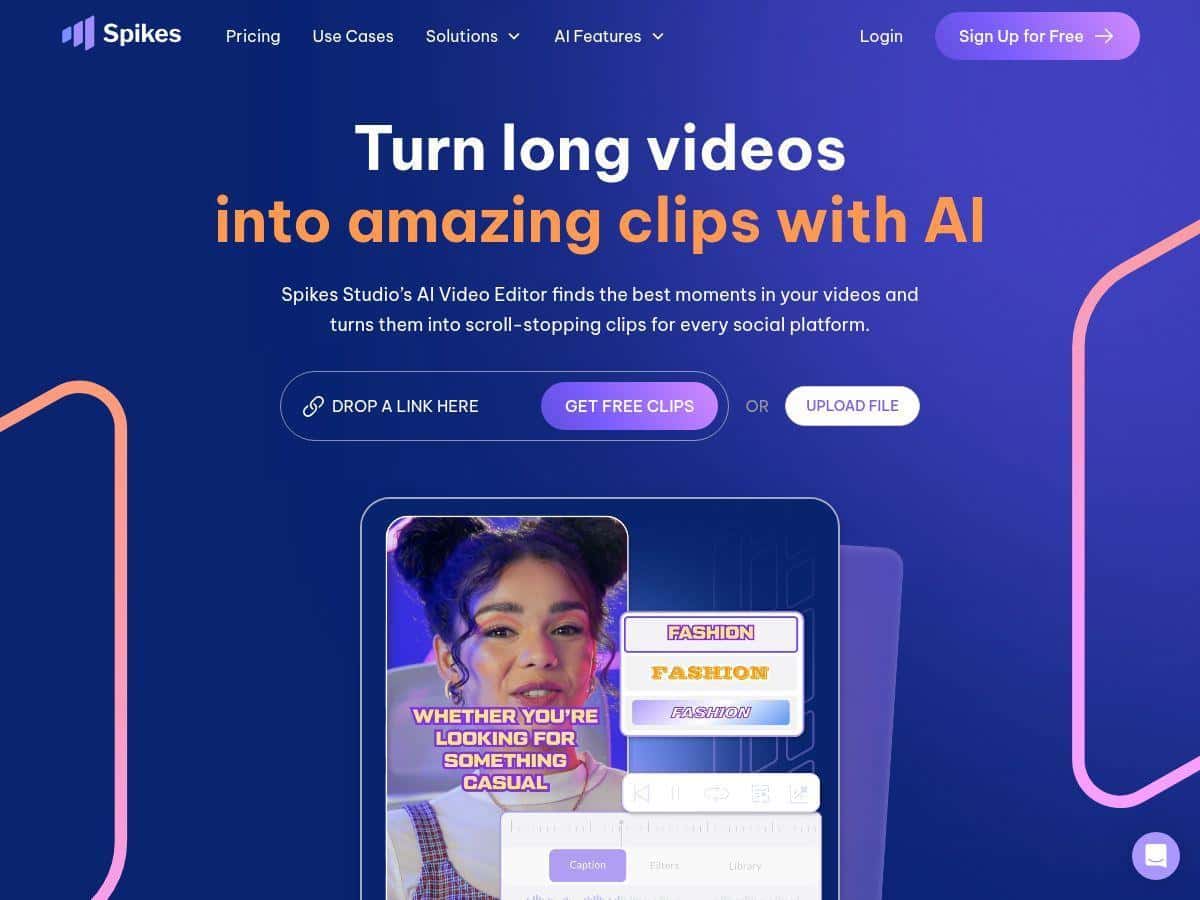
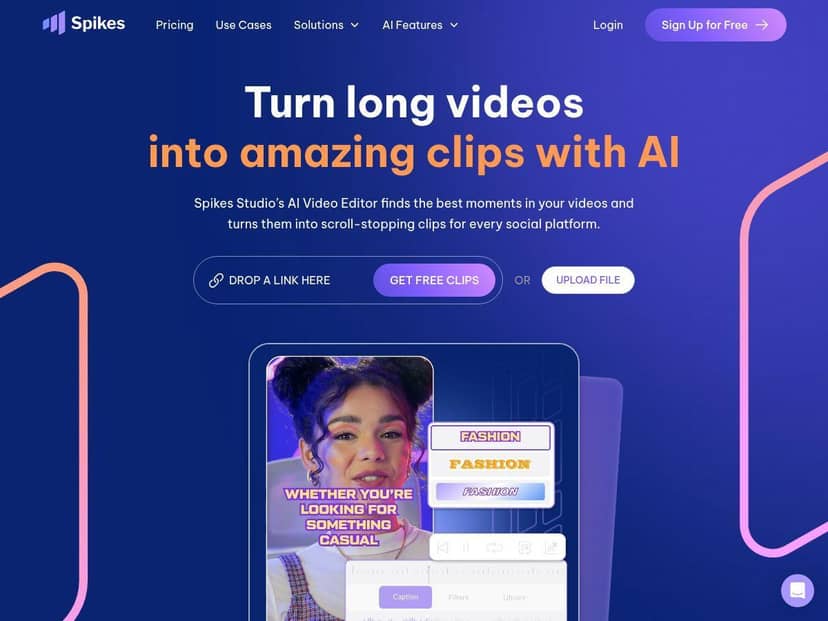
I’ve been testing Spikes Studio for turning longer videos into short social clips, and the pitch is pretty clear: upload a long video, let the AI find the best moments, then export ready-to-post segments with captions and styling. In my case, I wanted something I could use for consistent Reels/TikTok uploads without spending an entire afternoon scrubbing timelines.
Spikes Studio Review: what I noticed after testing it
I’m not new to video editing, but I’m also not trying to hand-cut every clip anymore. So I tested Spikes Studio with a “typical creator” workflow: take a longer talking-head video and turn it into multiple short, captioned posts.
Here’s the workflow I used: I signed up, uploaded a single long video, and let the AI run its analysis. After that, I reviewed the generated clips and checked whether the captions and styling looked usable right away. I also tried exporting in a couple of different formats to see how consistent the results were.
What worked fast: the whole point of Spikes Studio is that it doesn’t make you hunt for the best moments manually. In my test, it surfaced moments I would’ve cut anyway (the “hook” parts and the clearer punchlines). I didn’t have to scrub minute-by-minute like I usually do.
What I had to watch: it’s still AI. Some clips came out great with clean caption timing, but others needed a small manual adjustment—mostly around pacing and making sure the caption stayed readable during faster sections.
One more real-world note: because it’s cloud-based, it’s not something I’d use on spotty Wi‑Fi. If your connection hiccups mid-upload or mid-processing, you’ll feel it.
Key Features (with what I actually saw)
- AI-Powered Clip Detection
I used the default clip detection flow after uploading the long video. What I noticed: it’s good at finding “watch-worthy” segments, but it won’t magically understand your exact audience. If there’s a section where you talk through something slowly, the AI may still choose it—so it’s worth scanning the list before exporting everything. - Automatic captions (99+ languages)
Spikes Studio’s caption feature is one of the main reasons people will stick with it. In my test, the captions populated quickly and the language support looked solid. That said, like most AI captioning, accuracy depends on the audio clarity. If your mic picks up background noise or you mumble, the captions can lag behind or misread a few words. - Auto transitions, zoom effects, and animations
This is where the “short-form polish” shows up. I checked a few generated clips and saw the effects applied without me touching a timeline. The limitation: in a couple clips, the zoom/animation felt a bit aggressive for the content (especially during calmer sentences). If you’re aiming for a minimal, documentary style, you’ll probably want to tone down or reselect certain segments. - Customizable caption styles
I tested caption styling to match a more branded look. The benefit is that you don’t have to manually redesign text overlays. The tradeoff: style controls are helpful, but you still need to make sure the text placement doesn’t clash with busy backgrounds. - Multi-format exports for social platforms
I exported using different output options to see how it handled aspect ratios and readability. In general, exports were consistent and ready to post. If you’re working with very fast-moving footage, double-check that captions don’t get cut off at the edges in the final format. - Bulk editing and scheduling
If you’re posting multiple times a week, bulk editing is the feature you’ll care about. I didn’t schedule a full month in my test, but I did review how batch workflows reduce the “do it again” feeling—your time is saved mostly on repeating the same caption/export steps. - Team collaboration tools
Collaboration makes sense if you’re doing approvals or multiple editors. In my experience, this is best when you have a consistent style guide—otherwise teams can end up debating captions and effects clip-by-clip. - Analytics and performance tracking
This is the part that’s useful after you’ve exported and actually posted. I checked what’s shown in the analytics area and it’s geared toward measuring which clips perform. Just keep expectations realistic: analytics won’t fix weak hooks—it only tells you what your audience responds to. - Mobile support with Spikes GO!
I like that they offer a mobile option for editing on the go. The big question is always “how much control do you get on mobile?” In my test workflow, I found the desktop flow easier for fine-tuning, while mobile feels best for quick edits and re-exports.
Pros and Cons (tied to real outcomes)
Pros
- Faster from long video to short clips: the AI clip detection saved me time because I wasn’t manually searching for highlights.
- Captions are a big time-saver: even when a few lines needed attention, it was still way quicker than starting from scratch.
- Short-form effects help you look “edited”: transitions/zoom/animations made the clips feel more native for Reels/TikTok.
- Multiple export options: formats felt designed for platform sharing instead of “generic export and hope for the best.”
- Useful analytics for iteration: once you post, you can compare results and adjust your next batch of clips.
Cons
- Watermarks on the free plan: if you’re trying to publish publicly without any branding, you’ll have to upgrade. (I saw this directly on free exports.)
- Some advanced features are locked: you can do the basics for testing, but the “serious creator” workflow pushes you toward paid tiers.
- Cloud performance matters: upload stability and processing speed depend on your internet connection.
- AI clip quality isn’t always perfect: in a few cases, I had to manually tweak clip selection/pacing so captions stayed readable and the clip felt intentional.
Pricing Plans (what to expect before you pay)
Here’s how the plans generally break down based on what they advertise: the free plan lets you edit videos up to 5 minutes, but exports include watermarks and you’ll have limited access to higher-end tools.
The Pro+ package starts at $32.99/month and includes 300 minutes of export time (plus higher-quality outputs and more tools). If you’re posting regularly, that export-time limit is usually the real deciding factor—because the editing time is only half the story.
They also offer Enterprise plans for teams, with custom pricing and higher limits.
Who should choose what?
- Pick free if you just want to see how well the captioning and clip detection works on your own footage (and you don’t mind watermarks).
- Pick Pro+ if you’re publishing consistently and want fewer limits on exports, plus more control over outputs.
- Skip Spikes Studio (or wait) if you need ultra-precise editing. If you’re doing complex multi-track edits, you’ll probably still want a traditional editor alongside AI.
Wrap up
Spikes Studio is a solid option if your goal is simple: take longer videos and turn them into short, captioned social clips without spending hours cutting. In my test, the AI clip detection and auto captions were the biggest wins, and the exports were generally ready to post. Just don’t expect perfection every time—some clips still need a quick human check, and the cloud workflow means you’ll want decent internet.
If you’re comparing alternatives, I’d treat Spikes Studio as the “fast short-form generator,” while tools like CapCut or Descript may feel better if you want deeper manual control. For my use case—getting content out consistently—it earned a spot in my workflow.