Table of Contents
I’ve been testing Starizon AI as a browser assistant for a few different kinds of tasks—reading long pages, pulling out specific info, and keeping an eye on websites that change. And honestly? It’s one of those tools that feels small at first, then you realize you’re using it constantly.
Starizon AI is built around an AI Agent and a browser side panel. The promise is pretty straightforward: help you interact with web pages, extract data from what you’re reading, summarize content quickly, and even monitor pages for updates. If you do research, compare products, track documentation, or you just hate wasting time skimming, this is the kind of assistant that can save real hours.
Starizon AI Review: a practical browser assistant I actually used
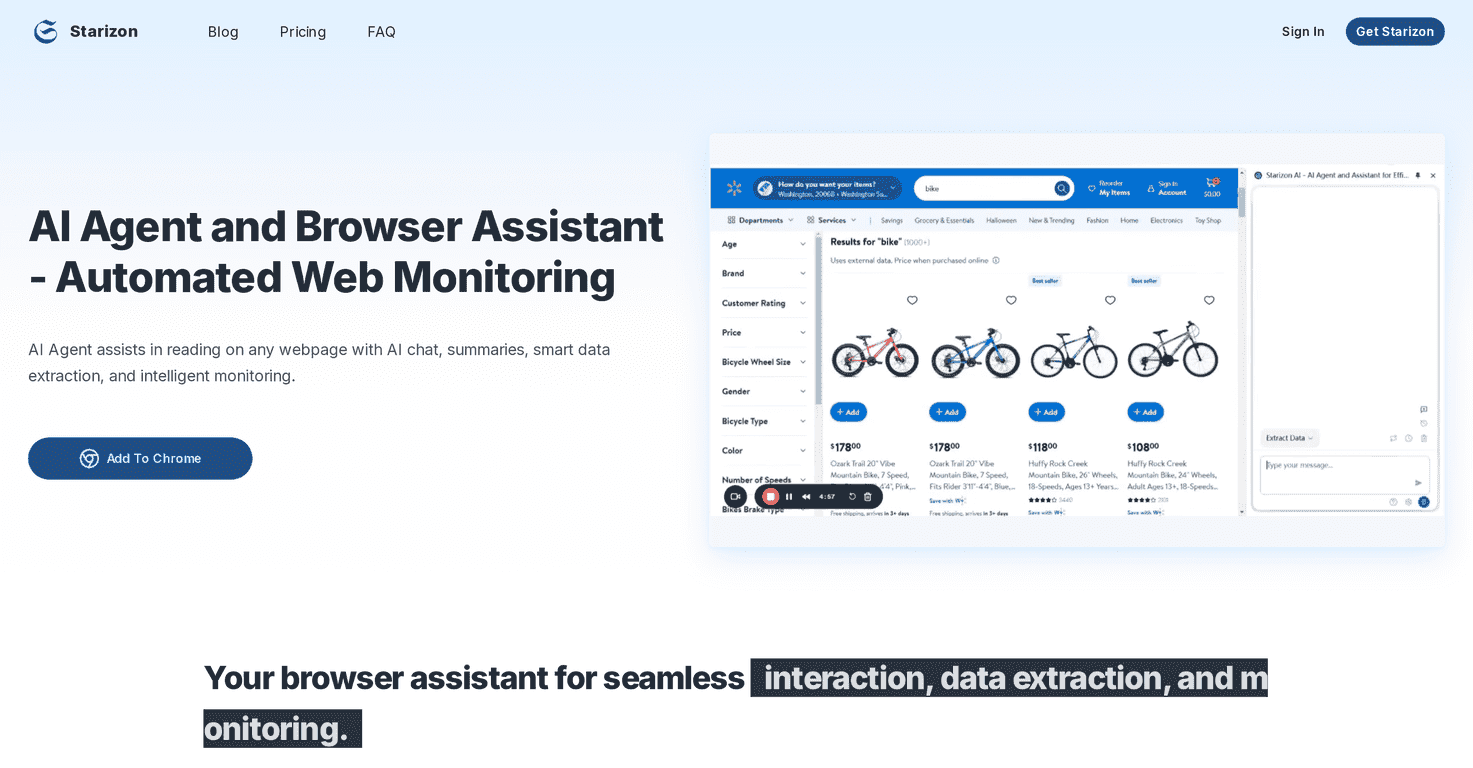
The first thing I noticed is that Starizon AI doesn’t just “talk” to you—it tries to stay connected to what you’re looking at. The side panel is where most of the magic happens. Instead of bouncing between tabs and copy-pasting chunks of text, I could ask questions about the page content and get summaries that were actually relevant to what I was reading.
For example, when I was working through a long documentation page, I used the summarization feature to get a quick “what matters” version. Then I followed up with an AI chat prompt like, “What are the key requirements mentioned here?” and it pulled the details without me digging through every section manually. That combo—summary first, then targeted Q&A—felt like the most natural workflow.
It also has automated monitoring. I set it up to watch a couple of pages I check regularly (release notes and policy-type pages). The value there is simple: you don’t want to remember to check every day. When updates happen, you get notified, and you can review what changed instead of re-reading the whole thing from scratch.
Key Features (what you’ll use day-to-day)
- Side panel for webpage interaction — You can analyze the content without constantly switching contexts. It’s the “always there” part of the extension.
- Intelligent data extraction — You prompt it for what you need (like specific fields, steps, or key points), and it attempts to pull that info from the page.
- Automated monitoring — Set rules to track changes and get notifications when a webpage updates.
- AI chat for instant answers — Useful when you’re mid-scroll and want clarification right then.
- Smart summarization — Quick insights from docs and long webpages, so you don’t have to read everything line-by-line.
Pros and Cons (my honest take)
Pros
- Feels efficient — The side panel keeps you in flow. I didn’t have to constantly copy text into a separate tool.
- Summaries are genuinely helpful — Not just “shorter text,” but a quick way to understand what the page is saying.
- Monitoring rules are practical — If you track updates to the same sites, this is where it starts paying off.
- Free option exists — It’s enough to test whether the workflow fits you before paying.
Cons
- Free plan limits what you can do — In my testing, monitoring and replay options aren’t as flexible on the free tier, so you may hit walls faster than you expect.
- Token-based usage can get pricey — Like most AI tools, heavier usage can mean you’ll burn through your allowance. If you’re doing lots of long-page extraction, keep an eye on it.
Pricing Plans (and who each one fits)
Starizon AI has two main options. The Free Plan is $0/month, with 100,000 tokens for new users and limited features. It’s a good way to try summarization and basic browsing assistance without committing.
The Pro Plan costs $5/month and includes 3,600,000 tokens per month, plus unlimited replay and scheduled monitoring. If you’re monitoring multiple pages or doing frequent extraction/summarization, that’s the plan that makes the tool feel “always on.”
Wrap up
Overall, Starizon AI is a solid browser assistant if your day involves reading a lot of web content and you want faster understanding. The side panel + summarization + chat combo is the real strength, and the monitoring feature is the kind of thing you’ll appreciate once you stop manually checking pages.
If you’re a casual user, the free plan might be enough to see whether it clicks. If you’re doing ongoing research or tracking updates regularly, the Pro pricing looks reasonable for the amount of usage you get.
Promote Starizon AI