Table of Contents
Preparing for job interviews can be a daunting task. It’s not just about knowing your resume but also about articulating your thoughts effectively in real-time. With the right tools, you can boost your confidence and improve your interview performance. In this AI Interview Copilot review, we’ll explore how this innovative app can ease your interview preparations, offering you immediate assistance and invaluable support. Get ready to discover an app that could change the way you approach your next interview.
AI Interview Copilot Review
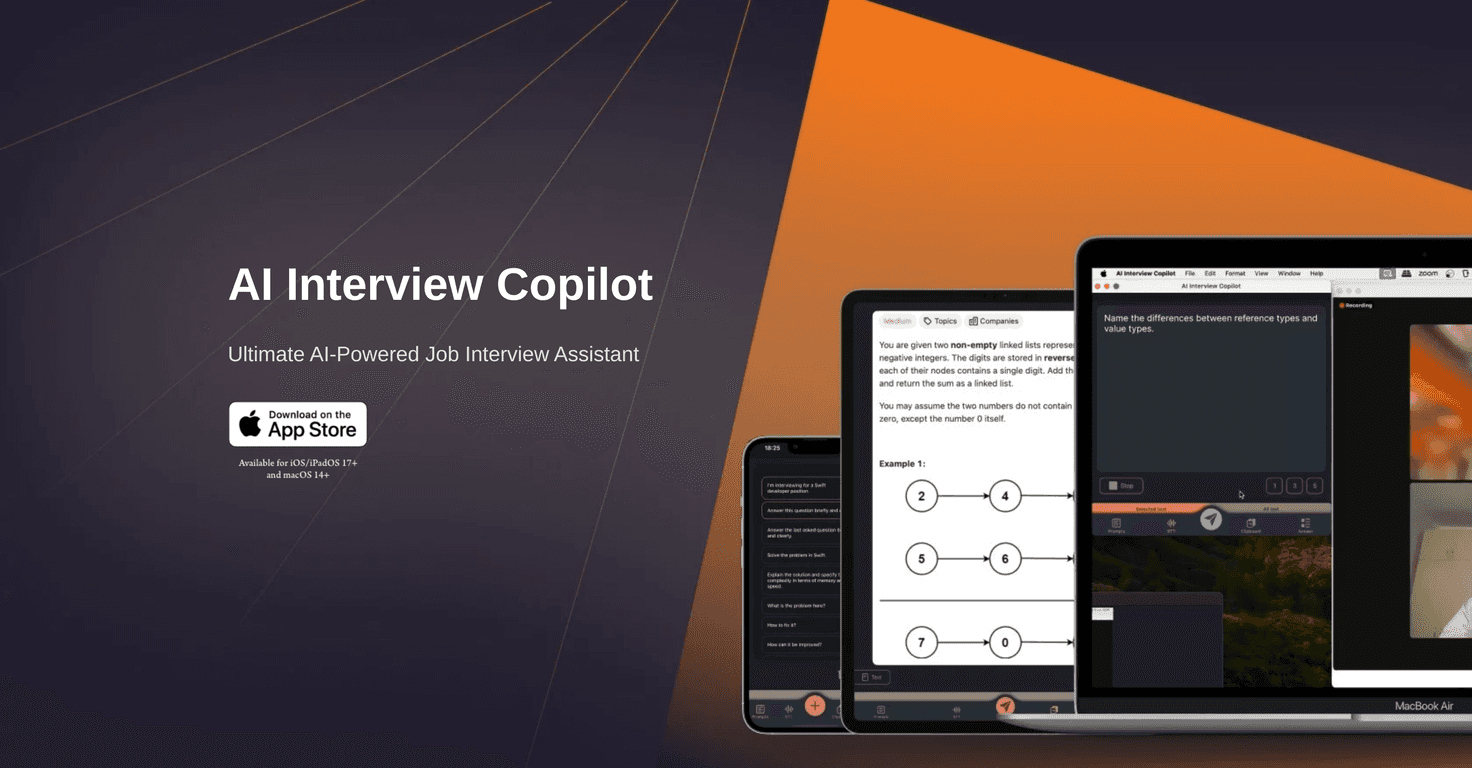
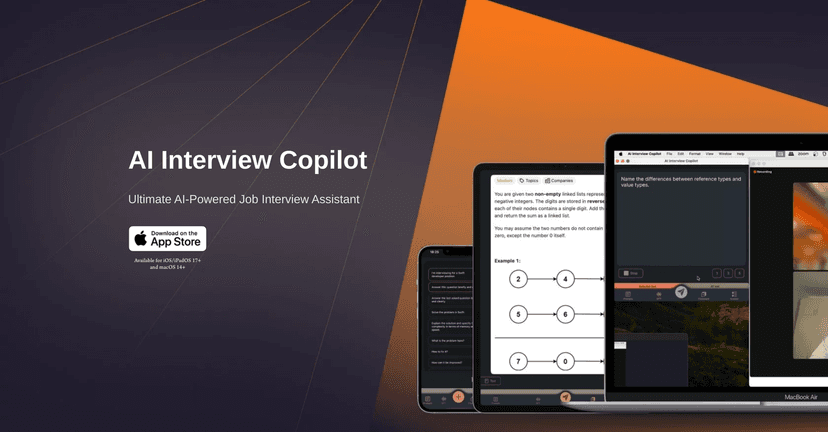
The AI Interview Copilot is a game-changer for job seekers looking to enhance their interview skills and confidence. This AI-powered application is designed to assist users in real-time by generating responses to a range of interview questions. Whether you’re up against algorithm challenges or live coding tasks, this app has your back. The seamless user experience makes it easy to navigate, as extensive typing is not required, allowing you to focus more on your interview performance.
One of the standout features is the voice transcription capability, which converts interview conversations into text, supporting 57 languages. This makes the app friendly for non-English speakers and those conducting interviews in multiple languages. Additionally, its image and screenshot recognition offer a unique approach to solving queries based on visual content.
With quick responses and accurate answers powered by advanced AI technology, you’ll find yourself well-prepared for any questions thrown your way. This added layer of support will not only save you time but also enhance your overall interview experience, ensuring that you feel ready and equipped for the challenges ahead.
Key Features
- Real-Time Answer Generation
- Algorithm Problem Solving
- Voice Transcription in 57 Languages
- Image and Screenshot Recognition
- Quick Responses and Feedback
- User-Friendly Controls
- Accurate Answers with Advanced AI
- Cross-Device Clipboard Integration
Pros and Cons
Pros
- Enhanced preparation for interviews
- Multilingual support for diverse users
- Time-saving with instant responses
- User-friendly with no typing required
Cons
- Currently available only for iOS/iPadOS 17+ and macOS 14+
- Dependence on technology may cause issues if the app malfunctions
Pricing Plans
The AI Interview Copilot is accessible for free through the Apple App Store for supported devices. There are no detailed subscription models mentioned.
Wrap up
In conclusion, the AI Interview Copilot stands as a significant tool for anyone preparing for job interviews. Its innovative features, real-time assistance, and easy-to-use interface make it a valuable companion for both seasoned professionals and newcomers alike. While it currently has platform limitations, the benefits it offers can greatly enhance your interview preparation and confidence. So, if you’re looking to step up your interview game, the AI Interview Copilot might just be what you need.