Table of Contents
I’ve helped a few friends launch small businesses, and every time the same problem shows up: you’ve got an idea… but turning it into something real (a name, a logo, a landing page, a way to collect leads) takes way longer than it should. StarterPilot promises to compress that whole process. So I decided to test it end-to-end and see what’s actually included—what it does well, where it falls short, and how fast you can get to a “publishable” page.

StarterPilot Review: What Happened When I Tested It
I signed up with a real, specific idea: a “meal prep planner” for busy people, aimed at people who want healthier lunches but don’t want to spend Saturday meal-prepping. Then I worked through the flow like a normal user—no shortcuts, just the default steps.
1) Idea validation (and what you actually get)
After entering my idea, StarterPilot generated an “instant” validation-style output that focused on three areas: market demand, competition, and risk. What I noticed most was that it wasn’t just fluff. It produced a structured summary I could skim quickly, and it also suggested angles I could use in the landing page (like what customers would care about first).
Time-wise, I got from idea input to a usable validation screen in about 5–10 minutes. The exact numbers will vary depending on how quickly you iterate, but the flow felt responsive.
One practical thing: the validation results were easy to reference while building the page. I didn’t feel like I was switching between totally different tools. That matters.
2) Names + domain/social handle checks (where I expected friction)
For naming, StarterPilot generated multiple business name options. I tested by asking for variations around “meal prep,” “planner,” and “fresh lunches.” The tool also checked availability-type signals for domains and social handles.
What I liked: it didn’t just spit out one “best” name. It gave me a short list I could compare, which is exactly what you need when you’re trying to pick something that won’t be taken everywhere.
What I didn’t love: the naming suggestions were strongest when I gave the tool a clear niche. If you’re too broad (“I want an app for everyone”), the names get generic fast.
3) Logo creation (quick, but you’ll still want to tweak)
Logo creation was one of the fastest parts. I generated a logo and then used the style variations to get closer to what I wanted. In my case, I ended up with 3–5 variations that were clearly different enough to choose from.
Real talk: the logos are “good enough” for a startup landing page, but if you’re picky about typography or brand colors, you’ll probably want to refine. I found the edits were easy, but the level of “deep” customization wasn’t on par with a full design tool.
4) Landing page builder (drag-and-drop worked the way I hoped)
Building the landing page took me about 10–20 minutes from scratch. The drag-and-drop editor was genuinely straightforward. I could rearrange sections, update copy, and preview the page without the constant “save and refresh” feeling.
I tested the waitlist/contact setup too. I added a waitlist/contact form and confirmed it was embedded in the right spot on the page so it was visible without scrolling forever.
Important detail: if you’re expecting full custom code control (like custom HTML/CSS everywhere), you may feel constrained. But for an MVP landing page, it’s quick and clean.
5) Custom domain connection (mostly smooth)
I connected a custom domain to see if the “professional look” claim was real. The process was simple enough that I didn’t get stuck for hours. I did hit the kind of waiting period you’d expect with DNS changes—nothing weird, just the normal propagation lag.
Bottom line: it’s not complicated, but don’t expect domain setup to be instant. If you’re in a hurry, plan for that delay.
6) Publishing on the Earth Map (what it is and whether it matters)
StarterPilot lets you publish your startup on their Earth Map, which is basically a public directory-style map where users can discover projects. In my experience, it’s a nice “extra channel” because it gives you a place to point people to beyond your own URL.
However, I want to be honest: the exposure you get depends on how many active visitors are using the Earth Map and how discoverable your listing is among the other startups. I didn’t see instant viral traffic just from publishing. What I did like was that it’s easy to share and gives you something tangible to point to when someone asks, “So what’s the landing page?”
My overall take after testing
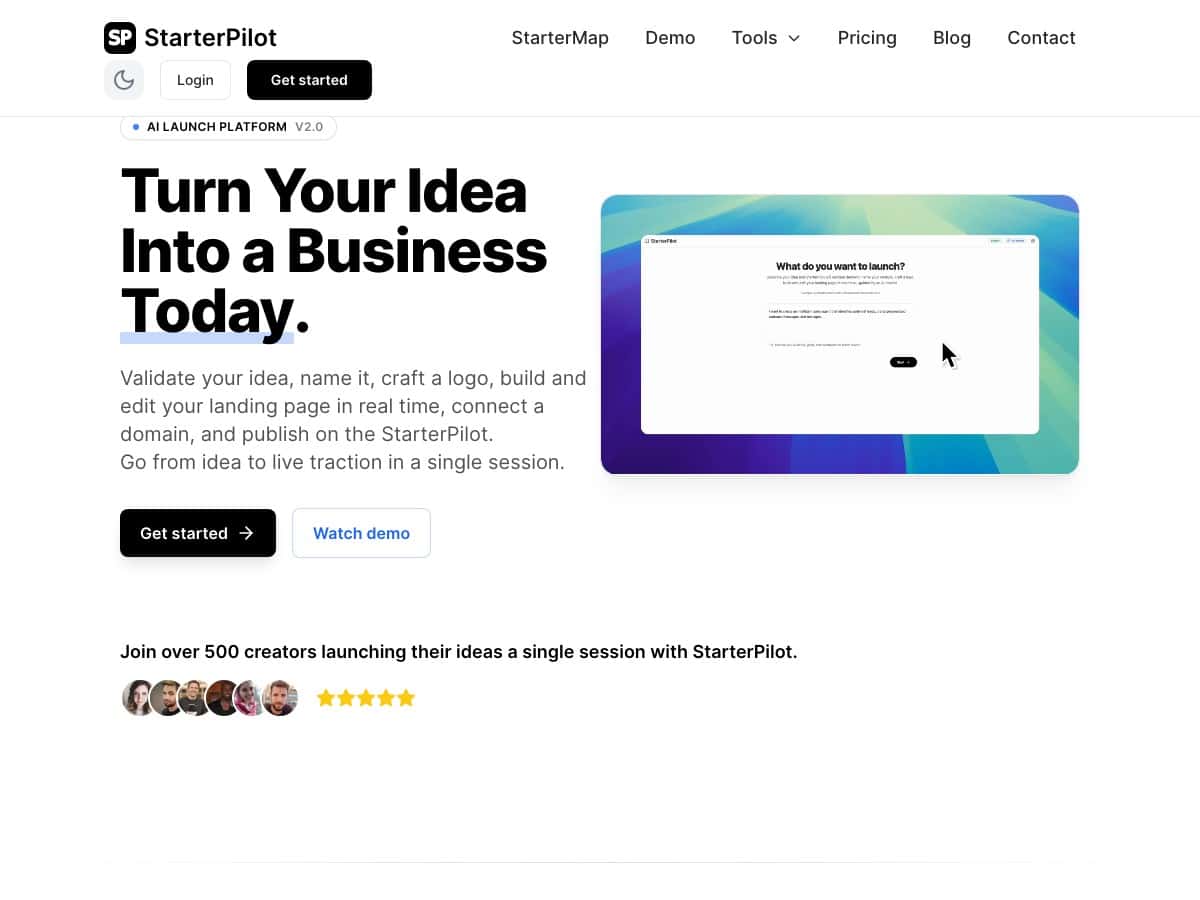
StarterPilot is best described as a fast “startup-in-a-box” flow: idea → validation → name/logo → landing page → publish. The parts that usually take days (or require multiple tools) were compressed into one workflow. If you’re trying to launch quickly and learn by getting real feedback, that’s a big win.
But if you need deep customization, advanced branding control, or highly rigorous market research you can cite in a deck, you’ll still want to do some manual research alongside it.
Key Features (What You Should Actually Use)
- Instant idea validation with market demand, competition, and risk analysis so you can decide what to build next.
- AI-generated business names with checks for domain and social handle availability signals.
- Logo creation with style variations and real-time editing (fast enough to iterate).
- Landing page builder with drag-and-drop sections and live customization.
- Waitlist + contact forms built into the landing page so you can start collecting leads right away.
- Custom domain support to make your startup look legit from day one.
- Earth Map publishing to get an extra discovery path beyond your own marketing links.
Pros and Cons (Based on What I Ran Into)
Pros
- Speed: I went from idea to a publishable landing page in roughly 20–40 minutes, depending on how many name/logo iterations you do.
- Beginner-friendly: the UI felt intuitive. I didn’t need to watch tutorials just to move around.
- One workflow: branding, validation, and publishing are connected, so you’re not bouncing between tools.
- AI guidance is practical: it helps you generate assets (names/logo/copy) you can actually use immediately.
Cons
- Brand customization isn’t “agency-level”: if you want full control over every design detail (colors, type, layout rules), you may find the options limited.
- Validation is only as good as the input: if your idea is vague, the “demand/competition/risk” output won’t magically become precise. You’ll still want to sanity-check with real research.
- Earth Map visibility varies: publishing is easy, but traction depends on audience activity and how discoverable listings are.
Pricing Plans (What I Could Confirm)
I wasn’t able to pull exact plan names and prices from the page content I received here, and StarterPilot’s pricing can change. What I recommend (and what I did) is checking the pricing page directly on their site so you can see the current tiers, monthly vs. annual options, and what limits apply (like how many projects, how many publishes, and what branding features are included).
If you want, tell me what you see on the pricing screen (even just the tier names and costs), and I’ll help you compare which plan makes sense for your situation.
Wrap up
After testing StarterPilot, I’d call it a solid choice if your goal is to launch an MVP landing page quickly and get your first branding assets (name + logo) without spending days stitching together multiple tools. The drag-and-drop builder, the validation flow, and the “publish when ready” approach are the strongest parts.
If you’re the type who needs ultra-specific market research, deep design customization, or full control over every pixel, you’ll still need to do some extra work elsewhere. But for getting from concept to a real online presence fast? It delivered what it promised—at least in my run-through.