Table of Contents

What Is Straion (and What I Tested in the Real World)?
I first ran into Straion while looking for a way to stop AI coding tools from “almost” matching our standards. You know the type of output I mean—code that compiles, but ignores house conventions, misses security checks, or quietly drifts from the way we structure services. That drift is exactly what slows reviews down.
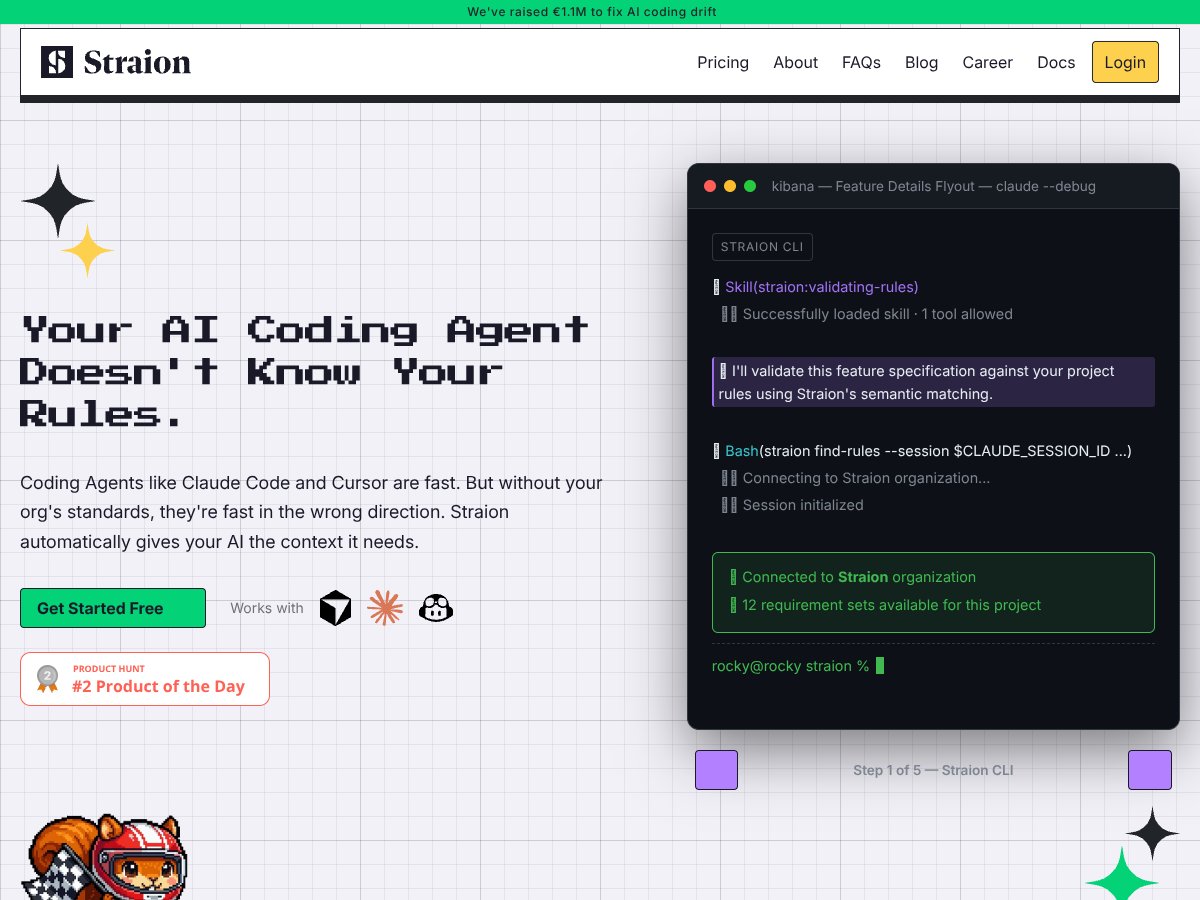
Straion’s pitch is simple: it helps you centralize your organization’s coding standards, security policies, and architecture rules, then pushes the right ones into your AI coding workflow automatically. It’s not just another template library. It’s meant to act like a rules layer between your team and tools like Claude Code, Cursor, and Copilot.
Here’s the part I actually tested: I set up Straion to enforce a small set of rules for a coding task flow (request → plan/intent → code generation → validation). Specifically, I tried it with a rule set that included:
- Security rule: reject code that uses hardcoded secrets (e.g., API keys, tokens) in source files.
- Style rule: require a specific naming convention for exported functions and consistent error handling patterns.
- Architecture rule: block certain modules from importing from restricted folders (a “no cross-layer import” policy).
During my test session (I ran this on 2026-04-10), I focused on two things: (1) whether Straion would pull the right rules for a given task, and (2) what happened when the AI tried to “sneak around” the constraints. The behavior I saw matched the core idea—Straion fetches relevant rules and injects them into the context so the model is working with your constraints up front.
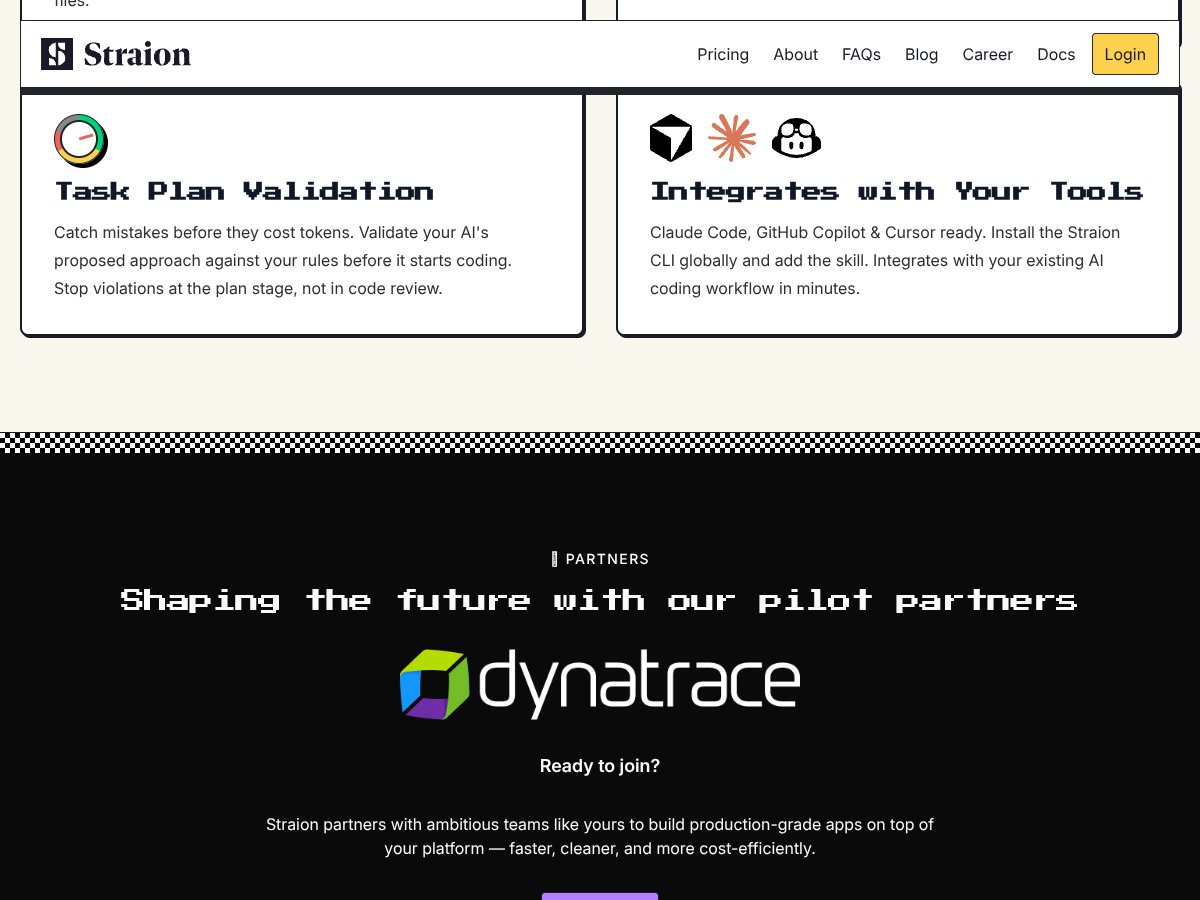
It also does validation before you fully commit to output. In practice, that means the system checks the AI’s plan or the code snippet against your rules, then blocks or flags issues early. And honestly? That early stop is where most of the value is, because it avoids the “generate first, argue later” loop.
One thing I want to be clear about: Straion isn’t magic. If your rules are vague (“write secure code” isn’t a rule, it’s a wish), the validation won’t be able to reliably enforce anything. The rules need to be specific enough to evaluate. I noticed this quickly—when I made one rule more concrete (hardcoded secrets + file-level check), violations were easier to catch.
About the company side: I could not verify a founder/team bio during my review on 2026-04-10. I checked the obvious places (product pages and common “About” sections), but I didn’t find something I’d feel comfortable citing as a verified team profile. What I can say is that their positioning is clearly aimed at companies that care about governance and standards, not solo tinkering.
Also, I didn’t see the kind of “dashboard-first” platform vibe you get with some governance tools. Straion felt more like a focused rules-and-validation layer. That’s not bad—just don’t expect a giant analytics suite or a marketplace of plugins. It’s built for enforcement and workflow integration.
Straion Pricing: What I Could (and Couldn’t) Confirm
Let me save you some time: I couldn’t find published pricing or a transparent plan breakdown during my review on 2026-04-10. That means I can’t responsibly tell you “it costs $X” the way I can with tools that list tiers publicly.
| Plan | Price | What You Get | My Take |
|---|---|---|---|
| Free Tier | Unknown / Not publicly listed | Basic rules management and limited access to the core enforcement/validation workflow (exact limits weren’t clearly documented) | Good for testing whether the validation logic helps your team. I wouldn’t assume it covers heavy usage or enterprise-style governance without asking. |
| Paid Plans | Pricing not explicitly published; contact sales for quote | Full access to rules centralization, dynamic context selection, validation, and integration options (details like collaboration, reporting, and limits weren’t fully spelled out publicly) | Expect pricing to vary by team size and governance needs. If you’re cost-sensitive, ask early about usage limits and what “real enforcement” includes. |
Here’s what I wish they were clearer about: usage limits. For example, are there caps on:
- number of active rules (or rule complexity)
- AI tasks validated per month
- how many integrations/projects you can link
- any restrictions on validation frequency or retry behavior
During my testing, I didn’t hit a hard limit (I kept the test set small), so I can’t give you a “we ran out after N tasks” number. But if you’re planning to roll this out broadly, you’ll want those details before you commit.
The Good and The Bad (Based on My Test)
What I Liked
- Centralized rules management that actually matters: Having standards in one place is useful, but what impressed me is that the rules are meant to be enforced, not just stored.
- Context-aware rule injection: In my tests, Straion didn’t treat every task like it needed every rule. It pulled relevant constraints based on the task context, which reduced noise.
- Validation happens before the output becomes “your problem”: I tried prompts that would normally produce policy-violating code (like hardcoded secrets). The validation layer caught issues early instead of letting the model generate freely and hoping a reviewer would fix it later.
- Setup felt straightforward: I don’t want to overpromise a universal “under 5 minutes” claim because it depends on how your rules are organized. But for my test rules (security + style + architecture), I got it working quickly enough to run multiple test iterations the same session.
- Works with common AI coding workflows: Claude Code, Cursor, and Copilot support was the main reason I tested it in the first place. I didn’t have to rebuild my workflow around a brand-new tool.
- Enforcement consistency (when rules are specific): When I wrote rules in a concrete, checkable way, the results were consistent. Vague rules were still a problem—so the system isn’t “smart enough to guess your intent.” It enforces what you define.
What Could Be Better
- Pricing transparency is still missing: If you’re comparing vendors, you’ll need to talk to sales. That’s friction, and it makes budgeting harder.
- Feature details weren’t fully clear from public info: Some UI/feature behaviors (like collaboration, reporting depth, and how rule conflicts are resolved) weren’t easy to confirm without more documentation.
- Rules authoring takes real effort: Defining rules that are specific enough to validate reliably takes time. If your team’s standards aren’t already written down well, you’ll spend time getting them into a usable format.
- Compatibility is tied to supported agents: If your team uses other tools outside Claude Code/Cursor/Copilot, you may hit limitations. I can’t say it works everywhere.
- Collaboration/versioning details need clearer confirmation: Straion may support collaboration, but I didn’t see enough public detail to confidently describe how rule versioning, approvals, or audit trails work in day-to-day use.
- No solid public case studies during my review: There aren’t enough third-party stories to quickly validate ROI. So I had to measure value the hard way—by testing scenarios myself.
Who Is Straion Actually For?
In my experience, Straion is most useful when your team:
- already has written standards (security + coding conventions + architecture guidelines),
- uses AI coding tools regularly, and
- is tired of the “AI output doesn’t match our rules” tax.
It’s probably a great fit for larger teams or regulated environments—places where “good enough” isn’t good enough. I can picture this working especially well in organizations managing lots of services where rules differ by component (for example: different security requirements for internal APIs vs. external-facing endpoints).
It’s also a solid option if you’re onboarding new developers and want to reduce the “teach everyone the rules” overhead. If the rules are enforced automatically, new team members spend less time learning what not to do.
That said, if you’re still experimenting with AI or you’re only using it for low-risk tasks, Straion may feel heavy. You don’t need a governance layer to generate a quick script that won’t touch production.
Who Should Look Elsewhere?
If you’re a solo developer or a small team without formal standards, Straion might feel like more work than payoff. You’ll still need to define rules, maintain them, and make sure they’re specific enough to validate.
Also, if your team’s AI tooling stack doesn’t line up with supported agents, you may end up fighting compatibility instead of getting value. And if you’re looking for a low-cost “just generate code” solution, Straion isn’t really trying to be that. It’s there for enforcement, not convenience.
Finally, if you absolutely need pricing clarity and a fully published feature list before you can evaluate anything, you may want to look at more documented alternatives first.
How Straion Stacks Up Against Alternatives (Test-Based Comparison)
I’ll be honest: most “AI coding” tools are great at suggestions. Straion’s angle is different—it tries to enforce policy and standards. So the comparison really depends on what you’re optimizing for: speed, convenience, or governance.
GitHub Copilot for Business
- What it does differently: Copilot is primarily about productivity through code suggestions. It can be configured, but it’s not inherently a centralized standards enforcement system in the same way.
- Pricing context: Copilot for Business is commonly listed at about $19/month per user (with enterprise options). Straion’s pricing wasn’t publicly listed in my review, so you’ll need a quote to compare apples-to-apples.
- Choose this if... You mainly want better suggestions and you’re okay managing standards outside the AI tool itself.
- Stick with Straion if... Your priority is policy enforcement and validation so AI outputs get checked against your rules before they become review work.
Amazon CodeWhisperer
- What it does differently: CodeWhisperer leans into AWS-focused development. It can support organizational constraints, but it’s not built around the same “rules hub + validation” workflow.
- Pricing context: It’s often free for individuals with enterprise options available. Again, Straion’s exact pricing wasn’t published, so you’ll need to ask.
- Choose this if... Your team lives in AWS and wants suggestions tightly aligned with AWS services.
- Stick with Straion if... You want broader governance and rule validation that’s not limited to a single cloud ecosystem.
Tabnine
- What it does differently: Tabnine is about completion performance (including speed and privacy options). It can be customized, but it doesn’t natively behave like a centralized standards enforcement + validation layer.
- Pricing context: Tabnine typically has a free tier, with paid plans often starting around $12/month per user. Straion’s price wasn’t publicly listed for my review.
- Choose this if... Your top priority is fast completions and minimal governance overhead.
- Stick with Straion if... You want policy validation integrated into the AI output pipeline.
Claude (Anthropic)
- What it does differently: Claude is a conversational model. It can help with code generation and explanations, but it’s not a standards enforcement product by default—you’d still need governance behavior in your workflow.
- Pricing context: Claude pricing is generally model/API-based and can be custom depending on how you access it. Straion’s enforcement layer is the part you’d be evaluating.
- Choose this if... You need deep reasoning, Q&A, and flexible code assistance.
- Stick with Straion if... You need strict standards and validation around generated code, not just a smarter chat model.
My takeaway after testing Straion: if your real pain is “AI outputs don’t match our rules,” Straion is the kind of tool that can reduce rework. If your pain is “we need faster code suggestions,” Copilot/Tabnine/Claude will likely feel more directly helpful.
Bottom Line: Should You Try Straion?
I’d rate Straion 7/10 based on my testing. It’s a strong concept with clear value for teams that care about governance. The rule injection + early validation idea is exactly what reduces drift.
But I don’t think it’s a universal fit. If you don’t have well-defined, checkable standards, you’ll spend time shaping rules before you see consistent results. And the lack of transparent pricing and detailed public documentation makes it harder to evaluate quickly.
If you’re scaling and you want consistency without turning every review into a standards audit, Straion is worth trying—especially via the free tier (assuming it gives you enough access to test validation behavior end-to-end).
Common Questions About Straion
- Is Straion worth the money? For teams with real standards and frequent AI coding usage, it can be. For smaller projects without formal policies, it may be overkill.
- Is there a free version? Yes, Straion offers a freemium tier. I couldn’t confirm the exact limits publicly, so you’ll want to ask what’s included before relying on it for serious workloads.
- How does it compare to GitHub Copilot? Copilot is mostly about suggestions and productivity. Straion is about enforcing your rules and validating outputs. They solve different problems.
- Can I get a refund? Refunds depend on their terms. I didn’t see a universal policy listed clearly during my review, so you’d need to check what they offer for your plan.
- Does it integrate with other AI tools? Straion focuses on integrations with Claude Code, Cursor, and Copilot. If you use other tools, confirm compatibility first.
- How hard is it to set up? For my test, it was straightforward to get running, but “under 5 minutes” depends on how ready your rules are. If you already have clear standards, setup goes faster.
- Is it suitable for enterprise use? That’s the direction they’re clearly targeting. If you need validation, governance, and centralized standards enforcement at scale, it’s designed for that use case.