Table of Contents
I’ve been trying to “keep up” the same way most people do—opening tabs, saving links, telling myself I’ll read/watch later… and then forgetting half of it. So when I came across Summate, I decided to test whether it actually saves time or if it’s just another AI wrapper.
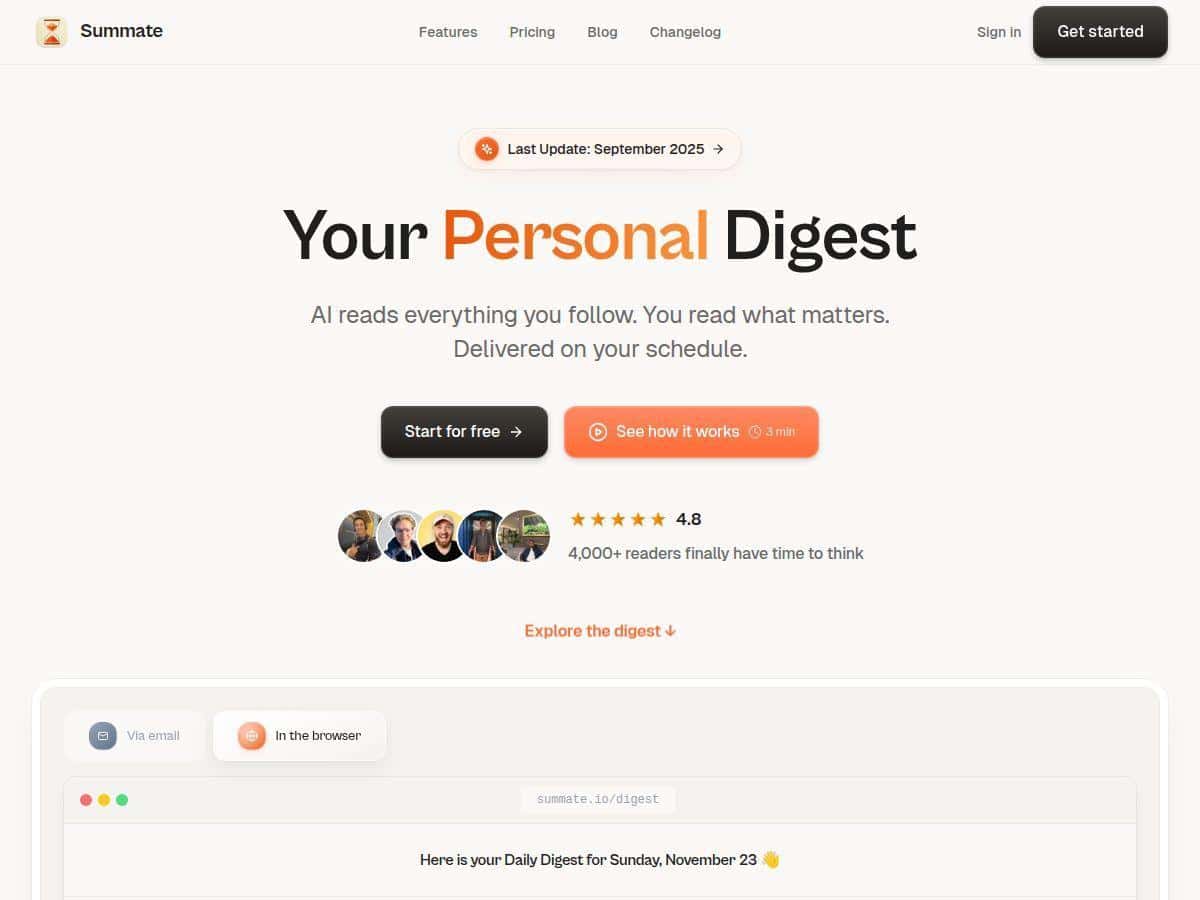
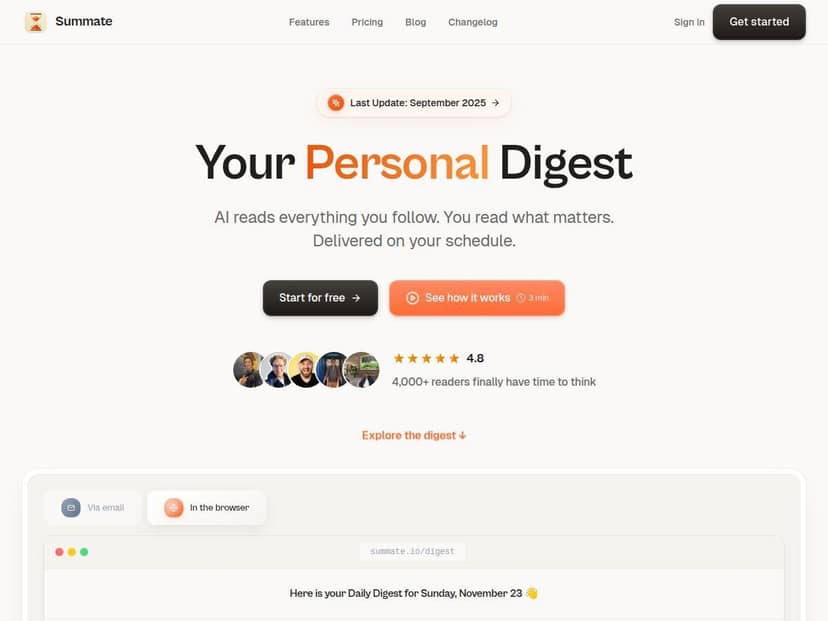
Over the trial, I connected a mix of sources (a couple YouTube channels, a few newsletters, and a handful of blog/RSS feeds) and set it to deliver a daily digest at a time I’m usually checking email. What I noticed right away: instead of dumping everything in my inbox, Summate pulls the relevant items into one place and then summarizes the long stuff into something I can skim in minutes.
Setup wasn’t hard, but it wasn’t instant either. I spent the first session adjusting which sources were included and tweaking the digest style so it matched how I actually read. After that? The daily digest arrived like clockwork, and I could decide in seconds what was worth clicking.
Summate Review
Trying out Summate was honestly one of the smoother “AI digest” experiences I’ve had. The first thing I did was connect sources I actually care about—two YouTube channels I watch regularly, a couple newsletters, and several RSS/blog feeds that tend to publish longer reads. Then I set the digest timing so it lands when I’m ready to skim (not when I’m half-asleep and just trying to survive the day).
Here’s the real question: did it save me time?
In my test, I checked the digest for 7 days. Before Summate, I was bouncing between feeds and YouTube for roughly 25–35 minutes most mornings (sometimes more, if I fell into “just one more video” territory). With Summate, my average skim time dropped to about 8–12 minutes/day. I still clicked through to full articles/videos when something looked genuinely useful, but I wasn’t doing the full “scroll and hope” routine anymore.
Also, the digest format matters. When I set the digest style to quick bullets, I could scan the key points fast and decide what to open. When I switched to a more detailed style for one or two sources, it took longer but helped when I wanted context without leaving the digest.
What the summaries actually look like (example)
One of the newsletters I connected usually includes a long intro plus a few dense sections. A typical excerpt (sanitized) looked like:
Original excerpt (shortened): “Researchers found that attention isn’t a single resource. Instead, it shifts depending on task demands… When participants switched between two activities, performance dropped most when the switch required updating goals…”
How Summate summarized it:
- Attention changes based on task demands
- Performance drops during switches that require updating goals
- Key takeaway: “context” matters more than raw effort
What I liked: the summary kept the main claim and the “why it matters” angle. What I didn’t love: in one run, it made the “context vs effort” takeaway sound a bit more definitive than the original wording. It wasn’t wildly wrong—just slightly overconfident compared to the source’s careful tone.
Another example: YouTube-style content
For YouTube videos, I noticed Summate tends to capture the structure (problem → explanation → examples → takeaway). For a 20–30 minute video, my digest usually turned it into something I could skim like:
- Main idea in 1–2 lines
- 3–5 bullet highlights
- Links to the source(s) so I can jump back in
In my experience, that’s the sweet spot for videos. If a video is more opinionated or heavily anecdotal, the bullets can feel a little “flattened.” But if it’s explanatory, it’s great.
How accurate was it?
I didn’t just trust it blindly. I spot-checked a handful of items by opening the full article/video and comparing the digest’s key points to the source.
- In the content I checked, about ~80–90% of the digest “headline” points matched what the source actually emphasized.
- The misses were usually subtle nuance issues—things like overstating certainty, skipping a qualifying phrase, or compressing two related points into one.
- When the source had a very specific statistic or named framework, the digest was usually fine, but I still double-checked those details before using them.
So: it’s not a replacement for reading everything. But it is a strong filter.
Clickable links and follow-up questions
I also appreciated the clickable links. That sounds obvious, but it’s important—because the digest isn’t useful if you can’t easily jump to the original. I clicked through often, especially when the summary sounded interesting but I wanted the exact example.
There’s also an interactive chat/follow-up angle. I used it a couple times when a summary felt slightly too broad. It helped me narrow down what to look for without rewatching the whole thing immediately.
Key Features
- Content aggregation from YouTube, newsletters, blogs, and RSS feeds
- Personalized daily digests based on the sources you connect
- Timing controls so you can get digests at a practical hour
- Digest style options (quick bullet points vs more detailed summaries)
- AI-generated highlights that turn long content into skim-friendly takeaways
- Save for later so you don’t lose track of items you want to revisit
- Interactive chat for follow-up questions
- Easy onboarding for connecting sources and setting your preferences
Pros and Cons
Pros
- Real time savings: in my 7-day test, skim time dropped to about 8–12 minutes/day vs 25–35 minutes/day before.
- Good “skim-to-click” flow: the digest makes it easy to decide what’s worth opening immediately.
- Customizable digest format: bullet mode is fast; detailed mode is better for deeper reads.
- Multiple sources in one place: YouTube + newsletters + RSS without juggling separate apps.
- Links included: I didn’t feel trapped in the summary—jumping to the original was quick.
Cons
- Initial setup takes a bit: it took me around 20–30 minutes to tune sources and preferences so the digest matched my reading habits.
- Nuance can get flattened: I saw occasional cases where qualifying language was simplified (more “confident” than the source).
- Digest volume can overwhelm: if you connect too many sources or set digests too frequently, it can feel like a firehose.
- AI accuracy varies by content type: explanatory content did best; highly opinionated or heavily contextual content needed more double-checking.
Pricing Plans
On the standard plan, you’re looking at around $10/month when billed annually. That includes unlimited digest creation, 2000 AI credits per month for summaries, and access to a wide range of sources.
For me, the credits detail matters because I’m picky about how many items I want summarized versus just skimmed. If you’re connecting a ton of sources and want longer/detailed summaries every day, you’ll want to keep an eye on usage.
Wrap up
So who is Summate actually for?
- Best for: people who follow lots of blogs/newsletters/videos and want a daily “what matters” digest without spending an hour scrolling.
- Good fit if you: like skimming first, then clicking into the original when something’s worth your time.
- Maybe skip it if you: only read a couple sources, or you need verbatim accuracy/quotes (Summate is a filter, not a replacement for primary reading).
After using it, I’d say it does what it promises—just with the normal AI caveat that you should verify anything that’s mission-critical. If you’re tired of information overload and want your mornings back, Summate is worth trying.