Table of Contents
What Is Superset 2.0?
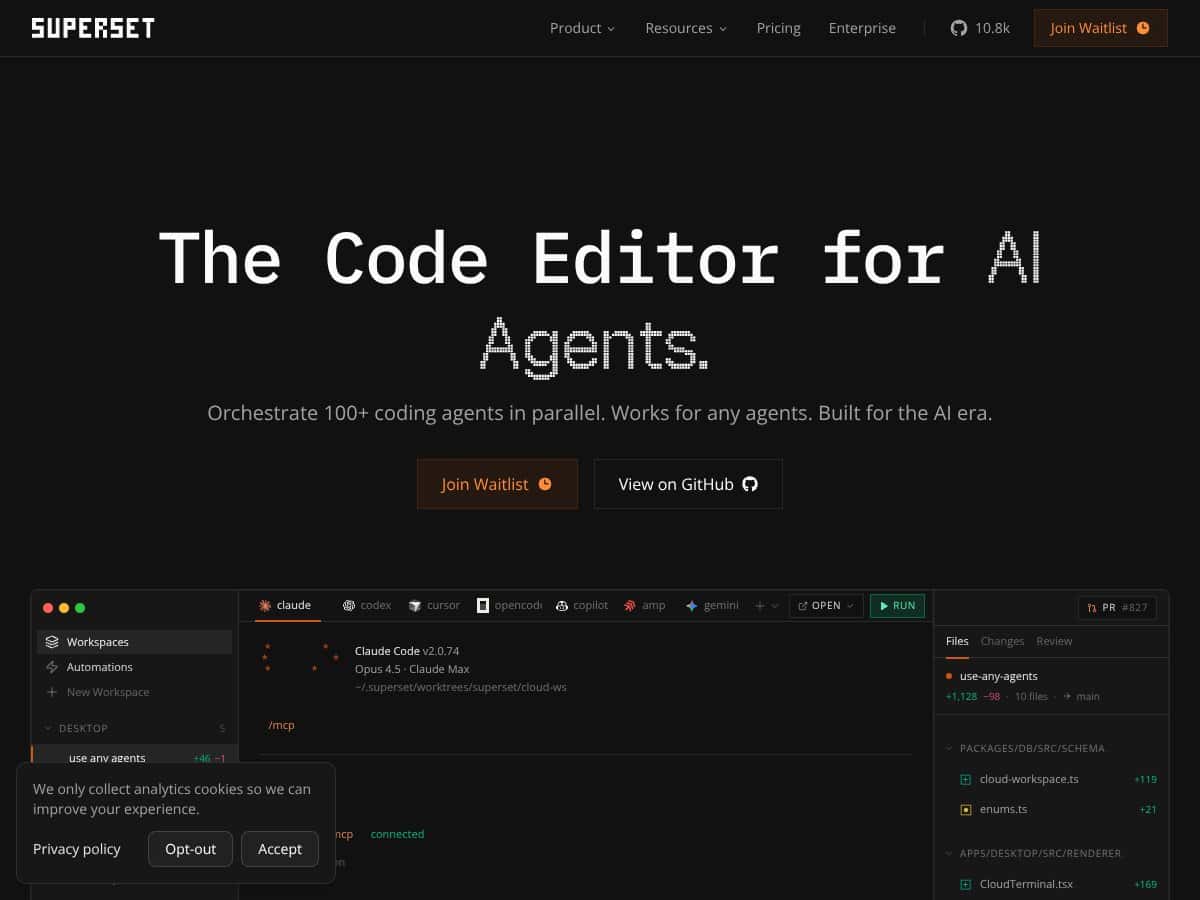
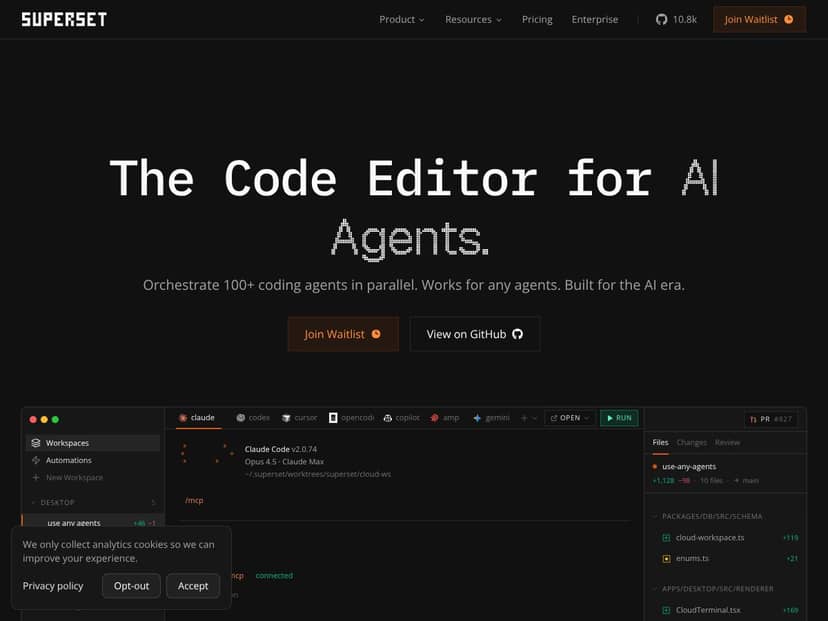
Honestly, I was pretty skeptical when I first heard about Superset 2.0. The idea of orchestrating dozens of AI coding agents running in parallel sounds like something only the most ambitious or overconfident developers would try. But curiosity got the better of me, so I decided to give it a spin. In plain English, Superset 2.0 is a desktop application designed to run many CLI-based AI coding agents simultaneously—like Claude, Cursor, OpenCode, or whatever else you throw at it—and help you manage all those tasks from a single interface.
The main problem it aims to solve is the chaos of juggling multiple AI agents or tasks at once. Instead of running agents manually in different terminals or switching between multiple windows, Superset offers a centralized dashboard where you can launch, monitor, and review all those parallel jobs. It’s built for developers who want to push their automation and AI workflows further—think of it as a command center for your AI-assisted coding projects.
As for who’s behind it, the product’s website and GitHub repositories suggest a small team focused on AI productivity tools, but I didn’t find a clear company or founder info. That’s not unusual for niche developer tools, but it does make me a bit cautious about long-term support or updates. When I first opened the app, I was surprised to find it looked quite busy but also somewhat cluttered—lots of icons, snippets of code, and a dashboard that feels a little like a hacker’s command terminal. It’s not the prettiest UI I’ve seen, but it’s functional enough.
One thing I want to be clear about: Superset isn’t a full IDE or an all-in-one coding environment. It’s a control panel for your existing agents and worktrees. It doesn’t come with its own coding editor, debugging tools, or built-in AI models, so it’s not trying to replace your favorite IDE. Think of it as a coordinator—if you already have CLI-based agents set up, Superset helps you run and manage them more efficiently.
My initial impression? The promise of orchestrating 100+ agents in parallel sounds impressive on paper, but in practice, it’s more of a niche tool for power users. It’s not something I’d recommend for a casual coder or someone new to AI automation. Also, I noticed there’s no clear onboarding process or guided setup; you’re kind of thrown into the deep end if you’re not familiar with CLI workflows. So, be prepared for a learning curve if you want to get the most out of it.
Superset 2.0 Pricing: Is It Worth It?
| Plan | Price | What You Get | My Take |
|---|---|---|---|
| Free Tier | Unknown / Not Clearly Disclosed | Limited info; likely basic access to orchestration features, possibly with some restrictions on number of agents or usage limits | Fair warning: without explicit details, it's hard to gauge what the free version includes. If you're just experimenting, it might be enough, but expect some limits that could hinder serious workflows. |
| Pro / Paid Plans | Check the official website | Potentially unlimited agents, priority support, advanced features, higher usage caps | Here's the thing about the pricing: since it's not publicly listed, you'll need to reach out or check their site for specifics. This could be a hurdle if you're on a tight budget or need immediate clarity. |
Honestly, I was expecting clear, transparent pricing upfront, especially for a tool marketed towards power users. The lack of publicly available plans makes it trickier to assess whether this is a cost-effective solution for your needs. If you're a small team or solo developer, you might want to verify whether the higher-tier plans are justified. Keep in mind: without concrete numbers, it's hard to tell if you're getting good bang for your buck or if it could turn into a costly experiment.
What they don't tell you on the sales page is whether there are any usage caps or feature gates that could limit your workflow after a certain point. Also, be aware that some features—like advanced monitoring or integrations—might only be available on paid tiers. Fair warning: always double-check the latest pricing details before committing, because hidden costs or limits could crop up down the line.
In summary, if you're considering Superset 2.0, plan to do some digging into their current plans and prices. It might be worth it if you need robust parallel agent orchestration, but beware of potential surprises lurking in the fine print.
The Good and The Bad
What I Liked
- Parallel execution in isolated worktrees: The core idea of running each agent in its own Git worktree is a game changer. It significantly reduces merge conflicts and accidental interference, which is a common headache when managing multiple automation tasks.
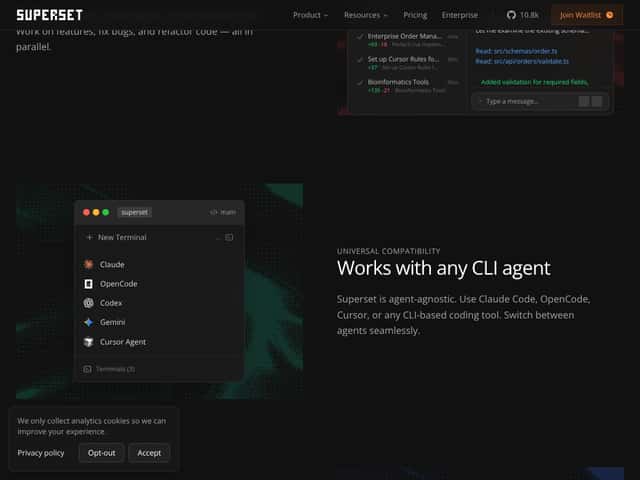
- Agent-agnostic support: Superset's flexibility to work with any CLI-based coding agent—be it Claude Code, OpenCode, or Cursor—is a big plus. It means you're not locked into a single ecosystem, and can choose tools that fit your workflow best.
- Centralized dashboard: The ability to monitor all your running agents from one interface simplifies oversight. The diff viewer and review workflow also streamline the review process, saving time compared to manual checks.
- Seamless integration with popular editors: Opening worktrees directly in VS Code or other IDEs makes the experience smoother and less disruptive. If you're already embedded in a certain editor, this integration reduces friction.
- Task switching and job management: The ability to spin up new tasks while waiting on others helps keep productivity high, especially when working on large, complex projects.
What Could Be Better
- Limited transparency on pricing: As mentioned, the lack of clear, public pricing can be a dealbreaker. It forces potential users to contact sales or guess costs, which isn’t ideal for planning budgets.
- No detailed feature list or roadmap: Without comprehensive documentation or known upcoming features, it’s hard to assess long-term viability or whether it will meet evolving needs.
- Market niche is narrow: This tool is highly specialized for parallel CLI agent orchestration. If your workflow isn’t heavily reliant on CLI tools or parallel automation, Superset might be overkill or not particularly beneficial.
- UX and onboarding could be smoother: For new users, the initial setup, especially understanding how to integrate existing agents, might be confusing without guided onboarding or tutorials.
- Ecosystem maturity: As a newer product, it might lack the community support, plugins, or integrations that more established tools have, which could limit its practicality in complex setups.
Who Is Superset 2.0 Actually For?
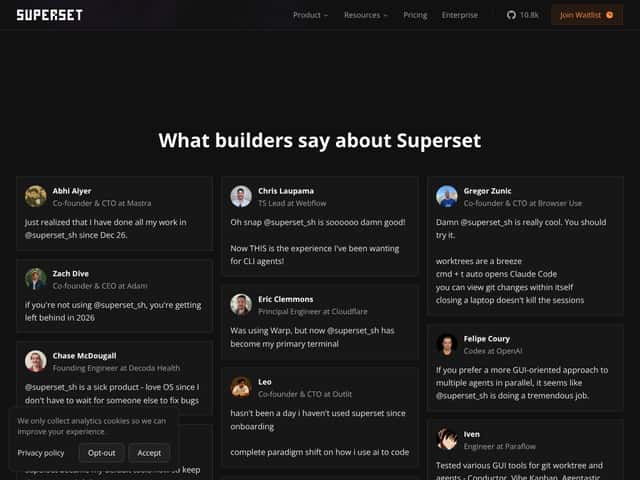
If you're a developer, engineer, or AI researcher juggling multiple coding tasks, Superset 2.0 could be a real time-saver. It’s particularly well-suited for those who work heavily with CLI-based AI agents and need to run dozens of tasks in parallel without the chaos of merge conflicts or context switching. For example, if you’re managing a large codebase with multiple AI agents handling refactors, bug fixes, and feature implementations simultaneously, this tool can keep everything organized and manageable.
Imagine a scenario where you’re experimenting with different AI assistants—Claude, OpenCode, Cursor—and want to compare outputs side-by-side. Superset’s isolated worktrees and centralized dashboard make that feasible without cluttering your local environment or risking cross-contamination. Similarly, if your team relies on automated code reviews or continuous integration pipelines that spawn multiple agents, this orchestration could streamline your workflow significantly.
In essence, this tool is ideal for power users who need granular control over multiple parallel tasks and want to avoid the pitfalls of manual coordination. If your work involves complex automation, multi-agent orchestration, or heavy use of CLI tools, Superset 2.0 might be a valuable addition.
Who Should Look Elsewhere
If your needs are more casual or your workflow is centered around GUI-based tools, Superset 2.0 probably isn’t the right fit. For example, if you mainly use IDE extensions or integrated development environment features that handle multiple agents internally, you might find this tool redundant or overly complex.
Similarly, if you’re not working with CLI-based AI agents—say, if your automation is primarily through cloud services with graphical dashboards—Superset’s architecture could be overkill, and you might prefer more straightforward orchestrators or cloud-native solutions.
Moreover, if you’re concerned about budget, transparency in pricing, or long-term ecosystem stability, this might not be the best choice right now. The lack of detailed pricing info could lead to unexpected costs or limitations that frustrate your workflow.
Finally, if you’re new to multi-agent automation or prefer a more plug-and-play experience with detailed onboarding, Superset’s current setup might be intimidating or require a steep learning curve. For beginners or casual users, tools with more guided experiences or simpler interfaces could serve you better.
How Superset 2.0 Stacks Up Against Alternatives
Cursor
- Cursor offers a multi-agent environment similar to Superset but emphasizes a more integrated, GUI-based experience. It manages multiple agents within a unified interface, often with more visual tools for coordination. - Pricing tends to be subscription-based, and it can be more expensive depending on usage, though specific prices are less transparent. - Choose this if you prefer a more visual, all-in-one interface and are willing to pay a premium for a more polished UX. - Stick with Superset 2.0 if you want a lightweight, CLI-friendly tool that integrates smoothly with your existing terminal workflows without the added overhead of a GUI.Claude Code (by Anthropic)
- Claude Code is an AI coding assistant focused on generating code snippets and assisting with coding tasks, but it doesn't natively support multi-agent orchestration or parallel task management. - Pricing is usually per API call or subscription-based, often aimed at enterprise users. - Choose this if you mainly need a powerful AI assistant for single tasks rather than managing multiple parallel workflows. - Stick with Superset 2.0 if you need to run and monitor many agents concurrently, which Claude Code doesn't support.OpenCode
- OpenCode is an open-source CLI tool that helps run multiple coding tasks but lacks built-in support for worktree isolation or a central dashboard. - Because it's open-source, it’s free, but you might need to set up and customize features yourself. - Choose this if you want a free, customizable solution and are comfortable handling setups and integrations. - Stick with Superset 2.0 if you prefer a ready-made, polished product with built-in worktree management and monitoring.GitHub Copilot Workspace
- Copilot Workspace offers AI-powered coding assistance integrated directly within GitHub and popular IDEs, focusing on code completion and suggestions rather than parallel task orchestration. - It’s subscription-based, usually around $10/month for individual users. - Choose this if your goal is code assistance within your IDE and you don’t need to manage multiple agents simultaneously. - Stick with Superset 2.0 if you want to orchestrate several coding agents working in parallel, not just get code completions.Continue
- Continue (by Y Combinator) is an AI-driven coding assistant that offers some multi-task capabilities but is more focused on single-agent interactions. - Pricing varies, often tailored for enterprise use. - Choose this if you’re primarily looking for a smart coding partner rather than a multi-agent orchestration platform. - Stick with Superset 2.0 if your workflow involves running many agents in parallel with isolated worktrees.Bottom Line: Should You Try Superset 2.0?
Overall, I’d give Superset 2.0 a solid 7/10. It’s a promising tool for developers juggling multiple coding tasks, especially if you’re into CLI workflows and need better organization without sacrificing speed. The worktree isolation and centralized dashboard really help reduce chaos, which is a big plus.
If you’re a power user experimenting with multi-agent workflows, this could be a game-changer. However, if you’re someone who prefers graphical interfaces or works mostly in GUI environments, it might feel a bit clunky or niche.
Its free tier is worth trying if you want to test how well it fits your setup — the paid version might be worth upgrading if you find yourself running many agents regularly. Honestly, I’d recommend it if your work involves complex, parallel coding tasks that need careful management.
If you’re looking for a straightforward, all-in-one IDE experience, this isn’t the best choice. But if you want to streamline multi-agent orchestration, give it a shot. If your needs are simpler or more GUI-oriented, you might want to consider other tools.
Common Questions About Superset 2.0
Is Superset 2.0 worth the money?
It depends on your workflow. If you run many parallel coding tasks regularly, it can save you time and reduce headaches. If your work is mostly single-threaded or simple, it might be overkill.
Is there a free version?
Yes, Superset 2.0 offers a free tier, which is great for testing basic features. However, the free plan may limit the number of agents or worktrees you can run simultaneously.
How does it compare to Cursor?
Cursor provides a more visual, GUI-based management system, which some users find more user-friendly. Superset is more CLI-focused and lightweight, ideal for terminal-savvy developers who prefer a minimal setup.
Can I run it on Windows?
Superset 2.0 is primarily designed for macOS, but it may work via Docker or WSL on Windows, though this isn’t officially confirmed. It’s best suited for macOS users.
Does it support all CLI-based coding agents?
Most popular CLI agents like Claude Code and OpenCode are supported, thanks to its agent-agnostic design. Check specific compatibility if you’re using niche tools.
Can I get a refund if I don’t like it?
Refund policies depend on where you purchase it. Check the official site or platform for specific refund options, but many software vendors offer trial periods or satisfaction guarantees.