Table of Contents
Are you tired of typing everything by hand? Superwhisper offers a modern solution to a common problem. With its AI-powered voice-to-text capabilities, you can transcribe speech into text quickly and easily. In this Superwhisper review, we’ll explore its features, benefits, and pricing, helping you decide if it’s the right fit for you.
Superwhisper Review
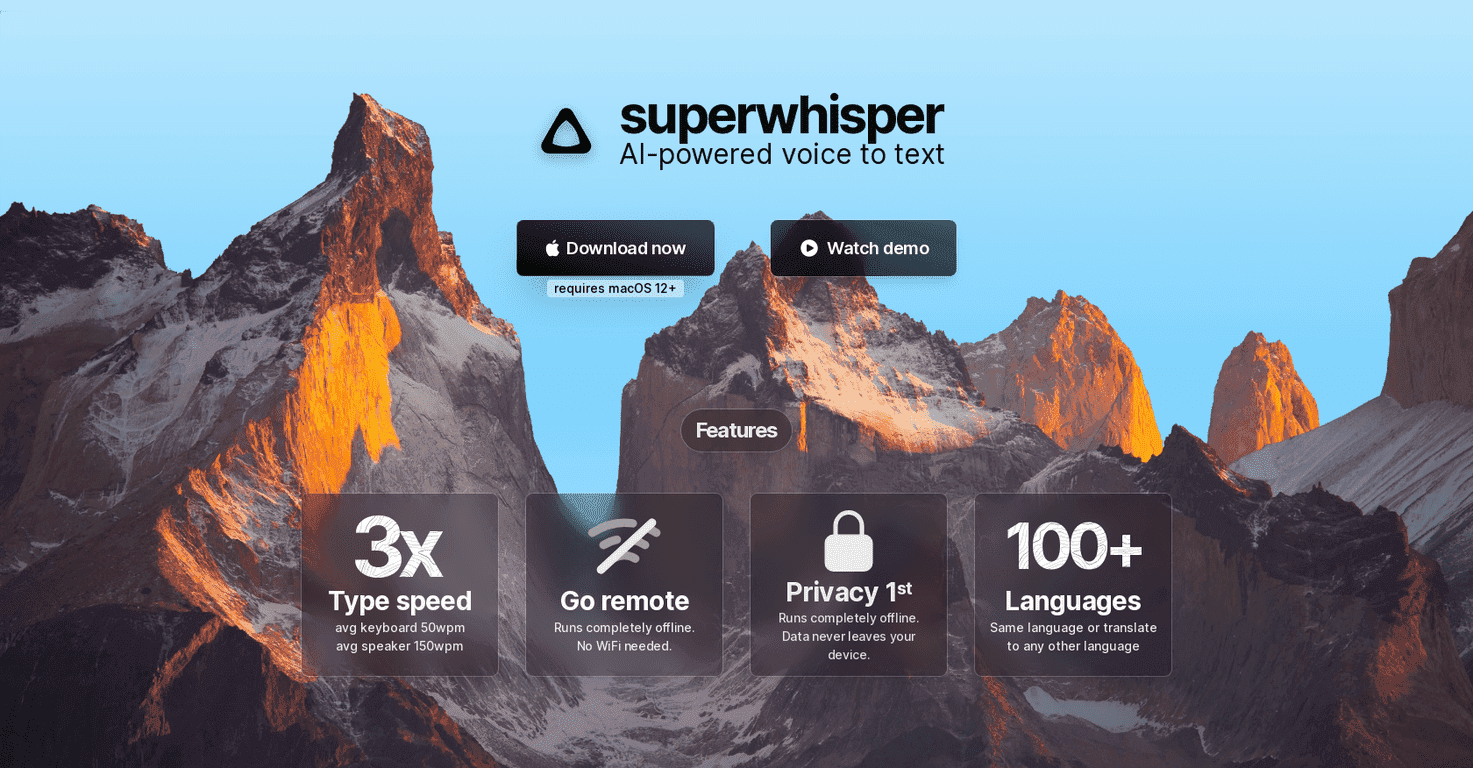
Superwhisper is a powerful voice-to-text application designed specifically for macOS users. Utilizing advanced AI technology, including the renowned GPT-4 model, this app enables seamless transcription of speech into text, making it a valuable tool for anyone needing to jot down thoughts, take notes, or convert audio recordings. Its intuitive interface ensures that even beginners can navigate it with ease, integrating smoothly into daily workflows. Whether you need it for work, study, or personal use, Superwhisper keeps you productive by minimizing the time spent on typing.
Key Features
- Supports over 100 languages with translation to English
- Custom vocabulary feature for names, acronyms, and phrases
- Offline functionality for use without Wi-Fi
- Private operation with local data processing
- Compatible with any application where text can be inputted
- Utilizes multiple AI models, enhancing transcription accuracy
Pros and Cons
Pros
- Fast transcription boosts productivity
- Highly customizable with options for personal vocabulary
- Offline capability makes it versatile in different environments
- Strong data privacy features ensure local processing
- User-friendly design for easy integration into daily tasks
Cons
- Limited free features with only 15 minutes of pro access
- Requires macOS 13 or higher to function
- Performance may vary between Intel Macs and Apple Silicon models
Pricing Plans
Superwhisper offers a Free Plan with limited features, allowing basic accessibility and 15 minutes of Pro usage. The Pro Plan is priced at $8.49 per month and unlocks all premium features across Mac and iOS, including audio transcription, unlimited AI model usage, translation options, and priority support. Additionally, a student discount is available for the Pro Plan, making it more accessible for learners.
Wrap up
In conclusion, Superwhisper is an innovative tool perfect for anyone looking to streamline their transcription process. With its extensive features and user-friendly interface, it stands out as a strong contender in the voice-to-text market. Whether you opt for the free or Pro Plan, Superwhisper promises to enhance your productivity and simplify your workflow. If you appreciate efficiency and data privacy, give Superwhisper a try!
Promote Superwhisper