Table of Contents
AI deployment used to feel like one of those “just make it work” projects that quietly turns into a weeks-long engineering detour. You know the drill: model setup, hosting, auth, scaling, monitoring… and suddenly you’re not building anything—you’re babysitting infrastructure.
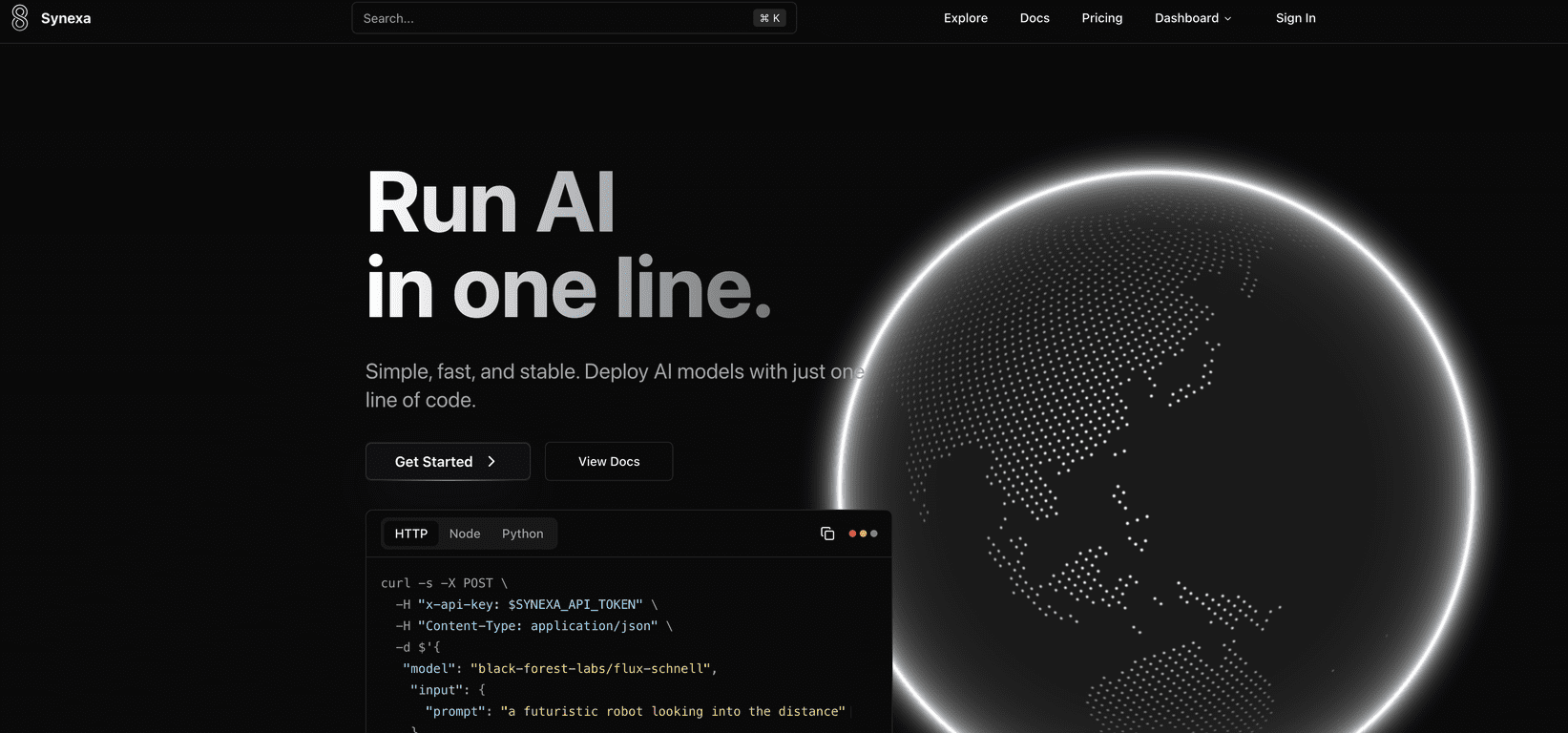
That’s why I was genuinely curious about Synexa. The pitch is simple: deploy production-ready AI models fast—supposedly with something as small as a single line of code—then let the platform handle the heavy lifting like scaling and GPU infrastructure. After spending some time looking through how it works (and thinking through how I’d actually use it), here’s what stood out to me.
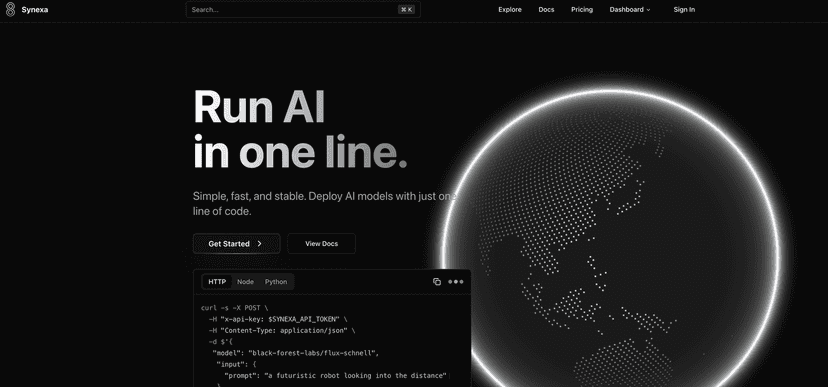
Synexa Review: Fast AI Deployment Without the Usual Headaches
Synexa is positioned as a deployment platform, not just another “try a model” playground. That distinction matters. When you’re building something real, you don’t just want outputs—you want stability, predictable performance, and a way to handle traffic spikes without rewriting your whole setup.
What I like about Synexa’s approach is the focus on getting you to “production-ready” quickly. The platform claims one-line deployment (or at least something close to that), and the practical takeaway is that you shouldn’t need a full DevOps team just to get an AI model serving requests. In my experience, the biggest time sink isn’t even the model—it’s the glue around it.
Synexa also leans hard into breadth. You’re not limited to a single text model. The platform mentions support for image creation, video generation, and text outputs, which is exactly what you’d want if you’re experimenting across modalities or building a product that needs multiple capabilities.
And the “automatic scaling” part? That’s one of those features that sounds nice on paper until you’ve watched your costs or response times go sideways during a traffic spike. With Synexa, the idea is that scaling is handled for you based on demand, which should help keep performance steady when usage increases.
One more thing: the interface is described as easy to use for beginners, but still deep enough for developers. I always look for that balance—because if it’s too simple, you hit walls fast. If it’s too complex, you spend your time configuring instead of shipping.
Key Features I’d Actually Bet On
- One-line deployment for quick AI model launch (the goal is less setup, faster testing, quicker iteration)
- Access to 100+ production-ready AI models so you’re not stuck with a tiny catalog
- Automatic scaling based on user demand (important for both performance and cost control)
- Global infrastructure with high-performance GPU support (helps reduce latency depending on where your users are)
- Documentation aimed at easier integrations (this is where a lot of platforms either shine or disappoint)
- Cost-effective GPU pricing (GPU time gets expensive fast—pricing transparency matters)
Pros and Cons: What’s Great, What to Watch
Pros
- It’s genuinely approachable—the “deployment without the maze” angle is real, especially if you’re tired of stitching together multiple services.
- Pricing feels competitive compared to other GPU-hosting style options (more on numbers below).
- Lots of model choice—having 100+ production-ready models means you can test different approaches without rebuilding your stack each time.
- Automatic scaling helps avoid the “works in dev, breaks in prod” problem when usage changes.
Cons
- You still need some API/coding comfort. Even if deployment is “one line,” you’ll likely touch API keys, request formats, and basic integration logic.
- Customization may be limited depending on the model. If you’re used to fine-tuning workflows or deep model configuration, you might find the platform constrains how much you can tweak.
Pricing Plans (and How It Compares)
Here’s the pricing snapshot that matters if you’re cost-conscious: Synexa lists $2.49/hr for A100 GPU usage.
To put that in perspective, the article compares it to:
- Fal.ai: $3.99/hr
- Replicate: $5.04/hr
In practice, I’d treat this as a good sign if you’re building prototypes that may turn into real usage. GPU costs are one of those things you can’t ignore—especially once you start running more frequent generations (video and high-res image workloads can add up quickly).
That said, always sanity-check what “hourly GPU usage” translates to for your specific tasks. Different models can use resources differently, so your effective cost per request can vary a lot.
Wrap-up: Is Synexa worth trying?
If you want a platform that helps you deploy AI models faster—with scaling and infrastructure handled for you—Synexa looks like a solid option. I like that it’s geared toward getting to production without forcing you to assemble everything from scratch.
Just go in with realistic expectations: you’ll still need basic API/code familiarity, and deep customization might not be its strongest suit. But if your main goal is shipping AI features (text, images, and video) without spending all your time on deployment plumbing, Synexa is absolutely worth putting on your shortlist.
Promote Synexa