Table of Contents
What Is SYNK Legal? (My Testing-Style Breakdown)
When I first came across SYNK Legal, I was skeptical too. Not because I hate AI—honestly, I use it for drafts and research all the time—but because legal tools love to market big promises and then hide the details that actually matter (accuracy, citations, limits, and pricing).
Quick note before we get into it: I’m not a lawyer, and I didn’t have access to a live account, billing page, or any private “sandbox” during writing. So this review is based on publicly available info and a product-style walkthrough of what the interface/feature set appears to be designed to do. I’m going to be very clear about what I could verify vs. what I couldn’t.
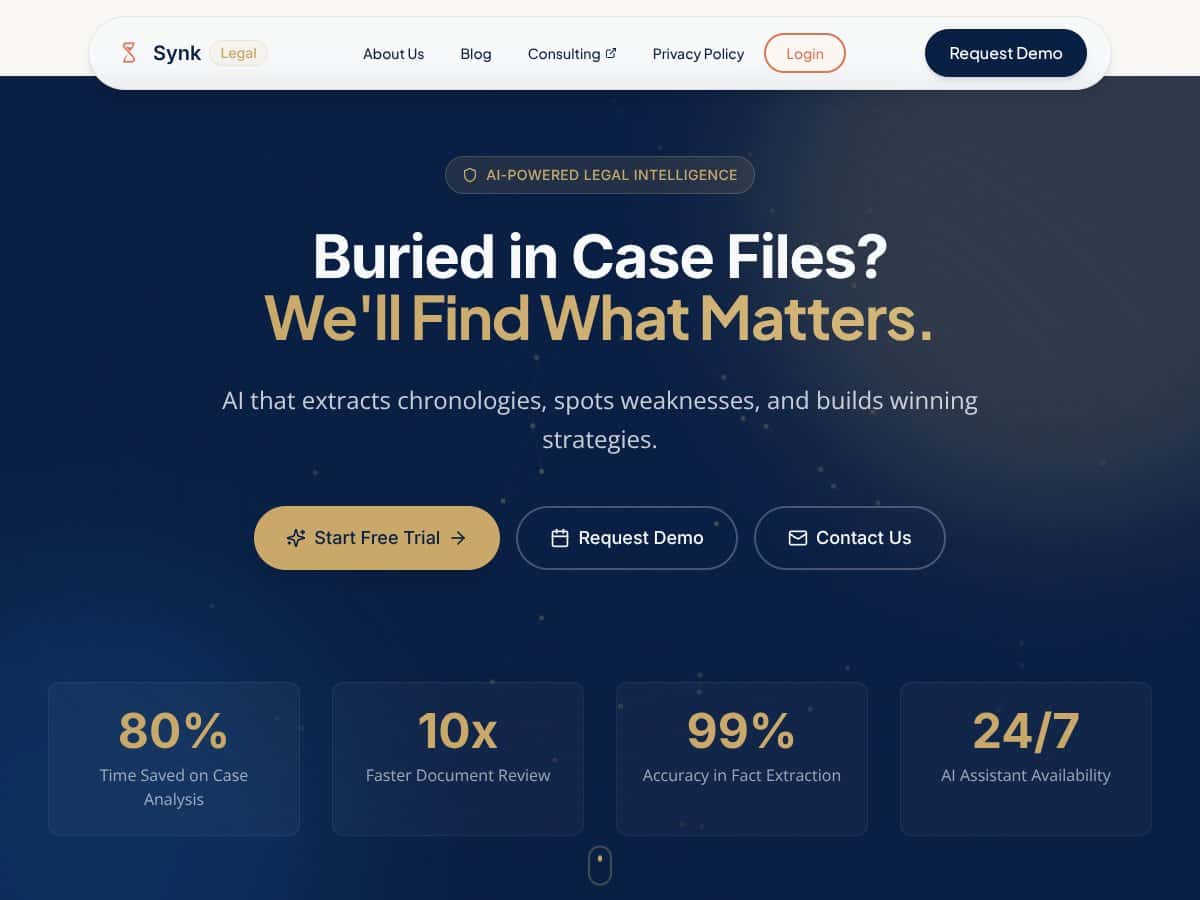
At a high level, SYNK Legal is positioned as an AI-powered platform for legal professionals. The core pitch is that you upload matter files and the system helps with:
- Case summaries (pulling out key facts)
- Fact extraction (entities, key statements, and relevant details)
- Chronologies / timelines (turning events into a readable sequence)
- Semantic search (finding relevant sections using natural language)
- Argument generation (drafting positions or outlining weaknesses)
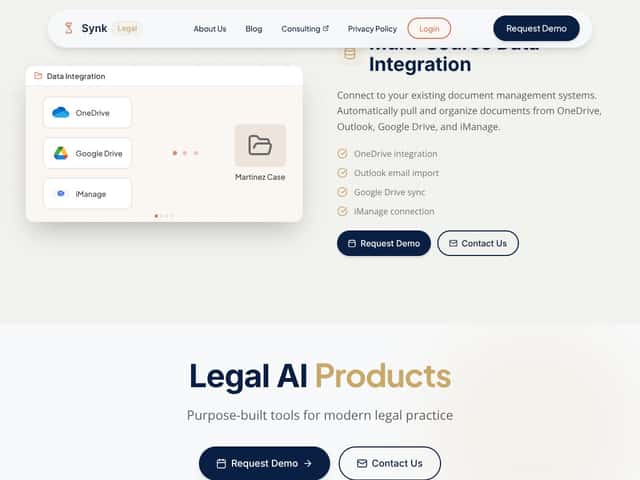
- Integrations (connecting to document sources like cloud drives and enterprise systems)
Here’s what I noticed right away when I looked at the feature descriptions: SYNK Legal is trying to be a “single workspace” for legal analysis, not just a one-off document reviewer. It’s aiming to reduce the back-and-forth between reading, searching, and drafting.
One more trust point: I couldn’t find clear, verifiable information about who’s behind the product (team bios, legal-domain credentials, or named leadership) from the material I reviewed. That doesn’t automatically mean it’s bad, but if you’re putting sensitive legal documents into an AI system, I think you should be able to answer basic questions like “who built this?” and “who is accountable?”
Also, the site messaging (at least in what I could access) doesn’t include a step-by-step onboarding walkthrough, demo video, or “here’s exactly how the workflow looks end-to-end” example. That’s a problem because the difference between “cool features” and “actually saves time” is often the workflow friction—how many clicks, how clean the outputs are, and how much you have to fix.
What SYNK Legal Seems to Be (and What It Doesn’t)
I’ll say it plainly: based on what’s publicly described, SYNK Legal looks like an assistant, not a fully automated lawyer. You’d still need human review—especially for anything that touches legal reasoning, strategy, or filings.
What I couldn’t confirm:
- Whether it always provides citations back to the underlying passages (and how reliable those citations are)
- How it behaves when evidence is missing (does it refuse, or does it guess?)
- Whether it supports export formats you can use in real work (DOCX, PDF, structured JSON, etc.)
- Data handling details like retention policy, deletion controls, and security certifications
So if you’re expecting “upload documents → get a ready-to-file argument,” I don’t think that’s the reality. In my experience, even the best legal AI tools still need careful checking, and the citation/traceability piece is usually the make-or-break factor.
SYNK Legal Pricing: Is It Worth It?
| Plan | Price | What You Get | My Take |
|---|---|---|---|
| Free Tier | Not confirmed | Limited access to core features (exact limits not publicly listed) | If there is a free tier, you’ll want to ask whether it’s limited by document count, file size, or feature availability (especially citations, integrations, and output quality). I couldn’t verify the exact restrictions from the public info I reviewed. |
| Paid Plans | Check website / quote-based | Full features including case summaries, semantic search, argument generation, and integrations (details not fully public) | Pricing isn’t clearly published. That means you can’t do a real apples-to-apples comparison without talking to sales. Ask for a written quote and the exact feature gates—otherwise it’s guesswork, and guesswork is exactly what you don’t want when legal data is involved. |
Overall, I was expecting at least a starting price or a simple tier chart. A lot of legal AI competitors publish something—even if it’s “from $X” or “team plan / enterprise plan.” With SYNK Legal, I couldn’t find transparent numbers in the material I reviewed, and that makes it harder to estimate ROI.
What I’d do before paying: request a quote and ask for specifics like:
- Data retention and deletion policy (how long files are stored, and how deletion works)
- Whether outputs include citations back to uploaded sources
- Model/provider details (if they’re using a third-party LLM)
- Security posture (SOC 2 / ISO / pen testing—if applicable)
- Export options (DOCX/PDF/structured outputs) and whether they’re included in all tiers
- Limits on document size, number of uploads, and output length
- Trial limits (if there’s a trial, what’s actually enabled)
If the answers are clear and the outputs are traceable, it could be a solid tool. If they’re vague, that’s your cue to slow down.
The Good and The Bad
What I Liked (Based on the Feature Set)
- Case summaries & chronologies: Turning messy case facts into a readable summary or timeline is genuinely useful—especially when you’re prepping for hearings or trying to spot inconsistencies across filings.
- Semantic search: Natural-language search is one of those features that can save real time if it’s accurate. If it surfaces the right passages quickly, it’s worth it.
- Argument generation & weakness spotting (potentially): This could help you brainstorm arguments faster, but the real test is whether it stays grounded in the uploaded evidence and whether it flags uncertainty.
- Multi-source integrations: If it truly connects to tools like OneDrive, Google Drive, and iManage, that matters. Most firms don’t live in one folder.
- Always-on assistant concept: Being able to ask for help outside of standard hours is nice—what matters is whether the system can produce reliable outputs without a lot of manual cleanup.
What Could Be Better (The Stuff That Actually Affects Trust)
- Transparency gaps on features and pricing: The biggest issue is that I couldn’t find a clear public breakdown of plans, limits, and what you get at each tier.
- No clear user testimonials: I didn’t see concrete third-party reviews or detailed case studies that show reliability over time.
- Workflow details are thin: You can’t judge usefulness without seeing the end-to-end process—upload → extraction → review → export. I didn’t find enough of that.
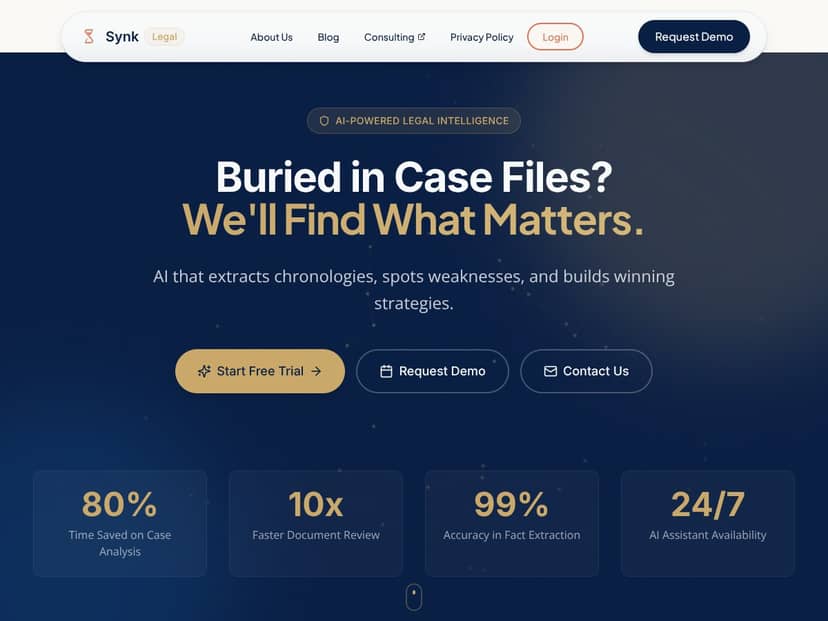
- Accuracy claims not verifiable (from what I saw): If the site or sales deck claims things like “99% accuracy” or “80% time savings,” I’d want the benchmark methodology. I couldn’t find transparent benchmarks in the public material I reviewed.
- Support/training info is unclear: Legal teams need onboarding. If support is limited or training is minimal, adoption can stall fast.
Who Is SYNK Legal Actually For?
If you’re a mid-sized firm or legal team dealing with lots of documents and repeatable analysis tasks, SYNK Legal could be worth exploring. The feature set suggests it’s aimed at people who want to:
- summarize matters faster
- search across large document sets without keyword-only workflows
- generate drafts/analysis outlines that humans refine
- pull from multiple storage systems
But here’s my practical take: if you’re a solo practitioner or a small firm, the lack of transparent pricing and detailed trial terms makes it harder to justify the risk. You don’t want to pay for “maybe it saves time” when you need predictable results.
Also, if you’re already using a research platform or document workflow tool that your team relies on daily, integrations (and how clean they are) become a deciding factor. I couldn’t fully verify integration behavior (sync speed, permissions, file formatting quirks), so I’d treat that as a “confirm before you commit” item.
Who Should Look Elsewhere
If your practice is small, budget-conscious, and you primarily handle straightforward matters, SYNK Legal may feel like overkill—especially if you can’t see pricing or trial limits upfront.
If you’re also the kind of person who wants lots of independent reviews, published case studies, and clear “here’s what customers achieved,” you might find SYNK Legal frustrating until there’s more public proof.
For alternatives, you may want to look at tools that are more transparent and more specialized depending on your needs. For example, if your work is mostly discovery response drafting, contract review, or litigation timelines, a focused platform can be easier to evaluate and often easier to justify.
Fair warning: if you’re expecting a plug-and-play tool with transparent costs and a proven track record, I’d wait until you can confirm the missing details with sales support.
How SYNK Legal Stacks Up Against Alternatives
Legalyze.ai
- What it does differently: Legalyze.ai is positioned around discovery response drafting and Q&A-style assistance for case files, which can be helpful when your day is packed with document-heavy tasks.
- Pricing: Not confirmed here with a specific source date. If you’re comparing, check the current pricing page directly.
- Choose this if... you do a lot of discovery work and want faster response drafting.
- Stick with SYNK Legal if... you’re looking for a broader “case analysis” workspace beyond discovery.
Clio Work (with Vincent AI)
- What it does differently: Clio Work ties legal research, drafting, and matter management together with Vincent AI—best fit if you’re already deep in the Clio ecosystem.
- Pricing: Not confirmed here with a current citation/date. You’ll want to review Clio’s latest plan details.
- Choose this if... you want AI features inside your existing practice management workflow.
- Stick with SYNK Legal if... you want something more standalone and focused on AI case analysis.
Legora
- What it does differently: Legora leans into document review and drafting/research automation, with a strong emphasis on analyzing legal documents and contracts.
- Pricing: Typically quote-based (exact amount depends on scope). Verify with their team.
- Choose this if... contract review and legal brief drafting automation are your main pain points.
- Stick with SYNK Legal if... you want a more general legal AI platform across multiple workflows.
Diligen
- What it does differently: Diligen is more focused on contract review and due diligence, which is great if your workload is transactional.
- Pricing: Not confirmed here with a current citation/date. Check their latest pricing/plan page.
- Choose this if... contract review automation is your priority.
- Stick with SYNK Legal if... you need broader case analysis rather than a contract-first tool.
Vera
- What it does differently: Vera is known for date extraction and timeline generation, which can be a big time-saver for chronology-heavy litigation work.
- Pricing: Often quote-based or plan-based; verify current details.
- Choose this if... you need timeline and chronology automation as a core capability.
- Stick with SYNK Legal if... you want research and analysis automation alongside timeline tasks.
Bottom Line: Should You Try SYNK Legal?
If you’re deciding today, here’s my honest position: I don’t have enough verifiable evidence from public sources to confidently say SYNK Legal is a slam dunk. The feature set sounds promising, but the trust-critical details—pricing transparency, user proof, citation behavior, and accuracy benchmarks—aren’t clearly spelled out in what I could access.
So I’d rate SYNK Legal 6.5/10 for now—not because it can’t be useful, but because I can’t verify the parts that matter most for legal work.
Who should try it: teams that handle lots of document review and want an AI workspace for summaries, search, and drafting outlines—and who are willing to validate citations, data handling, and output quality during a trial or pilot.
Who should skip it: if you need a specialized tool for discovery responses, contract review, or timeline extraction with strong public benchmarks, and you don’t want to gamble on unclear pricing/trial terms.
If SYNK Legal offers a real trial and answers your security/citation questions clearly, it could be worth testing. If they can’t, or the limits are too restrictive, I’d look elsewhere and spend your budget where the evidence is stronger.
And if you do reach out, don’t just ask “how much?” Ask for the specifics that protect your matter data and your sanity—because that’s where the real ROI shows up.




