Table of Contents
In today’s fast-paced work environment, keeping track of meeting notes can be quite a challenge. With multiple discussions and ideas shared, important details often slip through the cracks. That’s where TeamsMaestro comes in. This AI-driven note-taking tool promises to revolutionize the way teams capture and manage their meeting insights. In this TeamsMaestro review, we’ll explore its key features, benefits, and costs to see if it’s the right fit for your team.
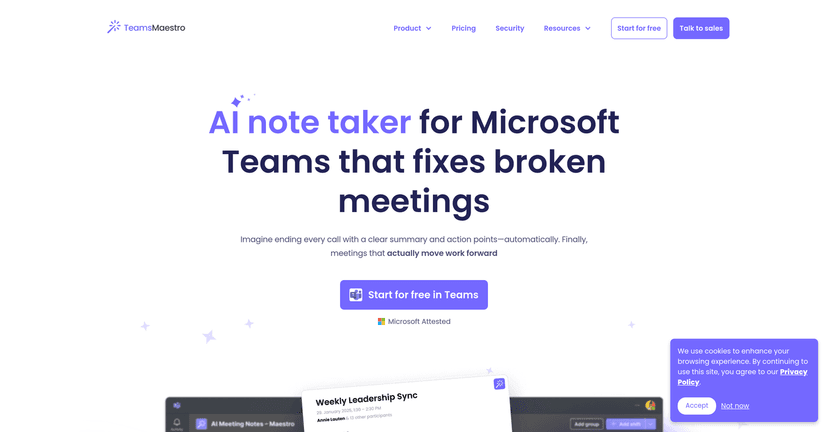
TeamsMaestro Review
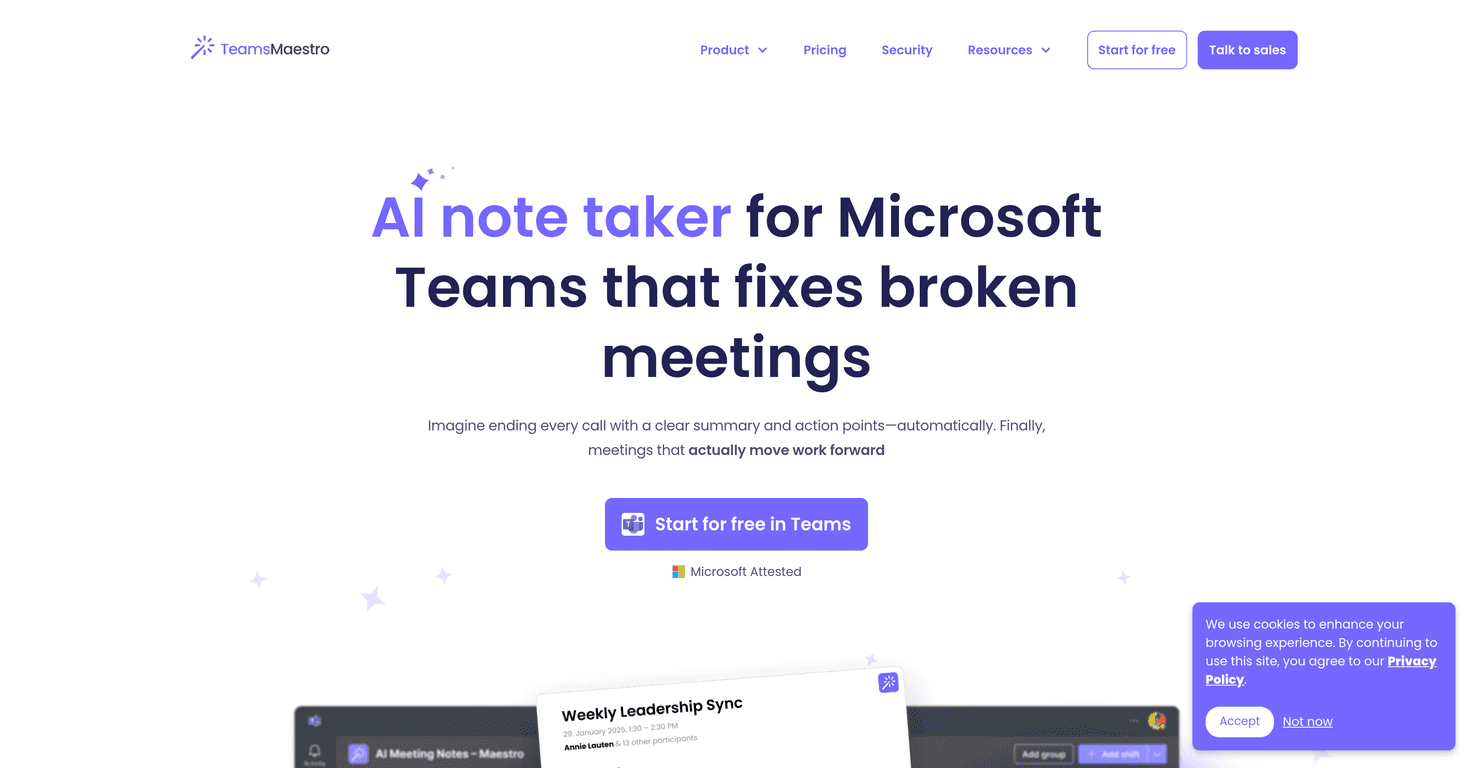
TeamsMaestro is an innovative AI note-taking solution specifically designed for Microsoft Teams meetings. With its automatic meeting summary feature, you can expect detailed and organized notes capturing the purpose, key takeaways, and action points right after each meeting. Supporting 18 languages, it’s an inclusive tool that caters to diverse teams working in different regions. Plus, it emphasizes data security and privacy, offering peace of mind when handling sensitive information.
However, while TeamsMaestro shines as a helpful ally in enhancing productivity, it does come with some downsides. Its heavy reliance on technology can be a challenge for those who prefer manual note-taking, and it is primarily tailored for users of Microsoft Teams. If you’re using other platforms, you might find it less beneficial. This push towards automation can be a double-edged sword, depending on team preferences.
Key Features
- Automatic Meeting Summaries that capture purpose, key takeaways, and action points.
- Multilingual Support with 18 different languages for comprehensive meeting transcripts.
- Secure Data Handling adhering to enterprise-grade protocols for privacy and security.
- Email Sharing feature that automatically distributes meeting notes to all participants.
- Centralized Note Storage for easy access to previous meeting data within Microsoft Teams.
Pros and Cons
Pros
- Ease of Use with no manual input required for note-taking.
- Improved Productivity providing quick access to summaries and action points.
- Inclusive for Multilingual Teams capturing discussions in various languages.
- Strict Data Security protocols that protect sensitive information.
Cons
- Potential Dependence on Technology may not suit all team members.
- Limited Functionality Without Teams making it less beneficial for non-Microsoft users.
Pricing Plans
TeamsMaestro offers a free plan allowing users to automatically capture and summarize meetings without any upfront costs. For details on paid plans and premium features, direct inquiry or visiting their pricing page is recommended.
Wrap up
In conclusion, TeamsMaestro presents a fantastic solution for teams looking to streamline their meeting note-taking process. Its automatic summaries and multilingual capabilities can save time and promote productivity, making it a valuable asset for any organization using Microsoft Teams. While there are some drawbacks, particularly for non-Microsoft users, its benefits can outweigh them if your team is on the right platform. Overall, TeamsMaestro is worth considering if you’re aiming to enhance your meeting efficiency.
Promote TeamsMaestro