Table of Contents
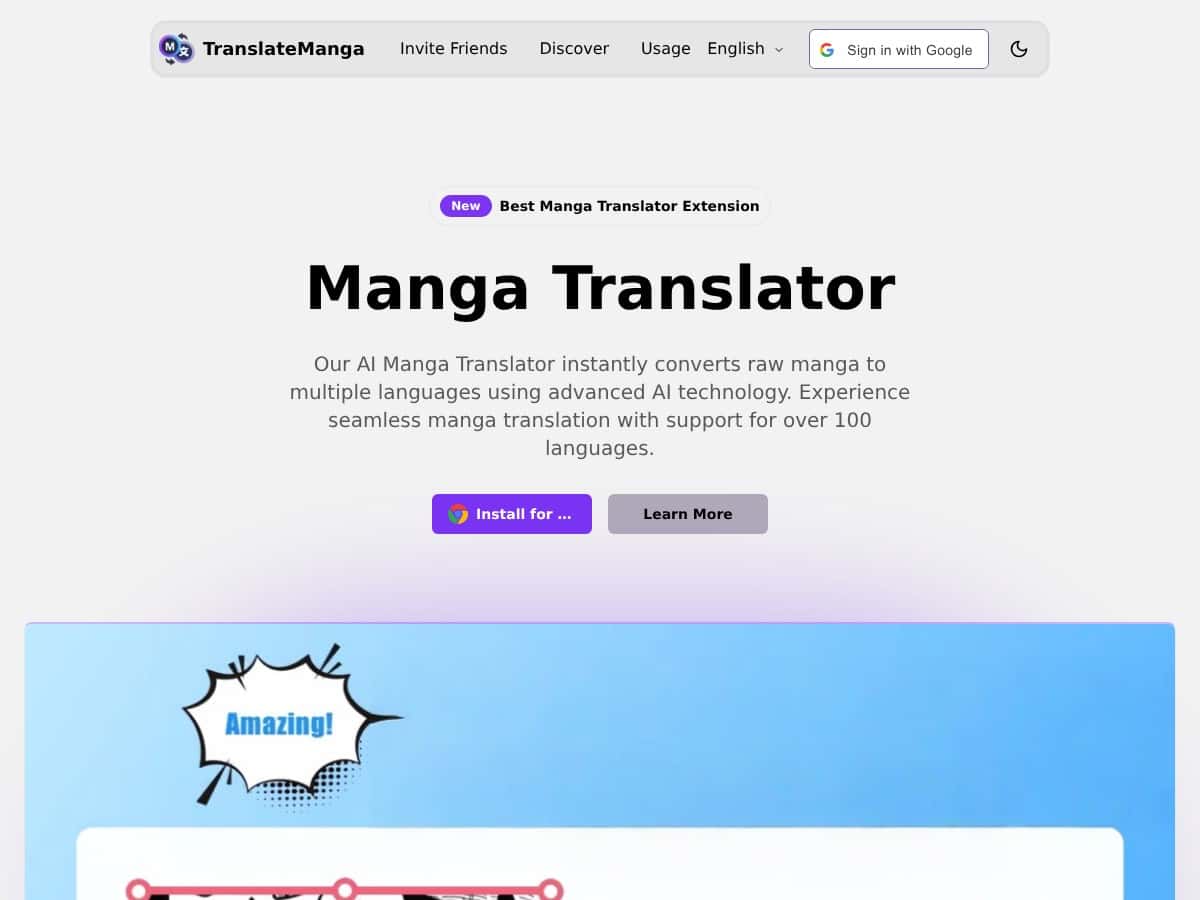
I’ve tried a few “scan-and-translate” tools before, but TranslateManga actually felt built for manga specifically. The test I ran was pretty straightforward: I used a single Japanese panel (dense speech bubbles, a mix of dialogue and some smaller text) and translated it in my browser. What stood out wasn’t just speed—it was how quickly it found the text inside the artwork and then returned readable output without me doing any manual cropping.
In my experience, that “auto-detect → translate” flow is where these tools usually win or lose. TranslateManga did the first part well: it recognized the text in the panel almost immediately, then produced a translation that was easy to follow. Could it be perfect every time? No. When the wording got more nuanced (and when there were tiny characters packed into a small bubble), I did notice a few spots where the translation needed a light tweak to match the tone.
TranslateManga Review: What I Noticed After Testing It
After testing TranslateManga, I’d describe it as “fast and practical” rather than “perfect and polished.” The biggest win is the workflow. I didn’t have to manually type anything. I just uploaded a Japanese manga panel, let the OCR do its thing, and got a translated result quickly enough that it didn’t break my reading flow.
Here’s what I noticed specifically:
- OCR for manga text: The text detection was strong on typical speech bubbles. It handled the panel layout well enough that the translated output felt aligned with the original content.
- Speed: From upload to translated text, it was quick. I wasn’t waiting around for long loading screens.
- Translation tone: Most lines came back readable and natural. But when the panel included smaller text or more context-heavy phrasing, I saw occasional mismatches in tone—nothing disastrous, but I didn’t feel like it was “done and forget it.”
- Artwork/layout preservation: The output didn’t feel like it stripped the page down to raw text. The original look stayed intact, which matters for manga.
So is it perfect? Not for every page. If your manga has lots of tiny kanji, stylized lettering, or heavy slang, you might need to do a quick sanity check. Still, for casual reading and getting the gist immediately, it’s genuinely useful. If you’re the type who wants to jump into new manga without hunting for official scans first, this does the job.
Key Features That Matter for Manga Translation
- Instant panel translation so you can keep reading instead of stopping to translate line-by-line.
- Language support for major East Asian languages (including Japanese, Korean, and Chinese), plus other options beyond that.
- OCR-based screenshot/panel handling—you upload or scan, and it detects the text automatically.
- Layout and artwork preservation so the translation fits the manga context instead of feeling detached.
- Auto text detection while uploading/browsing, which saves time (and avoids manual cropping).
- Bulk page translation if you’re working through multiple pages at once.
- Web-based interface (no complicated setup), which is a big deal if you just want to test something quickly.
- Optional social sharing for translated panels (I’ll mention limitations in a second).
Pros and Cons (Based on Real Usage)
Pros
- Fast results: The whole process felt responsive enough for casual reading.
- Good manga-specific OCR: Speech bubbles and standard panel text were easier to translate than I expected.
- Readable output: The translations were generally understandable without me constantly re-reading.
- No manual typing: Auto-detection means less busywork.
- Preserves the page feel: Keeping the artwork/layout intact makes the translation easier to interpret.
Cons
- Complex wording can slip: Some phrases—especially when the meaning depends on context—may come back slightly off. In those cases, I found myself editing mentally (and sometimes literally, depending on what I needed).
- Not every text size is equal: Tiny text and stylized lettering are where OCR-based tools can struggle.
- Language count depends on what you’re seeing: It’s described as supporting “around 50+ languages.” If you’re expecting 100+ options, don’t assume that’s included.
- Social sharing & extras aren’t something I’d bet on: I didn’t treat sharing/progress tracking as a guaranteed feature based on what I saw—so if that’s a must-have, it’s worth checking before you rely on it.
- Credits/subscription required for full use: You shouldn’t expect unlimited free translations. Plan on paying if you’re translating a lot.
Pricing Plans: What I Found and How to Think About Credits
TranslateManga uses a credit-based system. In the pricing info I saw, it starts around $5 for 1,000 credits. The key thing for me wasn’t just the price—it was how credits translate into actual usage.
Here’s how I approached it:
- Start small: I treated my first test like a “sample” run—one panel to see OCR accuracy and translation quality.
- Plan for multi-page translation: Bulk translation can burn credits faster than you’d think if you’re going through an entire chapter.
- Expect a mix of easy and tricky pages: Pages with lots of dense text tend to cost more “effort,” even if the tool is fast.
Also, I can’t promise the exact numbers will stay the same (pricing and credit packs change), so it’s smart to verify on the official site before you buy anything. But based on what I saw, there isn’t a truly unlimited free option—extended or heavier use will require credits or a subscription.
Wrap up
TranslateManga is a solid pick if you want quick, manga-friendly translations without waiting for official releases. It’s especially good for getting the gist fast and staying immersed in the page. Where it doesn’t fully nail it is the same place most OCR translation tools struggle: tiny/stylized text and context-heavy phrasing.
If you’re translating for casual enjoyment or exploring new series, I think it’s worth trying. Just don’t expect every panel to be “perfect on the first pass” — I still think quick checking is a good habit when the text gets complicated.