Table of Contents
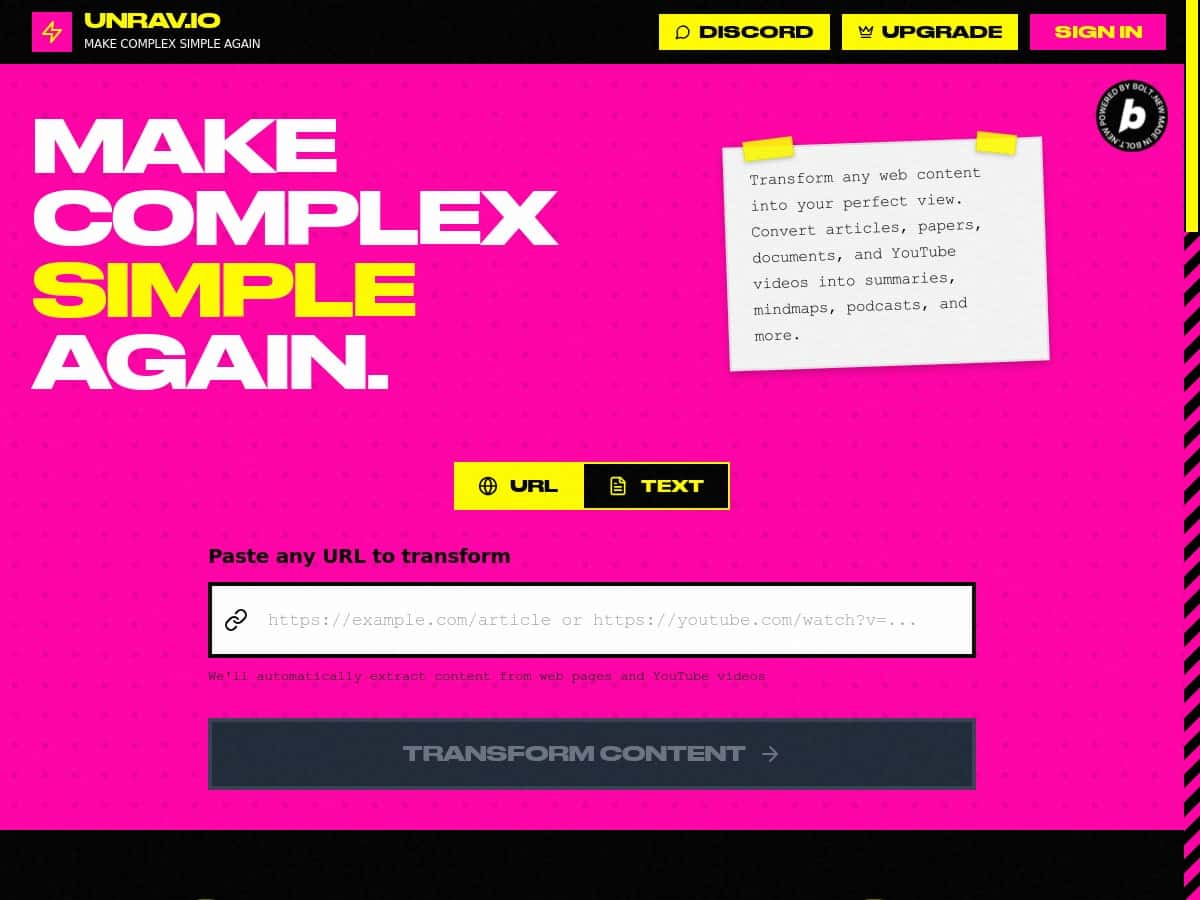
If you’ve ever stared at a messy doc, a long video transcript, or a pile of notes and thought, “I just need the important parts… now,” then UNRAV.IO is exactly the kind of tool that tries to help. I tested it to see how well it actually turns complicated content into something you can use—without making you fight the interface.
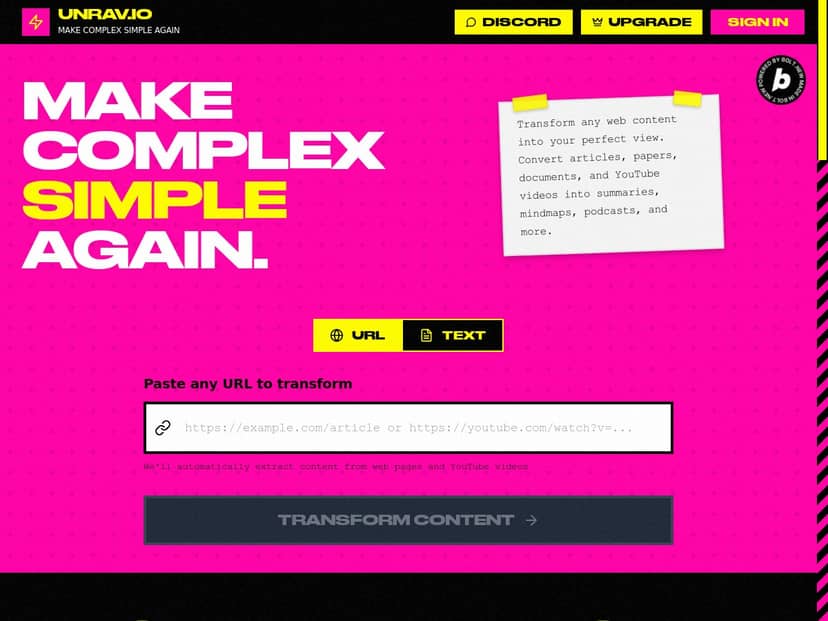
UNRAV.IO Review: What I Tested (and What You’ll Actually Get)
I used UNRAV.IO on a mix of content types because that’s usually where these tools either shine or fall apart. For my test, I focused on two scenarios: (1) turning a long text article into a clean summary, and (2) converting structured notes into a Q&A-style format I could review quickly.
Test setup (so you can judge the results): I worked in a standard web browser on my laptop (no special plugins). I fed the tool content that was long enough to matter—think “readable but time-consuming,” not a short paragraph. Then I checked whether the output was (a) actually condensed, (b) organized, and (c) usable without me doing everything over again.
1) Text summarization (before/after feel): After uploading/pasting text, the summary came back in a way that was noticeably shorter than the original. What I liked most wasn’t just the “shorter” part—it was the structure. The tool didn’t just spit out random bullet points. It tried to keep the main ideas together, which is what saves you time when you’re skimming for decisions or key takeaways.
2) Q&A conversion (this is the real time-saver): For the second run, I used content that had clear concepts and supporting details. The output was organized into a Q&A format, and that’s where I felt the biggest productivity bump. Instead of re-reading sections, I could scan questions and answers like a study guide.
One thing to be honest about: If your source content is messy (unclear headings, lots of tangents, or weak structure), the AI can still do the job—but you may need to tweak a few answers or rephrase certain questions so they match what you actually care about.
So yeah—using UNRAV.IO felt smooth, but the “magic” isn’t that it replaces your brain. It helps you get to a usable draft faster. That’s a big difference.
Key Features: Here’s What UNRAV.IO Does in Practice
- Automated summarization of text and audiovisual content
- When I tested it with long-form text, the summary was condensed enough to skim quickly. For audiovisual content, the tool’s value depends on how clean the transcript/notes are—if the input is readable, the output tends to be more coherent.
- Conversion of content into structured Q&A format
- This is one of the most useful parts. After generating Q&A, I could review concepts faster than re-reading the source. It works especially well for study material, meeting notes, and explanatory content.
- Workflow simplification by breaking down complex tasks
- Instead of making me jump between tools, UNRAV.IO aims to turn “big content” into smaller, digestible pieces. In my experience, that’s the difference between “I have to read this” and “I can work with this.”
- Task and process optimization for higher efficiency
- What I noticed: once the first summary/Q&A draft is generated, you can reuse it—turn it into notes, prep for questions, or create an outline. It’s not just output; it’s a starting point.
Pros and Cons (Based on My Test Runs)
Pros
- It makes long content easier to handle. The output is condensed and organized enough that I didn’t feel like I was starting from scratch.
- Summaries are quick and generally readable. I found the structure helpful when skimming for the main ideas.
- Q&A format is genuinely useful. I could review key points faster than re-reading the original text.
- User-friendly experience. The interface didn’t feel complicated, and I didn’t have to hunt for basic settings to get results.
Cons
- Customization isn’t very detailed (at least from what I could control easily). If you want very specific formatting rules or strict length targets, you might hit limits.
- Some outputs may need manual tweaking. Not every question/answer landed perfectly—especially when the source content was broad or repetitive.
- Pricing/tier details aren’t clearly visible here. I couldn’t confirm exact plan names, limits, or a free trial just from this page, so you’ll want to check the pricing page directly before committing.
- Subscription costs can add up. If you only need it occasionally, it may feel like overkill.
Pricing Plans: What I Could (and Couldn’t) Confirm
UNRAV.IO uses a subscription model, but the specific tiers and exact prices aren’t listed in the content I reviewed. As of my check, the pricing details you’ll want (plan names, monthly vs. yearly pricing, and any limits like number of uploads/exports) weren’t explicitly shown here.
What I recommend before you buy: open the pricing page and look for (1) whether there’s a free tier or trial, (2) any limits on file uploads or content length, and (3) what you get in each plan (export options, number of generations, etc.). If you don’t see those details, contacting support is worth it—especially if you’re planning to use it for school or client work.
Wrap up
UNRAV.IO is the kind of tool that helps when you’re drowning in content and you just need something organized—fast. My tests showed it’s strongest at summarization and turning material into Q&A you can actually review. Just don’t expect it to be perfect on the first pass for every messy input, and make sure you confirm pricing/tier limits on their site before you commit.
If you want a practical assistant for turning long material into usable notes, it’s a solid option to try.