Table of Contents
If you’ve ever watched a 360-degree video and thought, “Wait… I’m actually in this,” then you already get why VR storytelling works. It’s not just “immersive video.” It’s you designing moments where people can look around, discover details, and feel like the scene is responding to them.
And yeah—VR storytelling can feel overwhelming at first. Comfort settings, interaction design, performance, audio… it’s a lot. But in my experience, the real magic comes from a few practical decisions you make early, not from fancy tech. Keep the story simple, guide attention without yanking control away, and test like you mean it.
In this post, I’ll walk through what I’ve found works (and what I’d avoid) when building VR stories in 2026. You’ll get clear techniques, a realistic starting workflow, and answers to the questions people actually search for when they’re about to ship their first experience.
Key Takeaways
- VR storytelling is about presence and attention. Use 360° or real-time environments so viewers can look around, but you still “direct” them through composition, motion, and sound.
- Spatial design beats fancy effects. Place key story elements where people naturally look, then support it with spatial audio so emotions land without extra explanation.
- Comfort is part of the story. Choose locomotion carefully, keep sessions short (often 5–15 minutes for early builds), and design onboarding that helps people acclimate.
- Interactivity should have limits. Give users a small interaction budget (e.g., 3–6 meaningful actions per scene) so they don’t feel lost or overwhelmed.
- Testing isn’t optional. I always test with real people and track both task success (could they find the next beat?) and comfort (motion sickness/self-rating).
- Trends in 2026 are practical: AI-assisted personalization, social/group story mechanics, better standalone devices, and analytics that tell you where people drop off.
- Getting started is easiest with small scenes. Build a “vertical slice” (one location, one emotional beat, one interaction loop), then expand.
1. How to Use Virtual Reality Storytelling to Engage Audiences in 2026
Virtual reality storytelling engages people by putting them inside the scene—360-degree video or a real-time environment—so they can look around, orient themselves, and (sometimes) interact. That’s the big difference versus traditional video. In VR, the viewer isn’t just watching; they’re choosing what to see next.
What I noticed after building and testing multiple prototypes is this: engagement doesn’t come from “immersion” alone. It comes from attention design. You need to help people find the next emotional beat without forcing them to follow a rigid path.
Here’s a simple way to think about it in 2026:
- Presence: Make the space believable (lighting, scale, stable framerate, and consistent audio).
- Guidance: Use composition, subtle movement, and sound to steer where the viewer looks.
- Meaning: Connect what they notice to the narrative. If they look at something, it should matter.
Now, about the market side—yes, VR is growing. But instead of tossing numbers at you, I’ll translate them into decisions you can make. When hardware adoption rises, people expect smoother performance and more comfort-friendly controls. That means you should budget time for optimization and onboarding, not just story polish.
In my experience, one of the easiest wins is a “walk-in” opening scene: 20–40 seconds where the user can orient themselves while you introduce the premise through environment cues (a sound source, a character silhouette, a lit doorway). After that, you start the actual story.
Interactivity is the next lever. But don’t treat it like a requirement. A branching choice can be powerful, yet it can also confuse people in VR. Instead, aim for a small number of meaningful options. For example, “Choose which room to enter” works better than “Press 12 different buttons to proceed.”
2. Key Techniques for Creating Effective VR Stories
VR storytelling is basically a blend of film language and interface design. Here are the techniques that consistently hold up in real testing.
Spatial storytelling: design the world like a script
In VR, your “camera” is the viewer’s head. So you don’t just frame scenes—you place information. I like to plan each beat around three distances: near (0–2m), mid (2–5m), and far (5m+). That way, no matter where someone looks first, there’s something relevant within a quick glance.
- Put the next objective in the mid-distance (where people naturally scan).
- Use near objects for interaction (hands/controllers should reach them comfortably).
- Use far landmarks to orient navigation (a bright sign, a distant sound, a silhouette).
Presence and sound: audio is your invisible narrator
High-quality visuals matter, but audio does a ton of storytelling work. Spatial audio helps people “turn toward” what you want them to notice—without adding UI clutter.
Practical tip: if you’re using Unity or Unreal, test your audio attenuation and falloff curves early. A sound that’s too loud everywhere kills the guidance. A sound that’s too quiet makes people miss it entirely. When I’m iterating, I’ll literally stand in different corners and ask, “Can I tell where the source is?”
Emotional pacing: keep the story segments short
VR fatigue is real. I’ve seen users drop engagement after 20–25 minutes, even when the content is good. So I structure most story experiences as a chain of short segments.
A workable pacing model for many first projects:
- 0–2 minutes: onboarding + orientation (no complex choices)
- 2–8 minutes: 2–3 narrative beats (each with one emotional moment)
- 8–12 minutes: one interaction loop (choice or task)
- 12–15 minutes: resolution + “linger time” (let them look)
Interactivity: give users an interaction budget
Here’s what I mean by “interaction budget.” If a scene asks for too many actions, people get slow, frustrated, or they just stop exploring. A good starting target is:
- 3–6 meaningful actions per scene
- 1–2 branching decisions max (per session or per chapter)
- Clear feedback for every input (sound, animation, and/or UI confirmation)
Also, don’t force locomotion complexity. Teleport locomotion is often more comfortable for new users than smooth locomotion, especially if you’re not doing heavy comfort testing.
Authenticity: what “real” looks like in VR
Authenticity isn’t just “use real footage.” It’s consistency. If you’re telling a documentary-style story, use voices that sound natural, don’t over-edit the visuals to the point of uncanny realism, and keep the narrative grounded in real-world details (specific places, dates, or lived experiences).
3. Main Applications of VR Storytelling Across Industries
VR storytelling isn’t just for entertainment anymore. It’s used anywhere people need to understand something emotionally or spatially—where seeing isn’t enough.
Marketing: Brands use VR to let customers “try” a product experience. In practice, the best marketing VR stories focus on one or two key features, not a full catalog. Let people feel the difference, then get out.
Real estate: VR tours are a great fit because the value is spatial. The buyer can look around and understand layout. I’ve seen teams improve tour completion rates just by adding clearer “landmarks” (a highlighted entryway, a narrated route, and a simple “next stop” cue).
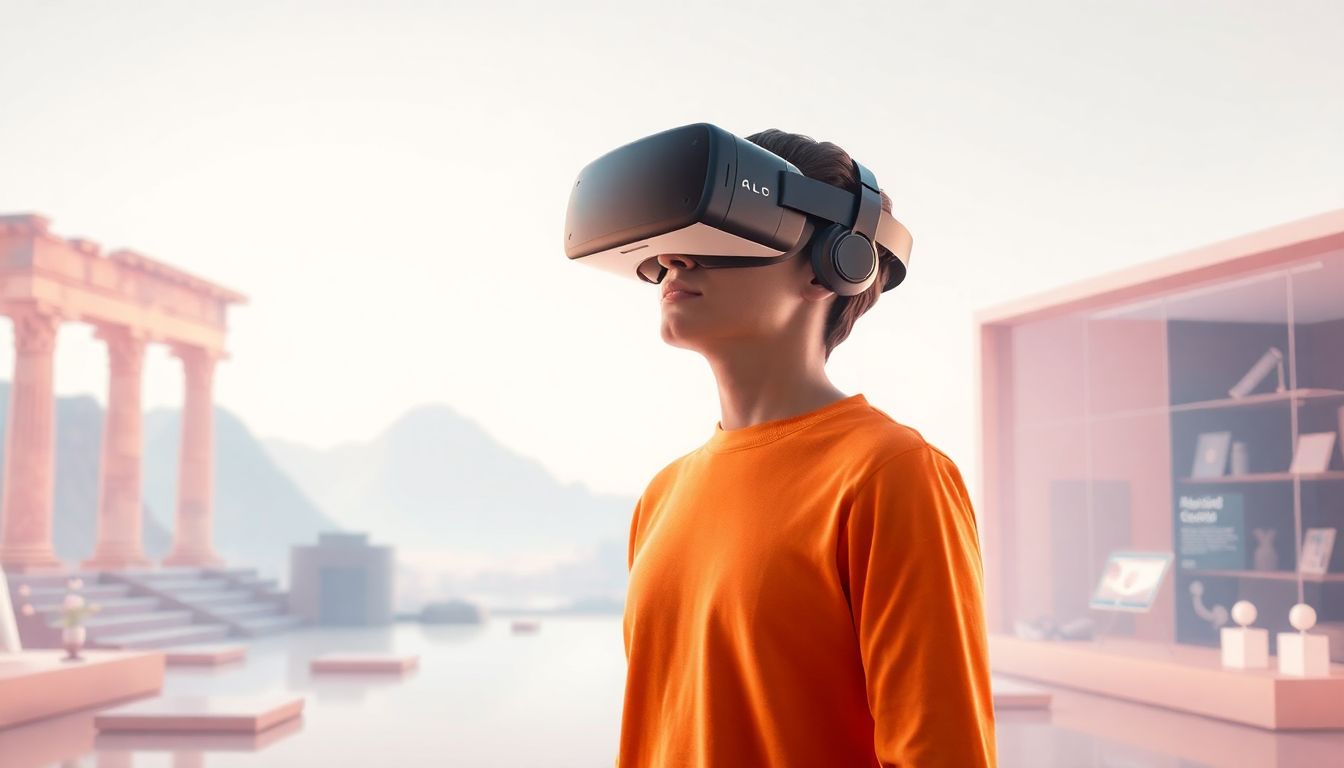
Education: History, science, and training benefit because VR makes scale and cause-and-effect easier to grasp. Students can inspect models, explore environments, and repeat experiments without risk.
Entertainment: Games and interactive 360° experiences are the obvious examples. But even non-game VR (like guided experiences) can be immersive when the pacing and attention cues are tight.
Healthcare: VR supports therapy, pain management, and medical training. What works best here is scenario realism plus controlled variability—so you can repeat sessions consistently while still adapting to user needs.
Corporate training: VR is useful when you need safe repetition. Think safety drills, equipment handling, or procedural walkthroughs. The story angle is what makes the training memorable, not just the simulation.
Across all these use cases, the common thread is simple: VR storytelling improves retention when it turns information into experience.
4. Best Practices for Successful VR Storytelling
Let me be blunt: flashy visuals won’t save a VR story that’s uncomfortable or confusing. The “best practices” that matter most are the ones tied to how people actually behave in VR.
1) Start with a single clear goal
When I write an outline, I pick one primary outcome: “By the end, the viewer understands X” or “By the end, the viewer feels Y.” Everything else is supporting cast.
If you’re struggling, ask: what should they remember 24 hours later?
2) Break the story into chunks (and give people breathing room)
In VR, information delivery is slower. If you try to dump exposition, people miss it. Instead, use moments where they can look and process—then you reveal the next beat with a cue.
3) Guide attention without hijacking control
Visual cues work better than forcing movement. Light the path. Add a subtle character motion. Use audio to nudge orientation. A good rule: if the viewer can’t figure out what to do within ~10–20 seconds, you probably need clearer guidance.
4) Treat audio as navigation
Audio can be your “GPS.” Put key narration or sound effects near the relevant object, and don’t play narration from the same spot every time. Spatial placement helps the brain connect story beats to locations.
5) Comfort testing should be part of your workflow
Don’t wait until the end. I test early with at least a small group (5–10 people is enough to spot major issues). I also ask a simple comfort question right after the session: “How nauseous did you feel?” (none, mild, moderate, strong).
Locomotion matters a lot. If you’re using smooth movement, expect more complaints unless you’ve done careful comfort tuning (speed limits, acceleration smoothing, and stable camera behavior).
6) Test on real hardware, not just your dev rig
Performance and controls can vary between headsets. Even if you’re building for a specific platform, test on at least one “lower spec” device when possible.
7) Collect feedback you can act on
“This was cool” is nice. But I prefer feedback like: “I didn’t know where to go,” “I couldn’t find the object,” or “I wanted to look around but the scene moved me.” Those comments translate directly into fixes.
If you follow these practices, your VR story will feel intentional—like it was built for humans, not just for demos.
5. Significant Trends Shaping VR Storytelling in 2026
VR storytelling in 2026 is less about “will it work?” and more about “how do we make it better for real users?” A few trends keep showing up in projects I watch and build.
AI-assisted personalization (with guardrails)
AI is increasingly used to tailor experiences—like adapting branching paths based on what the viewer did. In a practical setup, you might track choices (“did they inspect the artifact?”) and then adjust the next scene’s dialogue or reveal.
What I like about this approach is it can be lightweight. You don’t need full sci-fi autonomy. You just need clear rules:
- If the viewer chooses Option A, play Story Beat 2A.
- If they miss the hint, provide a gentle audio cue in Beat 2B.
- If they interact with the object, unlock extra context (a short “why it matters” segment).
That’s personalization you can test, measure, and improve.
Social VR story mechanics
Group storytelling is getting easier with multiplayer platforms. The hard part isn’t connecting players—it’s synchronizing story state. If one user triggers a beat, what happens to others? You need rules for shared progress, late joiners, and voice/text moderation.
Platforms like Meta Horizon Worlds are examples of where multiplayer experiences are becoming more common, and that’s pushing creators to think about co-presence.
Better standalone devices, fewer excuses
Standalone headsets are making VR more accessible. That’s great—but it also means performance becomes non-negotiable. If your scene stutters, people notice immediately and comfort drops fast.
Microlearning and short-form VR experiences
Instead of long narratives, many teams are shipping “chapters” that teach one thing in 3–10 minutes. It’s easier to test, easier to repeat, and easier for users to commit to.
Analytics that tell you what’s broken
Data-driven improvements are becoming standard. The trick is tracking the right events.
- Task success: did they find the next objective?
- Time-to-complete: how long until they reach the beat?
- Drop-off points: where do they quit?
- Comfort signals: self-report + session length + repeated resets
When you pair analytics with user feedback, you stop guessing and start fixing.
6. How to Start Creating VR Stories: Practical Steps
If you’re new, don’t try to build a feature-length VR film on day one. Start with a vertical slice: one environment, one emotional beat, one interaction loop. That’s how you learn without burning months.
Step 1: Write a “VR beat sheet”
For each beat, answer:
- What should the viewer feel?
- What do they need to notice?
- What’s the next action (look, walk, press, choose)?
- How do we confirm they got it?
Step 2: Choose your platform and tools
If you want a beginner-friendly path, standalone headsets are a common starting point. For development, Unity and Unreal Engine are popular choices.
In my workflow, I pick the engine based on what I can prototype fastest, not what’s “best.” Speed matters because you’ll iterate.
Step 3: Build a tiny scene first
Use free assets or 360-degree footage to get something working quickly. Then replace assets once you’ve confirmed the story flow.
My rule: if the viewer can’t understand where to go in under 20 seconds, I don’t care how good the lighting looks.
Step 4: Add one interaction (not five)
Start with a single interaction type—like a gaze-based prompt, a controller click on an object, or a simple choice at a doorway. Make sure it has clear feedback.
Step 5: Comfort and onboarding pass
Before you add more content, add an onboarding moment:
- Show how to reset view or recenter.
- Explain how to move (teleport vs smooth).
- Let users try one interaction without pressure.
Step 6: Test, measure, and fix
Run a small test and write down:
- Where did they get stuck?
- What did they miss?
- How did comfort feel?
Then adjust your attention cues and interaction clarity first. Those are usually the biggest ROI fixes.
Step 7: Publish intentionally
If you’re planning to package 360-degree content, consider distribution options like Amazon KDP for 360-degree e-books or VR-friendly marketplaces depending on your format. Just make sure your published version matches the experience you tested (settings, controls, and performance).
Once you’ve shipped one small experience, the next one gets easier. And honestly, that’s when the fun starts.
FAQs
Prioritize locomotion and camera stability. If you’re unsure, start with teleport movement and a short session length (often 5–15 minutes). Avoid fast acceleration, keep the horizon stable, and give users an easy recenter/reset option. Then test with real people and track self-reported comfort right after the experience.
Keep UI minimal and spatial. Place prompts near the object they refer to (not floating in the center of the screen). Use short dwell times for gaze activation, and always show feedback (highlight, click sound, or a quick animation). If you can, default to diegetic UI—signs, panels, or objects inside the world—so it feels like part of the scene.
A simple “one location, one emotional beat” format. Example: an opening orientation moment (20–40 seconds), one guided discovery beat (viewer finds an important object), one small interaction loop (choose or press), and then a resolution with a linger time. Keep the interaction budget low (3–6 meaningful actions) so you can actually test and refine.
Measure both usability and comfort. Usability metrics: task completion (did they reach the next beat?), time-to-complete, and whether they noticed key objects. Comfort metrics: a quick nausea rating and whether users tried to take the headset off early. Then fix guidance and interaction clarity before you add new story content.