Table of Contents
3D modeling has always been one of those things that looks “fun” from the outside and feels absolutely brutal once you’re actually doing it. You’re juggling references, learning controls, fixing weird topology… and then you still don’t like how the final asset looks. I get why people look for shortcuts.
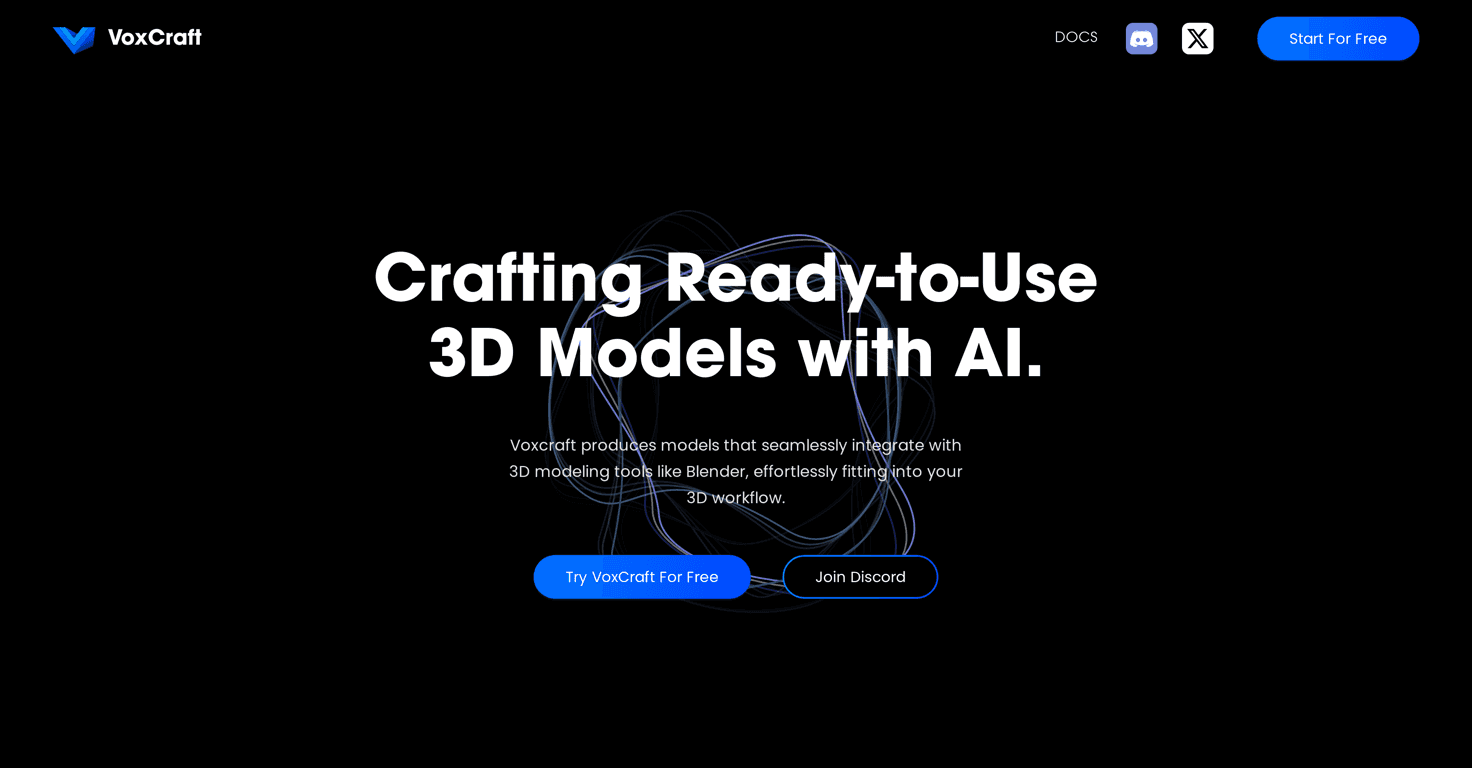
That’s where VoxCraft caught my attention. The pitch is simple: use AI to generate 3D assets from images or text, so you can spend less time wrestling the software and more time building.
In this VoxCraft review, I’m going to focus on what it’s like to use in real life—what it does well, where it can frustrate you, and what I’d want to see improved before I’d call it “perfect.”
VoxCraft review: does it actually make 3D easier?
VoxCraft is positioned as a more approachable way to generate 3D assets using AI—especially if you’re not trying to become a full-time 3D modeler. The two core ideas are image-to-3D and text-to-3D. And yeah, it’s the kind of workflow that can save a ton of time when you’re just trying to get something usable quickly.
What I noticed right away is that it’s built for iteration. Instead of starting from a blank scene and manually sculpting every detail, you can generate something, see where it misses, and then refine your input. That’s a big deal when you’re working on concept art, quick prototypes, or filling out assets for a game scene.
That said, don’t assume it replaces real modeling. It’s more like a fast “first draft” engine. If you need precise control (hard-surface details, exact proportions, consistent UVs), you’ll still end up doing cleanup somewhere.
Key features I’d actually use
- Image-to-3D Generation: If you have a reference image, you can turn it into a 3D model without starting from scratch. In my experience, the quality depends a lot on how clear the reference is—simple shapes and strong silhouettes usually work better than busy, low-light photos.
- Text-to-3D Generation: You describe what you want, and VoxCraft generates the asset. This is great for brainstorming. I like using short prompts first (like “low-poly ceramic mug with handle”) and then rewriting with more specifics (“matte glaze, light cracks, centered composition”).
- Text-to-Texture: Generating textures from text is one of the more fun parts. Want a “brushed metal” look, a “weathered concrete” vibe, or patterned fabric? This helps you push style without hunting for the perfect texture pack.
- Web and Discord Integration: Being able to use it via web and Discord matters more than people think. If you’re already in a community or you prefer quick back-and-forth, Discord integration can make the whole process feel more natural.
Pros and Cons (the honest version)
Pros
- Beginner-friendly: The interface is straightforward enough that you’re not stuck learning 20 different tools before you can get a result.
- Flexible inputs: Images or text—either way, you can start. That flexibility helps when you’re at different stages of an idea.
- Community support on Discord: If you run into issues or want prompt ideas, having an active place to ask questions is genuinely useful.
- Speed: It’s much faster to generate something “good enough” than it is to model from scratch, especially for early concepts.
Cons
- Platform limits: If you’re expecting a standalone desktop workflow, you may find the “web + Discord” setup restrictive.
- 3D modeling still has a learning curve: Even with AI generation, you’ll need to understand basic 3D concepts to know what to fix (scale, orientation, texture seams, etc.).
- Not a full replacement for advanced tools: Professionals who rely on detailed control may feel boxed in if they’re expecting deep modeling workflows.
Pricing Plans (what I found so far)
Here’s the part that’s a little annoying: VoxCraft’s pricing details aren’t clearly disclosed in the information I’m seeing right now. That means I can’t confidently tell you whether it’s free, subscription-based, or how usage limits work.
Before you commit, I’d recommend checking the VoxCraft site directly and looking for things like:
- Whether there’s a free tier (and how many generations you get)
- Any limits on image-to-3D vs text-to-3D outputs
- Whether texture generation has separate limits
- Export formats and any restrictions tied to the plan
If you want, tell me what kind of projects you’re doing (game assets, product mockups, character props, etc.) and I can help you figure out what pricing structure would make sense.
Wrap up
So, is VoxCraft worth your attention? In my view, it’s a solid option if you want to speed up 3D asset creation and you’re okay treating the output as a starting point. The image-to-3D and text-to-3D features are genuinely useful for getting ideas into a visual form quickly, and the text-to-texture part is a fun way to add style without going texture hunting for hours.
Just don’t expect it to magically handle every professional requirement out of the box. If you’re doing polished, production-ready work, you’ll likely still refine results somewhere else.
If you’re exploring ways to boost your 3D workflow, VoxCraft is definitely worth testing—especially if you like iterating fast and seeing ideas turn into assets sooner rather than later.