Table of Contents
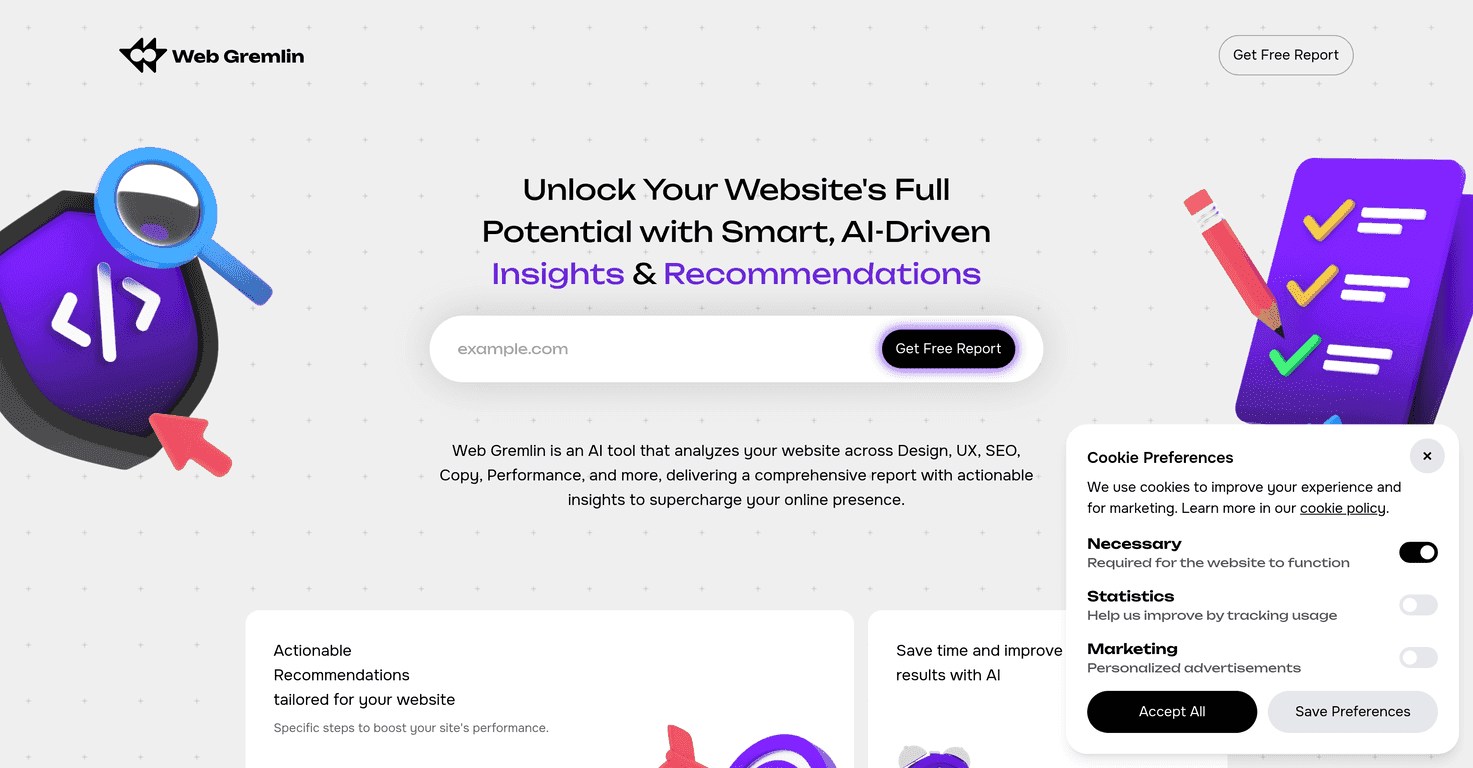
In today’s digital world, having an effective website is crucial. Many website owners struggle to analyze their sites and find ways to enhance performance. Fortunately, Web Gremlin steps in as a friendly guide, using AI technology to simplify the process.
With Web Gremlin, you can receive detailed reports tailored to your website’s needs. This review will explore how Web Gremlin can help improve your site’s effectiveness.
Let’s dive in to see what makes Web Gremlin a go-to tool for website analysis and optimization!
Web Gremlin Review
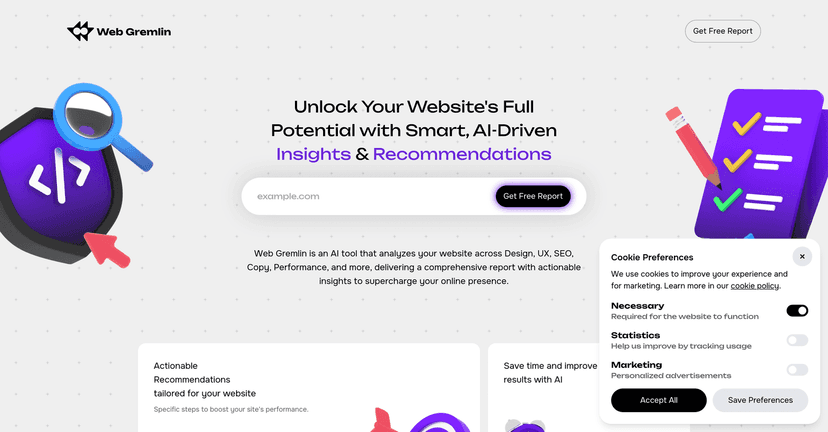
Web Gremlin stands out as an AI-powered website analysis tool that takes the guesswork out of web optimization. Whether you’re a small business owner or running a large enterprise, understanding how your website performs is essential. Web Gremlin analyzes everything from SEO to user experience, providing actionable insights to enhance your site.
The platform’s user-friendly interface guides you through three simple steps. Just enter your URL, let the AI work its magic, and receive a detailed report packed with insights. Unlike many other tools, Web Gremlin focuses on both technical and design aspects, making it a comprehensive solution.
Overall, Web Gremlin combines advanced technology with simplicity, making website optimization accessible to everyone.
Key Features
- AI-Powered Analysis
- Actionable Recommendations
- In-Depth Analysis in Multiple Categories
- User-Friendly Interface
- Free and Paid Options Available
Pros and Cons
Pros
- Offers detailed insights to boost website performance
- Easy to use, even for non-tech-savvy individuals
- Comprehensive AI-driven analysis across various areas
- Quick generation of reports saves time
Cons
- Free plan offers limited insights and recommendations
- In-depth reports may require a one-time fee, which might not fit all budgets
Pricing Plans
Web Gremlin provides two pricing plans. The Free Plan costs $0, offering limited insights into strengths and weaknesses. For those seeking more detailed information, the Full Report Plan is available for a one-time payment of $19, including comprehensive analysis across additional categories.
Wrap up
In conclusion, Web Gremlin is a valuable tool for anyone looking to optimize their website. With its intuitive user interface and comprehensive AI analysis, it delivers actionable recommendations tailored to your website’s needs. While the free plan has its limitations, the affordable full report option provides in-depth insights that can significantly enhance your site’s effectiveness. If you want to improve your website’s performance and user engagement, Web Gremlin is definitely worth considering!
Promote Web Gremlin