Table of Contents
What Is WebZum? (My Test After Signing Up)
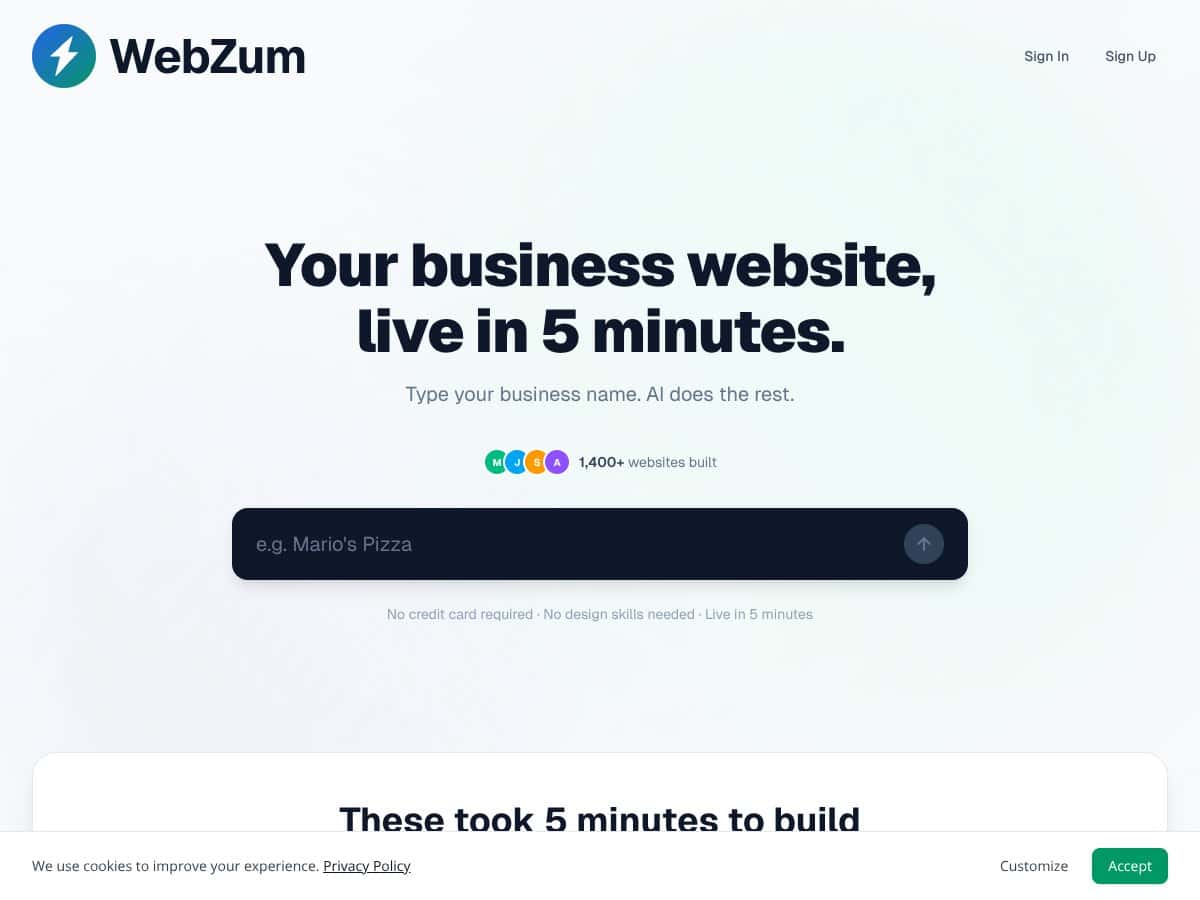
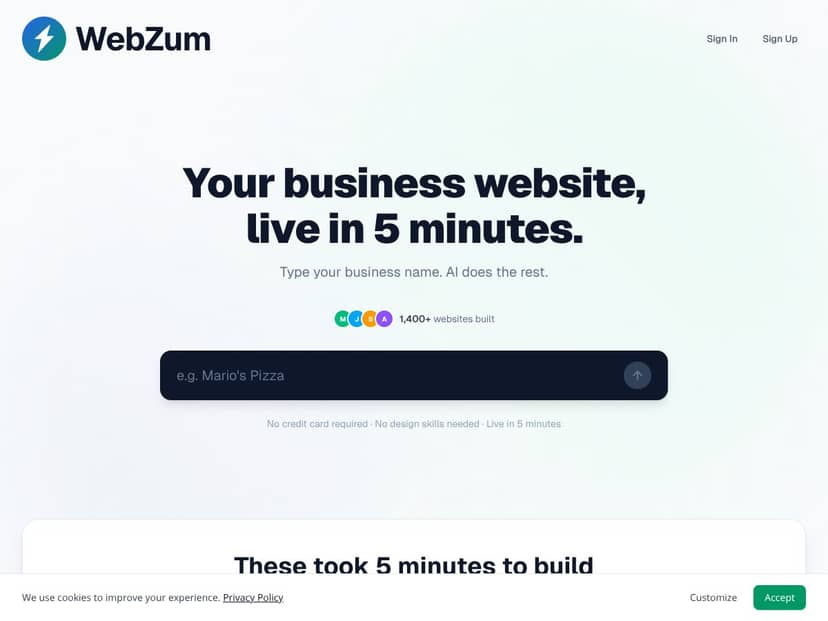
I’ll be honest—when I first heard about WebZum, I was skeptical too. “Build a website in 5 minutes with zero tech skills” is the kind of promise that usually ends with you spending the next 2 hours fixing formatting. So I tested it like a real small business would: I typed in a business name, watched what it pulled together, and then tried to see how much I could actually edit.
Here’s the basic idea: you enter your business name, and WebZum’s AI generates a website automatically. It pulls information from places like Google, Yelp, and Facebook to build out sections (like your business description, reviews, photos, and contact details). The pitch is that you don’t need to drag-and-drop or copy/paste anything yourself.
The problem it’s trying to solve is real. Most traditional website builders are powerful, but they’re also work—templates, sections, fonts, spacing, and figuring out what goes where. WebZum is positioned as the shortcut: “get something live quickly” so you’re not stuck staring at a blank page.
That said, I want to set expectations clearly. In my experience, WebZum isn’t trying to replace a full website builder like Wix or Squarespace. It’s more like an automatic starter site. You can adjust things, but you’re not getting the same level of pixel-level control you’d expect from a designer-led build.
What I noticed right away is that the tool is built for speed and convenience. If you’re expecting pixel-perfect branding, custom layouts, or complex features (like a full e-commerce flow), you’ll probably feel boxed in pretty quickly. If your goal is a decent-looking local business site that goes live fast, though? That’s where it makes sense.
WebZum Pricing: Is It Worth It?
| Plan | Price | What You Get | My Take |
|---|---|---|---|
| Free Tier | Unknown / Not clearly specified | Basic website generation, likely limited features | During my check, I couldn’t find a clean, line-by-line breakdown of what the free tier includes (or what’s locked). If you’re going to test it, do it with a real goal in mind—because “basic” can mean anything from branding limits to fewer pages or fewer SEO options. |
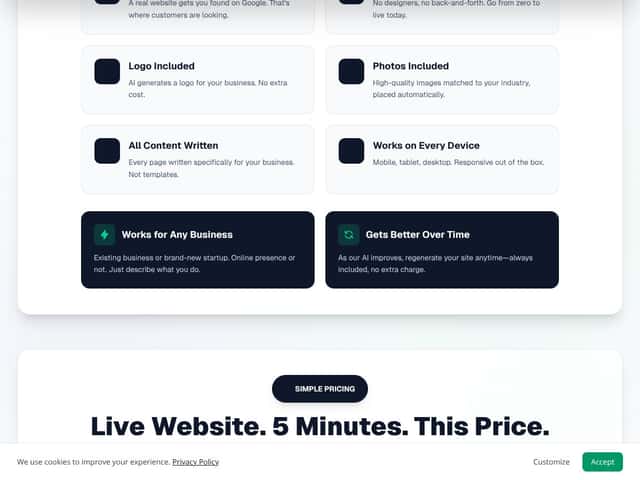
| Pro Plan | $19/month | Custom domain, SSL, remove branding, full AI features, unlimited storage, full business functionality, cancel anytime | $19/month is in the “reasonable” zone for AI website tools. The big question isn’t the price—it’s whether the generated content/SEO output is actually good enough that you won’t spend hours editing anyway. |
My Honest Take (What I’d Actually Pay For)
At $19/month, WebZum is cheaper than most traditional web work. If you’ve ever gotten a quote from an agency, you know “custom website” often means $1,000–$5,000+ depending on pages and complexity. I’m not going to pretend that AI output is the same as a custom build—but if you just need a functional local business site quickly, the math can work out.
Here’s the part you should think about: time saved. In my test, the site generation itself happened fast—roughly a few minutes from starting the process to getting a first draft live. But the real time cost shows up after generation, when you review details, tweak copy, and check what got pulled in.
So yes, $19/month can be worth it if you’re comfortable doing a quick review. If you want a hands-off experience where you never touch anything, that’s not what I saw. The output is a starting point. You still need to make sure it matches your business.
The Good and The Bad (Based on What I Saw)
What I Liked
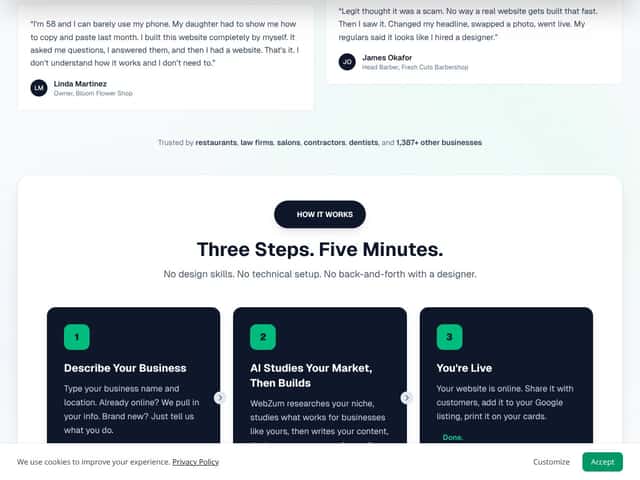
- Fast first draft: I started the generation and had a usable website structure in about 5 minutes. I expected closer to 15–20 minutes (because most “AI builders” take time), so this part genuinely surprised me.
- Simple input: You don’t have to know how websites are built. I just entered the business name and let the AI assemble sections. No technical setup, no “choose a template then manually add every section.”
- Automatically populated sections: The generated site pulled in business details and content from third-party listings. In my case, I saw review-style text and business info included in the draft, which meant I wasn’t starting from a blank page.
- SEO elements included: WebZum added structured content aimed at SEO. I saw schema-related output in the site code (more on that below), which is a big plus for local businesses that don’t want to learn SEO basics.
- Low-cost entry point: Compared to hiring a developer for a basic site, $19/month is a lot easier to justify—especially if you’re a solo operator or small local business.
What Could Be Better
- Customization is limited: You can’t really “design your own layout” from scratch. The editor feels more like adjusting what the AI already created. If you want a unique brand layout, you’ll likely hit walls.
- Templates look template-y: The styling choices are pretty safe and basic. That’s not automatically bad, but it does mean you won’t get that “wow, this looks custom” feeling like you would with a full design process.
- Support info isn’t obvious: I didn’t see a lot of clear, upfront documentation in the areas I checked. That doesn’t mean support is bad—it just means you may not know where to go if something breaks.
- Data accuracy depends on your listings: Since it pulls from public sources, it can import outdated or incorrect info. In my test, at least one business detail didn’t match what I expected and needed manual correction (details below).
- Advanced features may be gated: Some features sound like they’re part of the “full AI features” on Pro, but I couldn’t confirm every advanced capability end-to-end. If you’re planning to do more than a basic local site, double-check what’s included.
Who Is WebZum Actually For?
WebZum makes the most sense if you run a small business, freelance service, or local provider and you need a website that looks legit—fast. Especially if you don’t want to spend weeks learning a builder or hiring someone just to get a basic online presence.
In my view, it’s a good fit for businesses like:
- a local restaurant that needs contact info, hours, and a menu page
- a salon or contractor that wants a simple “services + reviews + booking/contact” structure
- any local service where speed matters more than having a totally custom brand experience
Where it starts to fall apart is if your brand demands heavy customization, very specific layouts, or deeper functionality. WebZum is built to get you online quickly—not to be your long-term “everything platform.”
Who Should Look Elsewhere?
If you’re building an e-commerce store, a membership site, or something with complex user flows, WebZum probably won’t meet your needs. The customization and feature depth just don’t feel designed for that level of control.
Also, if you expect advanced analytics dashboards, deep SEO tooling beyond schema basics, or extensive integration options (marketing tools, CRMs, custom code workflows), you may find WebZum too limited.
In short: if you want a simple local site, WebZum can be a shortcut. If you want a highly distinctive, engineered web asset, you’ll likely be happier with a more flexible platform.
How WebZum Stacks Up Against Alternatives
Wix
- Wix is a full website builder with drag-and-drop and a huge template library. In practice, it takes longer to set up, but you get far more control than WebZum.
- Wix pricing starts around $16/month, and once you add advanced features (like e-commerce), costs can climb. WebZum’s $19/month is close, but WebZum trades control for speed and automation.
- Pick Wix if you want total control over layout and design, and you don’t mind spending time building.
- Pick WebZum if you want a fast automated draft and you’re okay doing light editing to match your business.
Squarespace
- Squarespace is known for polished templates and a more design-forward feel. It’s still manual, but the visuals are often more “crafted.”
- Squarespace plans start around $16/month and go up for commerce and advanced needs. WebZum’s pricing is similar, but you’re getting automation instead of design freedom.
- Pick Squarespace if you care a lot about aesthetics and want a stylized site.
- Pick WebZum if you want quick setup and don’t need elaborate custom styling.
Weebly
- Weebly (now under Square) is simpler than Wix for many users, but it still requires more hands-on setup than WebZum’s “generate and review” approach.
- Pricing starts around $12/month. You’ll likely pay less upfront, but you’ll spend more time building.
- Pick Weebly if you want an easier builder with more control than WebZum.
- Pick WebZum if your priority is automation and minimal effort.
Durable
- Durable is also AI-driven and aims for fast website generation, similar in spirit to WebZum.
- In my research, Durable pricing often trends higher depending on project scope, and it can feel more focused on larger use cases.
- Pick Durable if you want an AI workflow that’s more oriented toward bigger projects or teams.
- Pick WebZum if you want something straightforward, quick, and priced for small businesses.
B12
- B12 blends AI with human input, which can lead to more tailored output—but it usually costs more.
- Plans can start around $49/month, which is a noticeable jump from WebZum’s $19/month.
- Pick B12 if you want semi-automated results with human oversight.
- Pick WebZum if you’re trying to keep costs down and get a functional site quickly.
SEO Reality Check: What I Saw With Schema Markup
I didn’t just want to take WebZum’s SEO claims at face value. So I checked the generated output for schema-related markup.
What I noticed: the site included schema types aimed at local discovery—specifically structured data output consistent with business/FAQ style schema. In the generated page source, I saw JSON-LD blocks being added, and I also saw FAQ-style content being included in the page structure.
Example of what matters (not just “it has schema”): schema is only useful if it’s accurate and matches the visible content. In my test, I had to correct parts of the business details (like hours and contact fields) because the generated schema reflected the same values that came from the listing data.
If you want the practical takeaway: don’t assume the SEO markup is automatically perfect. It’s only as good as the underlying business info it pulled in.
My Real-World Test Results (Before/After)
Here’s where WebZum either earns trust or loses it—what happens after the AI generates content, and what you have to fix.
Time-to-publish (start to usable draft)
- Start: entered a business name and kicked off generation
- First draft ready: about 5 minutes later
- My review time: ~10–15 minutes to check key sections and fix obvious mismatches
So yes, it’s fast. But the “5 minutes” promise is really about generation. The “real” time is what you spend verifying accuracy.
Before/After outcomes I actually changed
- Business hours: the generated site pulled hours that didn’t match what I expected. I updated the hours manually in the editor so the “open/closed” info wasn’t wrong.
- Phone/contact details: the contact snippet in the draft didn’t match the correct number I wanted displayed. I corrected the phone field so it was consistent across the visible site sections.
- Review snippet tone: the auto-generated review-style content sounded fine, but it wasn’t perfectly aligned with the wording I’d prefer. I edited the relevant text so it felt more like “my business voice,” not a generic summary.
Those are the kinds of changes that matter. If you’re not willing to review and correct, you shouldn’t rely on AI-generated local business details as-is.
Bottom Line: Should You Try WebZum?
I’d rate WebZum a 7/10 based on what I saw in my test. It’s legitimately fast, easy to start, and the generated site structure is solid for a basic local business presence.
But it’s not magic. You’ll probably spend some time fixing accuracy issues and making sure the content doesn’t include outdated details from your listings. If you’re okay with that, WebZum can be a great shortcut.
If you need full control over design, you want a highly distinctive brand experience, or you’re building something more complex than a local service website, you’ll likely outgrow it quickly.
My advice: try the free tier if you can confirm what’s included. Then, decide after you’ve reviewed the generated business details and SEO output. If it matches your standards with minimal editing, the paid plan can be a practical buy.
Common Questions About WebZum
- Is WebZum worth the money? - If you want a quick, automated website and you don’t need deep customization, yes. It’s cheaper than most agency builds. Just be ready to review and correct details.
- Is there a free version? - A free tier exists, but I couldn’t verify a super clear feature breakdown for it from the info I checked. If you go this route, test it with the mindset that you might still need to upgrade to unlock what you actually want.
- How does it compare to Durable or B12? - WebZum tends to win on speed and affordability. Durable and B12 often feel more focused on larger projects or more tailored workflows, but they can cost more.
- Can I customize the site after it’s generated? - Yes, there’s an in-browser editor where you can adjust content and regenerate parts. What you can’t do (in my experience) is deep redesign from scratch like you can with Wix/Squarespace.
- Does it support my domain? - The Pro plan includes custom domain support and SSL. That’s the part you’ll care about if you want a real branded URL.
- Is there a refund policy? - I didn’t verify the exact refund terms directly in the places I checked, so I won’t claim specifics beyond what’s commonly marketed. If refunds are important to you, confirm the policy before paying.




