Table of Contents
So, what is an eBook and how does it work? You’ve probably heard about eBooks, but maybe you’re not quite sure what they’re all about. They’re like the digital version of paper books, but there’s more to them than just that.
An eBook is a book in electronic format. You can read it on devices like a Kindle, a tablet, or even your phone. It’s pretty handy because you can carry a whole bunch of books with you on one small device.
The cool thing about eBooks is how they work. You can buy them online and start reading right away. No waiting for deliveries or lugging heavy books around. Plus, some of them have features that regular books don’t, like changing the font size or searching for specific words.
What is an eBook and How Does It Work?
a. Definition of an eBook
An eBook, short for “electronic book,” is pretty much what it sounds like – a book in a digital format that you can read on electronic devices.
It’s like having a book, but instead of turning paper pages, you swipe or click through on a screen. You can read eBooks on various gadgets like e-readers (like the Kindle), tablets, smartphones, and even computers.
The story of eBooks goes way back. Believe it or not, the idea popped up in the 1930s, but it wasn’t until computers and the internet became everyday things that eBooks really took off.
The first true eBook was created in the early 1970s – a digitized version of the US Declaration of Independence. But eBooks only started becoming popular in the 1990s, when the internet was all set to change the way we read.
Fast forward to today, and you’ve got millions of eBooks just a few clicks away, on all sorts of topics and in many languages.
b. How eBooks Work
eBooks work using a pretty neat mix of technology. They are usually files that you can download to a device, kind of like downloading a song or a movie.
These files are often in formats like EPUB, PDF, or MOBI, which are just different ways of storing and displaying the book’s content in a digital form.
To read an eBook, you need either a special e-reader device like a Kindle or Nook, or you can use eBook reading software on a smartphone, tablet, or computer.
E-readers often use a technology called e-ink, which looks a lot like real paper and is easy on the eyes. Plus, e-readers can hold hundreds or even thousands of books at once, and their batteries can last for weeks.
If you don’t have an e-reader, no problem. There are plenty of apps for phones and tablets, like Apple Books for iOS or Google Play Books for Android, which let you read eBooks too.
You can also use software on your computer to open and read eBooks. An extremely useful part about reading eBooks on these devices is that you can often change the font size, style, or even the background color of the page, making reading more comfortable for you.
Formats of eBooks
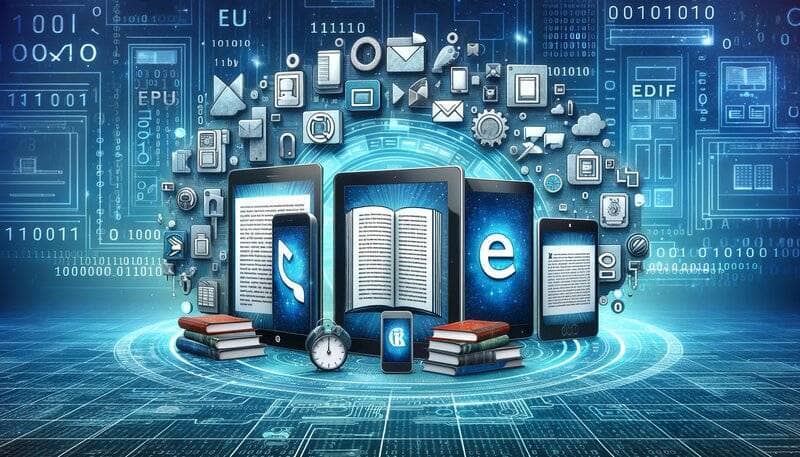
When it comes to eBooks, they come in different formats, kind of like how music files can be MP3s or WAVs.
The most common eBook formats are EPUB, PDF, and MOBI. Each format has its own features and works a bit differently on various devices and e-readers.
EPUB is super popular because it’s flexible. It lets the text adjust to fit the screen of your device, which makes it easy to read on phones and tablets. It’s like the text flows to fit the screen size, which is really handy.
PDFs are like digital prints of pages. They keep the layout and design just like they would appear on paper, which is great for eBooks with lots of graphics or a specific design. The downside? Sometimes the text in PDFs can be hard to read on smaller screens because it doesn’t flow or adjust like EPUBs.
MOBI is mainly used on Kindle devices. It’s a lot like EPUB but tailored for Amazon’s e-readers. So, if you have a Kindle, you’ll be using MOBI files most of the time. However, Kindle supports EPUB now too, so it is mostly up to you.
Knowing which format works best on your device helps a lot. Like, if you’re using a Kindle, you’ll most likely stick with MOBI, but if you’re reading on an iPad or Android tablet, EPUB might be your go-to.
Benefits of eBooks
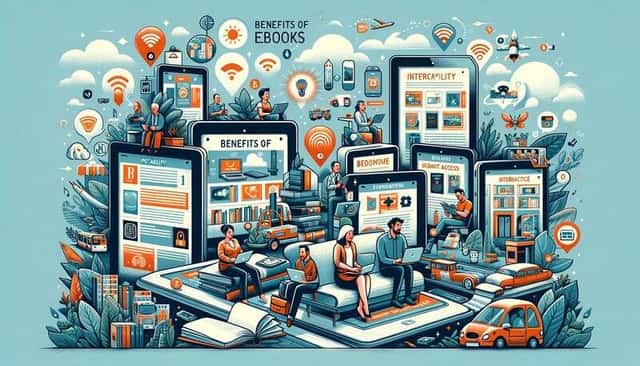
eBooks have some pretty cool advantages over traditional print books, making them a great choice for many readers.
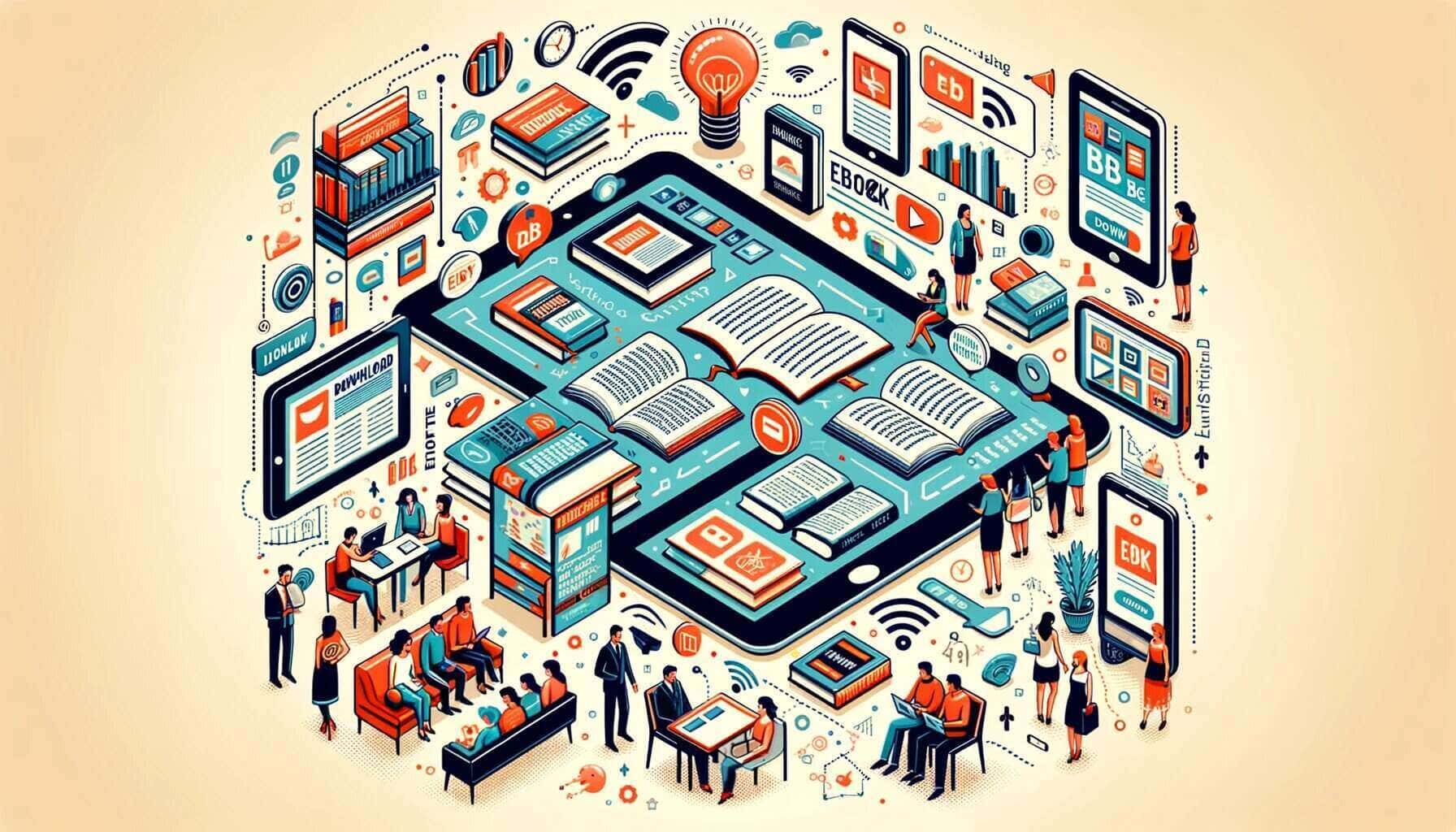
First off, eBooks are super portable. Imagine carrying an entire library in your pocket – that’s what you can do with an eBook. Whether you’re using a lightweight e-reader, a tablet, or just your phone, you can have access to thousands of books without the bulk and weight of physical copies. It’s perfect for when you’re on the go, traveling, or even just relaxing at home.
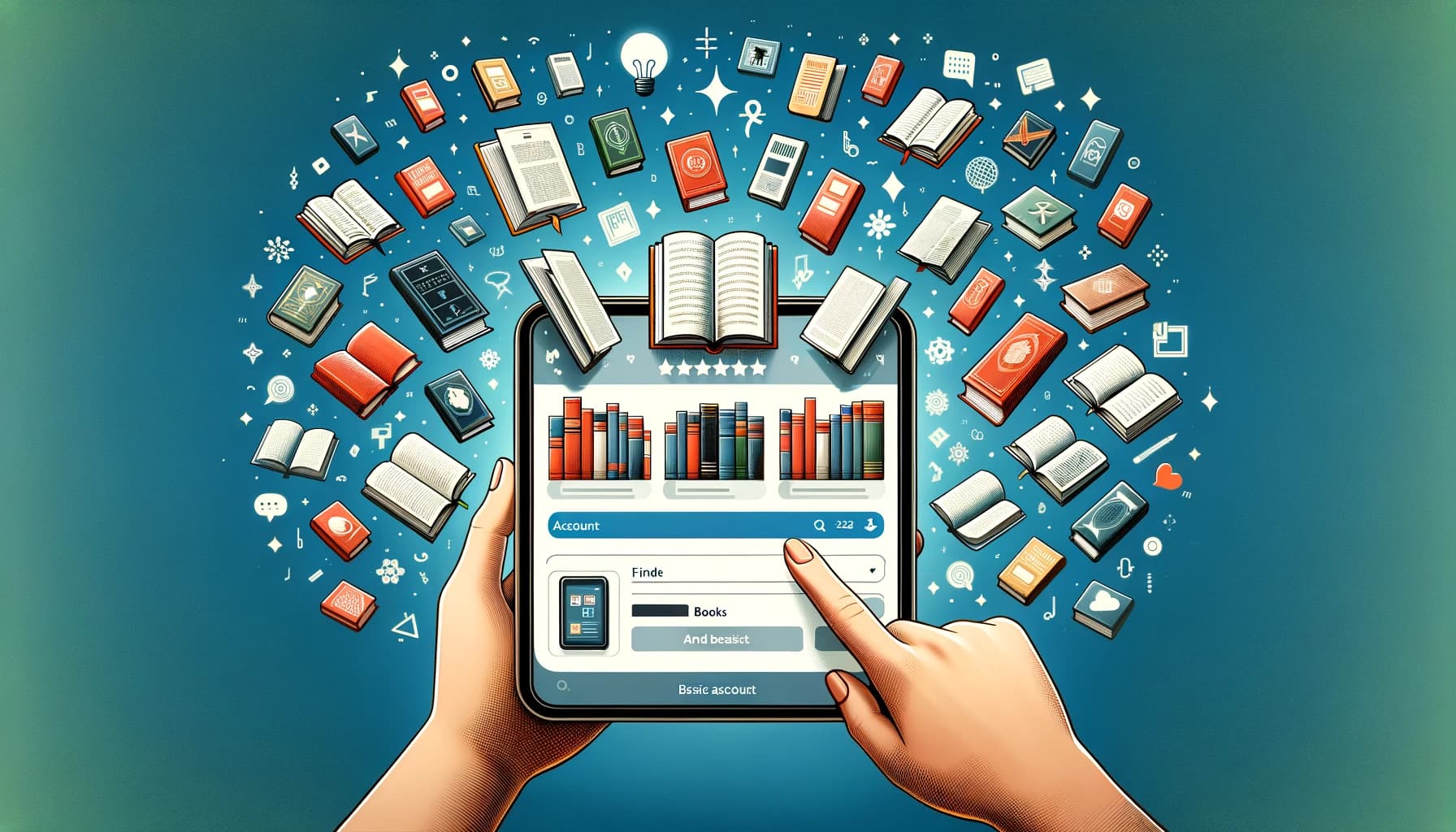
Accessibility is another big win for eBooks. You can buy and download them from just about anywhere with an internet connection, often instantly. No need to wait for shipping or head to a bookstore – a few clicks, and you’re ready to start reading.
Then there’s the interactivity part. eBooks can include links, videos, and audio files, making the reading experience more engaging. Think of an eBook that teaches you how to play the piano, complete with audio clips of each lesson. Some even have interactive quizzes and exercises, which can be a big plus for learning and engagement.
Overall, eBooks offer a convenient, accessible, and often more interactive alternative to traditional books, fitting right into the digital lifestyle of modern readers.
Creating an eBook
Creating an eBook might seem daunting at first, but it’s actually pretty straightforward once you get the hang of it. The process typically involves a few key steps: writing the content, formatting it for e-readers, designing a cover, and then publishing it.
The writing part can be done in any word processor like Microsoft Word or Google Docs. However, when it comes to formatting, you might need specific tools to ensure your eBook looks good on various e-readers.
This is where eBook creation software like Adobe InDesign comes into play. It’s great for designing and laying out your eBook, especially if it has lots of images or complex formatting.
For a more automated approach, there’s AI Automateed. It’s a tool that simplifies the eBook creation process by handling everything from writing to formatting. You provide the input, like the topic or the style you’re aiming for, and it generates the content for you. It’s particularly useful if you’re short on time or need help getting started, and another great benefit is that you can try it out for free.
Finally, once your eBook is written and formatted, you’ll want to design an eye-catching cover, which you can do with graphic design software like Adobe Photoshop or a simpler tool like Canva. After that, your eBook is ready to be published and shared with the world.
Purchasing and Accessing eBooks
Getting your hands on eBooks is pretty easy and can be done in a few different ways.
First up, you can buy them from online retailers like Amazon, Barnes & Noble, and Apple Books. It’s just like shopping online: you find the eBook you want, buy it, and it’s delivered instantly to your e-reader or reading app.
Then there are eBook libraries. Many public libraries have a digital section where you can borrow eBooks just like you would physical books. You usually need a library card, and then you can download eBooks to your device for a set borrowing period. OverDrive and Libby are popular platforms for accessing these library eBooks.
Subscription services are another cool option. Platforms like Kindle Unlimited or Scribd work like Netflix, but for books. You pay a monthly fee and get access to a huge range of eBooks. It’s a great deal if you’re an avid reader and want to explore lots of different titles without buying each one individually.
So, whether you prefer buying individual titles, borrowing from a library, or subscribing to a service, there’s a way to access eBooks that fits just about everyone’s needs.
Conclusion
eBooks have transformed the way we read and access books, offering convenience, flexibility, and a wealth of options for every kind of reader. From their portable nature to the diverse ways they can be purchased and accessed, eBooks have become an integral part of the digital landscape.
As we look to the future, the evolution of eBooks promises even more exciting developments. With emerging trends like increased interactivity, AI integration, and new formats, eBooks are set to offer even richer and more engaging reading experiences.
FAQ
How does an eBook work?
An eBook works as a digital version of a traditional book. It’s a file that you can read on electronic devices like e-readers, tablets, or smartphones. You can turn pages with a swipe or click and often adjust settings like font size for easier reading.
What do you need to read an eBook?
To read an eBook, you need a device like an e-reader (Kindle, Nook), a tablet, a smartphone, or a computer. Additionally, you’ll need eBook reading software or an app, which is often pre-installed on e-readers and available for download on smartphones and tablets.
Do you have to download an eBook to read it?
Yes, typically you need to download an eBook to read it. You can download eBooks from online stores or libraries directly to your e-reader or device. Some services also offer cloud-based reading, allowing you to read eBooks online without downloading.
What is eBook used for?
eBooks are used for reading in digital format. They are popular for their convenience and portability, allowing access to a vast range of titles, including fiction, non-fiction, academic texts, and more. eBooks are also used for interactive and educational content.
How to write an eBook?
To write an eBook, start by writing your content in a word processor. Then format it for e-readers using eBook creation software like Adobe InDesign or simply use AI Automateed for a more automated approach. Design a cover, convert your file into an eBook format (like EPUB or MOBI), and then publish or distribute it online.