Table of Contents
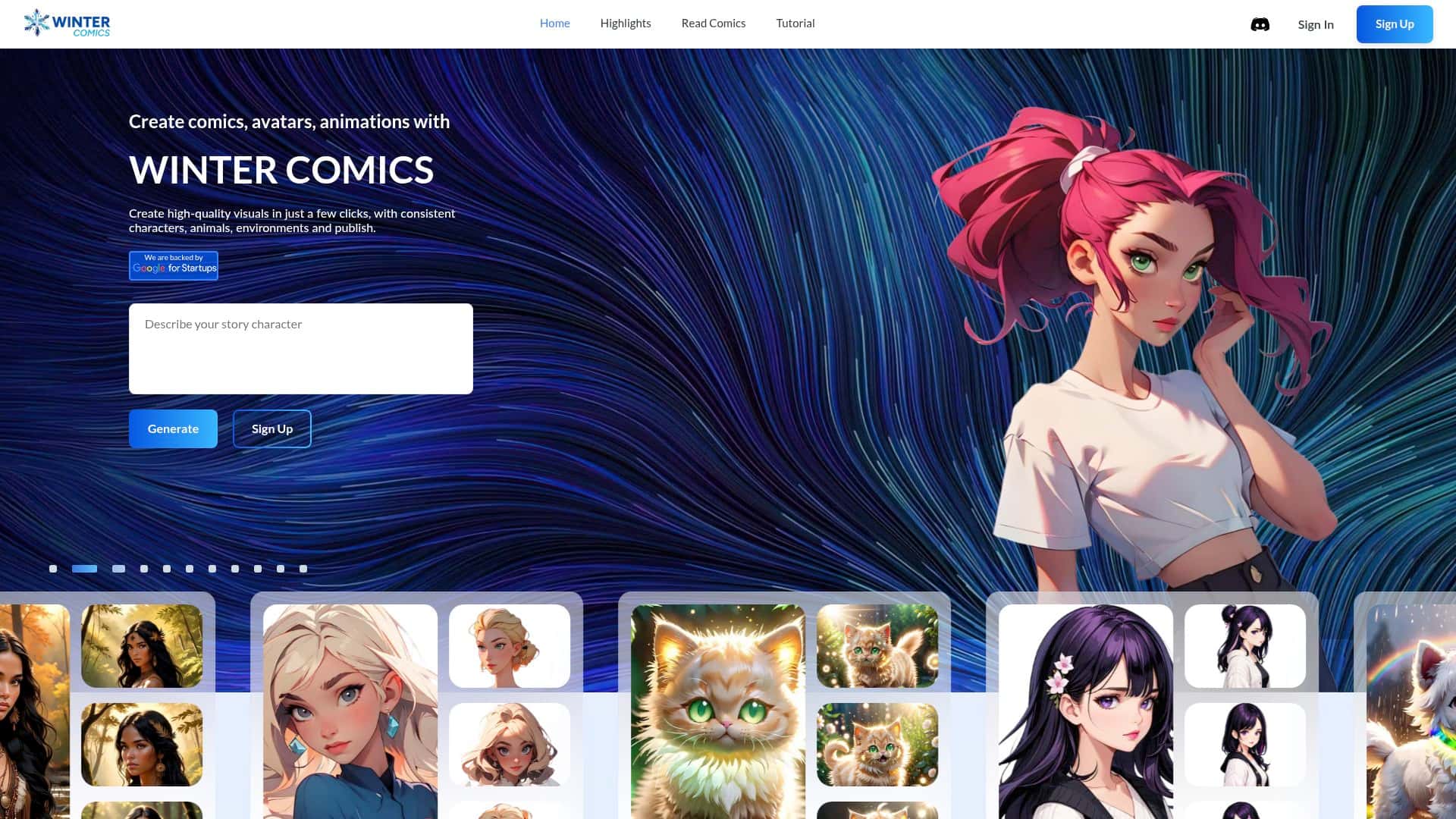
I went into Winter Comics expecting the usual “AI will do everything for you” hype. What I found was more practical (and honestly, more interesting). The interface is clean, the workflow is pretty straightforward, and you can go from idea → scene/character output without feeling like you need to be a technical prompt wizard.
In my testing, I focused on two things: generating comic-style scenes and then tweaking character expressions so they actually match what I wanted on the page. I also tried the inpainting flow, because that’s usually where tools either save you time… or waste it. I’ll break down what I did, what inputs I used, what outputs looked like, and where it fell short.
Winter Comics Review
Winter Comics is positioned like a comic-focused AI tool, not a general-purpose image generator. That difference matters. When you’re making comics, you’re usually thinking about composition, character readability, and expression—not just “pretty art.”
What I actually tested
- Scene generation: I generated multiple comic-style panels based on a short prompt describing setting + mood (think: “cozy winter street, late afternoon, cinematic lighting”).
- Character expression: I used the emotion-driven controls to push the same character concept toward different reads (serious, excited, nervous). What I wanted to see: do expressions change clearly, or do they just shift lighting?
- Smart inpainting: I tried editing a specific area in an image (like swapping a small background element or adjusting a clothing detail) to see how well it “fills in” without ruining the rest of the scene.
How it felt in practice
Speed-wise, it’s fast enough that I could iterate without getting bored. In my sessions, the biggest time sink wasn’t waiting—it was deciding which prompt phrasing produced a panel that looked like it belonged in a comic sequence. The UI nudges you toward that workflow: you pick a profession/use case (Writer, Artist, Cartoonist, Game Designer), and then you feed the tool inputs that line up with comic creation.
And yes, the results can be hit-or-miss like any AI. But when it hits, it’s genuinely useful for sketching ideas quickly—especially for getting a rough “what does this scene look like?” answer before you commit to a final illustration.
Key Features
Smart Inpainting (what it does and what I noticed)
“Smart inpainting” is one of those features people mention a lot, so I tested it like I would in real work: I tried to modify a small part of the image while keeping the rest consistent.
- My workflow: I started with a generated image, then used the inpainting step to target an area (background detail / clothing accessory / small environmental element).
- What “smart” seemed to mean: the tool didn’t just smear pixels—it attempted to match style and lighting so the edited region blended into the existing panel.
- Where it struggled: if I asked for a large structural change (like completely redesigning a character pose or swapping major scene elements), the output sometimes drifted—new shapes appeared in unintended places, or the style got slightly inconsistent.
So my honest take: it’s great for localized tweaks. If you want full redraw-level control, you’ll probably still need manual art tools afterward.
Emotion-Driven Character Expression (how it helps, and its limits)
The emotion-driven expression controls are the part that impressed me most, because it’s directly tied to “comic readability.” I tested the same character concept across different emotional reads and watched whether the facial expression changed in a way I’d recognize instantly.
- What worked: small expression changes (eyes, mouth shape, overall facial intensity) were noticeable enough that you could tell the emotion at a glance.
- What didn’t always work: when my prompt was vague (“make it happier”), the tool sometimes boosted brightness or changed the vibe without making the face read clearly. More specific emotion language helped a lot.
- Quick tip: if you’re using emotions, pair them with a clear comic cue like “wide eyes + hopeful smile” or “tense jaw + worried gaze.” You’ll get more consistent character expression results.
Quick Scene Rendering (iteration matters)
Scene rendering is where Winter Comics feels most “comic-native.” I generated multiple variations for the same general idea and compared them like I would different thumbnail options.
What I noticed: the tool tends to produce panels that are ready to place into a storyboard. The composition usually has a clear focal point, and the style stays fairly coherent across iterations—at least compared to tools that treat everything like a one-off illustration.
If you’re planning a multi-panel story, this is useful because you can keep your visual direction while you experiment with camera angles, lighting, and mood.
Profession Selection + Input for Custom Use Cases
One small thing that actually helped me: selecting a profession/use case. It doesn’t magically guarantee “better art,” but it does shape the way you think about inputs, and it keeps the workflow from feeling random.
In my experience, choosing the closest match (Writer vs Artist vs Cartoonist vs Game Designer) made it easier to stay consistent with what I was trying to produce—especially when I was generating scenes intended for story beats.
Community Sharing and Engagement
I also checked out the community-sharing angle. It’s not just a nice-to-have. Seeing what other creators are making gave me quick prompt ideas and helped me understand what “good” outputs look like inside this specific tool.
If you’re the type who iterates based on feedback, this feature can save time. If you’re not interested in community, it’s still fine—but you won’t get that extra “learning loop.”
Pros and Cons
Pros
- Comic-focused workflow: it’s built around scene/character creation instead of generic image generation.
- Emotion controls are genuinely useful: expressions change in a way that reads clearly in panels (when prompts are specific).
- Smart inpainting works best for small edits: localized changes blend better than you’d expect.
- Profession/use case selection helps guide inputs: it keeps the process from feeling scattered.
- Community sharing adds momentum: you can borrow prompt structures and style cues from other users.
Cons
- Access isn’t immediate: it’s currently in a waitlist/early access style setup, so you can’t always jump in right away.
- Pricing info feels incomplete: I didn’t see fully detailed plan names/limits in what I reviewed, so I’m cautious about quoting exact numbers.
- Inpainting has boundaries: big structural edits can drift or introduce unintended changes.
- Vague emotion prompts weaken results: “happier” isn’t enough—pair emotion with concrete facial cues.
Pricing Plans
I saw mentions of pricing starting around $0.50 and a free trial, but I don’t want to pretend I can confirm exact plan names, credit amounts, or billing cadence from the info available here. If you’re considering it, I’d check the billing screen after you get access to see:
- Whether it charges per generation, per credit, or per subscription tier
- What the free trial includes (number of generations/edits, resolution limits, and how long the trial lasts)
- Any caps on inpainting or community features
That said, the fact that there’s a trial is a big deal. With AI tools, you really want to test your own style and prompts before you commit.
Wrap up
Winter Comics is worth your attention if you want a faster way to draft comic scenes and experiment with character expression—especially if you like iterating like a storyboard artist. The emotion controls and smart inpainting are the standout features, but they work best when you keep edits localized and prompts specific.
If you need full, pixel-perfect control from a single tool, you might still end up doing touch-ups elsewhere. But for idea generation, panel exploration, and quick story iteration? In my experience, it’s a pretty solid creative companion.


