LIFETIME DEAL — LIMITED TIME
Get Lifetime AccessLimited-time — price increases soon ⏳
AI Tools

YouTube to Doc Review – Convert Videos into Text Easily

Updated: April 20, 2026
6 min read
#Ai tool#Transcription

Table of Contents

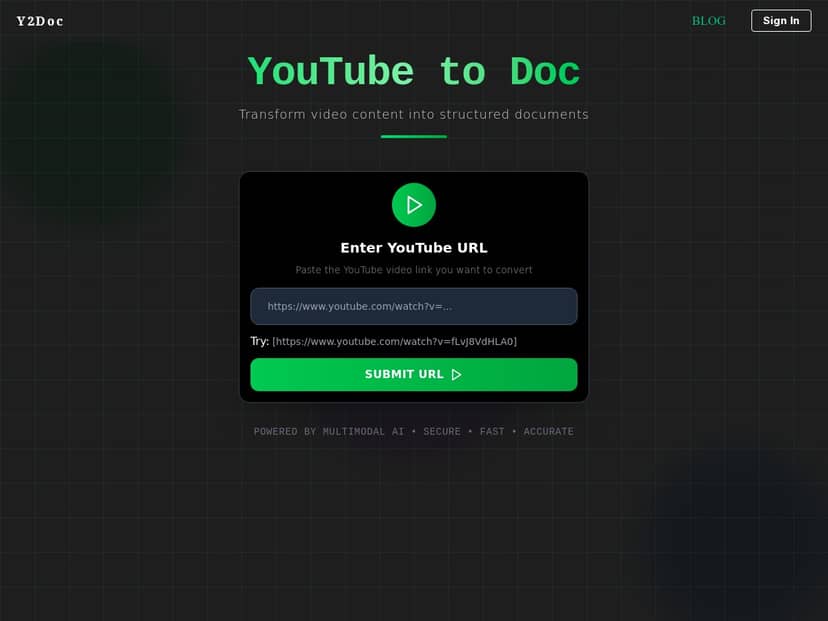
If you’ve ever paused a YouTube video 20 times just to grab a few key lines, you already know the pain. I tried the YouTube to Doc tool with the specific goal of turning a real video into something I could actually study and reuse.

In my experience, it’s one of those “paste link → get text” services that feels almost too simple. But does it produce clean, usable output—or just a messy transcript you still have to clean up? I’ll walk you through what I did, what the document looked like, and where it struggled (spoiler: audio quality matters more than people think).

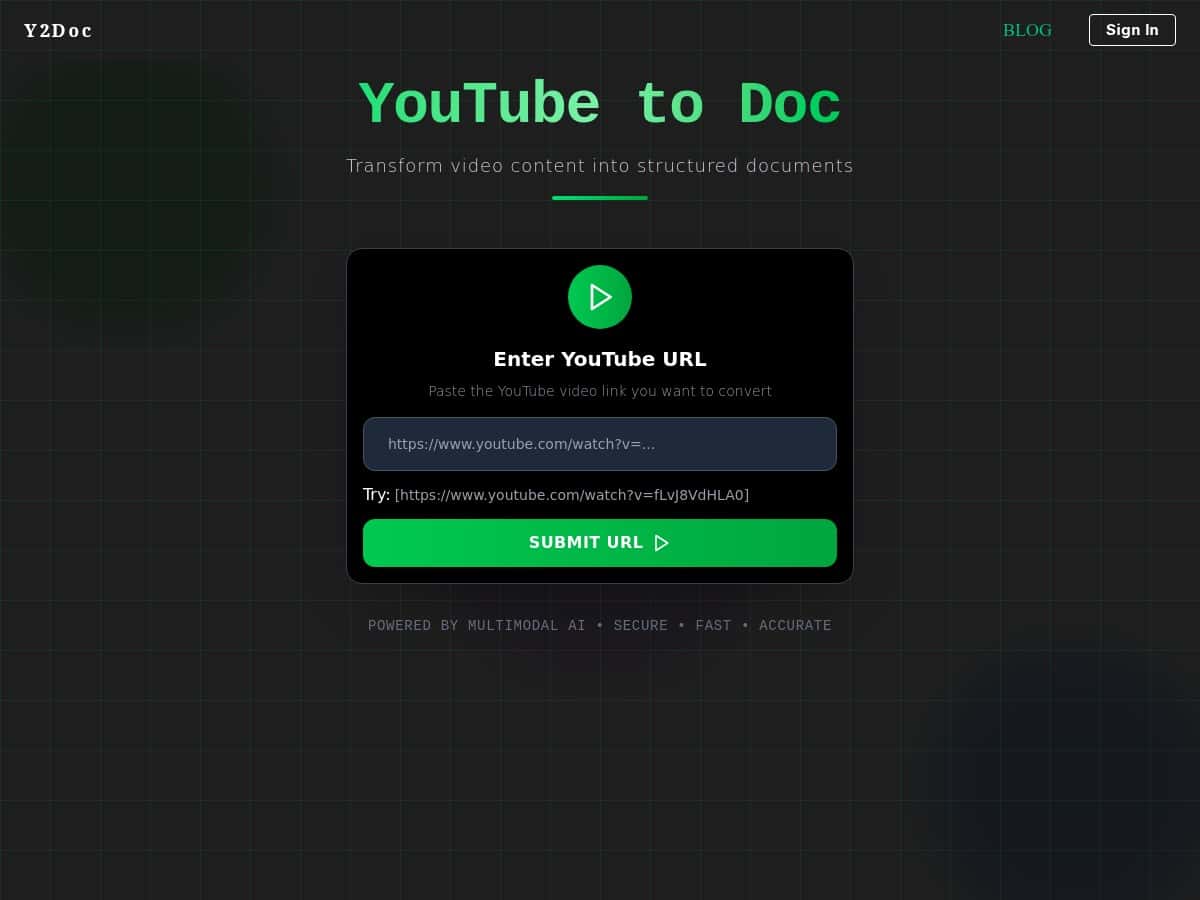
Youtube To Doc

YouTube to Doc Review (What I Actually Got)

I tested YouTube to Doc on two different kinds of videos, because accuracy isn’t just about the transcription—it’s about how the audio behaves.

Test #1 (clean audio): A ~12-minute YouTube explainer with a single speaker and decent mic quality. I pasted the video URL into the tool, hit the conversion, and waited.

  • Time to output: roughly a few minutes (I wasn’t watching the clock obsessively, but it felt fast enough to do between tasks).
  • Document formatting: the output came through as a readable text document, not one giant wall of text. Paragraph breaks were present, and the flow was easy to scan.
  • What was “structured”: instead of random line breaks, the transcript was grouped into chunks that looked like notes. It didn’t feel like raw machine output every second.

Test #2 (noisier audio): A ~15-minute lecture-style video where the speaker was a bit farther from the mic and there was background noise at points.

  • Time to output: still reasonable—conversion didn’t feel stuck.
  • Where it struggled: names and fast phrases occasionally got mangled. In a couple spots, it inserted incorrect words that sounded similar to what was said.
  • Real-world impact: I didn’t have to rewrite everything, but I did need to skim and correct a few lines if I wanted “study-ready” notes.

Here are a couple examples of what I noticed when comparing what was said vs. what showed up in the document:

  • Correct-ish case: When the speaker was clear and paced normally, the transcript kept up well and the meaning stayed intact.
  • Problem case: When the audio got noisy or the speaker talked quickly, a few key terms were replaced with the wrong words (the transcript still sounded plausible, which is the tricky part).
  • Speaker cues: If the video had obvious section transitions, the document was easier to follow. If it was more “continuous talking,” the output was readable but less “organized” in a notes-style way.

So, is it a miracle? Not exactly. But if your goal is turning a video into something you can search, quote, and study without rewatching everything, it does the job surprisingly well.

Key Features (and What They Look Like in Practice)

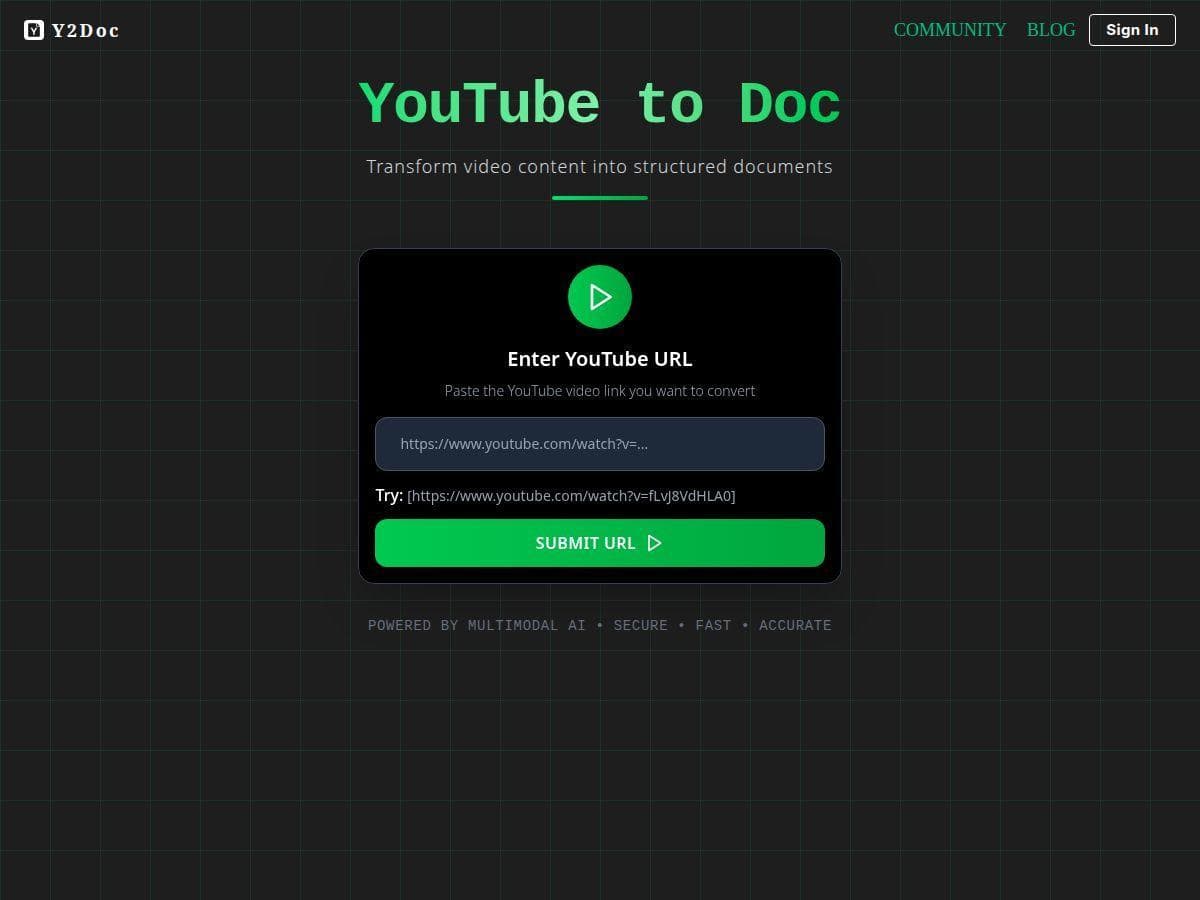
  1. Paste a YouTube link to start
    This is the whole workflow. No complicated setup. You drop in the URL, and it runs the transcription.
  2. Speech recognition tuned for real videos
    It’s not perfect, but in my tests it handled normal conversational pacing pretty well. With noisier audio, it still produced usable text—it just needed more human review.
  3. “Well-structured” output (what that means here)
    For me, the best part wasn’t fancy formatting—it was readability. The transcript came in separated blocks so I could scan it like notes. I didn’t see it trying to invent a bunch of headings that weren’t there, which I actually appreciate. Less fake structure, more useful text.
  4. Fast processing
    My outputs landed within minutes, not hours. That makes it practical for: class notes, meeting follow-ups (if they’re on YouTube), and content repurposing.
  5. Export options (Word/PDF/TXT)
    In my run, the output was available as common document formats. If you’re planning to edit in Word or share a clean PDF, that’s a big plus. One thing I’d watch for: sometimes “DOC” exports don’t preserve every formatting nuance, so if your workflow relies on very specific styling, test with one video first.
  6. Privacy / data handling claims
    The site positions itself as privacy-focused, but I didn’t see a full, detailed public breakdown of encryption, retention windows, or deletion timelines in the content I reviewed. If privacy is a dealbreaker for you, I’d recommend checking their official privacy policy on the page before uploading anything sensitive.

Pros and Cons (Measurable Stuff I’d Tell a Friend)

Pros

  • Quick and simple: paste link, convert, download. No tech skills needed.
  • Readable output: the transcript came through in a way that felt like notes, not a raw transcript dump.
  • Good enough accuracy for most study use: clear audio videos were strong; noisy ones were still workable with light editing.
  • Multiple export formats: Word/PDF/TXT options make it easier to reuse the content.

Cons

  • Limited to YouTube: if you’re trying to convert other platforms or local files, this isn’t the tool.
  • Audio quality really matters: background noise and unclear speech increase errors—especially with names and technical terms.
  • Internet required: obviously, but it’s worth saying—no offline workflow.
  • Subscription gating might apply: some features may require a paid tier, so you’ll want to check limits before assuming everything is included.

Pricing Plans (What I Can Confirm vs. What to Check)

I didn’t find detailed pricing tiers, exact limits (like max minutes per file), or a clear list of what’s included in each plan inside the version of the page content I reviewed here. And honestly, I don’t want to guess—pricing is where these tools vary a lot.

Here’s what I’d do before you pay:

  • Look for free vs paid limits: Is there a free trial? If so, how many minutes can you transcribe? Is it per day or per file?
  • Check export access: Are all formats (Word/PDF/TXT) available on the free tier, or only after upgrading?
  • Confirm transcription length caps: Some tools cap by minutes, word count, or file size. That matters if you’re converting long lectures.
  • Read the fine print on “priority processing”: Paid tiers sometimes just speed things up. If you only convert occasionally, speed might not be worth it.

If you want the latest exact numbers, the best move is to open the official YouTube to Doc page and verify the current tiers directly there (and if you see a limit, test it with a short video first).

Wrap it up

For what I tested, YouTube to Doc is a solid option when you want video content turned into readable text without spending hours rewatching. It’s especially useful for lecture-style videos and explainer content where the speaker is fairly clear.

Just don’t expect it to “fix” terrible audio. If the video is noisy, fast, or full of jargon, you’ll probably want to skim and correct a few lines. If you keep that expectation in mind, it’s genuinely helpful—and fast enough to be part of your regular workflow.

Stefan

Stefan

Stefan is the founder of Automateed. A content creator at heart, swimming through SAAS waters, and trying to make new AI apps available to fellow entrepreneurs.

Related Posts

Figure 1

Strategic PPC Management in the Age of Automation: Integrating AI-Driven Optimisation with Human Expertise to Maximise Return on Ad Spend

Title: Human Intelligence and AI Working in Tandem for Smarter PPCDescription: A digital illustration of a human head in side profile,

Stefan
AWS adds OpenAI agents—indies should care now

AWS adds OpenAI agents—indies should care now

AWS is rolling out OpenAI model and agent services on AWS. Indie authors using AI workflows for writing, marketing, and production need to reassess tooling.

Jordan Reese
experts publishers featured image

Experts Publishers: Best SEO Strategies & Industry Trends 2026

Discover the top experts publishers in 2026, their best practices, industry trends, and how to leverage expert services for successful book publishing and SEO.

Stefan

Create Your AI Book in 10 Minutes