Table of Contents
Are you often looking for answers to your digital marketing questions? You’re not alone! Many marketers seek quick and reliable solutions without the hassle of sign-ups. AI Answer Generator is here to ensure that your queries are met instantly. In this review, we’ll explore how this tool benefits digital marketers and why it stands out in the crowded marketplace.
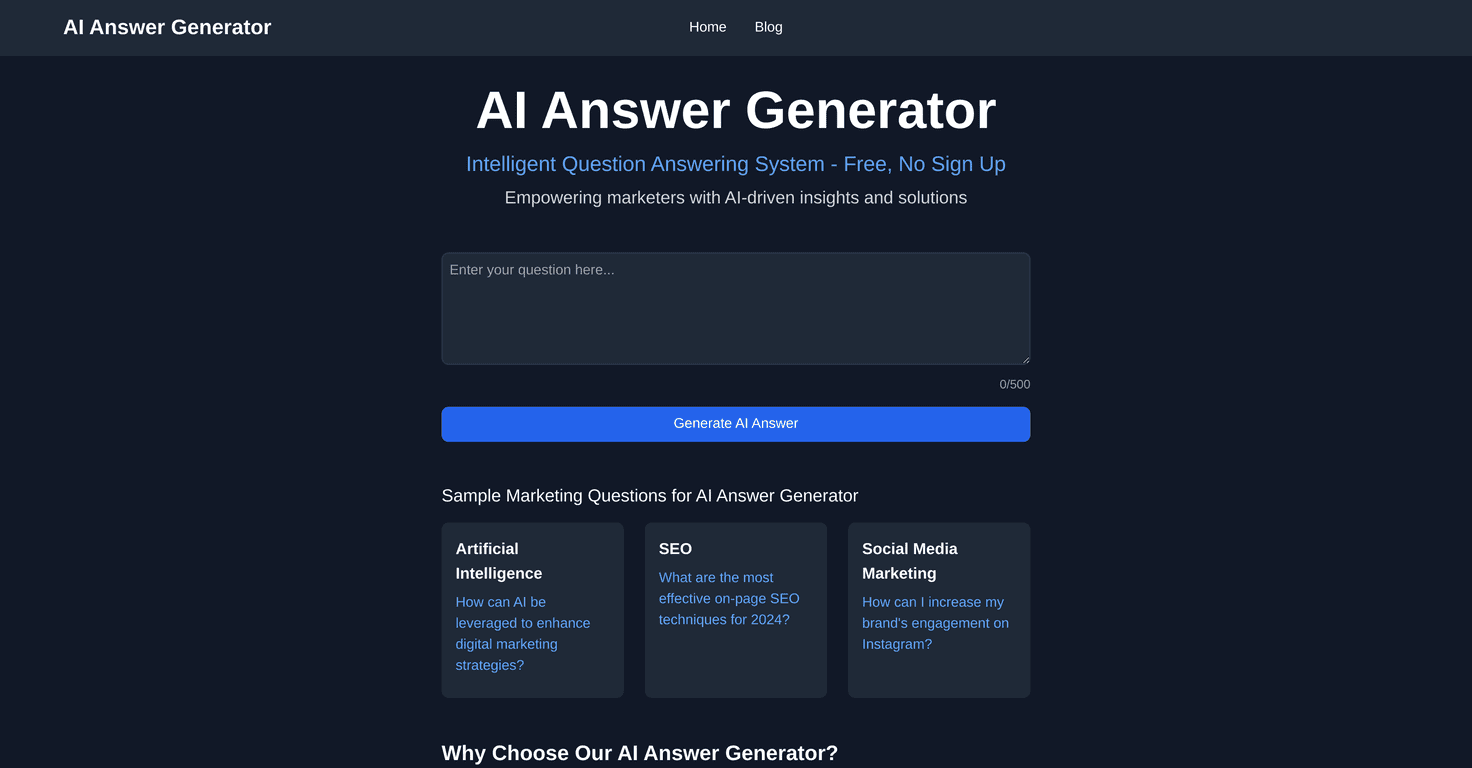
AI Answer Pro Review
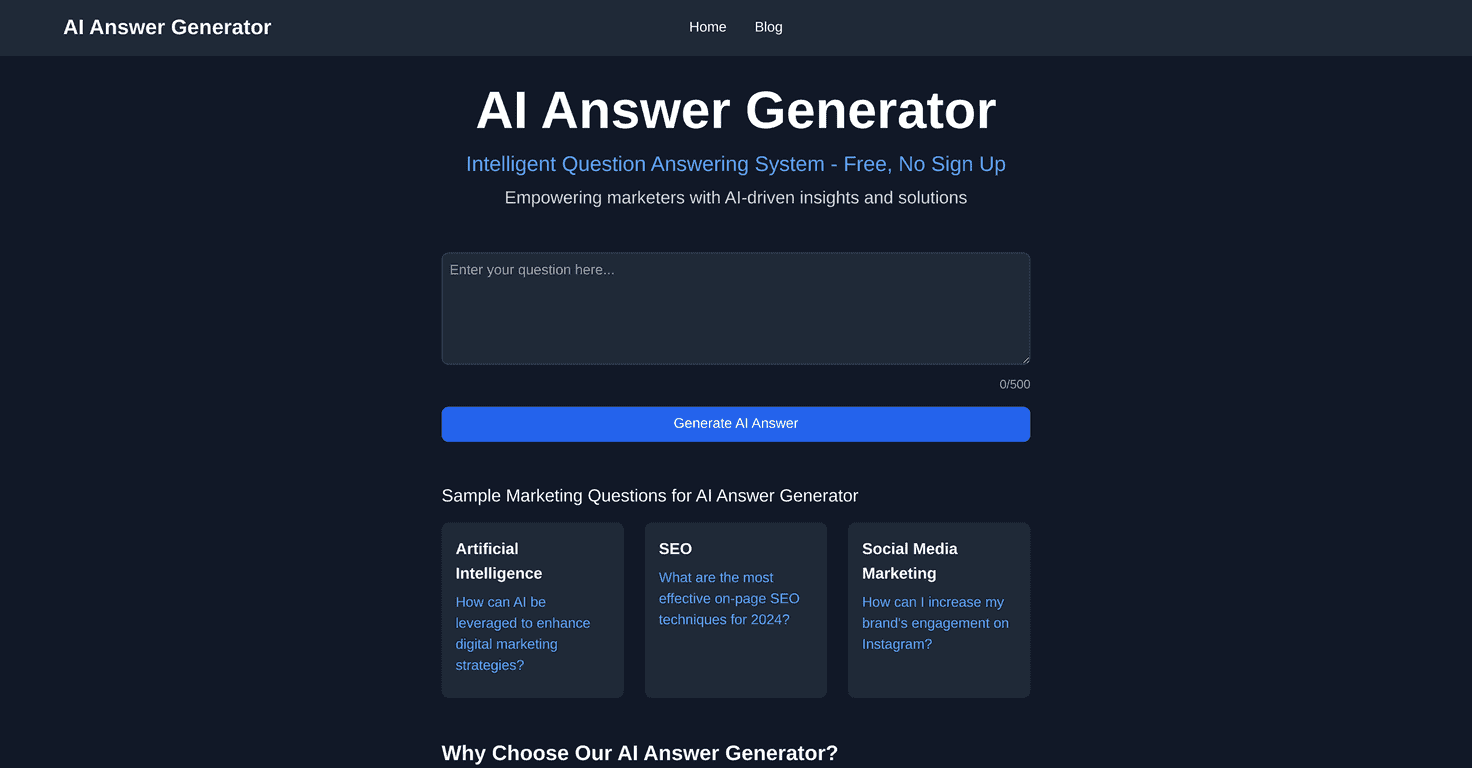
AI Answer Pro truly lives up to its promise of providing immediate answers for marketers. With a simple and intuitive interface, this tool allows users to dive right into their questions about SEO, social media, PPC, and more, without getting bogged down by complicated tech jargon. Each answer is crafted with accuracy, thanks to advanced AI-driven insights, ensuring you receive unique and relevant support every time you ask a question.
Key Features
- Completely free to use with no sign-up required
- User-friendly interface, suitable for all skill levels
- Utilizes accurate language models for insightful answers
- Generates unique answers for a variety of digital marketing topics
- Supports queries across SEO, content marketing, social media, and PPC
Pros and Cons
Pros
- No cost and no registration requirements
- Easy to use, encouraging creativity and exploration
- High-quality, tailored responses for marketers
- Unlimited questions can be submitted, max 500 characters each
Cons
- Limited to digital marketing questions, which may not meet all needs
- Reliability depends on the AI model’s accuracy and relevance
Pricing Plans
The AI Answer Generator is completely free to use, with no pricing plans, subscriptions, or hidden fees involved.
Wrap up
In conclusion, AI Answer Pro is an excellent resource for marketers looking for quick and reliable information. Its user-friendly design and free access make it an appealing option for anyone venturing into the digital marketing landscape. While it may have its limitations in scope, the unique insights it provides are worth exploring. Give it a try and watch your marketing knowledge expand!
Promote AI Answer Pro