Table of Contents
What Is AI meeting notes by Snaply?
Honestly, I was curious about Snaply’s AI meeting notes because, like many people, I’ve been frustrated with the chaos of taking notes during busy meetings. You’re trying to listen, follow the conversation, jot down action items, and somehow keep it all organized—sometimes it feels like a lost cause. So when I heard about a tool that records meetings directly on your Mac and gives you a full transcript plus summaries, I had to try it.
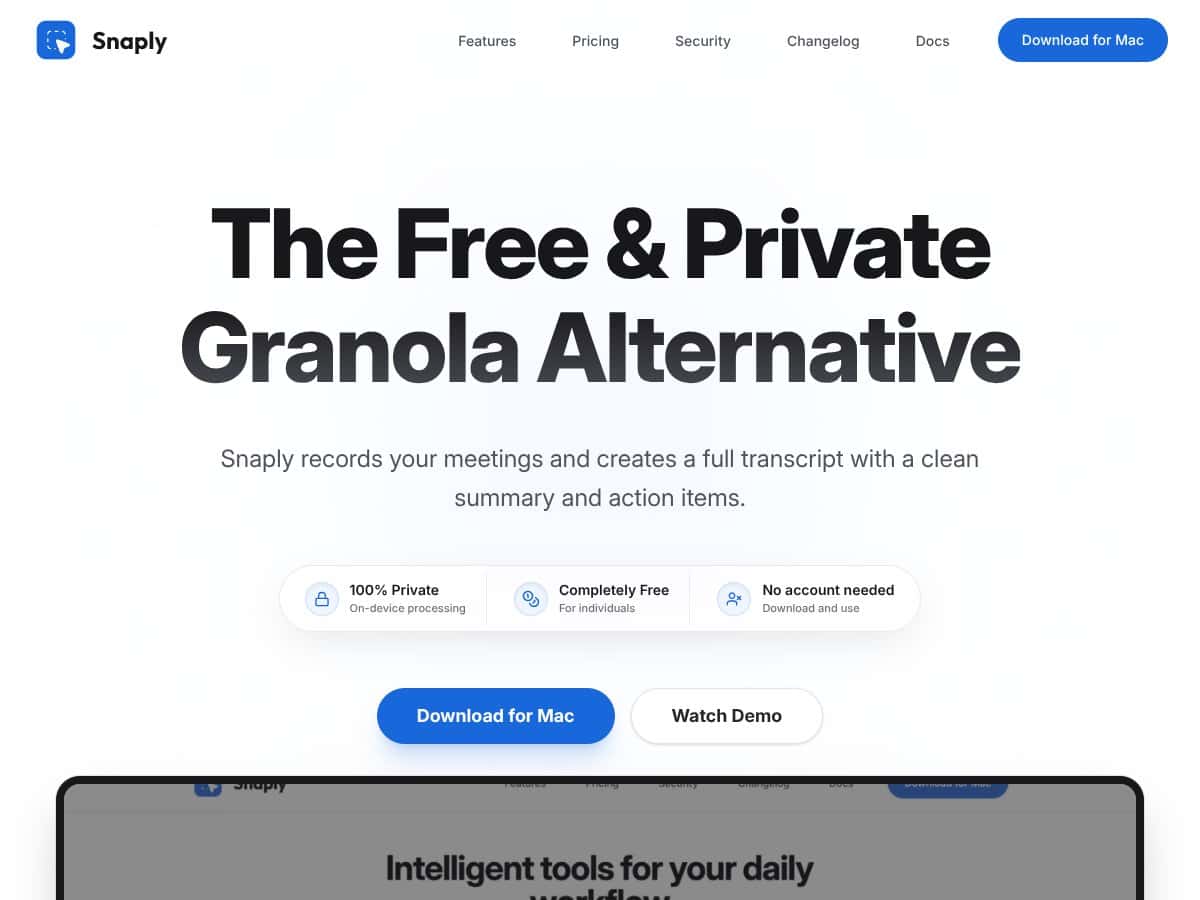
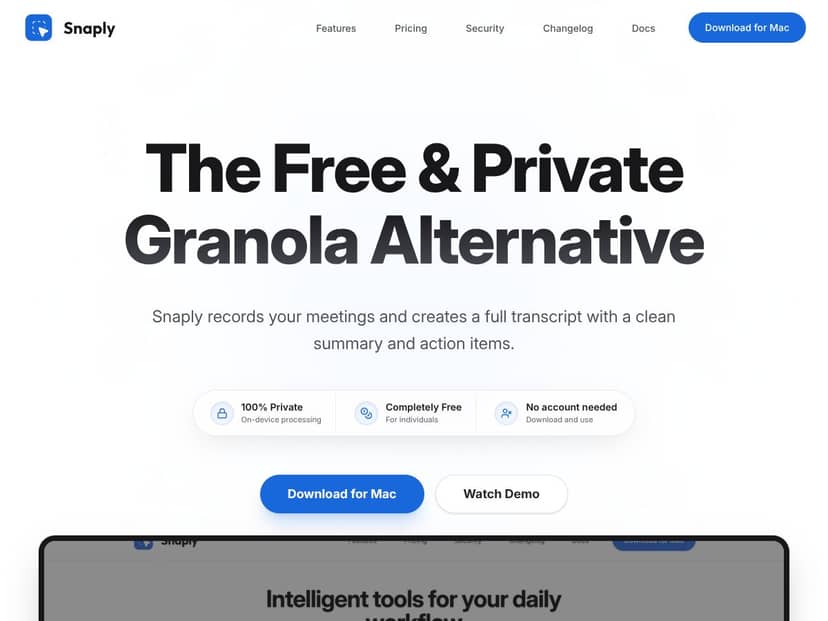
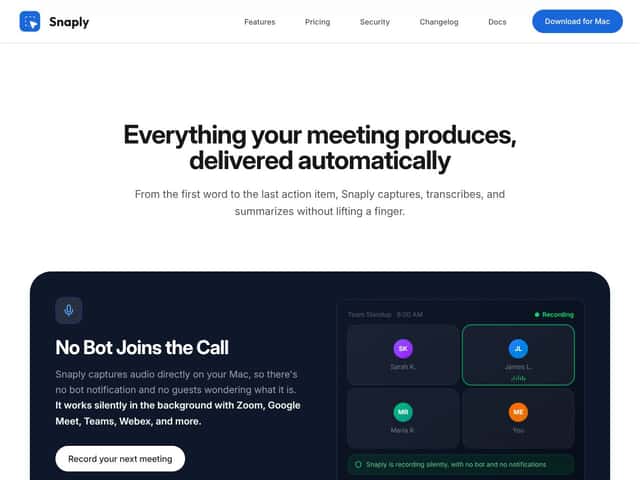
What it actually does is pretty straightforward: it records audio from your meetings (without joining as a bot or sending invites), then transcribes everything locally on your Mac. After the call, it generates a summary, highlights action items, and labels who said what. It’s essentially an AI-powered assistant that sits silently on your computer, capturing your meetings and giving you a tidy report afterward.
The problem it’s aiming to solve is simple but real: manual note-taking is tedious and often inaccurate. Plus, cloud-based options raise privacy concerns. Snaply’s pitch is that it’s private, runs 100% on your device, and is free—so it’s targeting folks who want a quick, private way to get better meeting notes without extra fuss.
As for who’s behind it, the details are a bit vague. It seems to be a small, privacy-focused startup or maybe a solo developer, given the focus on local processing and simplicity. I couldn’t find much about the team, which is a bit of a red flag if you’re used to more established tools. But that privacy angle is pretty compelling if you’re handling sensitive info.
My initial impression? It’s as advertised—silent, local, and capable of recording meetings on Mac without inviting a bot or sending data to the cloud. That said, it’s not a full-blown collaboration tool, and you won’t find integrations with Slack or Outlook built-in. It’s more like a private assistant you run alongside your existing apps.
One thing to keep in mind: It’s not a live transcription service with real-time prompts or chat features. It doesn’t replace tools like Otter.ai for meeting collaboration, nor does it offer video recording or team management features. Think of it more as a very private, focused note-taking helper rather than a comprehensive meeting platform.
AI meeting notes by Snaply Pricing: Is It Worth It?
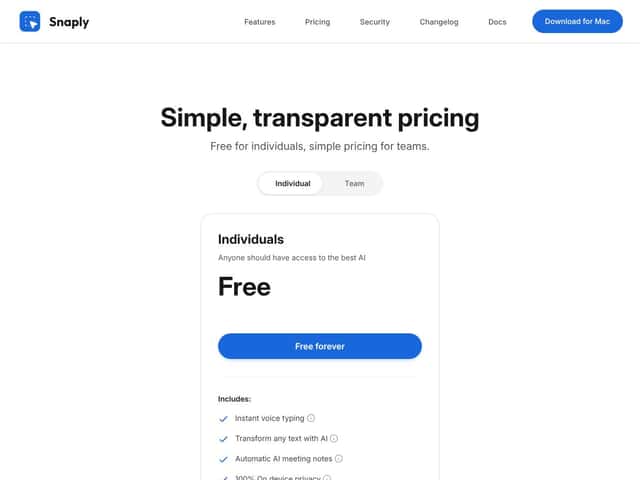
| Plan | Price | What You Get | My Take |
|---|---|---|---|
| Free | Free forever |
|
Honestly, for a free tool, this is surprisingly generous. No hidden caps on usage or features, which is rare in the AI space. If you're just testing or have light needs, it could be enough. |
| Team | Simple, transparent pricing on the website (exact amounts not specified here) |
|
Fair warning: the details are a little vague, and it’s unclear if there are usage caps or feature gates. But it’s marketed as simple and transparent, so probably straightforward for small teams. |
Here's the thing about the pricing: it's surprisingly straightforward and generous. Unlike many AI tools that lock features behind a paywall or impose limits, Snaply’s free tier offers unlimited local transcription and note-taking. That said, the 'team' plan’s specifics aren’t fully public, so if you’re considering scaling, you might want to verify exactly what’s included. What they don’t tell you on the sales page is whether there are any hidden limits or additional costs for enterprise features.
My honest assessment? If you’re a solo user or small team wanting privacy and no ongoing costs, it’s hard to beat. For larger organizations or those needing integrations and automation, you'll probably need to look elsewhere or wait for more feature depth. This might be a dealbreaker for some if they need cloud integrations or more extensive collaboration tools.
The Good and The Bad
What I Liked
- Privacy-first approach: All processing is local, so sensitive info stays on your Mac—no cloud, no third parties. That’s rare and valuable.
- Free forever: No subscriptions or hidden costs. If you’re a solo professional, this means you can keep using it without worrying about budgets.
- Silent recording: No bot joins your calls, no notifications—just seamless background recording, which feels less intrusive and more professional.
- Accurate speaker identification: The transcript labels who said what, and it remembers speakers across meetings. That saves time and confusion, especially in recurring team meetings.
- Instantly generated summaries and action items: The AI produces a clean, actionable overview right after your call, saving manual note-taking and re-listening.
- Works with multiple platforms (Zoom, Meet, Teams, Webex): No need for complicated integrations or bots; just silent audio capture on your Mac.
What Could Be Better
- Mac-only: This might be a dealbreaker for Windows or Linux users. If you’re not on Mac, you’re out of luck.
- Limited to audio: No video recording or advanced multimedia support. You can’t capture screen shares or video insights, which some teams might need.
- Dependence on hardware: AI processing happens locally, so performance depends on your Mac’s specs. Older machines might struggle or be slower.
- Feature set could expand: It’s early days; no mention of integrations with tools like Notion or Slack. For heavy workflows, that might be frustrating.
- No detailed user management or collaboration tools: For teams wanting shared access or permissions, it’s unclear what’s available beyond basic note sharing.
Who Is AI meeting notes by Snaply Actually For?
Ideal users are solo professionals or small teams who prioritize privacy and simplicity. Think of freelance consultants, remote managers, or small startups that need reliable meeting summaries without cloud data transmission. If your workflow involves sensitive information—legal, medical, or corporate confidential—this tool’s local processing is a major plus. It’s perfect for those who want a no-fuss, secure way to record and review meetings without extra steps or subscriptions.
For example, if you’re a project manager conducting weekly standups and want quick summaries without risking leaks, Snaply fits perfectly. Or a consultant who needs to record client meetings on Mac without any cloud dependency. It’s also great if you want something lightweight—just start the app, and it silently captures everything, then hands you a formatted transcript and notes right after.
However, if you rely heavily on integrations, collaborative workflows, or multi-platform support, you might find this limiting. It’s a focused tool for privacy-conscious users who want straightforward, local AI meeting notes.
Who Should Look Elsewhere
If you need cross-platform support (Windows, Linux, iOS, web), this isn’t for you. The Mac-only constraint is a big deal, especially for teams with mixed environments. Also, if you require video recording, screen capture, or more advanced meeting analytics, Snaply falls short.
Those looking for cloud-based, collaborative, or automation-heavy solutions should consider alternatives like Otter.ai, Fireflies.ai, or Gong. These platforms offer integrations, shared notes, and more comprehensive workflows, though often at the cost of privacy and ongoing subscriptions.
Fair warning: If your primary need is a quick, private, and cost-free way to automatically transcribe and summarize meetings on Mac, Snaply is compelling. But if you’re after enterprise features, extensive integrations, or multi-device support, better options exist.
How AI meeting notes by Snaply Stacks Up Against Alternatives
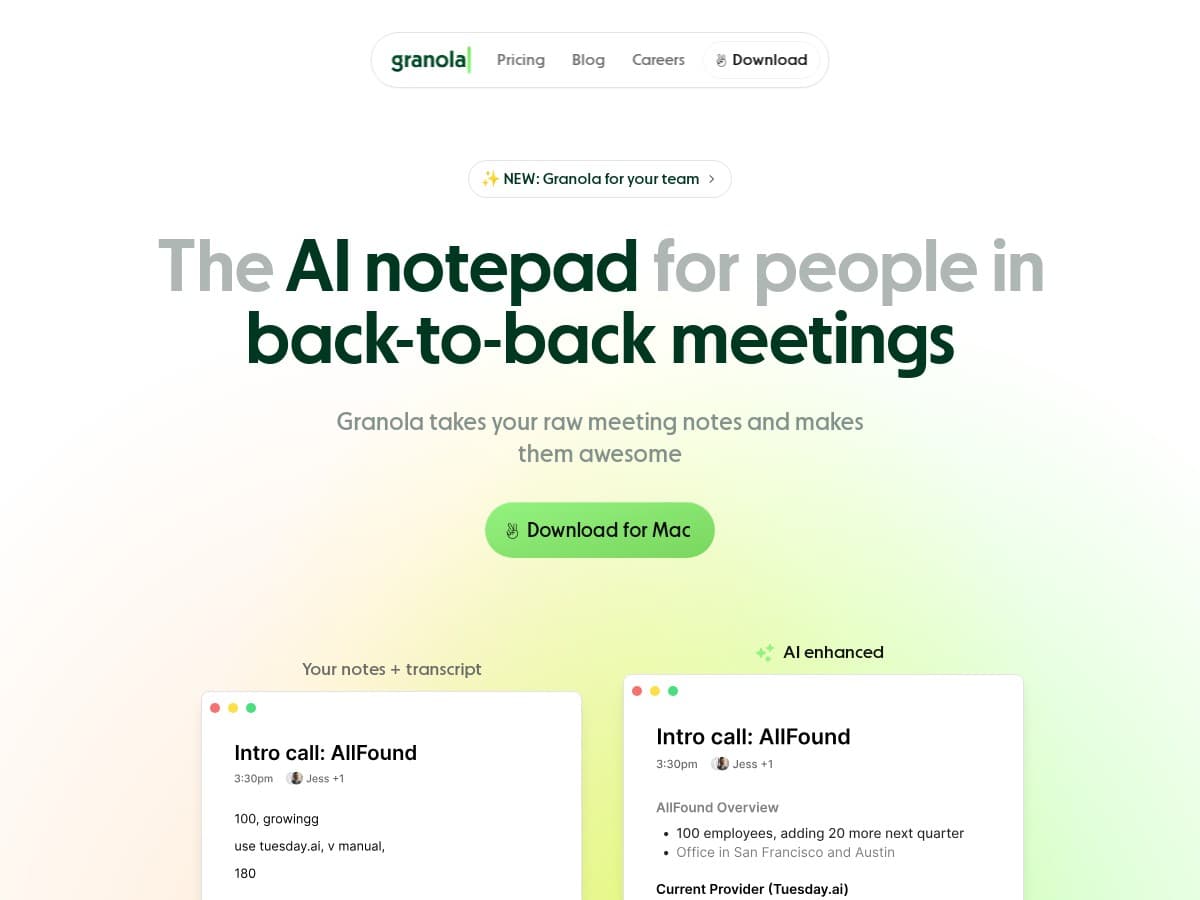
Granola
- What it does differently: Granola is a cross-platform app that works on Windows, Mac, and Linux, offering both local and cloud-based transcription. It emphasizes collaboration features like shared notebooks and real-time editing.
- Price comparison: Granola offers a free tier with limited features, and premium plans start around $10/month, which unlocks more storage and collaboration tools.
- Choose this if... You need a cross-platform solution with team collaboration, or prefer cloud storage for easier sharing.
- Stick with AI meeting notes by Snaply if... You prioritize privacy and local processing, and only need Mac support without collaboration tools.
- What it does differently: Amie is calendar-centric, aiming to generate meeting notes automatically from scheduled calendar events, with AI summaries and follow-up suggestions integrated into your workflow.
- Price comparison: Amie offers a free tier with limited daily transcriptions, with paid plans around $8/month for unlimited use.
- Choose this if... You want a calendar-focused tool that integrates tightly with your existing scheduling apps.
- Stick with AI meeting notes by Snaply if... You want more control over transcripts, privacy, and local processing rather than relying on cloud-based automation.
- What it does differently: Otter.ai is a cloud-based service that provides real-time transcription, speaker identification, and live collaboration, often used with Zoom and other conferencing tools.
- Price comparison: Free tier includes 600 minutes/month, with paid plans starting at $8.33/month with additional features like custom vocabulary and imports.
- Choose this if... You need high accuracy in live transcriptions, especially for video meetings, and don’t mind cloud storage.
- Stick with AI meeting notes by Snaply if... Privacy and local processing are critical, or you're on a Mac and want a seamless, offline solution.
- What it does differently: Fireflies offers AI meeting assistants that automatically join calls (via integrations) to record, transcribe, and generate notes, with team collaboration features.
- Price comparison: Free plan available with limitations; paid plans start around $10/month for additional features like integrations and team management.
- Choose this if... You want an AI bot that joins meetings and captures everything without manual intervention.
- Stick with AI meeting notes by Snaply if... You prefer not to have a bot join your meetings, and value privacy with local storage.
- Overall, I’d give Snaply a solid 7/10. It’s impressive for a free, privacy-focused tool that runs entirely on your Mac. The transcription and summarization are quite good, especially considering it doesn’t send data to the cloud. However, it’s still a newer product, so it might lack some advanced collaboration features or cross-platform compatibility that others offer.
- This tool is perfect for individual professionals or small teams who value privacy and need quick, editable meeting notes without the fuss of cloud storage or subscriptions. If you’re a Mac user who wants an offline solution, give it a shot.
- On the flip side, if you require real-time collaboration, integrations with multiple platforms, or work across different devices, you might find alternatives like Granola or Otter.ai more suited. Also, if you need a solution that joins meetings automatically, Snaply isn’t the best choice.
- For most users, trying the free tier is definitely worth it—no strings attached—and upgrading might be worthwhile if you find the local transcription quality and privacy benefits valuable enough for your workflow. Personally, I’d recommend it if your main concern is privacy and Mac-only use, but if you need more features or cross-platform support, look elsewhere.
- If you’re mainly working solo on Mac and want a private, no-frills note taker, give Snaply a real shot. If your team relies on video conferencing and cloud collaboration, you might want to explore other options.
- Is AI meeting notes by Snaply worth the money?
- It’s completely free, so there’s no cost to try. If you value privacy and local processing, it’s definitely worth exploring before considering paid tools.
- Is there a free version?
- Yes, it’s free with no usage limits. All core features like transcription, summaries, and note editing are included at no cost.
- How does it compare to Otter.ai?
- Otter.ai is cloud-based with real-time transcription and integrations, making it better for live, collaborative meetings. Snaply offers local, private notes mainly for Mac users, which is better for privacy-conscious folks.
- Can I get a refund?
- Since it’s free, refunds aren’t necessary. If you purchase additional services or upgrades in other tools, refund policies depend on those providers.
- Does it support video recording?
- No, it only captures audio from your Mac’s microphone. Video recordings aren’t supported.
- Can I customize note templates?
- Yes, Snaply allows you to create and customize templates for your notes, making it easier to keep consistent formats.
- Is it possible to chat with the notes?
- Yes, you can interact with your notes to ask questions or extract specific information, which is handy for post-meeting analysis.