Table of Contents

What Is Aura?
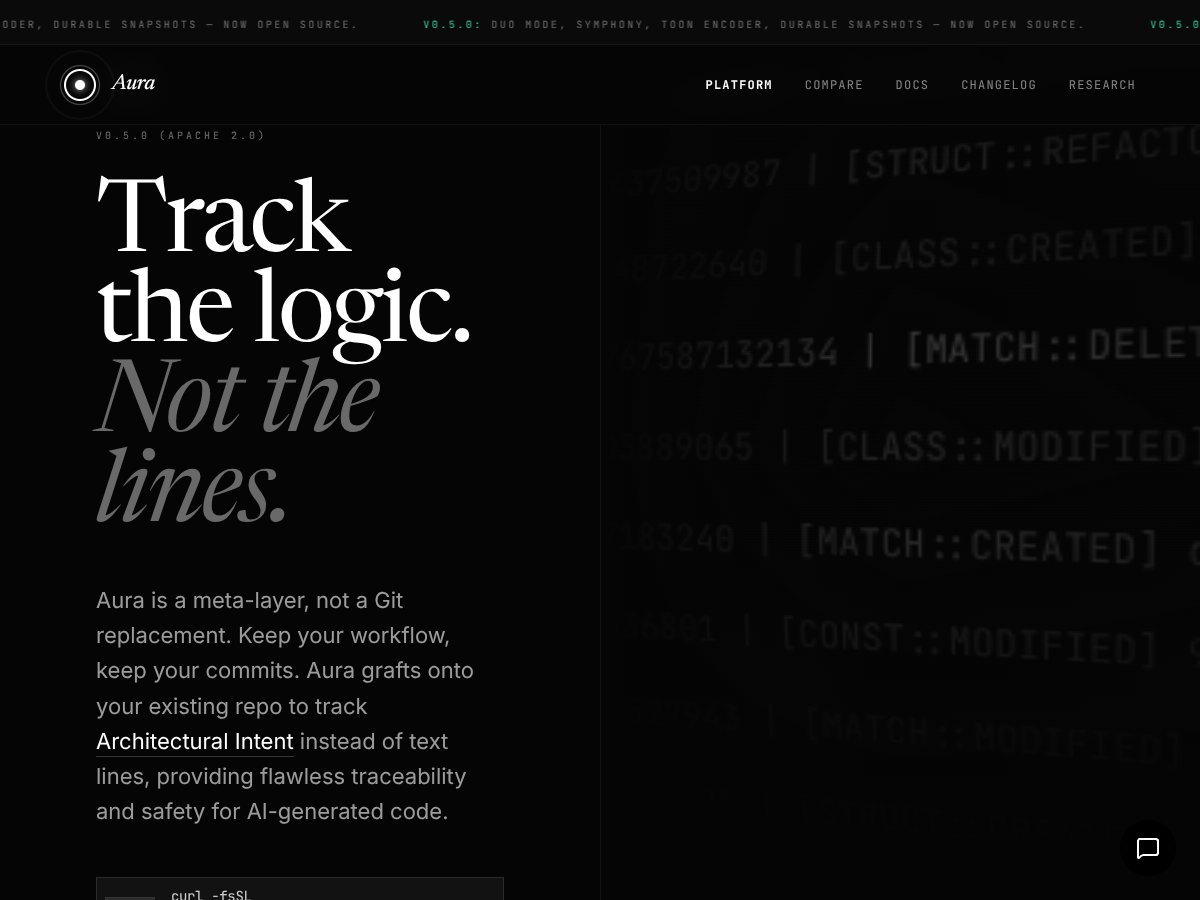
If you’re like me, dealing with large codebases and trying to keep track of why certain decisions were made can be a nightmare. That’s where Aura caught my attention—mainly because it promises to keep your architectural intent intact even when AI tools are involved. Honestly, I was curious if it was just another overhyped layer or if it actually delivered on its claims.
In plain English, Aura is a kind of meta-layer that you add onto your existing Git repositories. Instead of just tracking changes line-by-line, it aims to understand and record the underlying logic and structure behind your code. Think of it as a way to see why a function was written a certain way, or how different parts of your system relate to each other—without losing the actual commits or workflow you’re used to.
The core problem Aura is trying to solve is the difficulty of maintaining architectural clarity in the age of AI-generated code. When AI models start doing the heavy lifting, you need a way to trace back the reasoning, not just the code itself. It’s designed for large, complex projects where understanding the 'why' behind changes is just as important as the changes themselves.
As far as I can tell, Aura is developed by a team with some focus on enterprise-scale code management, though I couldn't find detailed info about the team behind it. It’s clearly aiming at professional developers and teams working with big codebases, especially those experimenting with AI code generation.
My initial impression? It’s as advertised—at least on a surface level. The site is sparse on details, but what I saw seemed consistent with their claim to track architectural intent rather than just code lines. That said, I was a bit skeptical because I didn’t find concrete examples or demonstrations of how it actually works in practice. It’s early days, and I’d recommend approaching it as a tool that might need some experimentation before you can rely on it fully.
One thing to manage upfront: Aura isn’t a Git replacement. It’s more like an add-on that works alongside your current setup. So if you’re expecting a new version control system that replaces Git, this isn’t it. It’s also pretty unclear what the actual workflow looks like—there's no tutorials, no demo videos, and very little documentation. That’s something to keep in mind before jumping into heavy use.
Pros

- Focus on Architectural Intent over lines, providing deeper understanding of code evolution.
- AI-native logic tracking that integrates smoothly with existing repositories.
- Designed for large-scale codebases, promising scalability and enterprise readiness.
- Emphasis on privacy, which is critical for sensitive or proprietary projects.
- Potential to simplify debugging of AI-generated code by maintaining flawless traceability.
Cons
- Pricing details are not publicly disclosed, making it hard to evaluate value.
- Lack of clear feature list or user experience insights.
- No available user reviews or case studies to validate claims.
- Potential complexity in setup and ongoing management for some teams.
- Unclear how it integrates with existing tools or workflows beyond the core idea.
Use Cases

- Large teams managing complex, AI-assisted codebases that require detailed traceability.
- Organizations prioritizing privacy and security in their code management process.
- Architects and senior developers who need to maintain a high-level understanding of architectural intent over time.
- Projects where understanding the logic behind code changes is more important than just diffing lines.
How Aura Stacks Up Against Alternatives
GitHub Copilot
- What it does differently: GitHub Copilot is an AI-powered coding assistant that integrates directly into IDEs, providing autocomplete suggestions and code snippets based on context. Unlike Aura, which claims to focus on version control and neural search, Copilot emphasizes real-time coding help. - Honest price comparison: Copilot costs around $10/month or $100/year, making it quite affordable for individual developers. - Choose this if...: You need a coding assistant integrated into your workflow that offers real-time suggestions and code generation. - Stick with Aura if...: You prefer a tool that’s centered on version control, privacy, and neural search over in-editor AI assistance.Azure DevOps
- What it does differently: Azure DevOps offers a comprehensive suite for project management, CI/CD, and version control, integrated tightly with Microsoft’s ecosystem. - Honest price comparison: Pricing starts at free for basic features, scaling up based on user count and service complexity. - Choose this if...: You want a full development lifecycle tool with enterprise integrations. - Stick with Aura if...: You’re looking for a specialized version control tool with AI-native features and privacy focus.GitLab
- What it does differently: GitLab combines version control with CI/CD and project management, all in one platform, offering extensive automation. - Honest price comparison: Free tier available with generous features; paid plans start at about $19/user/month. - Choose this if...: You need an all-in-one platform for development workflows. - Stick with Aura if...: You prefer an AI-native, privacy-focused approach that emphasizes neural search and sovereignty.Bitbucket
- What it does differently: Bitbucket offers tight integration with Jira and other Atlassian tools, focusing on team collaboration. - Honest price comparison: Free for small teams; paid plans start at $3/user/month. - Choose this if...: Your team already uses Atlassian products heavily. - Stick with Aura if...: You want advanced AI features and neural search capabilities beyond traditional version control.Perforce Helix Core
- What it does differently: Perforce is optimized for large-scale enterprise and game development, handling massive repositories efficiently. - Honest price comparison: Custom pricing based on needs; generally more expensive. - Choose this if...: You’re working on large, complex projects requiring high performance. - Stick with Aura if...: Your focus is on AI-driven version control with privacy and neural search, not just handling big repositories.Bottom Line: Should You Try Aura?
Overall, I’d give Aura a solid 6.5/10. It’s intriguing, especially if you’re interested in AI-native version control with privacy at the forefront. But, with no available reviews, pricing, or detailed features, it’s a bit of a gamble whether it lives up to its claims.
If you’re a developer or team that values neural search, sovereignty, and innovative AI features, and you’re okay with a possibly untested platform, give Aura a shot. It’s probably best for early adopters or those exploring cutting-edge tools.
However, if you need a proven, feature-rich, and well-supported version control system, sticking with GitHub, GitLab, or Bitbucket might be smarter for now. Aura isn’t the best choice if you prioritize stability and extensive community support.
Would I personally recommend it? Honestly, I’d say wait until more reviews and details emerge. But if you’re curious about AI-native version control and privacy, it’s worth keeping on your radar.
If you’re exploring options for innovative version control with a focus on AI, give Aura a shot. If you need a reliable, established platform, your money is better spent on more mature tools.
Common Questions About Aura
- Is Aura worth the money?
- It’s hard to say without pricing info and user reviews. It might be worth it if you’re excited about AI-native features and privacy, but it’s a risk without proven track records.
- Is there a free version?
- No official free tier or trial info is available currently. Without details, it’s uncertain whether there’s a free plan or limited demo.
- How does it compare to GitHub or GitLab?
- Aura claims to offer neural search and privacy benefits, but lacks the maturity, integrations, and community support of GitHub or GitLab. It’s more experimental at this stage.
- What technical features does it have?
- Details are scarce, but it’s supposed to include AI-native logic tracking, neural search, and sovereign privacy. Exact capabilities are unclear without more info.
- Can I get a refund?
- There’s no info available on refunds or trial policies at this time. Be cautious until more details are released.
- Is Aura suitable for enterprise teams?
- It’s too early to tell, given the lack of info. Larger teams should wait for more transparency before committing.