Table of Contents
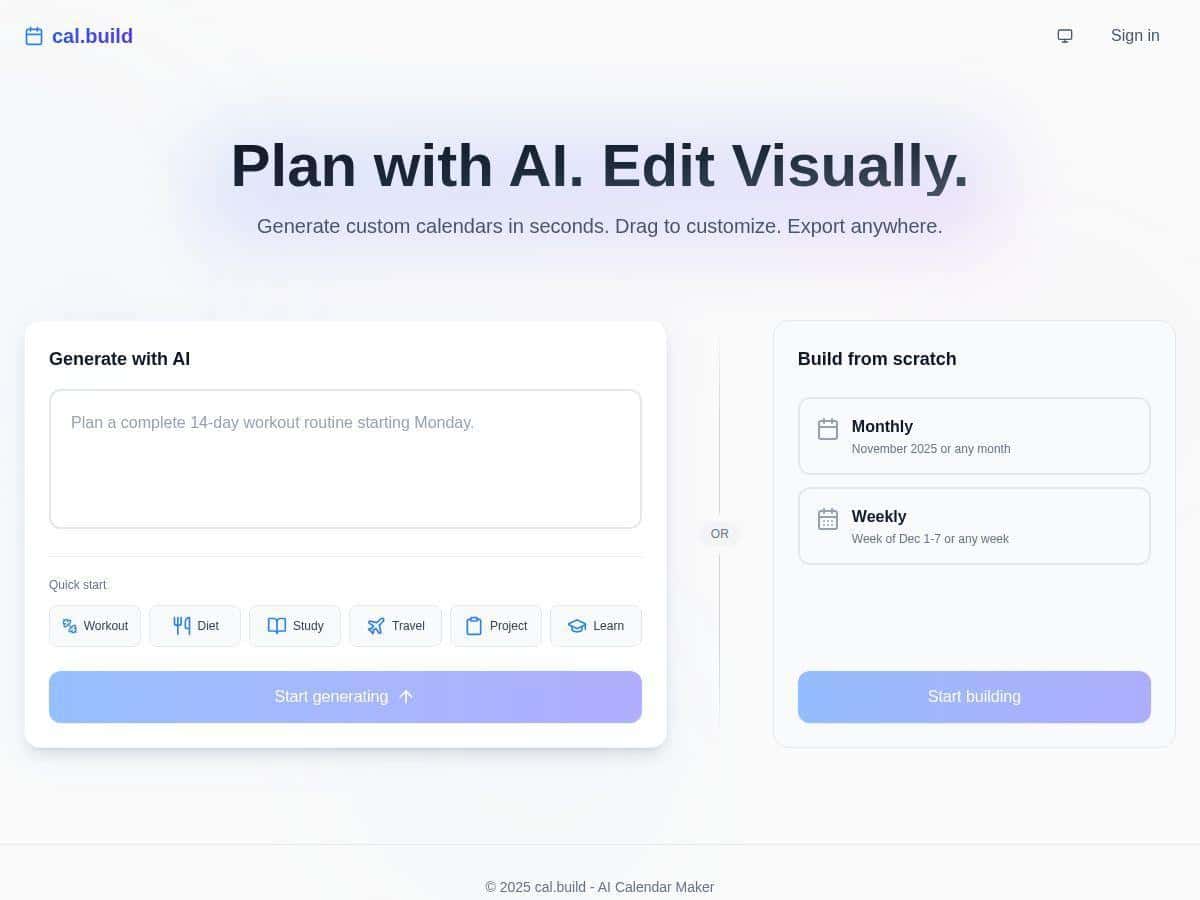
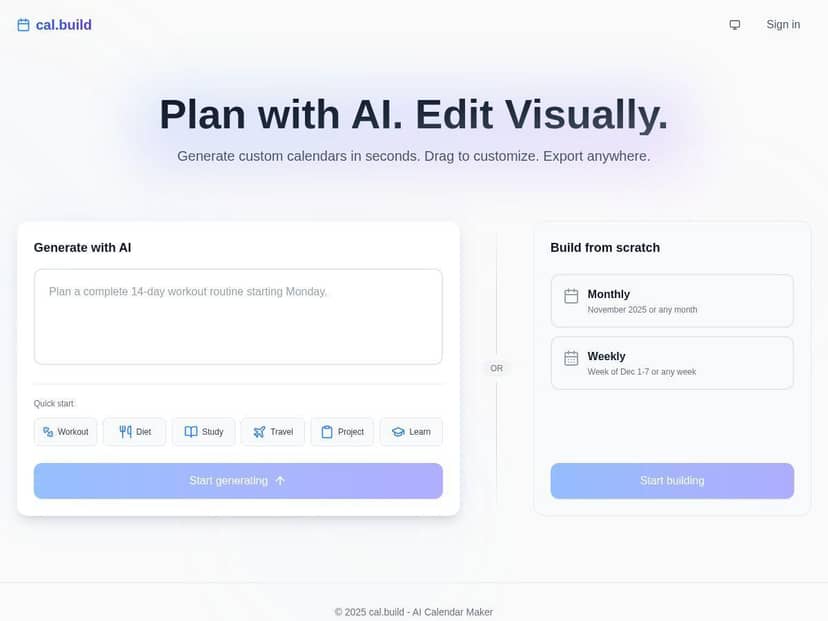
If you’ve ever tried to build a calendar from scratch and thought, “Why is this so tedious?”, I get it. That’s basically why I tested cal.build. The pitch is simple: type what you want in plain English, and it generates a calendar you can edit instead of starting from a blank grid.
My goal wasn’t to judge it on vibes. I wanted to see how fast it was, how accurate the output felt, and whether exports actually held up when I tried to move the calendar somewhere else.
cal.build Review: What Happened When I Actually Tested It
I tested cal.build on a real planning scenario: a 3-day workshop in New York. I typed a prompt similar to: “Schedule a 3-day workshop in New York next month”. Then I watched what it produced—both the structure (days, sessions, breaks) and the details (times, event titles, and whether everything looked readable).
Here’s what I noticed:
- Speed: The calendar came back quickly enough that I didn’t feel like I was waiting around. I wasn’t doing anything fancy—just plain language—and it generated a full layout in seconds.
- Usability: The interface felt straightforward. I didn’t have to hunt through settings to get something useful. Most of the work was editing the generated events.
- Editing: Drag-and-drop was the big win for me. I moved a couple sessions to different times and it updated cleanly without breaking the layout.
- Export tests: I exported to PDF and .ics (calendar file). The PDF looked good for sharing and printing, and the .ics file imported without drama in my calendar app. Titles and start/end times came through as expected.
One small reality check: AI calendars aren’t magically perfect on the first pass. In my case, I still had to tweak a few session times and event names so they matched what I actually wanted to communicate. But honestly, that’s normal—even with manual calendars.
Would I use this to replace every detailed planning workflow? Probably not. But for turning a messy idea into a structured schedule fast? Yes.
Key Features That Matter (Not Just the Marketing List)
- AI-Powered Calendar Generation: You describe what you need in plain language, and it builds the calendar structure from that. I found it especially good for workshop-style schedules and multi-day agendas.
- Drag-and-Drop Customization: This is where it becomes practical. You can move events around visually instead of editing time fields one-by-one.
- Multiple Export Options: It supports exporting as a .ics file and PDF, and it also offers options for syncing/sharing with tools like Google Calendar and Notion. In my test, the export outputs were usable immediately.
- Weekly and Monthly Templates: If you don’t want to start from scratch, templates help. I used a layout to quickly view the schedule at a glance, then adjusted the details.
- Shareable Links / Live Updates: For group planning, being able to share a link is a big deal. It’s a lot easier than exporting a file every time someone asks, “Can you update that?”
Pros and Cons (Based on My Test)
Pros
- Fast generation from simple prompts. I didn’t need to write a novel—just enough detail to define the event.
- Editing feels natural. Drag-and-drop made adjustments quick, especially when I wanted to shift sessions.
- Exports are actually usable. PDF looked share-ready, and .ics imported cleanly with the basics like titles and times intact.
- Good for planning, not formatting. I spent more time refining content than wrestling with calendar layout.
Cons
- Some features likely require a subscription. If you’re trying to do lots of exports or advanced workflows, the free tier may not be enough.
- AI output still needs review. Expect to adjust a few event names/times for accuracy and clarity.
- New users might feel a little lost at first if they’re not used to digital scheduling tools. The app is simple, but it’s still a calendar UI.
Pricing Plans: What You Should Look For Before Paying
I can’t responsibly guess exact numbers here because pricing can change, and the only accurate source is the official page. That said, cal.build generally follows a free tier + paid subscription structure.
What I’d check on their pricing page:
- Export limits (especially for PDF and .ics/.calendar-style exports)
- Number of calendars/projects you can generate
- Whether integrations are included (like Notion/Google Calendar syncing)
- Template access and whether “advanced” templates are locked behind the paid plan
In my experience, the free version is great for testing the workflow and getting one calendar into a usable state. If you’re doing recurring schedules for a team (workshops, events, recurring meetings), you’ll likely want the subscription so you’re not constantly bumping into limits.
Wrap up
After using cal.build for a real schedule, my take is pretty straightforward: it’s one of the easier ways to go from “I have an idea” to “I have a calendar” without spending an hour formatting. The AI generation is quick, the drag-and-drop edits are genuinely convenient, and exports (PDF and .ics) worked well enough that I didn’t feel blocked.
Just don’t treat it like a set-it-and-forget-it system. You’ll still want to review the details—especially event titles and times—before you share it widely.
If you’re busy and you want smarter scheduling with less manual work, cal.build is worth a try.