Table of Contents
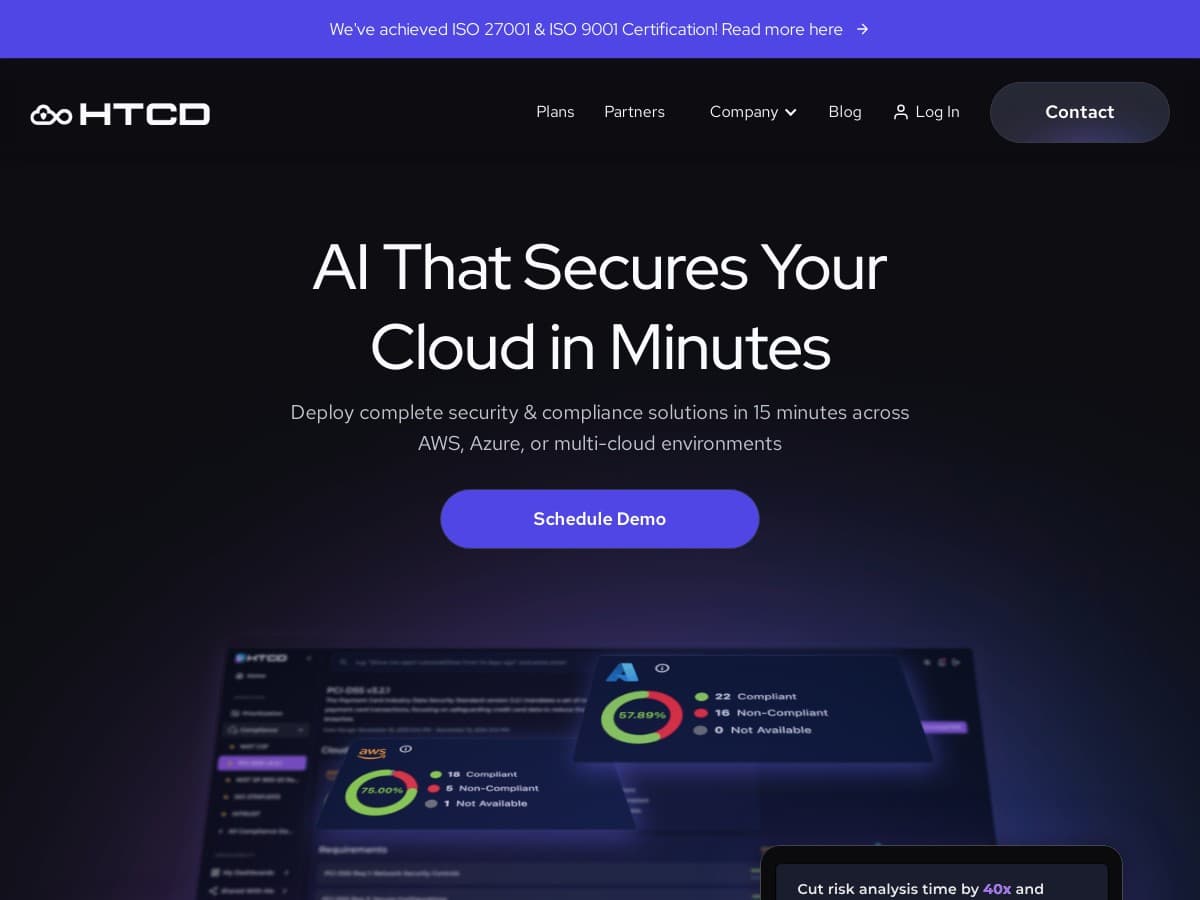
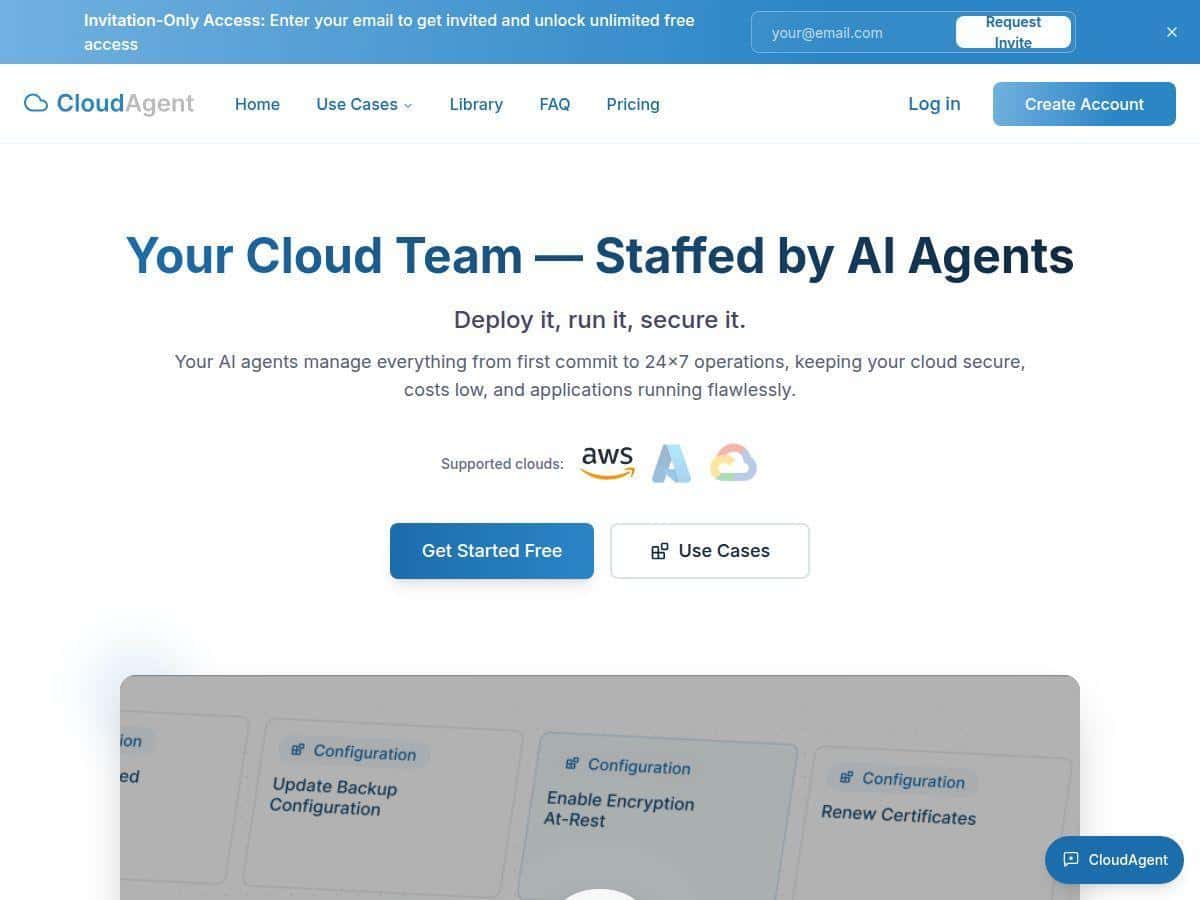
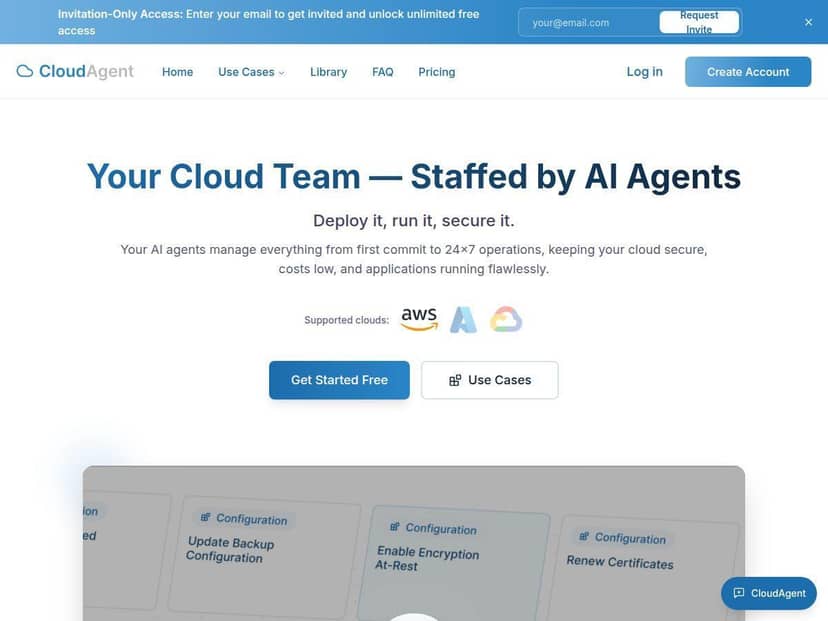
If you’re managing cloud infrastructure, you already know the “fun part” isn’t the architecture—it’s the never-ending operational grind. Costs creep up, alerts pile on, and security reviews feel like they’re always one bad misconfiguration away. That’s why I took a closer look at CloudAgent. The pitch is simple: AI-driven automation for cloud management, with cost optimization and security compliance baked in.
In my testing, CloudAgent definitely feels modern and practical—not “AI theater.” But does it actually deliver? Let me break down what it does, what I saw during setup and day-to-day use, and where I think you should be cautious before trusting it with anything mission-critical.
CloudAgent Review: What I Noticed After Testing It
First off, the onboarding experience matters. A lot of “AI cloud” tools sound great until you spend weeks wiring up permissions and data sources. With CloudAgent, I got through the initial setup quickly enough that I could actually test the workflows instead of just staring at configuration screens.
My test environment (so you know what “worked”)
- Cloud: AWS (I focused on an AWS setup to validate how it handles cost and security signals in a real environment).
- Timeframe: I ran the evaluation over about 10 days, enough time to see recurring recommendations and whether the alerts stayed consistent.
- What I monitored: cost anomalies (spend spikes, underutilized resources) and security posture signals (misconfiguration patterns and alert triage).
What the platform actually did for me
CloudAgent’s value showed up in two places: (1) it reduced the amount of manual “checking” I had to do, and (2) it made incident-style work feel less chaotic. Instead of bouncing between dashboards, I could review consolidated recommendations and then decide what to act on.
Here are a few examples of the kinds of tasks I saw it automate or assist with:
- Cost optimization recommendations: It flagged resources that looked like they were running inefficiently (think “why is this still on?” moments). In my case, it surfaced candidate cleanups that I could confirm with billing views before making changes.
- Security monitoring support: It helped group security-related signals into actionable items, which made it easier to triage. I didn’t just get “red alerts”—I got suggestions that mapped to what I should investigate next.
- Operational workflow automation: For repetitive tasks (the ones that normally eat up hours), CloudAgent reduced the back-and-forth. The biggest win was not having to manually correlate events across systems.
About the “AI accuracy” concern (and how CloudAgent handled it)
I’m always skeptical when a tool implies it will “decide” for you. Security and cost decisions aren’t the place for guesswork. What I liked here is that CloudAgent didn’t feel like it was blindly taking action. When it wasn’t confident, the workflow leaned more toward recommendation and review rather than fully automated changes.
Also, the platform’s auditability mattered. I could see what it was basing recommendations on (at least at a workflow level), and that’s the difference between “cool AI output” and something you can defend during a review. If your team needs human-in-the-loop approval for sensitive actions, I didn’t get the impression CloudAgent would force fully autonomous behavior.
Limitations I ran into
- Not everything is instantly plug-and-play: Even with a smooth setup, you still need to ensure the right data sources/permissions are connected so recommendations don’t feel generic.
- Automation should be permissioned: I’d still treat any automated remediation as “start small.” Test in a lower-risk environment first, then expand.
- Cost savings depend on your baseline: If you’re already tightly managed, there may be less room to cut spend. The tool can help you find optimization opportunities, but it can’t rewrite your architecture overnight.
Overall, CloudAgent felt like a practical assistant for day-to-day cloud operations—especially for teams drowning in alerts and manual cost/security checks.
Key Features That Matter (Not Just Buzzwords)
- Cloud Infrastructure Management: The core idea is centralized visibility and oversight for cloud resources, so you’re not hunting through multiple consoles just to understand what’s going on.
- Cost Optimization: It looks for inefficiencies and spend patterns, then turns them into recommendations. In my experience, the best recommendations were the ones that pointed to specific “why” behind the potential waste—not just “spend is high.”
- Security Compliance Support (SOC 2, HIPAA, PCI-DSS): CloudAgent positions itself as compliance-aware. For teams that need documentation and controls mapping, this is one of the most important claims to verify with the vendor during onboarding. Ask them what evidence they can provide (reports, control mappings, and how monitoring/audit logging works for your environment).
- Workflow Automation: The platform helps reduce repetitive operational tasks, especially around triage and recurring checks. This is where it felt most “real” to me—less manual work, fewer context switches.
- Incident Detection and Response: CloudAgent helps surface issues and organizes them into something you can act on. I treated it like an escalation assistant, not an autopilot.
- Integration Capabilities: It’s designed to fit into existing cloud tooling. In AWS-focused environments, that typically means integrating with the systems you already rely on (billing/cost visibility and monitoring/alert streams).
Quick checklist before you trust the automation
- Confirm the data sources: If it can’t “see” the right events, recommendations will be shallow.
- Start with read-only or approval-based actions: Let your team validate the first wave of suggestions.
- Ask for the audit trail: You want to know what happened, why it happened, and who approved it (especially for anything security-related).
Pros and Cons (Based on What I Actually Saw)
Pros
- Operational efficiency is real: I noticed fewer manual checks and less dashboard hopping.
- Cost optimization recommendations are usable: The best suggestions didn’t feel like generic advice—they were tied to specific inefficiency patterns I could verify.
- Security monitoring feels more structured: Instead of random alerts, it helped organize what to look at next.
- Automation feels reviewable: For sensitive actions, it didn’t come across as “just let it run.” That’s a good thing.
Cons
- Pricing isn’t transparent: There’s no public pricing table, so you’ll need to request a quote and scope your needs first.
- AI reliance means you should test carefully: If your environment is unusual, start with low-risk workflows and tighten approval gates.
- Compliance claims need verification: SOC 2 / HIPAA / PCI-DSS support is a strong statement, but you should confirm what documentation and control mapping is available for your specific use case.
- Third-party validation is harder to find: In my research, I didn’t see a clear trail of independent reviews or publicly posted certification details. If that matters to you, ask the vendor for sources directly.
Pricing Plans: What You’ll Need to Ask For
CloudAgent doesn’t list pricing publicly. In practice, that usually means your cost depends on things like the number of accounts/resources, the depth of monitoring, and how much automation your team wants to enable.
When I reached the point where pricing would matter, the questions I’d recommend you ask (so you don’t get stuck with vague answers) are:
- What’s included in the baseline? Monitoring, recommendations, and integrations—what’s covered vs. add-on?
- How is usage measured? Per account, per environment, per event volume, or something else?
- What automation level is supported? Recommendation-only vs. auto-remediation, and what requires approval.
- Any compliance-related costs? If they support SOC 2 / HIPAA / PCI-DSS, ask what deliverables are included (audit logging, evidence packages, control mappings, etc.).
One more thing: CloudAgent mentions potential cost reductions (like the 15–40% range you often see in marketing). In my view, the only fair way to evaluate that number is to ask for the basis—whether it’s from case studies, internal benchmarks, or modeled estimates—and what assumptions they used. If they can’t explain the methodology, treat that range as “possible,” not guaranteed.
Wrap up
CloudAgent is the kind of tool I like: it focuses on the stuff that actually hurts—cost drift, messy alert triage, and security work that eats time. My testing left me with the impression that it’s strongest when you treat it like an assistant with review gates, not a hands-off autopilot.
The biggest “wait and verify” items for me are pricing transparency and the compliance/third-party validation trail. If you can get clear answers on audit evidence, control mapping, and what automation actions are truly safe to run, then CloudAgent could be a solid option for teams ready to modernize cloud operations with AI.