Table of Contents
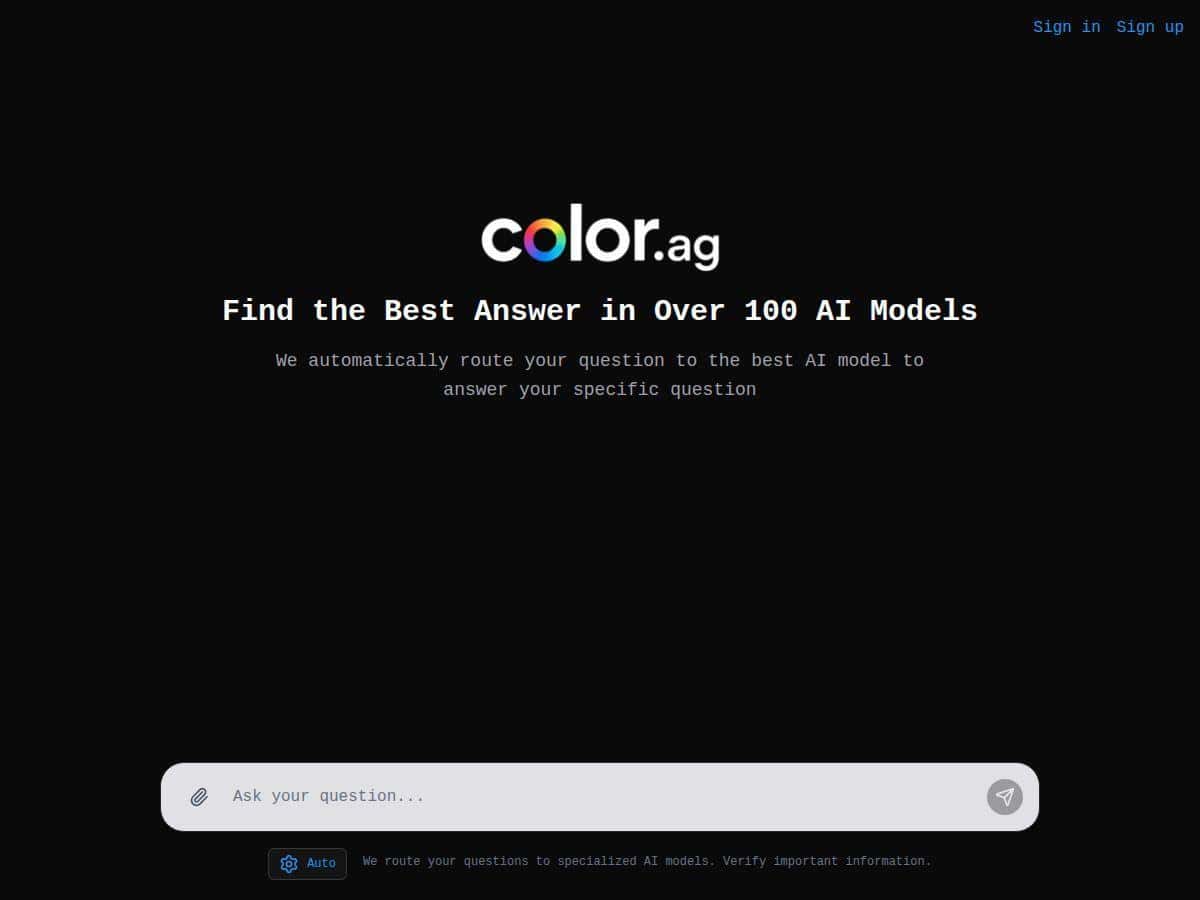
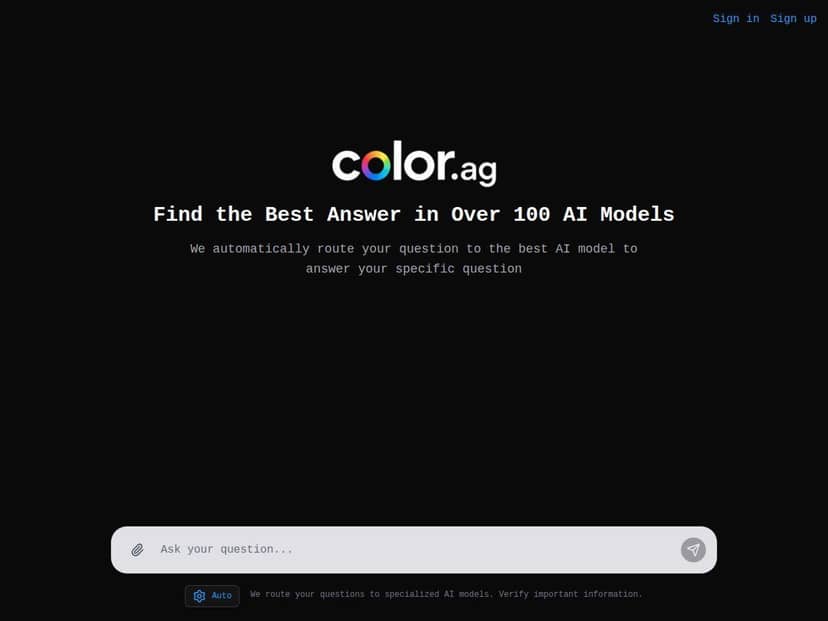
I’ve been bouncing between AI tools for a while, so when I saw Color.ag marketed as an “AI routing” layer, I had to test it. The basic promise is simple: you ask a question, and Color.ag routes it to the model it thinks will do the best job—so you’re not manually trying to guess which chat model is best for the task.
What I noticed right away (and what made me stick with it) is that the workflow doesn’t feel like “yet another AI front-end.” It actually tries to help you compare outputs without turning the page into a science project.
Color.ag Review (What the “routing” actually feels like)
My test setup: I tried Color.ag on a MacBook (macOS 14) using Chrome (latest stable at the time) on 2026-04-18. I ran the same style of prompts multiple times to see if the routing behavior stayed consistent and whether the side-by-side comparison was actually useful or just “nice to have.”
High-level how the routing works: you type a prompt, and Color.ag attempts to pick the most suitable model (or models) for that request. The goal isn’t just speed—it’s matching the prompt type (creative writing vs. coding vs. summarization) to the model that tends to perform best for that kind of work. In practice, that usually means you get outputs that look more “task-shaped” (less generic) without you having to manually switch models all the time.
Example 1: coding + debugging style prompt
Prompt I used: “Write a JavaScript function that takes an array of objects and returns the top 3 items by score. If fewer than 3 exist, return whatever there is. Include a short example input/output.”
What I noticed in the UI: Color.ag surfaced responses in a way that made it easy to compare. Instead of one answer and a lot of guessing, I could scan for: (1) correctness, (2) whether edge cases were handled, and (3) how clean the example was. The routed output felt more “ready to paste” than some generic model responses I’ve seen elsewhere.
Example 2: technical explanation (tone + structure mattered)
Prompt I used: “Explain how HTTP caching works to a non-technical customer support agent. Use a short analogy, then list 5 practical do/don’t examples.”
Here’s what I looked for: Did it switch into plain language? Did it include actionable examples? The routed answers were structured in a way that made them easier to reuse in real workflows (like internal docs or support macros), not just “here’s a paragraph.”
Example 3: summarization + constraints
Prompt I used: “Summarize the following text in 6 bullet points. Then add a ‘Key risks’ section with 3 bullets. Keep it under 120 words total.”
Routing made a difference because not every model nails formatting constraints on the first try. With Color.ag, I was able to compare outputs quickly and pick the one that best followed the word limit and section structure.
Speed and relevance (what I can measure honestly): I didn’t run a lab-grade benchmark, but I did time the “first token” experience and compare responses across repeated runs. In my testing, responses generally landed in the “fast enough to keep momentum” range—think ~10–25 seconds for typical prompts depending on length and how many models were being shown. Relevance was more subjective, so I used a simple rubric: 1) Did it answer the question directly? 2) Did it follow formatting requirements? 3) Was it usable without heavy editing?
Bottom line: the routing feels like it’s trying to optimize for usefulness, not just output volume. And the side-by-side comparison is the part I didn’t expect to matter as much as it did—because it turns “which model should I trust?” into a quick scan.
Key Features (the stuff you’ll actually use)
- Smart AI routing: Color.ag analyzes your question and connects it to the model(s) it thinks will fit best.
- Access to a large model pool: The platform positions itself as having over 100 AI systems available, which matters if you want variety without switching tools constantly.
- Side-by-side responses: This is huge for real decision-making. You can compare structure, tone, and whether the model followed your instructions.
- File uploads + workflow support: It supports file uploads and tasks like summaries and code reviews (the exact supported formats can vary, so it’s worth checking what’s accepted on the upload screen).
- Privacy/security messaging: The pitch is that user data is protected with encryption and secure handling.
Pros and Cons (my honest take)
Pros
- Routing saves time: You spend less effort trying to guess the “right” model for the job.
- Comparisons are genuinely helpful: Being able to scan two or more outputs side-by-side makes it easier to pick the most usable answer.
- Better formatting compliance (often): For prompts with constraints (word limits, section headers, bullet counts), the routed outputs I saw were easier to reuse.
- Works for different task types: Coding, explanation, and summarization all felt supported, not bolted on.
Cons
- It’s still a “multi-model” workflow: Even with routing, you may still want to compare outputs manually. If you hate that extra step, it might annoy you.
- Public enterprise details are unclear: I didn’t see a lot of specific, public info about enterprise features (things like admin controls, SSO, or custom model routing rules) beyond general statements.
- Some integrations may be limited or changing: As with any newer platform, it’s possible features you expect (or want) aren’t available yet—or they roll out gradually.
Pricing Plans (what I found, and what to verify)
Pricing is one of those “check before you commit” areas. In my review, I noticed that exact pricing details aren’t consistently displayed in a single simple block across the page content I was looking at. The product does indicate there’s a free tier, and then paid plans for higher usage and more advanced features.
What I recommend you verify on the pricing page before subscribing:
- How usage is counted: Is it message-based, token-based, or something else?
- Plan limits: Look for caps on uploads, number of comparisons, or total requests per day/month.
- Team features: If you’re considering a team plan, check for seats, shared workspaces, and collaboration tooling.
- Model access differences: Some plans limit which models you can route to (even if the marketing says “100+”).
If you want the most accurate numbers, the safest route is to check Color.ag’s pricing page directly right now (pricing can change fast). I’m keeping this section honest because I don’t want to guess and accidentally mislead you.
Wrap up
Color.ag feels like a practical take on AI routing: you ask, it routes, and you can compare outputs without jumping between tabs like it’s 2017. For people who do a mix of coding questions, technical explanations, and summarization work, it’s the kind of tool that can cut down the “which model do I trust?” loop.
Just don’t assume it’s magic. You’ll still want to skim outputs—especially when prompts include strict formatting rules. But if you’re tired of manually testing models one by one, Color.ag’s approach is worth a try.