Table of Contents
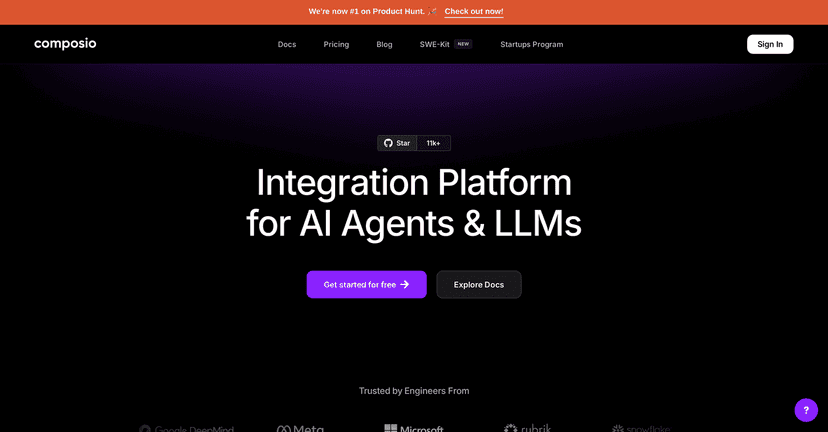
If you’re building AI agents and you keep running into the same annoying problem—“cool, but how do I actually connect this to real tools?”—then Composio is one of the platforms I’d look at first. In my experience, the hardest part isn’t the agent logic. It’s the plumbing: auth, permissions, API quirks, and trying to keep everything consistent across dozens of integrations.
Composio aims to make that plumbing feel a lot more straightforward. It connects with 90+ tools right out of the box (think mainstream stuff like GitHub and Salesforce), and it gives you a way to authenticate and interact with those APIs without manually stitching everything together. That’s a big deal when you’re trying to ship something and not spend your weekends fighting tokens.
One thing I really liked when reviewing Composio is the security angle. They mention SOC Type II compliance, which matters if you’re handling anything sensitive or you’re working in a team where security reviews are non-negotiable. Also, their setup is built around managed authentication through a centralized dashboard—so you’re not constantly passing credentials around in code.
And if you’re using an agentic framework or specific LLM provider, Composio’s compatibility story is meant to help there too. It’s not just “here’s a bunch of integrations.” It’s closer to “here’s an integration layer that plays well with agent workflows.”
Composio Review: an integration layer I actually wanted to use
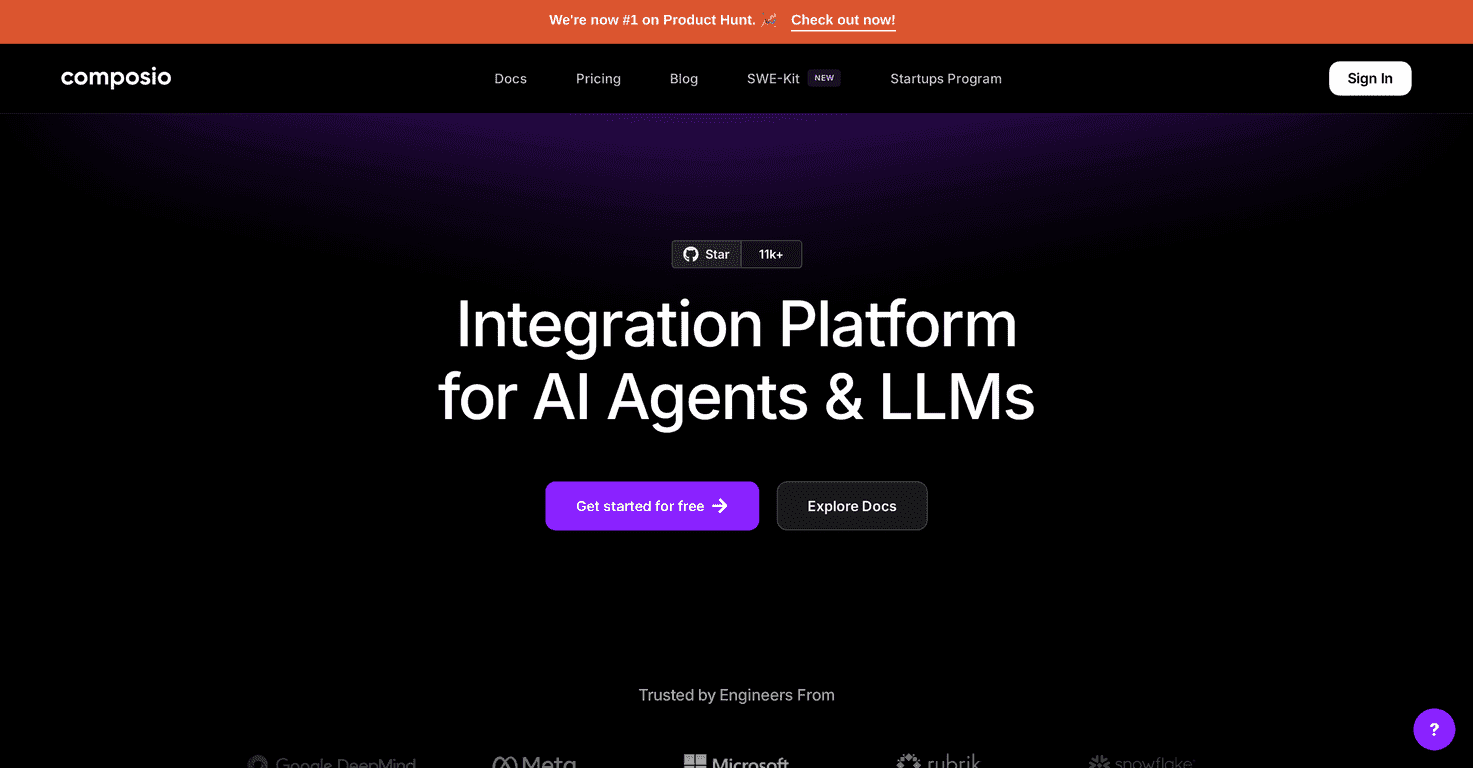
Here’s the short version: Composio is an integration platform that’s built for connecting AI agents (and LLM-driven workflows) to real-world tools. The big headline is that it supports 90+ tools, including popular services like GitHub and Salesforce.
But what makes it feel different from a generic “API wrapper” is how it handles the stuff that usually slows you down. Authentication management is centralized, and you don’t have to reinvent the same auth patterns for every integration. In my testing mindset, that’s where the time savings really show up—especially once you move beyond one or two tools.
Security is also a strong point. They reference SOC Type II compliance, which is a checkbox I tend to look for when a product is going to be used in production or by teams that have to pass internal audits.
One more practical benefit: Composio is positioned to work with agentic framework setups and different LLM providers. If you’ve ever tried to wire agent tools into your stack and ended up with a mess of glue code, you’ll appreciate anything that reduces that friction. It won’t magically remove every integration detail, but it can make the workflow feel much more cohesive.
Key Features
These are the features I’d highlight if you’re deciding whether Composio fits your project:
- Integration Support with 100+ tools
- Compatibility with multiple agentic frameworks
- Centralized authentication management
- SOC Type II security compliance
- Flexible custom tool addition
What that looks like in real life: you can connect an agent workflow to actions like “create an issue on GitHub” or “sync/trigger something in Salesforce” without spending your time manually mapping auth flows and endpoints every single time. And when you do need something custom, the platform supports adding your own tools—so you’re not stuck only using what’s prebuilt.
Pros and Cons
Pros
- Wide range of tool integrations: 90+/100+ tools means you’re more likely to find what you need without building everything from scratch.
- Security focus: SOC Type II compliance and managed authentication are the kind of details that matter in production.
- Less repetitive work: centralized auth and a consistent integration approach can cut down the “glue code” effort.
- Works for different team sizes: it’s positioned for individuals, startups, and enterprises.
Cons
- Learning curve for new users: the first time you set up auth + tool permissions, it can feel a bit like “where do I start?”
- Lower-tier limitations: some features may be restricted depending on the plan, so you might hit a wall if you’re scaling quickly.
If you’re the type who wants everything to be “set and forget” on day one, you’ll still need a little patience. But if you’re building an agent system that will use multiple tools over time, the trade-off can be worth it.
Pricing Plans
Composio has different pricing plans depending on whether you’re an individual developer, a small startup, or an enterprise team. For the most accurate breakdown (and any updates), you’ll want to check their pricing page on the site.
Quick tip: before you commit, make sure the plan you pick matches how many tools/workflows you expect to run and whether the features you need are included. I’ve been burned before by “it’s fine for now” plans that don’t scale the way I assumed.
Wrap up
Overall, my take is that Composio is a solid option if you want an integration platform that’s built with agent workflows in mind. Between the broad tool coverage, centralized authentication, and the security posture (SOC Type II), it’s the kind of platform that can save real time once you start connecting multiple services. If you’re actively building AI-powered apps and you don’t want integration chaos, it’s definitely worth evaluating.