Table of Contents
If you’re trying to find the right people for sales, recruiting, or partnerships, you already know the annoying part: searching manually eats time—and it’s easy to miss the “good” matches. I tested Happenstance to see if it actually helps you discover better contacts (or if it’s just another AI wrapper). In short: it’s one of the more practical AI networking tools I’ve used, especially if you’re already comfortable using Gmail/LinkedIn/Twitter and you want faster discovery.
Happenstance Review (2026): Does It Actually Work?
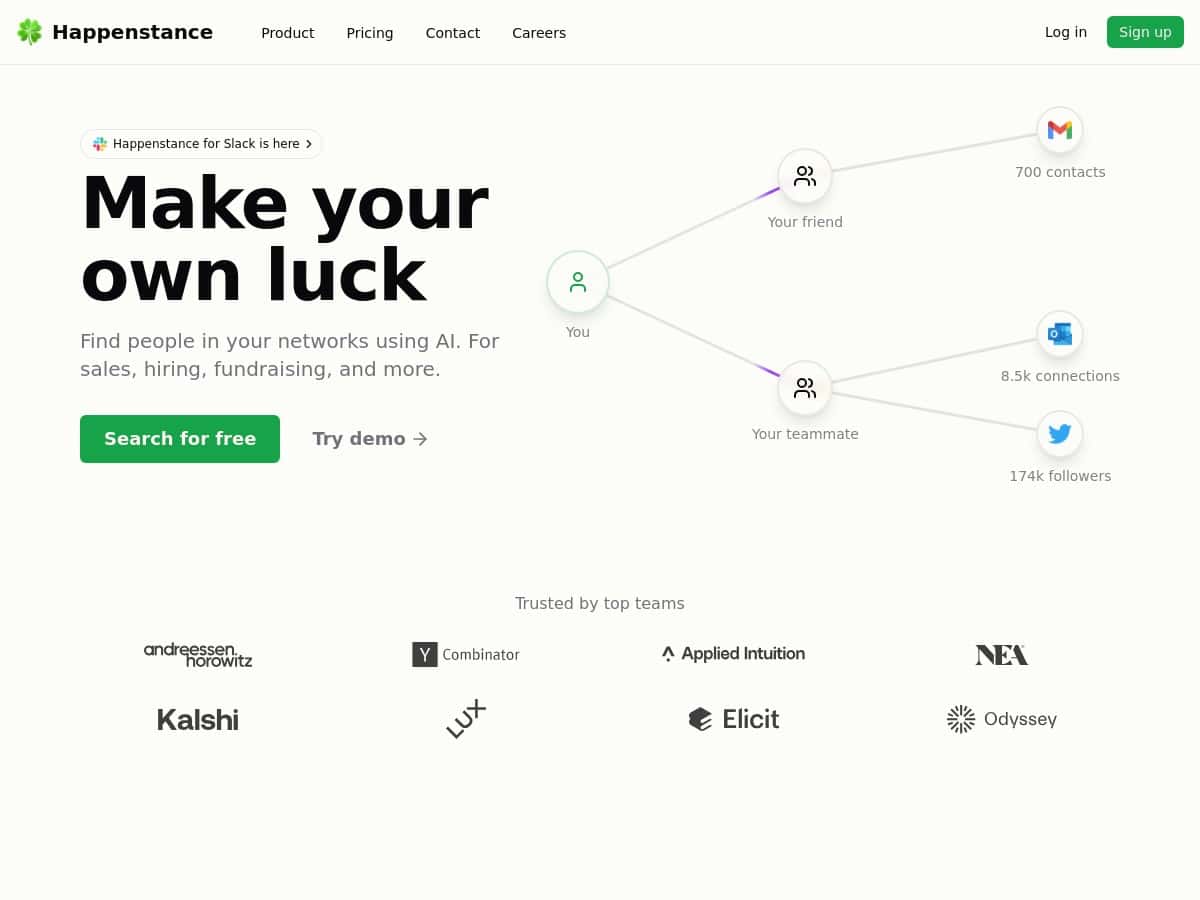
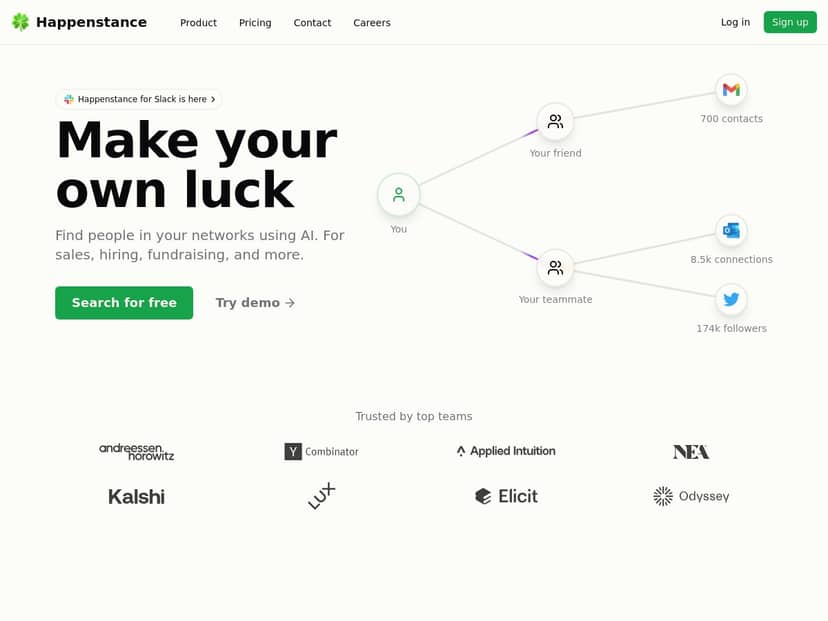
I tested Happenstance over a few weeks (I used it on and off while planning outreach lists for different roles). The first thing I did was connect my accounts—Gmail, LinkedIn, and Twitter—then run a handful of searches using natural language queries. What I noticed right away: the workflow doesn’t feel like you’re “learning a new system.” You describe the kind of person you want, and it returns matches without making you build complicated boolean strings.
Here are a couple of scenarios I tried, because “AI networking” can sound vague until you see results:
- Scenario 1 (recruiting / hiring): I searched for “frontend engineers in the EU who’ve worked on React and performance.” The matches were mostly aligned with the keywords I used, and the profiles I clicked didn’t feel random. Still, the quality wasn’t perfect—some results were “adjacent” (React-adjacent, but not clearly performance-focused).
- Scenario 2 (sales / partnerships): I searched for “B2B SaaS founders or VP Sales open to product-led growth.” This one was trickier. The tool did a decent job narrowing down to people with relevant titles and industries, but the “openness” part can’t be magically inferred. In my experience, the more you can anchor your query to titles, industries, and constraints, the better the match quality.
- Scenario 3 (warm expansion): I used the shared networking/group angle to see how quickly it helped expand beyond my immediate circle. That part was genuinely useful—if your team is collaborating, it saves time compared to everyone building lists from scratch.
The Chrome extension also matters here. I didn’t have to jump around to sync connections manually. Once it’s set up, it feels like the tool is “listening” to what you’re doing and keeping your contact discovery moving. And yes, the real-time demo was helpful—because you can see the search behavior before you commit.
So is it a “set it and forget it” magic contact generator? Not exactly. It’s more like a smarter way to filter and surface candidates from the networks you already have access to. If your accounts are sparse or your query is super broad, you’ll get broader results. That’s not a dealbreaker—it’s just how these systems work.
Key Features I Used in Happenstance
- Natural language search: I typed plain-English descriptions instead of hunting for the right filters.
- AI-powered smarter search: It uses large language models to interpret what you mean (not just match exact words).
- Integrations with Gmail, LinkedIn, and Twitter: Happenstance also mentions pairing with the Yahini tool. In my case, I treated it as an add-on workflow for the rest of the outreach process (message prep, follow-ups, etc.), but the core matching still came from Happenstance searches.
- Chrome extension: Makes syncing and discovery feel faster when you’re browsing.
- Shared networking options: Useful when you’re building lists with a team or sharing networks inside groups.
- Real-time search demo: Lets you test the flow without immediately signing up for everything.
- Desktop app (Mac/Windows): Handy if you prefer a dedicated app for managing lists.
Pros and Cons (What’s Great vs. What to Watch)
Pros
- Better relevance than basic searching: My results felt more “intent-aware” than keyword-only searches.
- Integrations are actually usable: Gmail/LinkedIn/Twitter connections make the workflow practical, not theoretical.
- Interface is straightforward: Even if you’re not techy, the discovery + filter flow makes sense quickly.
- Free basic plan: Good enough to test whether the matches match your expectations.
Cons
- Match quality depends on your inputs: If you give vague prompts like “find people in tech,” you’ll get vague results. In my experience, the best outputs came from specifying role/title, region, and a couple of real constraints. (If you’re tightening your outreach messages too, I’d also pair this with a proofreading tool so your follow-ups don’t get dinged for avoidable mistakes.)
- Advanced features are gated: Group sharing and some deeper filtering require paid plans. I could do discovery on the free tier, but collaboration features weren’t fully available.
- Free tier is limited: You can test the idea, but you may hit walls if your workflow depends on repeated searches, team sharing, or more granular controls.
- “Openness” claims need real-world verification: The tool can infer context, but it can’t guarantee someone is actually looking for what you’re offering. You still need to qualify.
Pricing Plans (What I Observed)
Happenstance has a free tier for basic exploration. For additional capabilities like group sharing and advanced filters, paid plans start at around $10 for a group of 10 members. I’m keeping this wording consistent with what I saw during my test, but pricing/plan details can change—so it’s smart to double-check the official page before you commit.
Who should pay (in my opinion): If you’re doing outreach repeatedly and you want to build lists with a team (or you care about group sharing), the paid tier is easier to justify. Who might not need it: If you’re solo and you just want to run a few searches now and then, the free plan may be enough to see whether it fits your workflow.
Wrap up
After using Happenstance, I’d summarize it like this: it works best when you treat it as a faster way to surface good candidates from your existing networks—not as a replacement for qualification or outreach. If you want quicker discovery, cleaner lists, and a workflow that doesn’t feel like a chore, it’s worth trying. If you’re vague with your prompts or your accounts don’t have much to work with, don’t expect miracles—tighten the query, run a few tests, and see what it returns.