Table of Contents
About 25,000 words is a useful starting estimate for a 100-page book. That assumes 250 words on each page. If 12 of those pages are taken up by the title, contents, worksheets and other material, you have room for about 22,000 words in the main text instead.
Your font, page size and illustrations can move that number quite a bit. Below, you’ll find a quick comparison table, examples for different kinds of books, and a simple way to estimate your own manuscript without guessing how much text fits on a page.
How many words fit in 100 pages?
At 250–300 words per page, 100 full pages of text hold 25,000–30,000 words. A spacious layout or a story with lots of short dialogue can hold less. This table shows the arithmetic at five different page densities, including books that leave some of their 100 pages for other material.
| Words per body page | 100 body pages | 92 body pages | 80 body pages |
|---|---|---|---|
| 180 | 18,000 words | 16,560 words | 14,400 words |
| 220 | 22,000 words | 20,240 words | 17,600 words |
| 250 | 25,000 words | 23,000 words | 20,000 words |
| 280 | 28,000 words | 25,760 words | 22,400 words |
| 300 | 30,000 words | 27,600 words | 24,000 words |
Choose the column that matches the number of pages available for your chapters. If you have 92 body pages and your sample holds 280 words per page, you get 92 × 280 = 25,760 words. With 80 body pages at the same density, you get 22,400.
These figures are calculated examples, so use the density that fits your design. If your pages average 244 words, multiply by 244 rather than rounding up to the nearest table row. Also, count each side as a page. An open book showing a left and right page has two pages, not one.
For your own calculation, use:
(Total interior pages − pages reserved for other material) × words per body page = estimated main-text words.
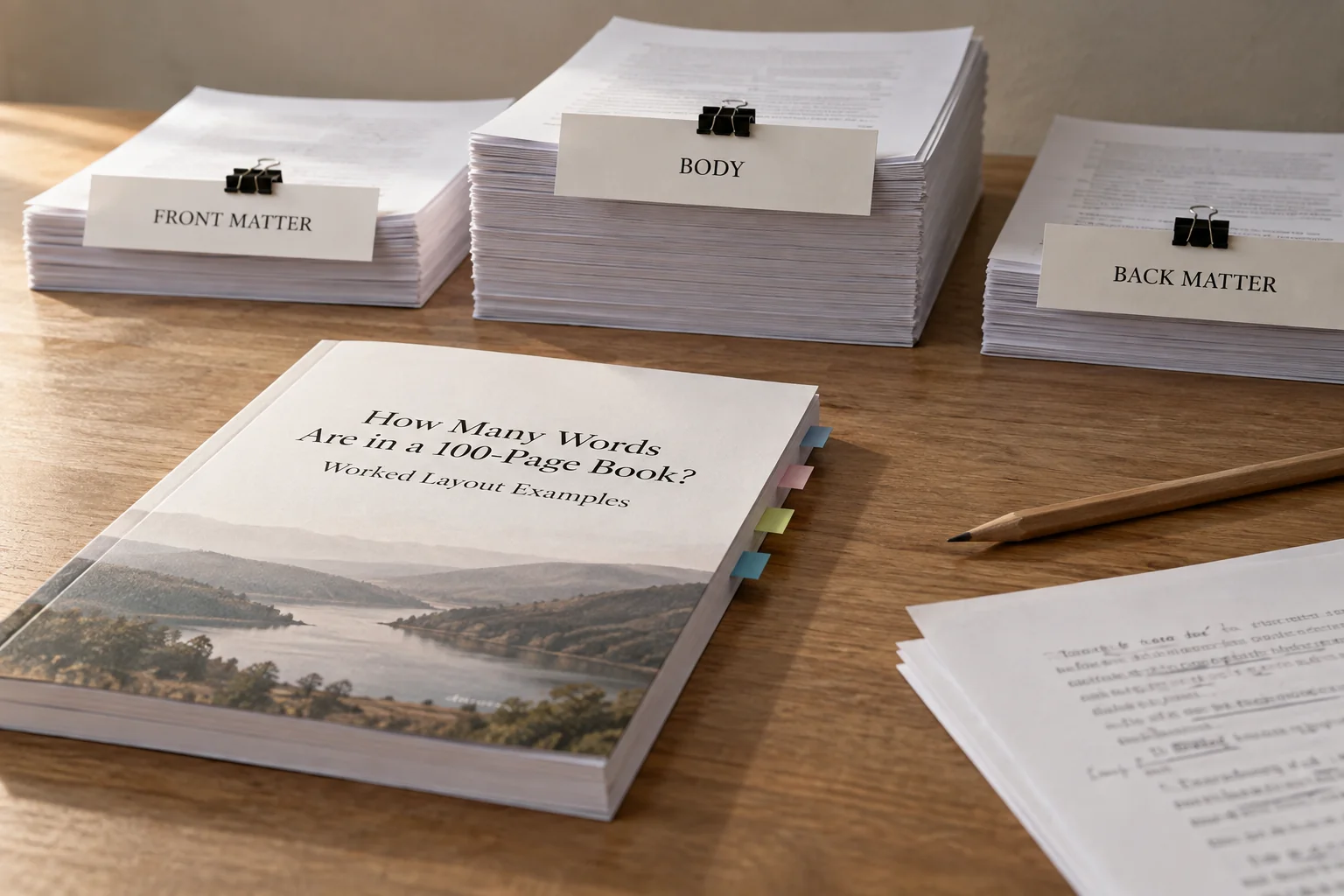
A title page may contain only a few words, while an introduction may contain hundreds. Both take up space before chapter one. Keep their page allowance separate from the chapters, then add their actual words if you need the total for editing or proofreading.
Why 25,000 words won’t always make exactly 100 pages
Take the same chapter, change its font or page size, and it can become longer or shorter without changing a single sentence. KDP’s paperback guide identifies book size and font choice as factors in page count. A word count tells you how much writing you have; the layout decides how much paper it fills.
Try the same passage in two designs before choosing one. Change one thing at a time so you can see what makes the difference. Then read both at their actual printed size. A design that fits more words is only useful if the text remains comfortable to read.
Page size and margins
A wider page usually gives a line more room, but the margins matter too. A large page with generous margins may have a smaller text area than you expect. Start with your intended trim size, then set the margins. KDP explains that order in its trim, bleed and margin instructions.
If you narrow the text area while keeping the type and spacing unchanged, paragraphs wrap onto more lines. The page fills sooner, and the chapter may spill onto another page. The inside margin also needs to leave enough room near the binding so readers can see the words without forcing the book flat.
Include a table or diagram in your sample if your book uses them. The prose might fit nicely while a wide table becomes cramped or moves onto a page of its own. Choose margins for readability and the printer’s requirements, rather than squeezing everything until the page counter happens to say 100.
Font size, typeface and spacing
Two fonts set to the same point size won’t necessarily fit the same number of words. Letter widths and shapes differ, and line spacing changes how many lines fit vertically. KDP’s font guidance recommends trying sample pages, which is more useful than choosing a font solely because someone says it saves paper.
Save the settings you use: typeface, point size, line spacing, paragraph spacing, first-line indent and chapter-opening style. Then a result such as “244 words per page” has a design attached to it. You or your designer can reproduce it instead of trying to remember which draft produced that number.
Print the sample if possible. If the type feels small, enlarge it and recalculate. Don’t keep the old word estimate after making the page easier to read; the improved design may need more pages. That is a useful discovery to make before you finish writing to a rigid target.
Dialogue, pictures and white space
A page of short replies often leaves more empty space than a page of continuous explanation. Each new speaker starts a paragraph, and many lines end early. Give an explanatory passage and a dialogue scene the same word count, format both, and you’ll see why one average may not describe them equally well.
Make room for the other things readers will see: headings, lists, tables, footnotes, pictures, exercises and deliberate blanks. If the same layout repeats throughout the book, give it its own category. A full-page worksheet with space for answers shouldn’t be budgeted as a full page of prose.
For a chapter with a full-page illustration and several short conversations, reserve the picture page first, then sample the conversations. Count that illustration only once. It’s surprisingly easy to subtract it from the chapter allowance and then subtract it again from the book’s overall page budget.
Does “100 pages” mean Word pages or printed book pages?
One hundred pages in Word is not automatically a 100-page paperback. Word shows pages using your current document settings. A submission manuscript with large paper and double spacing can paginate very differently from a finished book. For a print estimate, export a PDF at the intended trim size and check that version.
If you already have the manuscript, use its actual word count. In Word, you can count the whole document or select a particular section, as Microsoft’s word-count instructions explain. Selecting just the main chapters is handy when your page budget treats the introduction and notes separately.
In Google Docs, the ordinary whole-document count excludes headers, footers and footnotes unless you count selected text. Google’s help page explains what is included. If your editor needs the footnotes too, account for them rather than sending a number that quietly leaves them out.
A reflowable ebook is different again. Readers can change the font size, which changes how much appears on each screen. KDP’s ebook formatting guide explains why fixed page counts don’t carry across that layout. Keep your 100-page target attached to a particular print or fixed-layout edition, and use words to describe the writing itself.
Estimate your book from three sample pages
Once you have a likely design, format three ordinary pages from different parts of the manuscript. Count their words, find the average, and multiply by the number of pages you have available. It’s a manageable first check before you spend time laying out the entire book.
- Set the design. Choose trim size, margins, body type, line spacing, paragraph styles, and chapter-opening treatment.
- Export a print PDF. Use the version intended for the planned print dimensions, not an earlier draft with different settings.
- Choose three ordinary body pages from different sections. For this first density sample, exclude full-page art, unusually empty chapter endings, and decorative openers. Record those separately.
- Count each page's body words. Exclude running headings and page numbers. If PDF copying splits hyphenated words or omits text, select the corresponding text in the source document instead.
- Add the counts and divide by three. Retain the unrounded result for subsequent multiplication.
- Inventory the other pages. Reserve front matter, back matter, standalone art, worksheets, and deliberate blanks. Sample text-bearing special layouts separately when they recur.
- Calculate and label the estimate. Multiply ordinary body pages by their sample density, then add any separately estimated body categories.
Be careful about choosing only the fullest pages. They show how much a full page can hold, but chapters often start halfway down a page and finish with empty space beneath the final paragraph. If you apply full-page capacity to every chapter page, you may overestimate how many words will fit.
For a better second pass, format a complete representative chapter. Divide its words by every page it occupies, including its opening and final partial page. Alternatively, estimate those sparse pages separately. Three pages get you started; a full chapter reveals how your design behaves over a longer stretch.
Example: a 100-page nonfiction guide
Let’s give a 100-page guide room for its opening pages and practical exercises. In this example, set aside:
- 6 pages for the half title, title, copyright, contents, and introductory material
- 4 pages for worksheets
- 2 pages for notes and author information
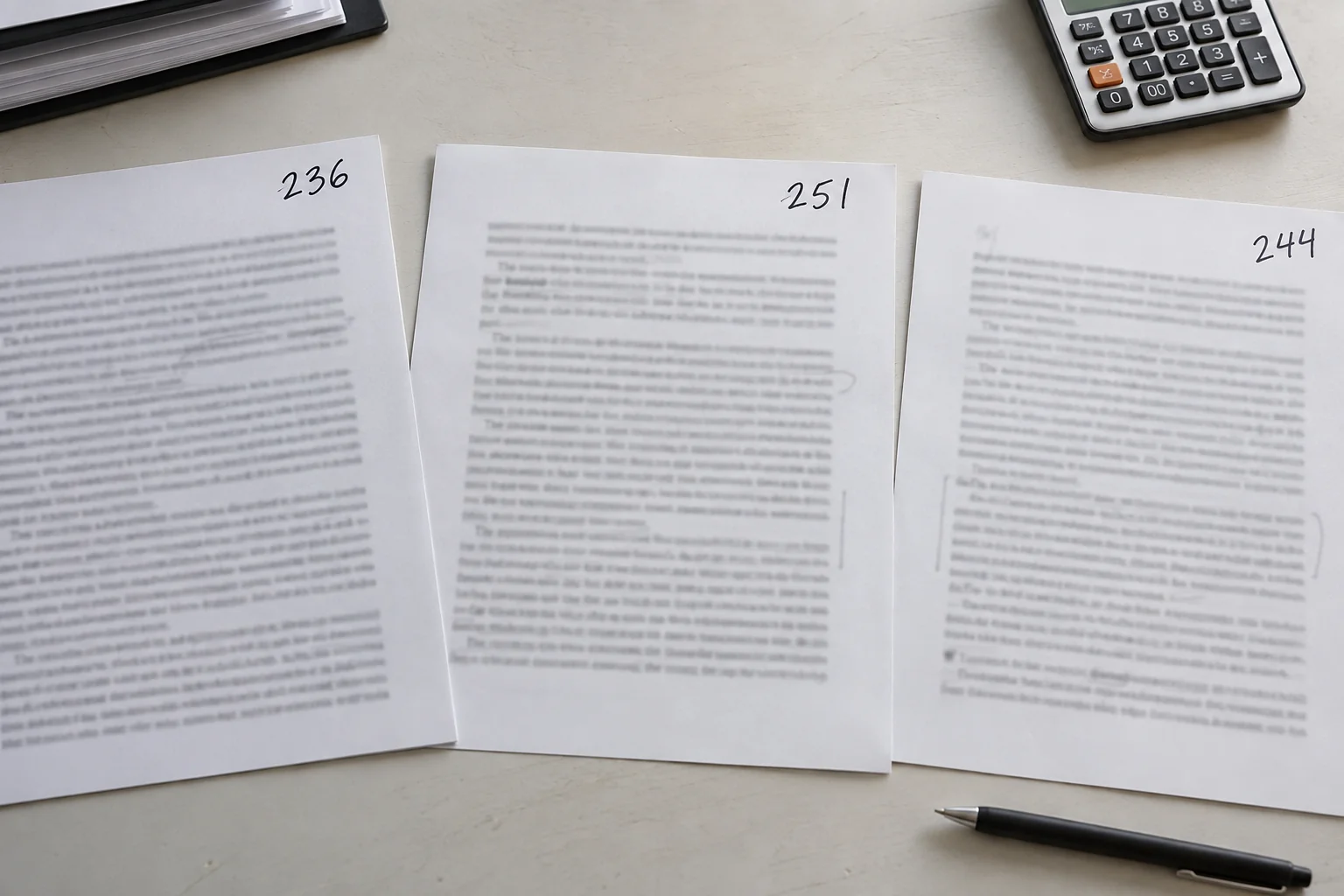
That uses 12 pages and leaves 88 pages for the main text. Now suppose three ordinary pages contain 236, 251 and 244 words. Together, they contain 731 words.
Average per page: 731 ÷ 3 = about 243.67 words.
Estimated main text: (731 ÷ 3) × 88 = 21,442.67, or about 21,443 words.
You now have a starting target of roughly 21,400 words for the chapters. Keep the unrounded average in your calculation, then round the result when discussing the draft. The extra digits help you follow the arithmetic; they don’t mean you can predict the final layout to the last word.
Check a complete chapter next, especially if your chapter openings use plenty of white space. If the final layout fits fewer words than the sample suggests, adjust the target before filling the remaining chapters. You may need a few more pages or a tighter explanation, rather than smaller type.
The 21,443 estimate covers the main text only. Words in the introduction, worksheet instructions and notes still exist and may still need editing. Add their actual counts when you ask an editor for a quote or describe the complete manuscript.
What if you haven’t chosen the layout yet?
You can still make a useful early estimate. Pick two possible page densities and see how much room each gives you. For example, if 90 pages are available for chapters, try:
- Lower-density layout: 90 × 220 = 19,800 words
- Higher-density layout: 90 × 280 = 25,200 words
That gives you a provisional target of 19,800–25,200 body words. The endpoints come from your chosen assumptions. Once you have a formatted sample, replace them with its average instead of treating this range as a fixed rule for every 100-page book.
To make the comparison more useful, connect each option to a design. Try a spacious layout and a more compact one with the same text. Read both, check the table and image placement, and choose the version you would rather spend an hour reading.
If your book contains recipes, poems, code or exercises, plan those recurring units too. A recipe might need space for ingredients and a photograph even when its instructions are short. An exercise may need half a page for the reader to write an answer. Reserve that space before estimating how much prose remains.
Example: a story with lots of dialogue
Now imagine a 100-page story with 8 pages reserved outside the story itself. You have 92 story pages. Suppose three sample pages contain 171, 194 and 182 words, reflecting the shorter paragraphs in the conversations.
Average per page: (171 + 194 + 182) ÷ 3 = 547 ÷ 3 = about 182.33 words.
Estimated story length: (547 ÷ 3) × 92 = 16,774.67, or about 16,775 words.
This is much shorter than the 25,000-word starting estimate because the sample pages hold less text. The calculation depends on the layout, not on what you call the story. Calling a manuscript a novella doesn’t make it fit a particular number of pages.
Before using that target for the whole draft, check a descriptive passage and a full chapter. If you happened to choose the three fastest exchanges in a book that is mostly narration, the sample will be misleading. Try to reflect the mix readers will actually encounter.
Count illustrated pages separately
A mixed-format book is easier to estimate in sections. Suppose your 100-page interior contains 10 opening and closing pages, 60 ordinary prose pages, and 30 pages combining illustrations with explanations.
For this example, let the prose pages average 260 words and the illustrated pages average 100. Then:
(60 × 260) + (30 × 100) = 15,600 + 3,000 = 18,600 body words.
If you used the prose average for all 90 body pages, you would get 23,400 words instead. That is 4,800 more words than this design allows. The pictures haven’t made the arithmetic complicated; they simply need their own share of the page budget.
Check that the page categories add up: 10 + 60 + 30 = 100. Each page should appear in one category. A standalone image already counted among the reserved pages shouldn’t also appear among the thirty illustrated explanation pages.
Decide whether your illustrated-page counts include captions, labels and callouts, then count the same way throughout. For a workbook or recipe book, use its actual recurring layouts. The 260 and 100 figures belong to this example; your sample gives you the numbers for your own book.
Leave room for the pages before and after your chapters
Make a list of everything that belongs outside the main chapters: title, copyright, dedication, contents, preface, notes, bibliography, acknowledgments, index and author information. You don’t need every item in every book, but the ones you choose take up real pages.
At 250 words per body page, reserving 8 pages leaves room for 23,000 main-text words. Reserving 16 leaves room for 21,000. Those eight extra pages reduce the chapter allowance by 2,000 words. This is why “100 pages including everything” needs a different answer from “100 pages of story.”
Keep two word totals if you need them. One helps you plan the chapters; the other describes all the text an editor will work on. An introduction can sit outside the chapter budget and still belong in the complete manuscript count.
Reserved pages aren’t necessarily blank. Count the actual words in a preface or bibliography when you have them, rather than estimating them from the average prose page. Their formatting may use the space very differently.
Use the calculator or a spreadsheet
Enter your total pages, pages reserved for other material, and average words per body page. With 100 total pages, 12 reserved pages and 250 words per page, the answer is 22,000 body words.
In a spreadsheet, put total pages in A2, reserved pages in B2, and words per page in C2. Use =(A2-B2)*C2. Keep the full average in C2 and round only the final answer. If the reserved-page number is larger than the total, fix the inputs before using the result.
For a mixed-format book, make a row for each page type. Multiply each row’s pages by its word density, then add the word totals. Add the page counts separately too. That catches a missing chapter opener or an illustration counted twice.
Once the whole book has been written and formatted, use its actual counts. Record the manuscript’s words and the print PDF’s pages separately. The estimate helped you plan; it shouldn’t replace the finished file’s real numbers.
Turn the estimate into a workable writing target
Tell your editor or designer what your target includes. You could say, “I’m aiming for about 21,400 words in the main chapters, with 12 pages left for the opening material, worksheets and notes.” Keep the sample counts nearby if they want to check the calculation.
If four chapter pages later become worksheets, change the page allowance. If you enlarge the font, measure the sample again. Small adjustments are easy when you know where the original estimate came from. They’re much harder when everyone is working from an unexplained “25,000 words equals 100 pages.”
- Confirm whether 100 pages means the main text or the entire interior.
- Use the intended trim, margins, font, spacing, and paragraph styles.
- Measure exported pages and account for sparse openers and endings.
- Label assumed densities differently from measured samples.
- State whether captions, introductions, notes, and other text are included.
- Keep reflowable ebook length separate from print pagination.
- Replace planning figures with the final interior count before finalizing the cover; KDP's cover calculations use page count and paper specifications. (kdp.amazon.com)
In Automateed, review Outline Structure and the estimated pages in the outline preview before generating a nonfiction book. The Plan book length guide explains that workflow. Use the estimate to choose the scope, then check the finished writing and print layout before advertising the book as 100 pages.
Page-to-word estimate
Subtract front matter, back matter, full-page art, and blanks before estimating body-text words. Sample three representative body pages from the actual layout.