Table of Contents
Let me be honest—I've lost count of how many times I've read a message and thought, “Wait… what does that actually mean?” Jargon has a way of creeping into everything: work emails, product posts, even casual conversations. One person uses “industry language,” the other person nods along… and somehow everyone leaves confused. It’s frustrating.
That’s why I was curious about Jarggin. The basic idea is simple: take complicated wording and translate it into something more human. In my experience, that one shift—less “buzzword soup,” more plain English—can prevent misunderstandings before they start.

Jarggin Review: Does It Actually Make Jargon Easier?
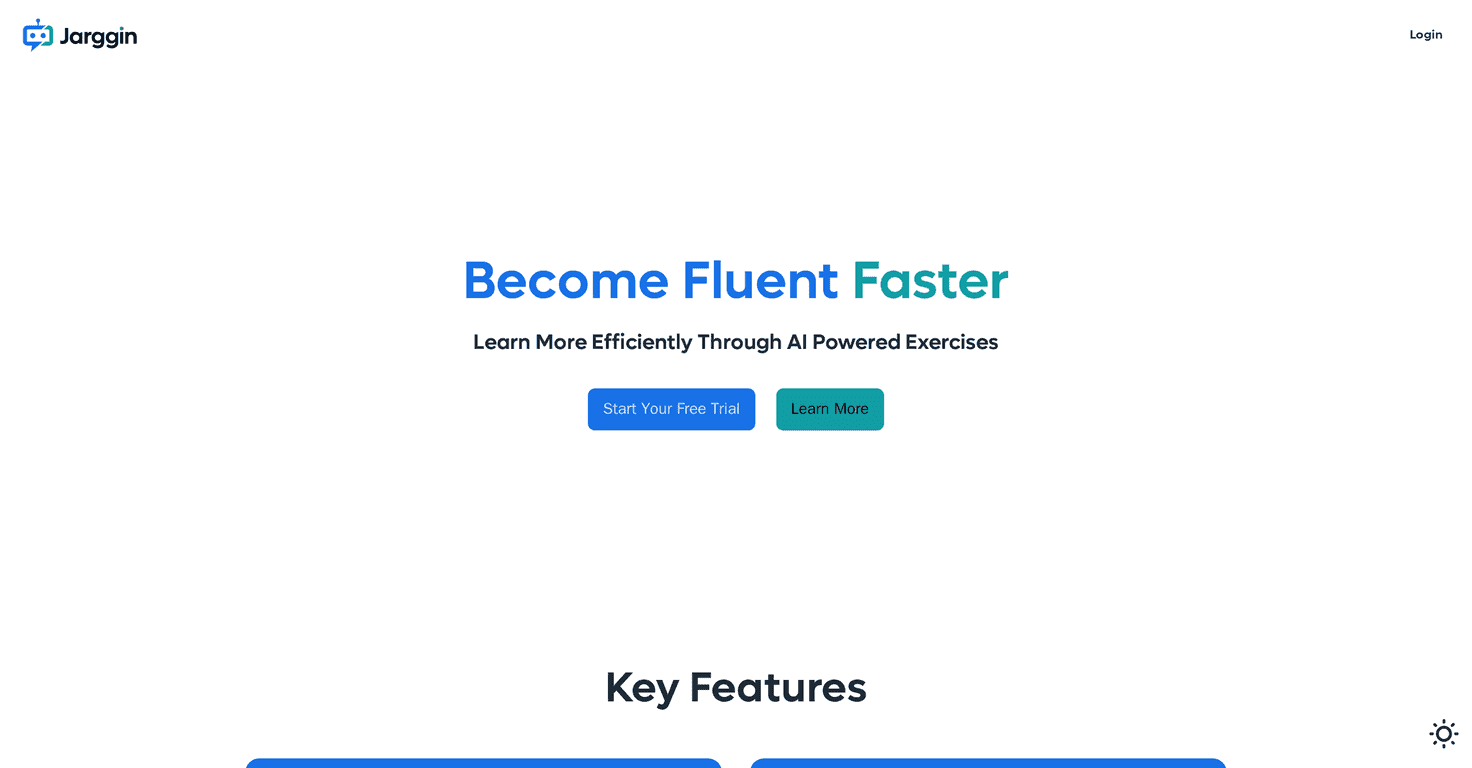
Jarggin is built around one goal: make communication clearer by translating complex ideas into more accessible language. That sounds good on paper, but what matters is how it feels in the real world.
In my experience, jargon problems usually show up in a few predictable places:
- Work messages where people use acronyms and “standard terms” without thinking about who’s reading.
- Learning content (especially for students) where definitions are buried inside long explanations.
- Social posts that assume everyone understands the same niche references.
- Customer support where “technical” answers can accidentally sound cold or confusing.
Jarggin’s concept is aimed at those exact moments. The pitch is that it helps reduce misunderstandings by making the wording easier to follow—whether you’re sending a message, replying in a thread, or trying to explain something without sounding like a textbook.
One thing I like about the overall positioning is that it’s not just “for professionals.” The idea is broad: students, working adults, and anyone who’s ever felt like they needed a translator for everyday conversation. That’s a big deal, because jargon isn’t limited to one industry—it pops up everywhere.
Key Features
Here’s what Jarggin is described as offering, and what I’d look for if I were testing it day-to-day:
- User-friendly interface for easy navigation
If the tool is meant for everyday use, the UI can’t be complicated. I want to be able to paste text, get a result, and move on—no digging through settings every time. - Real-time jargon translation
The real value is speed. When you’re replying to a message or rewriting a paragraph, you don’t want to wait around. “Real-time” matters because it changes how often you’ll actually use the tool. - Customization options for specific industries
This is where the tool could stand out. Jargon in healthcare is different from jargon in finance, and both are different from tech. If Jarggin lets you match tone and terminology to the context, the output should feel more accurate—not just “simplified.” - Multi-platform availability for broader use
I’m a big fan of tools that work where people already are. If it works across devices (and ideally browsers), you’re more likely to use it consistently. - Educational resources to enhance comprehension
This could be a nice bonus for students and anyone learning a new field. Even short examples—like “here’s what this term means in plain language”—can make a big difference.
Pros and Cons (What I Like vs. What’s Still Missing)
Pros
- Clearer communication potential
If Jarggin does what it claims, it should help you turn confusing wording into something more readable—especially for people outside your field. - Broad usefulness
Students, professionals, and everyday communicators all deal with jargon. I like that the concept isn’t limited to one niche. - Better odds of avoiding misunderstandings
When language is simpler, people ask fewer “what do you mean?” questions. That alone saves time and stress.
Cons
- Not enough specifics (yet)
Right now, there isn’t a lot of detailed information about exactly how the translation works, what formats it supports, or what the output looks like in practice. - No solid user feedback available
I always check for reviews because that’s where you find the real-world quirks—like whether it oversimplifies, misses context, or struggles with certain terms. At the moment, there’s not much to go on. - Pricing details aren’t public
This makes it hard to judge value. If it’s priced like a premium tool, I’d want proof it’s consistently accurate. If it’s affordable, even occasional use could be worth it.
Pricing Plans
As of now, there aren’t publicly available pricing plans listed for Jarggin. If you’re considering using it regularly, I’d recommend checking Jarggin directly for the latest updates—especially if they offer a free trial or any limited plan for casual users.
Quick tip from me: if there’s a trial, use it on a few real examples from your life. Paste one message you’ve struggled with before—like a technical paragraph or a “standard” corporate reply—and compare the simplified version side-by-side. That’s the only way you’ll know if the tool matches your expectations.
Wrap up
Jarggin looks like it’s aiming at a real pain point: jargon that makes communication harder than it needs to be. The whole premise—simplifying complex language into something more accessible—makes sense, and I can see how it would help in school, work, and everyday conversations.
That said, I’d be lying if I said I wasn’t waiting for more details. Without clear feature breakdowns, sample outputs, and user reviews (plus pricing), it’s tough to judge how well it performs in practice. Still, if you’re tired of translating for other people—or you just want to sound clearer without losing accuracy—Jarggin is worth keeping on your radar.
Promote Jarggin