Table of Contents
Lab2.dev caught my eye because it promises something I personally care about: building useful Python apps without getting stuck in “setup hell” or spending days writing boilerplate. If you’ve got an idea—maybe a tiny dashboard, a chatbot demo, or a quick interface for a model—you don’t want to burn a whole weekend just to get the project structure working. That’s where Lab2.dev comes in.
Lab2.dev Review: Can You Really Build Python Apps With Prompts?
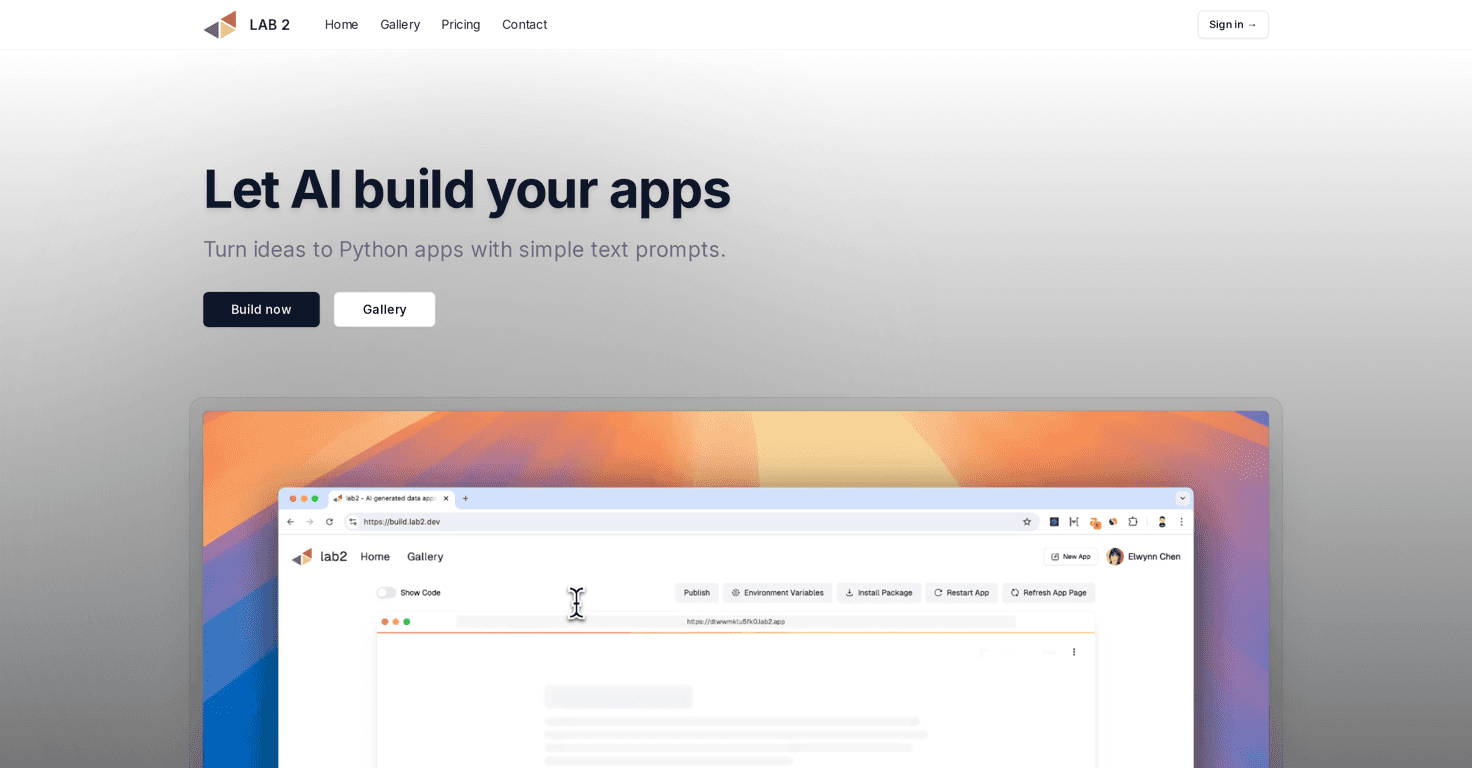
Here’s the simple version: Lab2.dev is a generative app development platform that lets you create Python applications using text prompts. You type what you want, and it generates an app you can run. In my experience, that’s most useful when you already know the general shape of what you want (like “a Streamlit UI that takes a question and shows an answer”) but you don’t want to manually wire everything up.
What I noticed right away is how quickly you can get to something tangible. Instead of starting with a blank repo and figuring out the framework from scratch, you’re moving straight toward a working app. That matters if you’re experimenting, prototyping, or trying to turn a concept into a demo for friends, a client, or your own portfolio.
Lab2.dev also leans into popular Python app frameworks. If your goal is a lightweight web app or interactive UI, you’ll typically see support for things like Streamlit, Gradio, and Flask. The platform’s pitch is that it helps you go from idea → functional app faster than “traditional” coding workflows.
One more thing I like: the community gallery. It’s not just there to look pretty. When you can browse what other people built, you get practical examples of prompt styles, UI layouts, and feature sets. And honestly, seeing how someone else solved a similar problem is often the fastest way to learn what to ask for.
Key Features That Matter in Real Use
- Rapid idea-to-app generation
You describe what you want, and Lab2.dev helps generate a functional Python application instead of starting from scratch. - User-friendly prompt-driven workflow
It’s built for people who don’t want to wrestle with project scaffolding first. - Generative AI app creation
If your app involves AI (like a simple model interaction or an interface around AI output), the platform is designed to support that style of build. - Community gallery for inspiration
You can browse user-created apps, which helps you understand what’s possible and how others structure their prompts. - Post-generation customization
After the initial app is created, you can tweak it instead of treating the output as untouchable.
Pros and Cons (What I’d Tell a Friend)
Pros
- Great for non-developers and prompt-first creators
If you’re more comfortable describing an idea than writing every line of code, this is the kind of tool that actually fits your workflow. - Time savings are real
The biggest win is getting to a working prototype quickly—especially for UI-driven apps. - Framework support (Streamlit and more)
When you’re aiming for a specific Python app framework, having that baked into the process saves a lot of guesswork. - Learning through examples
The community gallery gives you concrete references. That’s often better than reading generic tutorials. - No obvious cap on creation
If you’re experimenting a lot, it’s helpful that you can keep generating apps without feeling instantly blocked.
Cons
- You might feel “boxed in” if you need advanced control
If your project requires deep customization, complex architecture, or very specific engineering patterns, you may eventually want to step into traditional coding more heavily. - AI output quality can vary
With any prompt-to-code tool, sometimes the generated app is close, and sometimes it needs adjustment. You’ll want to review the generated code and test thoroughly. - It can slow your learning if you never dig in
This isn’t a deal-breaker, but it’s a real risk: if you only copy results and never understand what’s happening under the hood, you won’t build the same skills.
Pricing Plans: What to Expect
Pricing details aren’t listed here, so I can’t give you exact numbers. What I can say is that Lab2.dev encourages people to start with “Get started for free” to access features and see if the workflow fits what you’re trying to build.
If you’re deciding whether it’s worth paying for, I’d do a quick checklist during the free period: generate 1–2 apps you’d actually use, test them end-to-end, and see how much time you spend correcting or customizing the output. That’s usually the deciding factor for me.
Wrap up
Lab2.dev is a solid option if you want to create Python apps faster using prompts—especially if you’re aiming for something UI-focused with frameworks like Streamlit, Gradio, or Flask. The community gallery is a nice bonus, and in my experience it makes the whole learning curve less painful.
Just keep expectations realistic: it’s not a magic wand that removes the need to test, refine, and sometimes tweak generated code. But if your goal is to go from idea to working demo without drowning in setup, it’s definitely worth checking out.