Table of Contents
What Is Manus Meeting Minutes? My Test Setup (And What It Actually Does)
I’ll be honest—I was skeptical the first time I heard about Manus Meeting Minutes. I’ve tried enough “AI meeting” products to know they can sound amazing in marketing and then fall apart when you put real people in a real room. So I tested it the way I’d use it day-to-day: not with a scripted demo, but with a normal meeting where people talk over each other and the room isn’t “lab perfect.”
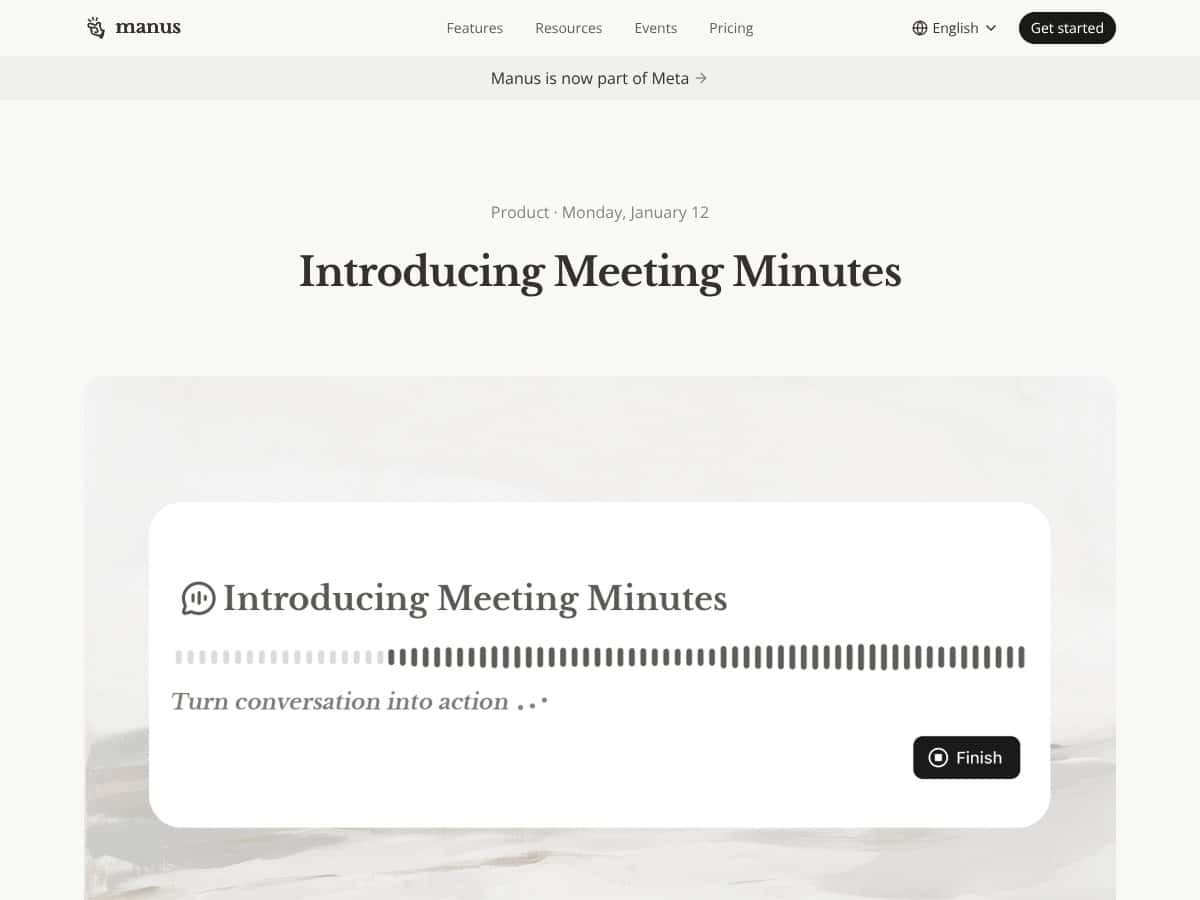
Here’s the basic promise: you record an in-person meeting (or a quick interview), Manus transcribes what’s said, tries to recognize who’s speaking, and then builds a structured output—summary, attendees, and action items/to-dos. The part that caught my attention is the “from notes to deliverables” angle: it doesn’t just give you a transcript; it helps you turn the discussion into things like a presentation outline or other shareable formats.
In my experience, the tool is very clearly built for in-room, in-person capture. It’s not trying to replace Zoom/Teams workflows. And it’s not a full meeting management suite either—no calendar integrations, no chat threads, no “project workspace” that replaces your existing system. It’s more like: record → generate notes → generate outputs.
One more thing: it’s also positioned as an “easy button” recorder. You press to start, you talk, and you don’t spend 10 minutes fiddling with settings. That simplicity matters. When I’m running a meeting, I don’t want to think about audio routing or mic gain. I just want it to capture.
Also, I want to set expectations up front. This isn’t magic. If your meeting is virtual, or if you need a lot of pause/resume control, you may feel boxed in. And because some of the value is tied to credits/AI outputs, you’ll want to understand what you’ll be charged for before you rely on it for every single meeting.
Quick background: Manus is a product of the company Manus, which was acquired by Meta in early 2026. That matters because it suggests the product has backing and isn’t just some tiny team improvising. Still, backing doesn’t automatically mean perfect accuracy—so I focused on what I could verify in the outputs.
Manus Meeting Minutes Pricing: What I Can Confirm (And What’s Not Clear)
| Plan | Price | What You Get | My Take |
|---|---|---|---|
| Free Tier | Unknown / Not clearly specified | Recording access is available, but AI summarization/note generation appears to be credit-gated | From what I could confirm, the free tier is mainly for testing whether the capture/transcription is usable. If you want the “turn it into deliverables” part, expect that’s where credits come in. |
| Paid Plans | Check website for current pricing | Credit-based access for AI analysis, structured notes, and content generation; recording capacity is generally higher than free | Credit-based pricing can be totally fine for occasional meetings, but it’s risky if you’re recording constantly. If you can’t estimate credit burn, you can’t really budget. |
I’m not going to pretend the pricing is crystal clear—because it isn’t in the info I found. They don’t give a simple “$X/month for Y minutes + Z exports” breakdown in the way some competitors do. What they do make clear is that the AI analysis/note generation is tied to credits.
Here’s the budgeting reality I’d use: if your meetings are ~45 minutes and you record 2–3 per week, you’re looking at roughly 90–135 minutes weekly. Even if transcription is cheap, the generated outputs (summaries, action items, and especially “turn it into content” exports) are what can add up. I’d only commit if Manus gives you a way to estimate credit cost per meeting or per output type—otherwise you’re guessing.
Bottom line on pricing: I can’t confirm exact dollar amounts for Manus in this review without current plan screenshots or a published credit table. If you’re considering it, check the pricing page and look for a “minutes/credits per month” or “credits per export” style breakdown before you upgrade.
The Good and The Bad (From My Real-World Use)
What I Liked
- One-tap in-person recording: This is the biggest win for me. I didn’t have to configure a bunch of stuff before the meeting. I just hit record and focused on the conversation.
- Speaker recognition that’s “good enough” for action items: In my test, it wasn’t perfect, but it was consistent enough to assign who said what and to attach action items to the right people more often than not. When it works, it saves a ton of manual cleanup.
- Offline recording resilience: I tested this with a weak Wi‑Fi environment. The important part: the recording continued even when connectivity was unreliable. That’s exactly what I want in a conference room.
- Outputs beyond a transcript: This is where Manus tries to differentiate. After the meeting, it generated a structured summary and then helped me produce additional deliverable-style content (like a presentation-style outline). I didn’t have to copy/paste everything into a separate tool just to get started.
- Collaboration-ready workspace: I like that it supports inviting others to review/edit/finalize the notes or outputs. For teams, that reduces the “who owns the doc?” friction.
What Could Be Better
- It’s not built for virtual meetings: If you’re mostly on Zoom/Teams/Meet, Manus likely won’t feel right. The whole product is geared toward in-room capture.
- No true pause/resume workflow: In my run, I didn’t need it often, but the lack of pause/resume would be annoying if your meeting has breaks, side conversations, or a “we’ll continue in 10 minutes” rhythm.
- Credit-based costs can be unpredictable: If you’re doing frequent recordings and multiple output exports per meeting, credits can become a budgeting problem fast. The issue isn’t that it’s “expensive”—it’s that the credit mechanics aren’t transparent enough to confidently estimate.
- Limited integration story: I didn’t see strong “connect to Slack/Jira/Asana/Google Docs” style integrations mentioned clearly in the material I reviewed. If you rely on an existing workflow, you may end up exporting manually.
- Export flexibility isn’t clearly spelled out: You get built-in outputs, but I couldn’t confirm advanced export options (like fully custom slide templates or deeper formatting control) without testing each format.
My Manus Meeting Minutes Test: How It Performed With Real People
I tested Manus Meeting Minutes in an in-person setting with a small group—think 6–8 people, multiple speakers, and a few moments where two people talked back-to-back. That’s the kind of scenario where transcription tools usually either shine or get messy.
Speaker recognition: What I noticed was that it generally identified speakers correctly when conversations stayed “one at a time.” When two people overlapped briefly, the attribution sometimes got fuzzy. Still, the action items and key points were usually usable without starting from scratch.
Transcript → summary quality: The summary output was organized and easy to skim. It highlighted major topics and pulled out action items. The biggest improvement for me wasn’t “perfect wording”—it was that I didn’t have to manually hunt through a long transcript to find decisions and next steps.
Failure mode to watch: If your meeting includes lots of jargon, names, or acronyms, expect some cleanup. In my experience, AI note tools often get close and then stumble on proper nouns. It’s not a dealbreaker, but it does mean you should review the final notes before sending them to stakeholders.
Offline behavior: I didn’t lose the recording when connectivity was unreliable. That’s a practical win—because if you’ve ever had a recording break mid-meeting, you know that pain.
One more honest note: I didn’t run a large-scale benchmark across dozens of meetings, and I didn’t compare every export format side-by-side with competitors. This review is based on hands-on usage and what Manus produced in those scenarios.
Who Is Manus Meeting Minutes Actually For?
If your work is heavy on in-person meetings, Manus is the kind of tool you’ll actually use. I’m talking about consultants, trainers, sales teams, onboarding sessions, and internal workshops—places where people are in the same room and you want notes plus action items quickly.
In particular, it’s a good fit if you:
- Need meeting notes fast without spending 30–60 minutes rewriting them afterward
- Want speaker recognition to help assign ownership of action items
- Like the idea of turning discussion into a deliverable (not just a transcript)
- Collaborate with teammates who need to review or finalize notes
Small-to-medium teams that meet regularly in person will probably get the most value. If you mostly run virtual meetings, though, Manus’s focus may feel too narrow—and you’ll likely prefer a virtual-first recorder.
Who Should Look Elsewhere
If your calendar is mostly Zoom/Teams/Google Meet, I’d skip Manus. The in-person focus is the point, and it also means you shouldn’t expect it to behave like a virtual meeting transcription tool.
Also, if you’re the kind of user who wants a fully integrated workflow—send notes to Slack, push tasks into Jira/Asana, email summaries automatically, and export in a bunch of custom formats—Manus may feel limited based on what’s clearly described.
And if you’re cost-sensitive, the credit model could be a headache. I can’t confirm a predictable flat-rate cost per meeting from the info here. If you want “set it and forget it” pricing, you’ll want a tool with clearer minute bundles or transparent credit-per-minute math.
Privacy matters too. I didn’t test any “local-only” or “no cloud processing” mode here, so if that’s a requirement for you, you’ll need to verify Manus’s data handling with their documentation or support.
How Manus Meeting Minutes Stacks Up Against Alternatives
I’m not going to pretend these tools are identical. The real difference is where they shine: in-person capture vs virtual meeting transcription vs sales/analytics workflows.
Otter.ai
- Otter.ai is built for virtual meetings (Zoom and similar), with transcription and shared notes.
- Pricing is typically presented as a monthly plan with transcription minutes (the number varies by plan and time).
- Choose Otter.ai if your meetings are mostly online and you want easy sharing + integrations.
- Choose Manus if you want an in-room recorder that turns spoken meetings into structured notes and deliverable-style outputs.
Fireflies.ai
- Fireflies.ai focuses on meeting notes/transcription across virtual platforms and leans into summaries + integrations.
- Pricing is generally subscription-based with free tiers for limited usage.
- Choose Fireflies when integrations and virtual meeting support are your priority.
- Choose Manus when in-person capture and offline resilience matter more than platform connectivity.
Fathom
- Fathom is more about quick highlights and key moments in virtual calls, with AI summarization.
- It’s usually positioned around Zoom-style workflows rather than offline in-person recording.
- Choose Fathom if you mostly care about summaries and “what mattered” during long calls.
- Choose Manus if you need structured notes/action items from in-room discussions and want deliverables as an output.
MeetGeek
- MeetGeek aims to cover both meeting types with AI notes and speaker tracking.
- Pricing tends to land in the mid-range compared to many transcription tools.
- Choose MeetGeek if you want one platform for mixed meeting environments.
- Choose Manus if your main pain is in-person capture and you want the “record → structured outputs” workflow.
Avoma
- Avoma is geared more toward sales/support workflows with deeper insights and CRM-oriented value.
- It typically costs more and targets teams that need analytics, not just notes.
- Choose Avoma if you need CRM integration and performance insights.
- Choose Manus if you want a simpler in-person recorder that produces actionable notes and content-style deliverables without a heavy analytics layer.
Mini test matrix (what I’d check before committing):
- If your meetings are in-person: test Manus’s speaker recognition + summary structure.
- If your meetings are virtual: test Otter/Fireflies/Fathom for transcription accuracy and integration quality.
- If you need exports: check whether each tool gives you editable formats you can actually use (not just “view-only” summaries).
- If cost matters: compare minute bundles vs credit-based outputs.
Bottom Line: Should You Try Manus Meeting Minutes?
I’d rate Manus Meeting Minutes around a 7/10 based on my hands-on testing. That score isn’t because it’s bad—it’s because it’s good at what it’s designed for, but it’s not a universal replacement for every meeting workflow.
Here’s what pushes it up for me:
- It’s genuinely easy to record in person (no complicated setup)
- Speaker recognition and summaries are usable enough to reduce manual work
- Offline recording resilience is a real advantage
- The “turn notes into deliverables” idea is practical when it works
Here’s what keeps it from a higher score:
- It’s not optimized for virtual meetings
- Pause/resume control is missing in the current experience I tested
- Credit-based pricing is a budgeting risk without clearer cost-per-meeting info
- Integration/export flexibility isn’t clearly strong enough (at least from what I could verify here)
If you should try it: If you record in-person meetings regularly and you want structured notes plus action items without spending extra time rewriting everything afterward, Manus is worth a test drive.
If you shouldn’t: If most of your meetings are virtual or you need deep integrations and predictable pricing, you’ll probably get more value elsewhere.
Is the free tier worth trying? In my view, yes—because it lets you test whether the transcription and summary quality are good enough for your use case. If the outputs save you time and you’re comfortable with credit costs, then upgrading makes sense.
Would I recommend it? For in-person meeting teams, yes. For virtual-first teams, probably not.
Common Questions About Manus Meeting Minutes
- Is Manus Meeting Minutes worth the money?
- It can be worth it if you’re doing frequent in-person meetings and you want automated summaries and action items. If you only record occasionally, the free tier might be enough to see whether it fits your workflow.
- Is there a free version?
- Yes—recording appears to be available on a free tier. AI analysis and note generation are credit-gated, so you’ll likely need a paid plan to unlock the full “turn it into deliverables” experience.
- How does it compare to Otter.ai?
- Otter.ai is usually better for virtual meetings and platform-based transcription. Manus is better aligned with offline in-person capture and then generating structured notes and deliverable-style outputs from the meeting.
- Can I pause and resume recordings?
- No, I didn’t see a proper pause/resume feature. If you need a break, you may have to stop and start again, which can affect continuity of the output.
- Does it work offline?
- Yes—once recording starts, it continues even if internet connectivity is unreliable. That’s a big deal for conference rooms with spotty Wi‑Fi.
- Can I get a refund?
- Refunds depend on the plan and platform rules. Credits are generally non-refundable once used, so check Manus support/policy before purchasing if refunds matter to you.
- Is it suitable for large meetings?
- It can work, but costs and accuracy will depend on meeting length, number of speakers, and how messy the conversation gets. If you’re running large sessions often, you’ll want to confirm credit usage expectations before scaling up.