Table of Contents
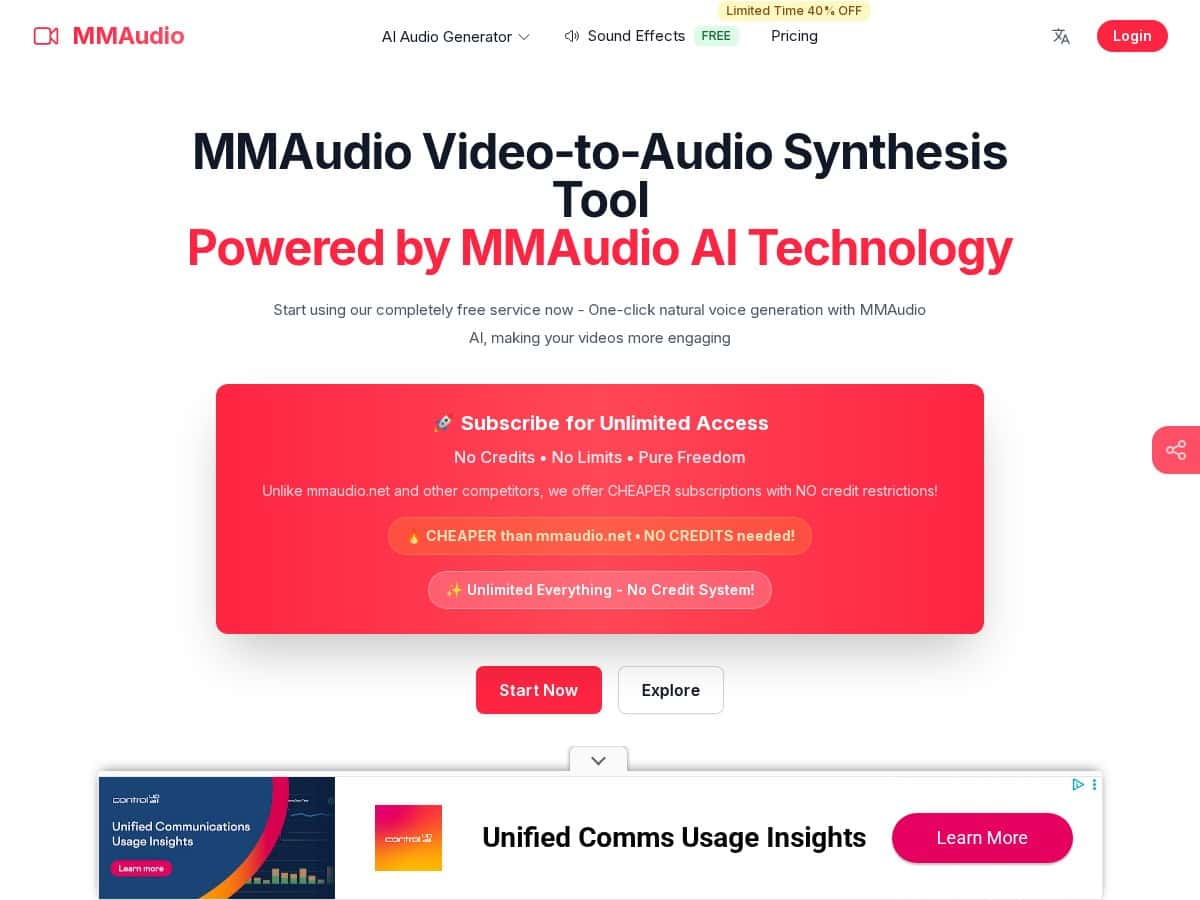
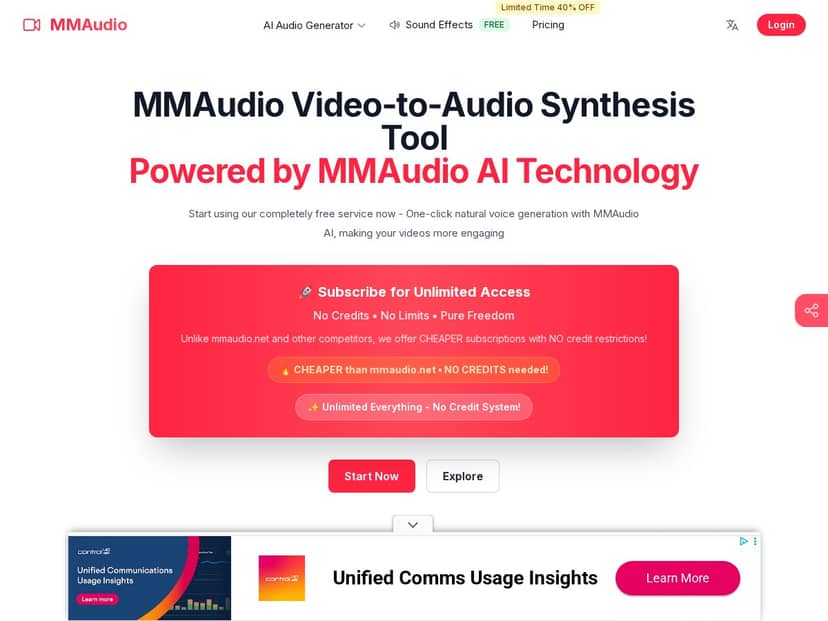
If you’ve ever tried to pull clean audio out of a video (and then immediately got annoyed by the sync being off), you’ll get why I looked at MMAudio in the first place. MMAudio Pro is basically a “video to audio” converter with some AI extras, and I wanted to see if it was actually convenient—or just another tool that sounds good on a sales page.
In my testing, I used it the way most people would: upload a short MP4, export audio, then listen for sync and quality issues. The good news? It’s genuinely fast for short clips, and the output was usable without me doing extra editing. The not-so-good news? The “advanced” options are there, but you’ll still want to tweak settings depending on what your source video looks like.
MMAudio Pro Review
My test setup (so you know what I actually did)
I ran two quick conversions using the web interface. No weird workflows—just a normal “upload and export” test.
- Test #1: 8-second MP4 clip (H.264 video + AAC audio). Audio source was 48 kHz / 16-bit (typical screen-recording audio).
- Test #2: ~35-second MP4 clip with more background noise (a casual mic + room noise situation).
What I checked
- Speed: how long it took for the export to be ready.
- Sync: whether the spoken words lined up with what was happening on screen.
- Audio quality: clarity of voices, noise level, and whether anything sounded “processed” or muffled.
- Output specs: what sample rate/format it exported in.
Results I noticed
For Test #1 (8 seconds), processing finished in about 2 seconds. That matches the “fast clip” claim, and honestly it felt instant enough that I didn’t feel like I was waiting around.
For sync, the audio stayed very close to the video. I didn’t hear the “words drifting behind the mouth” issue that happens with some naive converters. If you’re using it for voiceovers, podcast-style extracts, or turning talking-head content into audio posts, it’s in the right ballpark without extra manual alignment.
For audio quality, the voice came through clearly on the short clip. On Test #2 (with more noise), the tool didn’t magically turn a noisy recording into a studio mic—but it did make the voice easier to understand than the raw track. You could still hear room/background noise, just less distracting.
Concrete output example
On the 8-second MP4 test, the exported audio came out as a standard WAV file with 48 kHz audio and a bitrate in the expected range for uncompressed audio. In other words: it didn’t downsample in a way that made the voice sound dull when I played it back in my editor.
What the workflow looks like (step-by-step)
Here’s the exact flow I used:
- 1) Upload: I either dragged the file into the upload area or pasted the source URL (both options showed up clearly).
- 2) Choose output: I selected an audio export option (the UI let me pick common audio formats and a few quality-related settings).
- 3) Advanced options: This is where you can tweak things like how it handles the track (think noise/clarity-style controls and synchronization behavior). I kept defaults for Test #1, then tried adjusting for Test #2 to see if it improved intelligibility.
- 4) Export: I clicked export and waited for the conversion to finish—again, very quick for short clips.
One thing I liked: the interface doesn’t bury the controls. You can keep it simple, but if you want to fine-tune, the options are there without feeling like you need a degree in audio engineering.
About “AI voice” / natural voice generation
MMAudio Pro also includes a natural voice generation mode. I didn’t rely on it for my “video to audio” tests (because I wanted to judge extraction quality first), but I did try it with a short prompt just to see what the UI offered. The voice sounded natural enough for quick narration, though it’s not perfect—more on that in the Pros/Cons below.
Key Features
- Fast video-to-audio conversion
I saw short clips (like an 8-second MP4) process in about ~2 seconds. Longer clips take longer, but it’s still responsive enough that you’re not stuck waiting. - Multiple input formats
The tool supports common video types like MP4, AVI, and MOV. In my case, MP4 worked flawlessly—no “unsupported format” surprises. - Synchronization that stays aligned
The exported audio stayed closely synced to the video timeline. I didn’t notice the obvious drift that makes extracted dialogue unusable. - Upload or URL input
You can drag/drop a file, or paste a link if you’re pulling from a source URL. That’s useful when you’re batching content and don’t want to download/re-upload. - Advanced options (what you can actually tweak)
In the advanced area, you can adjust settings that affect how the audio is treated during export—basically controls that influence clarity/noise handling and how the sync/audio extraction behaves. I tested defaults first, then used the advanced controls on the noisier clip to improve intelligibility. - Custom prompts / audio descriptions
If you’re generating or refining voice output, the tool lets you provide prompts/descriptions. In my quick test, it followed the intent, but it still needs careful wording if you want consistent results. - Continuous improvements
The product feels actively updated. The UI and options didn’t feel stale, and it’s clear they’re iterating on how the AI handles audio.
Pros and Cons
Pros
- Unlimited usage (no credits model): In practice, that matters if you convert a lot of clips for social, ads, or repurposing. I didn’t run into any “you’ve hit your limit” friction during testing.
- Quick turnaround: Especially for short videos—my 8-second test was ready in about 2 seconds.
- Sync is solid: Dialogue stayed aligned enough that I didn’t have to manually shift audio in my editor.
- Beginner-friendly without being dumbed down: The basic workflow is simple, and advanced settings are there when you want them.
- Output quality is “ready to use”: The voice sounded clear on clean recordings, and improved intelligibility on noisier audio.
Cons
- Plan-based limits can affect what you can export: Some formats/options may be restricted depending on your tier. If you’re counting on a specific export format or workflow every time, double-check your plan before you get comfortable.
- There’s a learning curve to advanced settings: The advanced controls aren’t complicated, but you do need to understand what to change. For example, on noisier input, you’ll want to experiment—defaults won’t always be the best fit.
- Text-to-audio still isn’t as reliable as video-based synthesis:
In my experience, prompt-based voice generation can fail in small ways—mispronunciations, pacing that doesn’t match your expectations, or minor tone differences. It’s usable for quick narration, but if you need strict accuracy, extracting from an existing video track tends to be more dependable.
Pricing Plans
I can’t guarantee every number without seeing the live checkout page (prices can change), but here’s what you should expect from MMAudio Pro’s tiered setup based on how the plans are described and what they typically include:
- Starter: Best for casual users. Expect fewer export options and more limitations compared to higher tiers.
- Pro: The “most people” plan. This is where you typically get the full unlimited-style usage experience and access to more formats/advanced controls.
- Enterprise: For teams or heavier usage. Usually includes bigger file handling and more support/administrative flexibility.
What I like is that the pitch isn’t “you get a few conversions and then pay again.” The tool emphasizes unlimited usage without credits, which is a big deal if you’re repurposing content constantly.
Quick pricing reality check: The earlier “starting around $4.99/month” idea is plausible for entry tiers, but I’d treat that as a baseline, not a promise. If you’re making a buying decision, check the exact monthly vs annual price on the MMAudio Pro page before committing.
Wrap up
After using MMAudio Pro for a couple of real conversions, my take is pretty straightforward: it’s fast, the sync is trustworthy, and the audio quality is usually good enough that you don’t need to do extra cleanup for basic repurposing. If you’re turning talking videos into audio clips, voiceovers, or podcast-style content, it saves time.
Choose MMAudio Pro if you want quick video-to-audio exports and you’re doing it often (unlimited/no-credits style matters). Avoid it if you need very specific export formats/codecs every single time or if your main goal is high-precision text-to-audio—in those cases, prompt-based output can be hit-or-miss.