Table of Contents
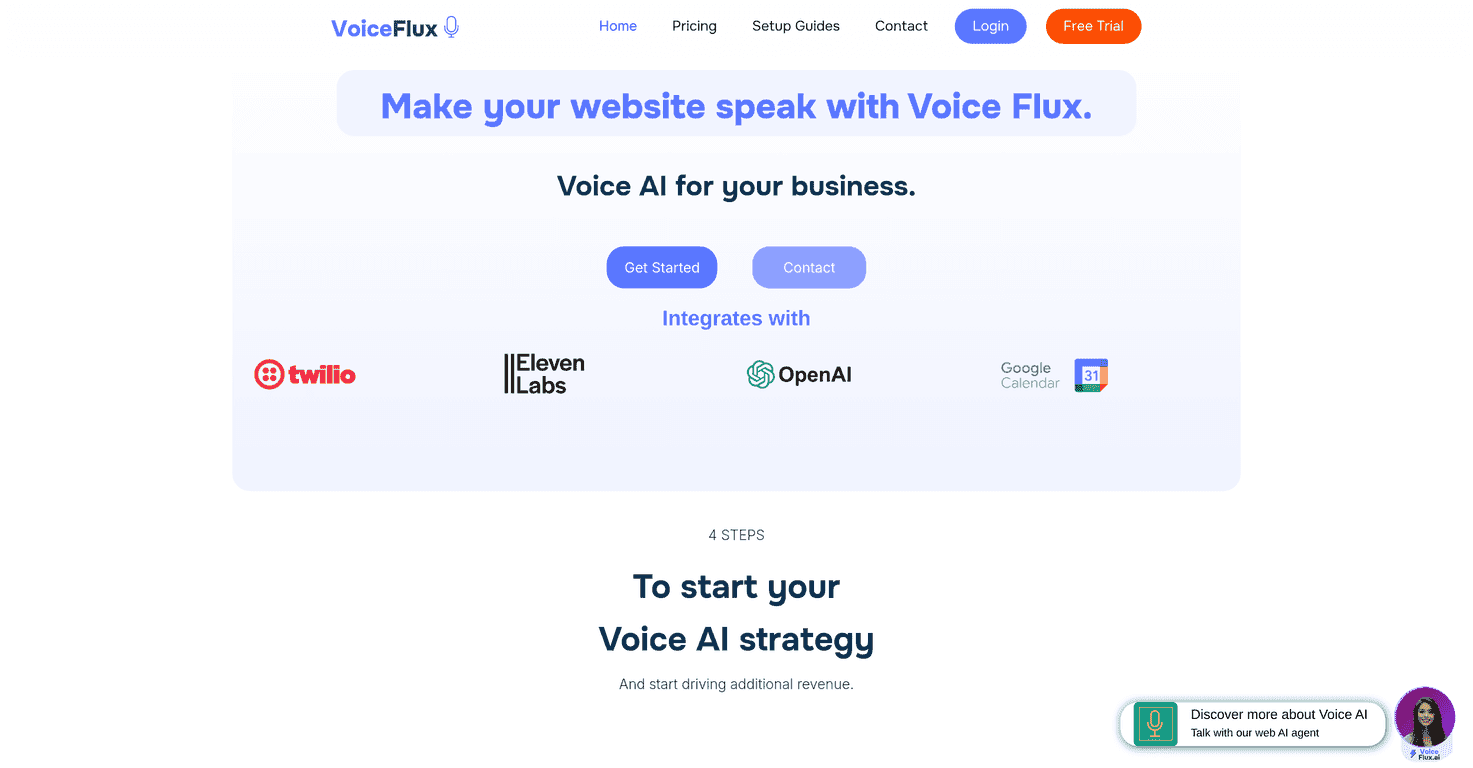
If you’re trying to get more people to actually interact with your website (not just bounce after a quick scroll), voice can be a pretty big deal. I’ve seen chat widgets do okay, but voice feels more “human” when it’s done right. That’s what Voice Flux is aiming for: voice AI agents that can answer questions, handle bookings, and support users right from your site.
In my experience, the real test isn’t the marketing page—it’s whether the setup is straightforward and whether the voice agent can stay on track when users ask messy, real-world questions. Below is what stood out to me, what I like, and the few things I’d watch before you commit.
Voice Flux Review: Voice AI for Website Support & Bookings
Voice Flux is built for one main goal: letting visitors talk to your website instead of clicking through menus or waiting for a human. The idea is pretty simple. You drop in a voice agent, and it can handle things like basic questions, booking appointments, and support-style requests—24/7 if you want it.
What I like about this approach is that it’s not trying to replace everything your business does. It’s meant to take the repetitive stuff off your plate. Think “What are your hours?”, “Can I book a consultation?”, “Where are you located?”, and similar questions that come up all day long.
That said, voice AI is still voice AI. If you’ve ever used speech-to-text tools, you know accuracy can swing depending on audio quality, accents, and what the user says. So the best way to judge Voice Flux is to look at how customizable the experience is and whether it gives you enough control to improve outcomes.
Key Features (What You’ll Actually Use)
- Voice AI Agents for bookings and inquiries
This is the core feature. The agent is designed to handle common customer intents—especially appointment-style flows. - Customization for voice behavior
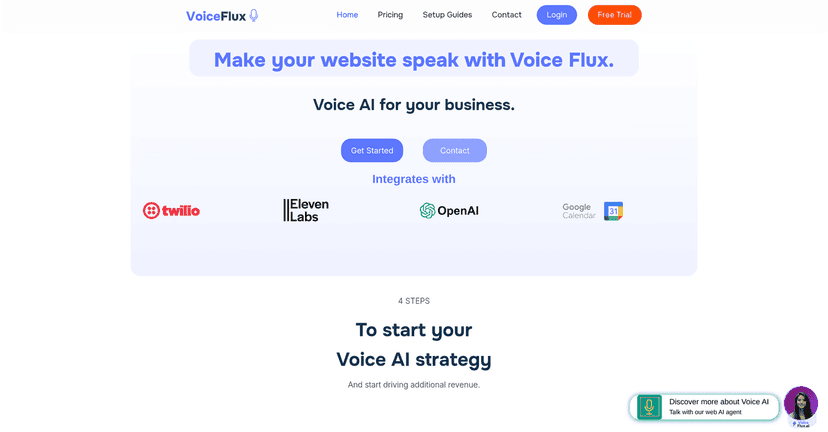
I’m a fan of being able to tweak things like speed and tone because it changes whether the agent sounds friendly or robotic. If your brand is more calm and professional, you’ll want the voice to match. - Integrations with tools like Twilio, Eleven Labs, and Google Calendar
If you’re already using Twilio for communications or Eleven Labs for voice generation, integrations matter. They can reduce the “glue work” you’d otherwise have to do. - Setup wizard (so you’re not stuck digging)
A guided setup is underrated. The faster you can get from “idea” to “live,” the easier it is to test with real visitors. - Call analysis with transcriptions
This is one of the most important features in my opinion. If you can see what people actually said (and what the agent responded), you can improve the agent over time instead of guessing. - 24/7 support access
Even if you don’t want full automation, having an always-on assistant can capture leads after hours. That’s where a lot of businesses lose opportunities.
Pros and Cons (My Honest Take)
Pros
- More engagement than a basic contact form
Voice feels more interactive. Visitors can ask questions naturally instead of hunting for the right page. - Round-the-clock availability
When someone visits at 9:30 PM and has a quick question, voice support can keep the conversation going immediately. - Feels modern on the site
It’s not just “another widget.” Done well, it can make your website stand out. - Installation feels approachable
The wizard-style setup is helpful if you don’t want to live in code. - Brand-friendly customization
Being able to adjust voice settings helps you keep the experience aligned with your business tone.
Cons
- Voice tech isn’t for every audience
Some users simply don’t want to talk to a bot. If your customers prefer email or forms, voice might not be your best first step. - Conversation quality depends on the stack
Interaction quality can vary based on integrations and the underlying voice/recognition performance. If your setup isn’t tuned, users will notice. - Costs can creep in with premium features
The basic idea is affordable for many teams, but advanced options, higher usage, or extra services can add up. I’d check the pricing page before you plan a big rollout.
Pricing Plans (What to Check Before You Buy)
Voice Flux doesn’t list pricing directly in the content I reviewed, so the real move is to check the Voice Flux pricing page for the latest plan details.
What I’d personally look for when comparing tiers:
- Usage limits (minutes, calls, or transcription volume—whatever they measure)
- Whether integrations are included (Twilio/Google Calendar/Eleven Labs support can matter)
- Access to call analysis (transcriptions are only useful if you can actually review them)
- Trial terms (how long it lasts and what features are unlocked)
They also mention a free trial, which is exactly what I recommend using first. Try a couple of real scenarios—like “book an appointment for next Tuesday” and “what are your pricing options?”—and see how the agent handles the messy parts of human speech.
Wrap-Up: Is Voice Flux Worth Testing?
For businesses that want a more interactive website experience, Voice Flux looks like a solid option—especially if you’re focused on bookings, FAQs, and after-hours support. The biggest strengths, in my view, are the voice agent approach, the customization for how it sounds, and the call analysis/transcriptions that let you improve instead of guessing.
Just don’t expect “set it and forget it” to work perfectly on day one. Voice experiences usually need a bit of tuning, and voice tech won’t magically fix unclear requirements. If you’re willing to test it with real questions and review the transcripts, though, it can be a genuinely useful addition to your site.
Promote Voice Flux