Table of Contents
In today’s tech-driven world, integrating AI into your projects can be a game changer. Waveloom offers a seamless way to create AI workflows without the pain of deep coding expertise. This platform simplifies the connection between various AI models, making it accessible for everyone. Let’s dive into our Waveloom review to see what makes this tool stand out.
Waveloom Review
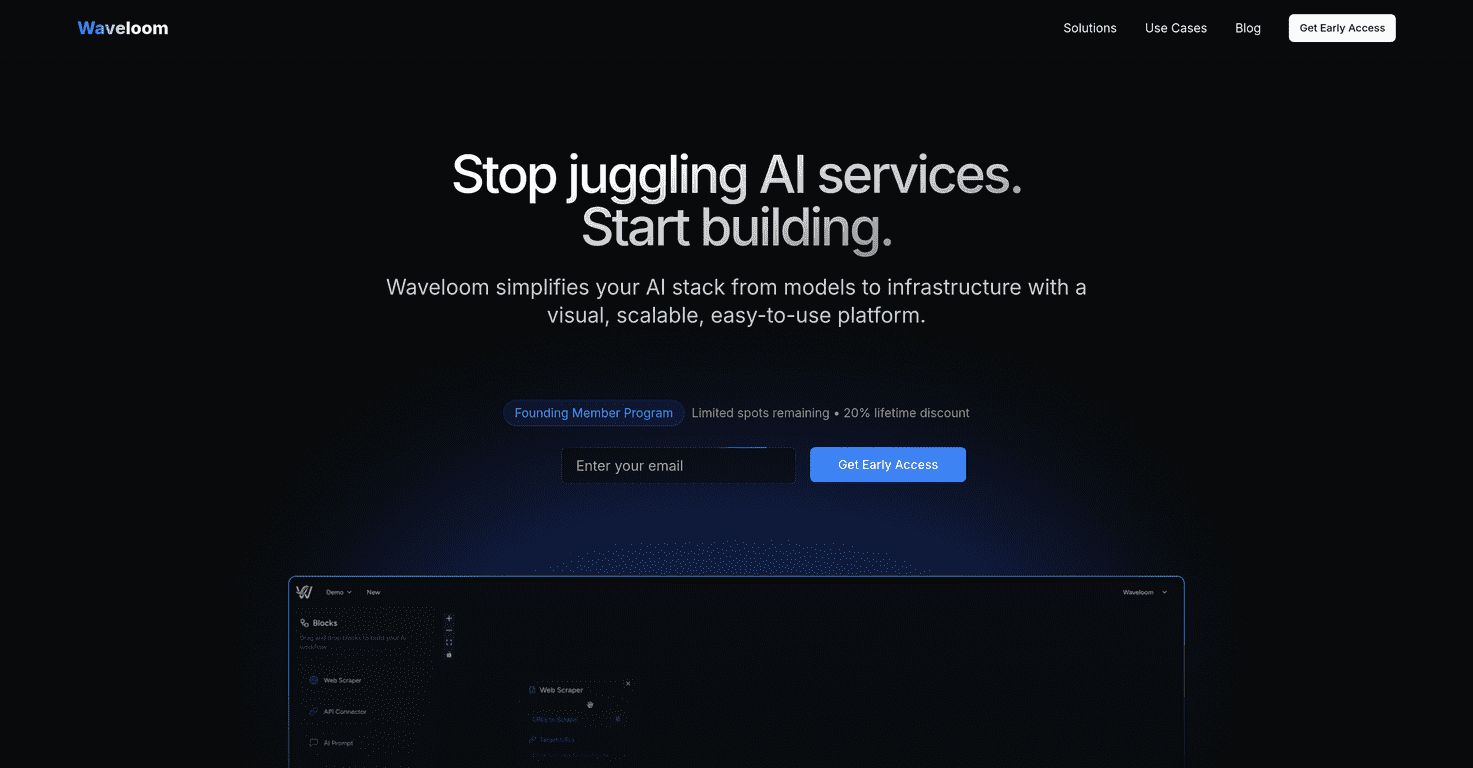
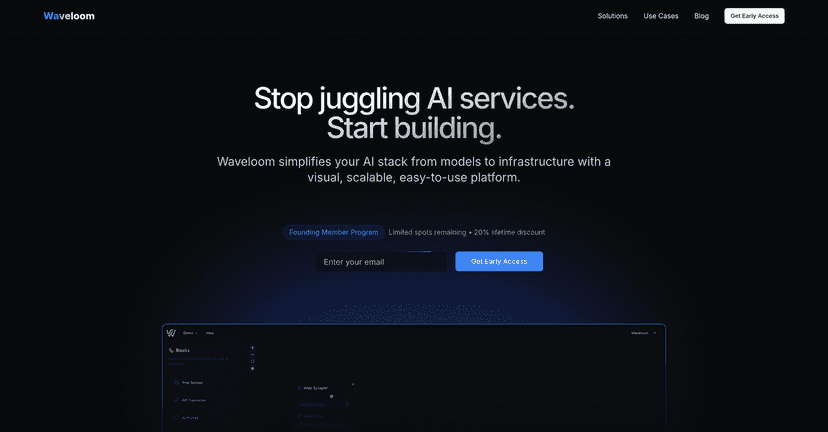
Waveloom is an innovative developer platform that empowers users to design AI workflows either visually or through text descriptions. It integrates a variety of advanced AI models, including GPT-4, Claude, DALL-E, and Stable Diffusion, without the need for complex infrastructure code. The visual drag-and-drop interface is incredibly user-friendly, allowing even those with minimal technical experience to create sophisticated AI applications. Additionally, users can monitor their workflows in real-time, making debugging and adjustments straightforward.
While Waveloom is immensely powerful, it does come with its own set of challenges. Those new to AI-based development might face a bit of a learning curve at first. Also, the pricing plans are not clearly outlined, which might confuse potential users. However, the benefits of simplifying AI integration can outweigh these minor inconveniences.
Key Features
- Visual drag-and-drop workflow builder for easy design
- Textual descriptions for effortless AI workflows
- Integration with leading AI models like GPT-4, Claude, and DALL-E
- Real-time monitoring and control for efficiency
- Early access to features for founding members
- Simplified SDK that enhances AI integration capabilities
- Support for various AI models including Stable Diffusion
Pros and Cons
Pros
- User-friendly interface suitable for visual and text-based workflows
- Access to multiple AI models on a single platform, streamlining the process
- Founding Members enjoy discounts and early access to new features
- Real-time execution monitoring and debugging tools enhance usability
Cons
- Limited visibility on pricing plans may deter some users
- There might be a potential learning curve for newcomers to AI development
Pricing Plans
Joining the Founding Member Program offers a lifetime 20% discount, early access to features, and the chance to help shape Waveloom’s roadmap. However, this is a limited-time offer for early adopters, and users may need to join a waitlist.
Wrap up
In conclusion, Waveloom is a solid choice for anyone looking to integrate AI into their projects with ease. Despite its minor drawbacks, the platform’s features and user-friendly approach make it a valuable tool for both seasoned developers and newcomers alike. If you’re seeking a way to streamline your AI workflow processes, Waveloom is worth considering.
Promote Waveloom