Table of Contents
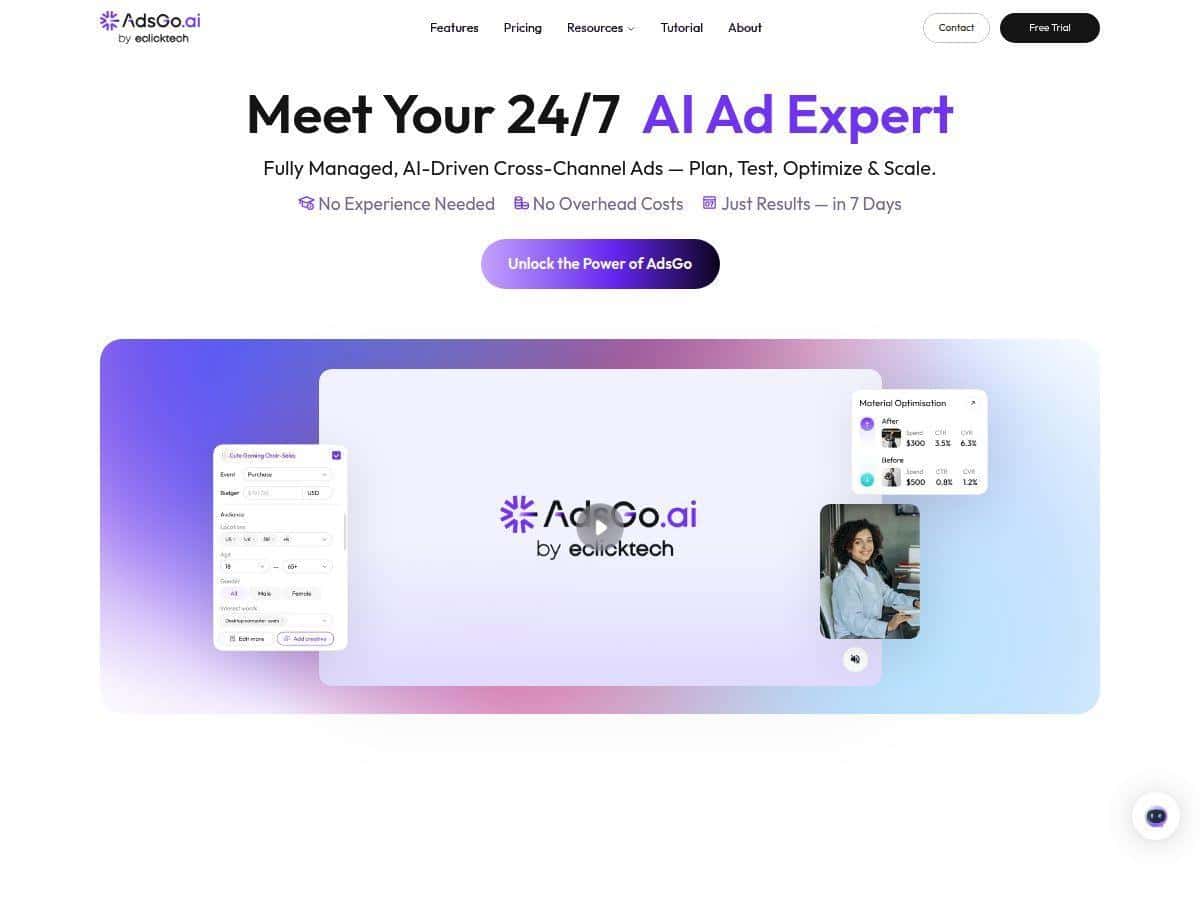
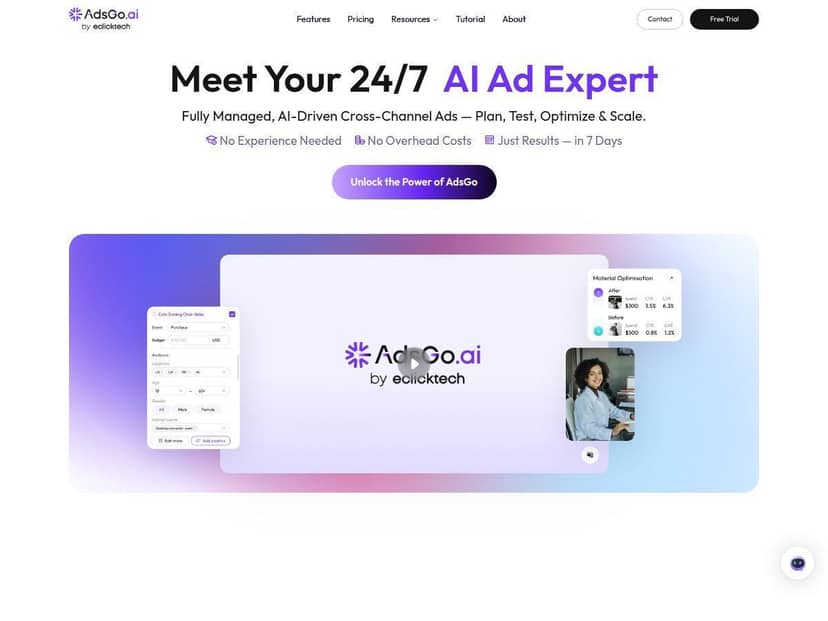
If you’re trying to get more out of your ads without spending your whole week inside a dashboard, AdsGo AI is the kind of tool that immediately sounds useful. That’s the pitch, anyway—and in my case, I was looking for something that could help with the boring parts of ad management: building campaigns, generating usable ad creative, and then iterating based on performance instead of guessing.
AdsGo AI Review (What It Does and Who It’s For)
Here’s the honest version: I’m not going to pretend I can verify exact CTR/CPA/ROAS numbers without screenshots, dates, and account-level reporting. What I can do is walk you through how the platform is built to work, what you’ll typically do inside it, and what you should expect to see in your results if you set it up correctly.
From a workflow standpoint, AdsGo AI is aimed at people who want to launch ads faster and then let automation handle the day-to-day optimization. Instead of starting from scratch in Meta Ads Manager, Google Ads, and TikTok Ads Manager one by one, the idea is that you build once and deploy across multiple platforms from a single interface.
In my experience, the biggest time-saver isn’t “magic results.” It’s the reduction of setup friction—things like structuring campaigns, generating ad copy, and getting creatives ready without spending hours in a spreadsheet. If you already know your audience and offer, you can move quickly. If you don’t, the AI prompts and templates are there to help you get to a launchable version.
Key Features (How They Work in Real Life)
- AI Strategy Engine for campaign structure + targeting
- Instead of you picking every detail from scratch, you start with your business info and goals (for example: lead generation vs. website traffic vs. conversions). The tool then helps generate a campaign layout and audience approach. What I liked about it is that it doesn’t just throw keywords at you—it pushes you toward a usable structure so you can actually launch.
- Ad creative generation (copy + visuals)
- This is where most people feel the “time saved.” You provide basic inputs like your product/service, offer, tone (casual vs. more professional), and any constraints you already know (brand language, key benefits, etc.). Then you get draft ad copy and creative concepts you can review and deploy.
- One practical tip: don’t blindly accept every generated line. If your offer has specific wording (pricing, guarantees, shipping times, eligibility rules), make sure you edit those before publishing. Ad platforms can be strict, and AI copy can accidentally drift into vague claims.
- One-Click multi-platform deployment (Meta, Google, TikTok, and more)
- The “one-click” part matters because it reduces the back-and-forth between platforms. In a normal setup, you’d translate the same concept into different ad formats and campaign structures. With AdsGo AI, you’re trying to keep the creative and targeting aligned while letting the tool handle the platform-specific deployment.
- What to watch: each platform has different ad policies and formatting rules. If something gets rejected, you’ll still need to adjust the creative or targeting—not everything can be fully autopilot.
- 24/7 real-time optimization + performance monitoring
- Once ads are running, the platform monitors performance signals and uses them to guide changes. In practice, this usually looks like iterating on which creatives get more delivery, and adjusting budget allocation when certain variations outperform others.
- My advice: check performance at least a few times per week early on. Even if the tool optimizes, you want to catch obvious issues like tracking problems, broken landing pages, or ads that are getting impressions but no conversions.
- Automated budget reallocation across channels
- This feature is designed to move spend toward better-performing segments and away from underperformers. It’s helpful when you’re running multiple channels at once, because manual budget adjustments are slow and inconsistent.
- Common failure mode: if your conversion tracking isn’t set up correctly (or the landing page is slow), the optimization engine can “optimize” toward the wrong signal. Make sure your tracking is solid before you let automation lead.
- Cross-channel management from one dashboard
- If you’ve ever managed campaigns across Meta, Google, and TikTok, you know how annoying it is to compare results when the reporting formats don’t match. A unified dashboard helps you spot trends faster—like whether creative fatigue is happening or whether one platform consistently underperforms.
- Built for people without marketing experience
- This isn’t “no effort required,” but it does mean the UI and guided steps are meant to lower the learning curve. If you’re starting from zero, you’ll still need to know your offer and audience basics—but you won’t be left totally alone with blank screens.
- What I’d recommend for beginners: start with a simple goal and one landing page. Complexity is where newcomers usually get stuck.
- Advanced analytics for deeper campaign insights
- Instead of only seeing clicks and impressions, you should be able to review performance by ad variation and channel. The value here is diagnosing what’s driving results—creative, targeting, or landing page issues.
- Practical tip: use analytics to decide what to iterate next. If CTR is high but conversions are low, your issue is likely the landing page or offer clarity, not the ad copy.
Pros and Cons (What’s Actually Good vs. What to Be Careful About)
Pros
- Faster setup than starting from scratch. If you’re juggling multiple platforms, having one place to generate and deploy campaigns is a real time saver.
- Less manual creative work. Even if you edit the AI drafts, you’re still starting from something usable instead of a blank page.
- Beginner-friendly flow. The guided approach makes it easier to get to a launchable campaign without deep ad-platform expertise.
- Optimization support. When budgets and creatives are running across channels, automation helps you avoid “set it and forget it” thinking.
- Cross-channel visibility. Comparing performance across platforms is easier when you’re not constantly exporting CSVs.
Cons
- You’ll still need to review creatives. AI-generated copy can be generic or too broad. If you want results, you’ll want to tighten messaging around your real offer.
- Full autopilot isn’t guaranteed. If an ad gets rejected or tracking breaks, the platform can’t fix your landing page or policy issues for you.
- Reporting can be confusing if you’re not tracking conversions. If you only look at clicks, you’ll miss the real story. Make sure you’re optimizing for the right event.
- Pricing transparency may be inconsistent across sources. Some pages mention ranges, but the exact plan details can change. You’ll want to verify what’s included in the current subscription before committing.
Pricing Plans (What You Should Expect to Pay)
AdsGo AI advertises a free trial, and then paid plans that reportedly start around $19 to $199 per month. Since pricing and included features can shift, the smartest move is to confirm the current plan names and limits on the official page before you choose a tier.
When you’re checking plans, pay attention to things like:
- Whether cross-platform deployment is included in your plan
- How much automation you get (for example, optimization and budget reallocation features)
- Any usage caps (how many campaigns/ads you can generate or run)
- What’s locked during the trial (some trials limit advanced optimization or certain channels)
How to Decide If AdsGo AI Fits Your Business
Let me be blunt: this tool is most likely to feel worth it if you’re already running (or planning to run) multiple ad channels and you want to reduce the busywork. If you’re only running one small campaign on a single platform, a full cross-channel automation suite might be overkill.
Here’s a quick “should you use it?” checklist:
- Good fit: small business, consistent offer, basic audience idea, and you want faster iteration across Meta/Google/TikTok.
- Maybe not: you have complex compliance needs, you’re in a heavily regulated niche, or your landing page/conversion tracking isn’t ready yet.
- Big risk to avoid: launching without conversion tracking. Automation can optimize the wrong thing if the signal is missing.
Wrap up
AdsGo AI is positioned for people who want speed and automation in their advertising—especially if you’re trying to manage more than one platform. The real value is in the workflow: generating ad assets, deploying across channels, and using performance feedback to keep improving without constant manual tweaking. Just don’t skip the basics—review the AI copy, confirm tracking, and make sure your landing page can actually convert. If you do that, you’ll get a lot more out of the platform than if you treat it like a “set and forget” button.