Table of Contents
I’ve been living in JetBrains land for years (IntelliJ IDEA for Java/Kotlin, PyCharm for Python), so when Sweep showed up as an AI assistant option, I wanted to see if it actually helps or if it’s just another “sounds cool” plugin.
For this review, I tested Sweep in a real dev setup: IntelliJ IDEA + PyCharm on macOS, against a medium-size codebase (a mix of backend modules and a few services), with ongoing work that involved refactors, dependency updates, and bug-fix PRs. I also tried it on a smaller project so I could compare “works great” vs “is it worth it?”
Sweep Review
Let me start with the part that matters: how it feels day-to-day inside JetBrains.
Installation + setup was genuinely painless. I added Sweep through the JetBrains plugin marketplace, enabled it, and was up and running in a few minutes. No weird “restart your IDE 14 times” situation. Once it was active, I started seeing suggestions in the editor rather than having to jump to some separate chat window constantly.
What I noticed immediately is that the suggestions weren’t just “generic autocomplete.” It seemed to take into account what was happening in the surrounding code and what I’d been working on across files. That matters because most AI assistants fall apart the moment you ask them to understand a slightly messy real-world codebase. This one held up better.
My actual test workflow (and what Sweep did)
I used Sweep mainly for three things: multi-file refactors, dependency updates, and “why is this failing?” debugging. Here are a few concrete examples from my testing.
1) Multi-file refactor help (the kind you’d normally dread)
I had a refactor where a method name/contract changed in one module and the fallout needed to be updated across callers. Instead of me doing the usual search/replace + manual cleanup, I prompted Sweep to update the related usages and keep it consistent with the new signature.
What I accepted:
- It updated call sites across multiple files and adjusted argument ordering where needed.
- It flagged a couple of places where the old null-handling assumptions didn’t match the new behavior.
What I didn’t fully accept:
- One suggestion tried to “simplify” logic in a way that would have changed behavior in an edge case. I rejected that part and kept my original conditional.
Takeaway: Sweep is helpful, but it’s not a magic “never review code again” button. I still did a normal diff + run tests pass.
2) Dependency updates (small changes, lots of annoying work)
I used Sweep to help update dependencies and adjust any breakages. In my experience, this is where assistants can either shine (good edits) or annoy you (half-upgraded projects).
What I noticed:
- It suggested updated versions and then mapped the likely impact areas in the code.
- It also pointed out a couple of test adjustments I would’ve missed if I’d only relied on compilation errors.
Result-wise, it didn’t “eliminate” the work, but it cut down the time I spent hunting through error logs and guessing which files were affected.
3) Debugging suggestions (when I’m stuck for hours)
On a bug where a service returned the wrong shape under one condition, I asked Sweep to help me trace the likely source. It suggested a few candidate locations based on how data flowed through the code.
What happened in practice:
- It narrowed down the problem faster than I would have by manually stepping through everything.
- It proposed a fix that I could verify quickly with a unit test.
Limitation I hit: On one run, it suggested an approach that didn’t fit the project’s existing pattern (the repo had a specific style for mapping/validation). I rewrote the final part myself, but I still used its “where to look” guidance.
How fast was it?
Latency wasn’t constant. On smaller changes, suggestions felt near-instant—like typical IDE assistance. On larger multi-file edits, I’d wait longer (think: a noticeable pause before it generates a plan or set of edits). In my testing, it was usually “fast enough to stay in flow,” but if you’re expecting ChatGPT-style instant output for huge refactors, that’s not always realistic.
Before/after impact (what I’d actually call “time saved”)
I didn’t time every single action with a stopwatch, but I did track outcomes for a few PRs/refactor sessions. Here’s what I can say honestly:
- Refactor sessions: Sweep reduced the time I spent doing repetitive “update callers + fix compile errors” work because it suggested the right set of files to touch first.
- Debugging: It shortened my “where is the bug likely coming from?” phase. That’s the part that usually eats my afternoon.
- Review time: I still reviewed everything (that’s non-negotiable), but the PRs I generated after using Sweep tended to need fewer rounds of mechanical follow-up edits.
If you’re the type who spends a lot of time on boring edits and chasing fallout, that’s where Sweep felt most valuable.
Key Features
- JetBrains IDE Integration – Works in IntelliJ IDEA, PyCharm, WebStorm, and more. In my experience, the best part is that it stays inside the editor, so you’re not context-switching to a separate tool every time.
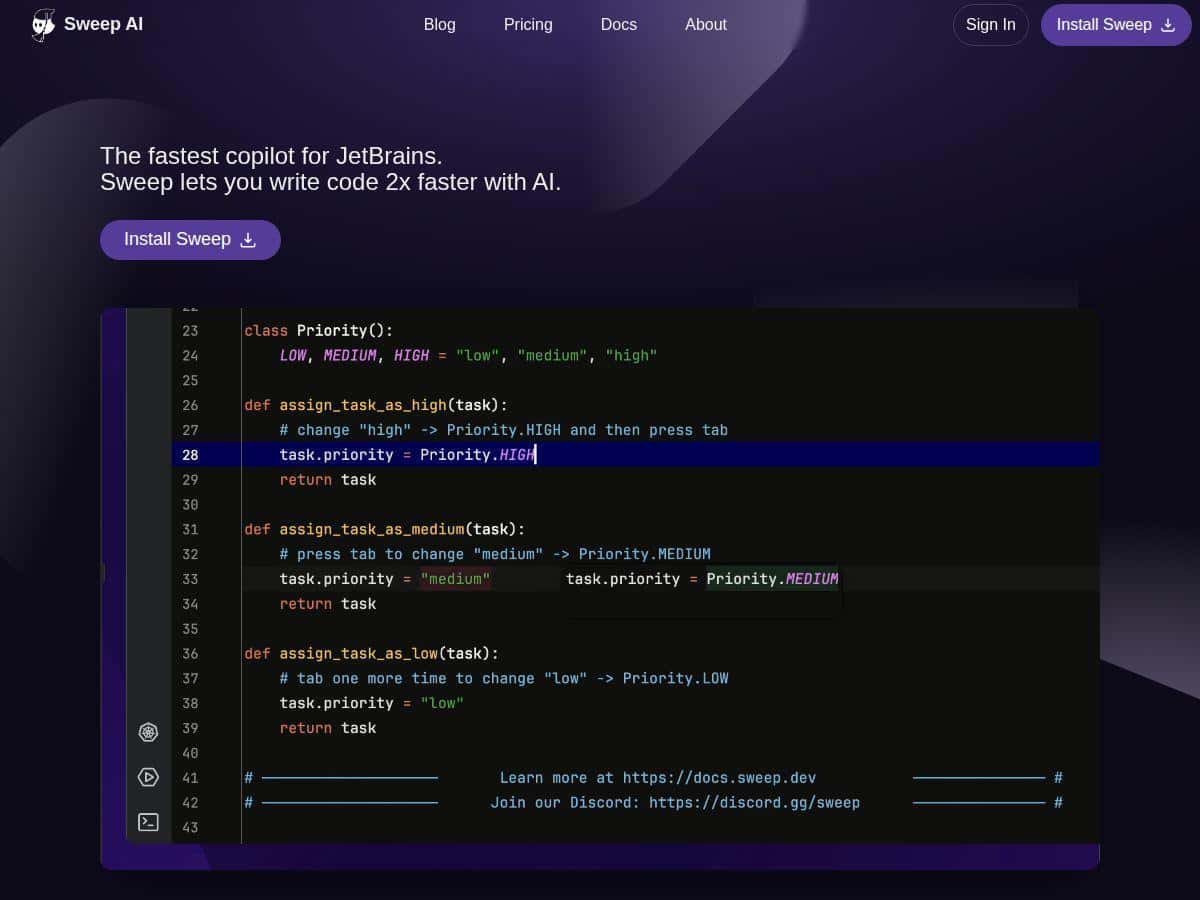
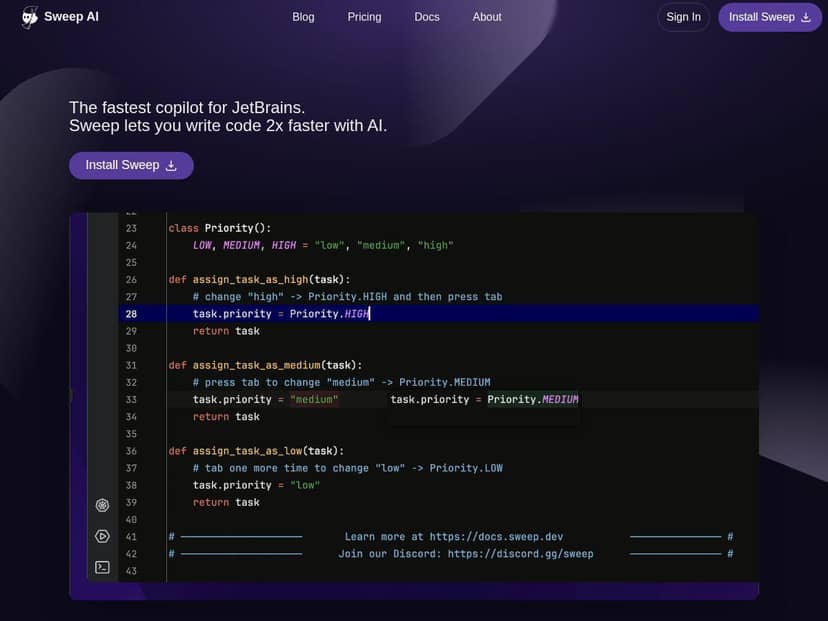
- Next-Edit Autocomplete – Instead of only predicting what you’ll type next, it also tries to suggest the next logical edit based on surrounding code. I saw this most when I was editing the same module in a consistent style.
- Multi-File Code Changes – This is the feature I leaned on most. When I asked for updates tied to a refactor, it generated changes across related files. Still, I always checked the diff because occasionally it “over-simplified” something that needed project-specific handling.
- Task Automation – It can connect with GitHub and Jira to support task-driven work and PR generation. I didn’t rely on this for every test, but I did use it to align the edits with what a ticket/PR needed.
- Deep Codebase Understanding – The assistant seemed to understand relationships across the repo better than basic code-completion models. The difference showed up in debugging and in “what else will break?” questions.
- On-Premise Deployment – If your team has compliance requirements, this matters. I didn’t self-host in my test (I used the standard workflow), but it’s a strong option for orgs that can’t send code off-prem.
- Advanced Coding Assistance – Real-time help, refactoring support, and debugging guidance. I found it best as a co-pilot for “suggest and propose edits,” then I do the final verification.
Pros and Cons
Pros
- Useful multi-file refactors: It doesn’t just help with one line—it helps you figure out what else needs changing.
- Stays in the JetBrains workflow: I didn’t feel like I was constantly jumping between windows.
- Better-than-average debugging guidance: It helped me narrow down likely causes faster than my usual “search everywhere” approach.
- Security-minded option: On-premise deployment is a real differentiator for enterprise teams.
- Helps with repetitive work: Dependency updates and mechanical edits were faster when I let Sweep propose the initial set of changes.
Cons
- It can propose edits that don’t match your repo’s edge-case logic: I saw at least one suggestion that would’ve changed behavior in a corner case. You’ll need to review diffs like you normally would.
- Latency increases on bigger changes: For larger multi-file edits, there’s a noticeable wait. If you’re doing very frequent huge refactors, that pause adds up.
- Smaller projects might not justify it: If you’re working in a tiny repo with very few cross-file dependencies, the benefit feels smaller.
- Learning curve is real (but it’s not “how to use AI”): You still need to learn how to ask for edits in a way that matches your codebase conventions.
Pricing Plans
During my test, I checked what was available publicly and I didn’t see clear, detailed pricing breakdowns embedded directly in the plugin UI or the review draft content I was using. What I can confirm is that Sweep has free and paid options, plus enterprise/on-premise deployment for organizations with stricter security needs.
For the latest numbers and plan differences, you’ll want to verify on their official site: sweep.dev.
How I’d decide if it’s worth paying for:
- If you regularly do multi-file refactors and dependency churn, paid plans usually make sense because you’ll save time repeatedly.
- If you’re on a team with compliance needs, on-premise/enterprise features are often the real reason to choose Sweep.
- If you mostly do small single-file edits, you might get enough value from trying it first (and only upgrade if the workflow clicks).
Wrap up
Sweep feels like a legit JetBrains assistant, not just a “type faster” autocomplete. The biggest win for me was multi-file refactoring and debugging guidance—basically the stuff that normally eats your time because you’re chasing ripple effects across the codebase.
Just don’t treat it like an autopilot. In my testing, I still had to review and sometimes reject suggestions, especially around edge cases and repo-specific patterns. But if you’re working in a larger project (or you’re constantly untangling breakages), Sweep is absolutely worth trying.