Table of Contents
If you’ve ever thought, “I want to make a song, but I don’t have the time (or the skill) to start from scratch,” I get it. I spent some time testing AI Song Maker and here’s what actually stood out to me: it’s quick, the interface doesn’t try to overwhelm you, and you can get usable ideas fast. But it’s not magic—there are limits on control, and some outputs will need a little tweaking if you’re picky.
AI Song Maker Review: What I Tried and What I Got
Let me be straight with you: I’m not expecting the same level of control you’d get in a full DAW. Still, I wanted to see if AI Song Maker is actually useful for real projects—like YouTube intros, short ads, and “I need music today” situations.
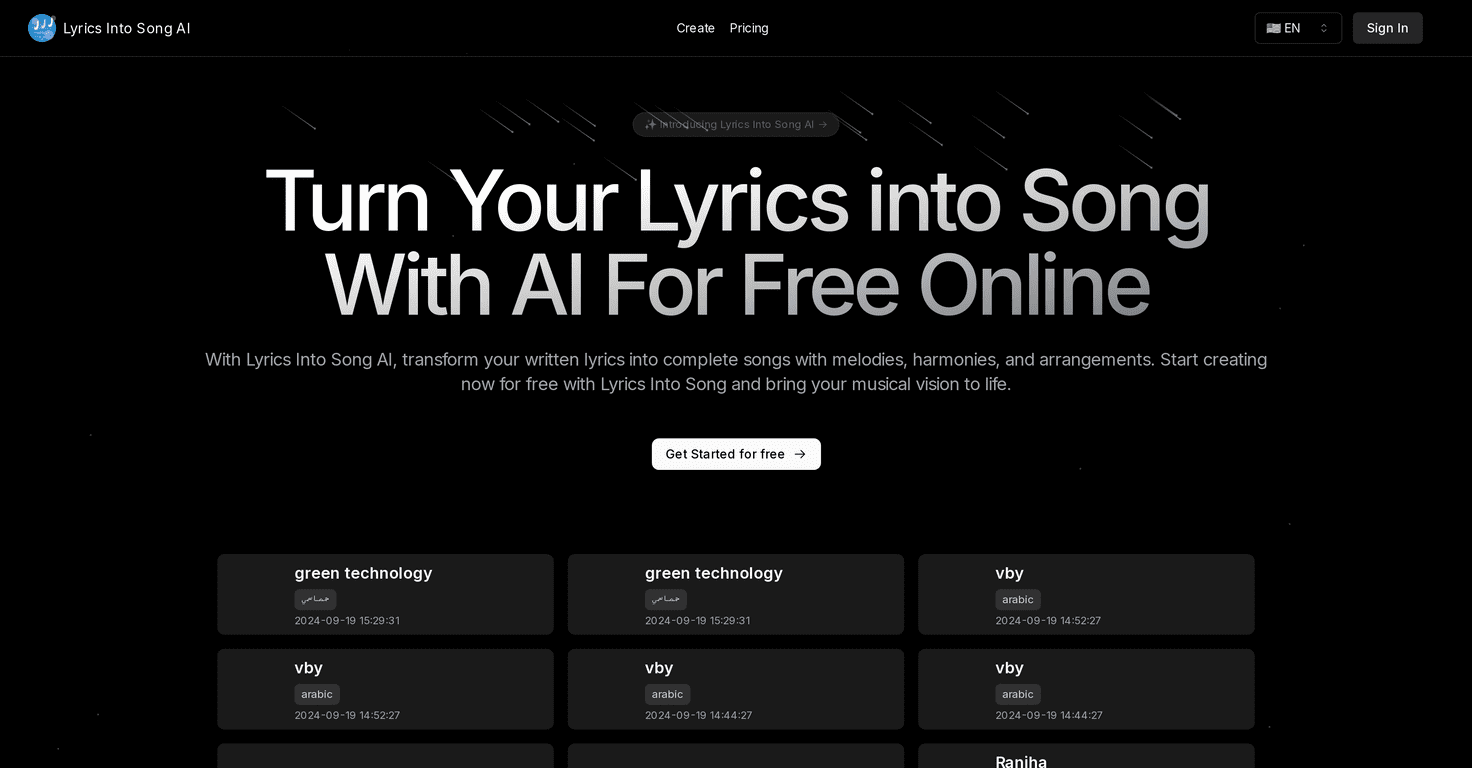
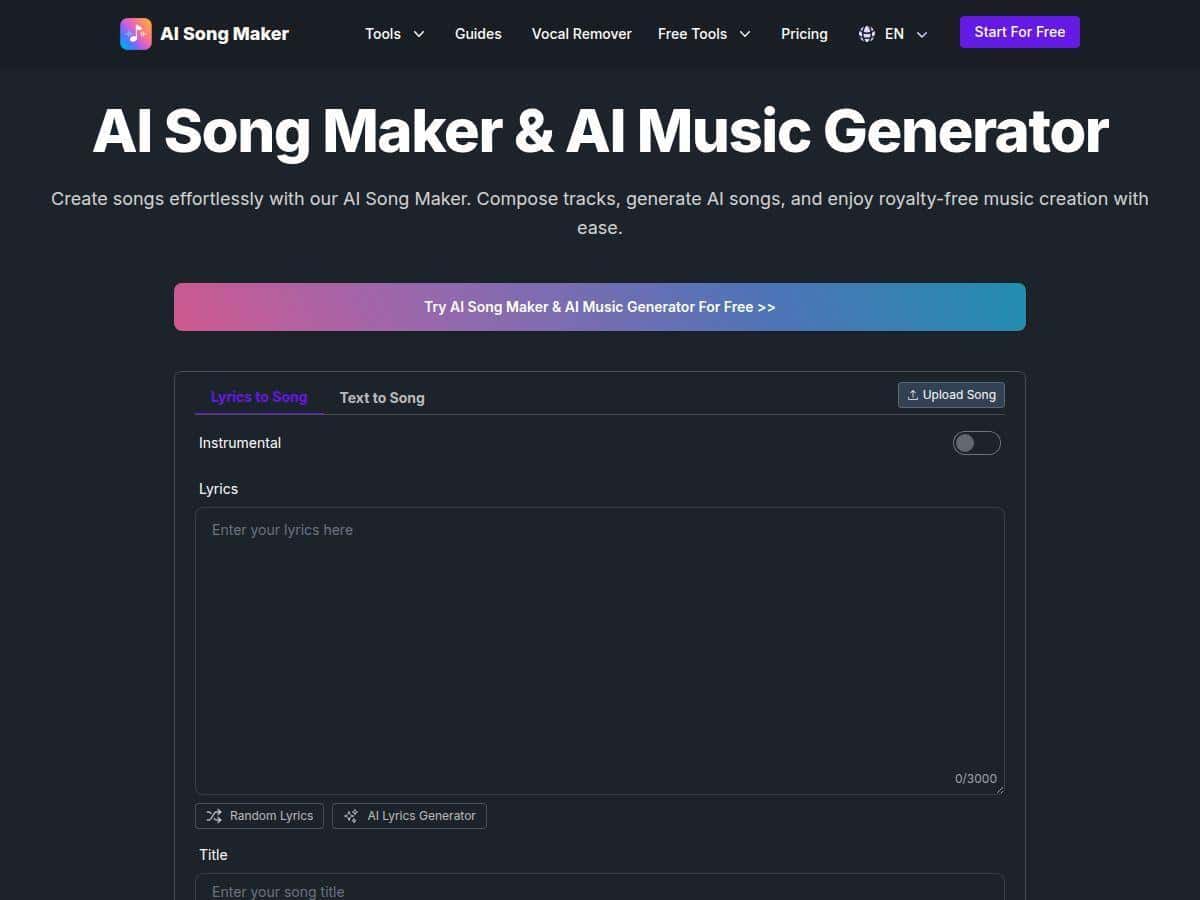
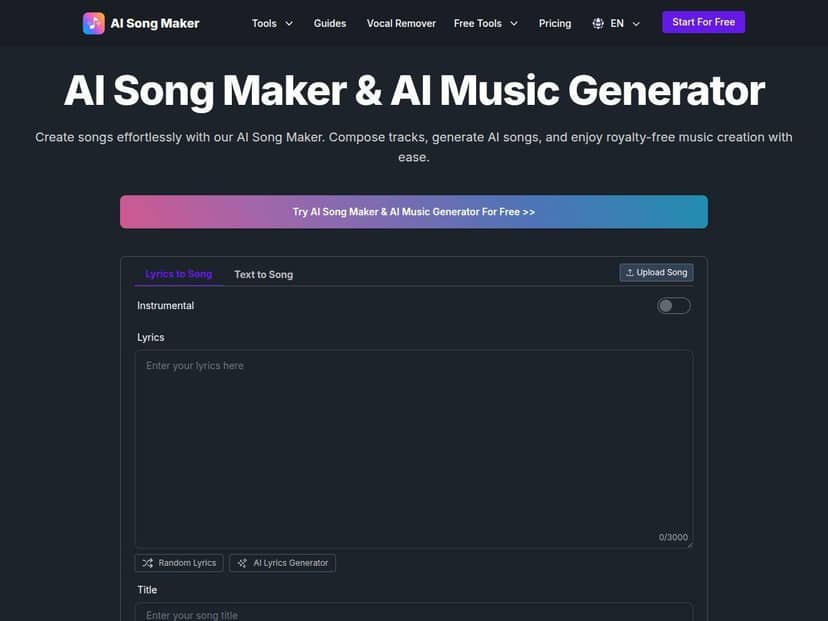
My test setup (so you can judge the results): I used the web app in a desktop browser, working from the main song creation flow. I focused on text-to-song and lyrics-to-song because those are usually the fastest ways to see whether a generator can follow direction.
Test #1: Text-to-Song (idea from scratch)
I started with a simple prompt instead of trying to write something super poetic. Something like: “Upbeat pop track, bright synths, catchy chorus, summer vibe, female vocals, 90 BPM”. The first output didn’t sound “random”—it had structure. I heard a verse/chorus feel pretty quickly, and the melody was smooth rather than choppy.
What I noticed: the song felt coherent, but the exact phrasing wasn’t something I could micromanage. If you’re the type who wants every syllable to land exactly on the beat, you’ll probably end up regenerating or adjusting with the other tools.
Test #2: Lyrics-to-Song (more direct control)
Next, I fed it short lyrics with a clear theme (simple lines, not a full poem). I kept it short on purpose so I could iterate quickly. This is where I saw the biggest difference: the generator was more “aligned” with the words I provided, and the overall vibe matched my intent better.
What I noticed: even when it gets the lyrics close, you may still get minor phrasing changes or vocal delivery that doesn’t perfectly match how you imagine the lines. That’s not a dealbreaker for background music or content, but it matters if you’re releasing music under a strict standard.
Test #3: Vocal Remover + loop/extension (editing workflow)
I also tested the editing side—specifically vocal removal and then extending the track so it could work in a longer format. This is where the product starts to feel practical. For example, if your original generation is only long enough for a short intro, extension helps you avoid starting over from scratch.
What I noticed: vocal removal was useful for creating instrumentals, but don’t assume it’ll be perfect every time. If the vocals are dense or the mix is busy, you can hear artifacts. Still, for most creator use cases, it’s “good enough” to build with.
So, is it easy? Yes. Is it fast? Definitely. But the real question is: does it save you time? In my experience, it does—especially for first drafts and quick ideas. For final releases, you’ll likely treat it as a starting point, not the whole production process.
Key Features: How They Work (and What to Expect)
- Text-to-Song Conversion
- You type an idea and the generator builds the song around it. The best results I got came from being specific about genre, mood, and vocal style (and even adding a tempo like “90 BPM” helps).
- Quality notes: melodies tend to be smooth and the structure is usually readable (verse/chorus energy is there).
Limitation: you can’t fully control every musical decision. Expect regeneration if you want something more exact. - Example outcome: my upbeat pop prompt produced a track that felt “finished” enough to use as a draft for a short video.
- Lyrics-to-Song Creation
- This is the feature you’ll care about if you want the song to sing your words. I used short lyrics first, then expanded once I liked the rhythm and delivery.
- Quality notes: it generally follows the theme and keeps vocal rhythm believable.
Limitation: word-for-word perfection isn’t guaranteed. Some lines may be altered slightly for flow. - Example outcome: when I gave it a clear chorus hook, the chorus section landed with more “singable” energy than my text-only runs.
- AI Lyrics Generator
- If you don’t want to write lyrics from scratch, this helps you generate lyrics based on a concept. I used it to get a starting chorus idea, then refined it with my own lines.
- Quality notes: it’s great for brainstorming and quickly getting something that fits the genre.
Limitation: you may still want to edit the lyrics after—especially for rhyme and phrasing. - Example outcome: I got multiple chorus options that were usable, which saved me time versus writing everything manually.
- Vocal Remover
- This lets you extract vocals or remove them so you can use an instrumental version. I used it after generating a track I liked but wanted a backing-only version.
- Quality notes: useful for creator workflows (background music, covers, TikTok edits).
Limitation: artifacts can show up in complex mixes. If you’re picky about clean instrumentals, be prepared to regenerate or adjust. - Example outcome: I got an instrumental version that worked well under a voiceover for a short explainer clip.
- Song Extension and Looping
- If your generated song is too short for your video, extension and looping are exactly what you want. I extended a short output to see if it preserved the vibe.
- Quality notes: the extended sections usually keep the same style and energy.
Limitation: loops can still feel slightly “restarted” depending on the track. It’s better for background use than for super tight DJ-style looping. - Example outcome: I could stretch an intro-style track into something closer to a 60–90 second segment without starting over.
- Music Replacement
- This is for swapping the music portion—useful if you already have a project audio track and want a new instrumental bed. I didn’t go deep here, but the intent is clear: you’re not always stuck with the first generated audio.
- Quality notes: tends to work best when the original structure is simple.
Limitation: if your existing audio is complex, results may vary. - Stem Separation for Editing
- Stem separation is what you’d use if you want to adjust vocals, drums, or other parts separately. I tried it for a “what can I edit?” check.
- Quality notes: it helps you remix and rebalance faster than starting from scratch.
Limitation: like most stem tools, separation quality depends on the mix. Expect some bleed. - Example outcome: I could isolate elements enough to create a cleaner backing track for a voiceover.
- Custom Voice Models and Cover Generation
- This is the feature that can be genuinely fun—especially for covers. But it’s also the one where you should be most careful about expectations and rights.
- Quality notes: when it works, the vocal style can be close enough to be compelling.
Limitation: you may still hear occasional vocal oddities, especially on fast lyrics or tricky consonants. - Example outcome: cover-style generations were more “creative” than “perfect,” but they were interesting enough to build on.
- Cloud Storage & Export Options
- Being cloud-based is convenient. I liked that I could come back to outputs without hunting through downloads.
- Quality notes: export is straightforward for typical creator needs.
Limitation: check export formats and resolution in the plan you’re on—some tools cap what you can download at higher quality.
Pros and Cons (with Real-World Tradeoffs)
Pros
- Easy to get started: I didn’t have to watch a tutorial to generate my first draft.
- Fast idea-to-audio: you can iterate quickly—useful when you’re on a content deadline.
- Creative tools are actually usable: vocal removal and extension are the kinds of features you’ll reach for again and again.
- Good for hobbyists and creators: YouTube channels, short-form content, and indie projects benefit a lot from speed.
- Cloud workflow: it’s convenient to generate, revisit, and export without managing files constantly.
Cons
- Song length limits (especially on free): I ran into the “short output” reality pretty quickly. If you need long tracks, you’ll burn time regenerating or paying for more.
- Editing isn’t DAW-level: you can do a lot inside the platform, but if you’re used to automation curves and detailed mixing, you’ll feel the gap.
- Originality isn’t guaranteed: sometimes the vibe is great, but the “spark” can feel generic. I noticed this most when I used very broad prompts like “chill instrumental.”
- Free daily limits can be annoying: if you’re doing multiple test generations, you’ll hit the cap faster than you think.
Pricing Plans: Credits, What They Really Mean, and Licensing
Here’s how the pricing breaks down (as described): there’s a free plan with 20 credits daily, which is roughly enough for about 4 short songs. The paid plans start at $7.99/month (Basic) with 6,000 credits/year. The Pro plan goes up to $47.99/month with unlimited features and higher credits.
Credits reality check: credits aren’t just a random number—you’ll notice they correlate with things like generation length and how many times you regenerate to get the sound right. In practice, if you’re doing multiple attempts per song (which you probably will), the free plan can feel tight.
Free vs paid: the main difference for me wasn’t “can it make music?”—it could—but “can I keep iterating without hitting limits?” Paid plans make that process smoother.
Commercial licensing: the platform states that all plans include commercial licenses. That’s important if you’re publishing content and want to monetize. Still, before you upload anything, I recommend reading the official licensing terms on their site to confirm what’s allowed for your exact use case (especially if you’re planning to sell music directly).
If you want to double-check the rules, start here: AI Song Maker (then look for the licensing/policy section in the account or help pages).
Wrap up
AI Song Maker is one of those tools that’s genuinely good when you need momentum. If you’re creating content, brainstorming melodies, or building quick drafts you can polish later, it earns its keep. Just don’t expect it to replace a DAW—think of it more like a creative assistant that gets you to “something musical” fast.
If you want an accessible AI-powered music generator and you’re okay doing a few regenerations to get the exact vibe you want, this is worth checking out in 2025.