Step 1
Describe the book
Add a title, focused topic, audience, language and any non-negotiable instructions.
Choose the target language, proficiency level and practical context. Generate progressive lessons with vocabulary, dialogue, grammar, practice and separated answers.
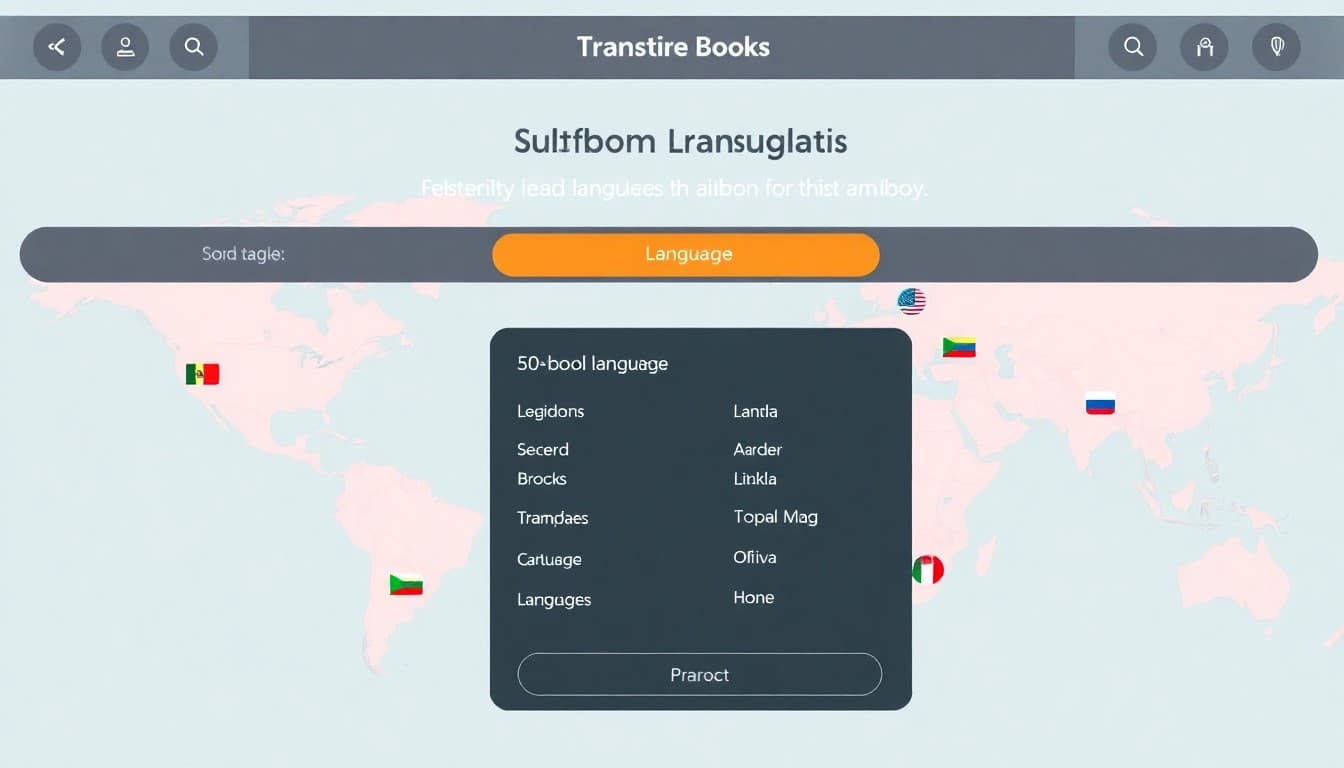
Automateed language selection supports multilingual drafts; a fluent speaker should review every lesson.
The Automateed AI Language Learning Book Creator generates a course-style book of 5 to 50 lessons for any named target language at four proficiency levels — beginner, elementary, intermediate or advanced. Every lesson contains a stated objective, a vocabulary table, a dialogue, a grammar note, practice exercises with separated answer data and a “Culture corner” tip, with explanations written in your chosen translation language. One credit covers 10 lessons, with an AI cover and PDF export included.
A fluent reviewer should check translations, examples and cultural context. Use the book translation guide for the language pass and KDP formatting before preparing a print edition.
77,000+
books created on Automateed, per our published report
216
countries where those books were created
100+
supported generation languages
11
structured book creators sharing this workflow
How it works
Every structured creator uses the same library, status tracking, preview and export experience. The content schema changes to fit this book type.
Step 1
Add a title, focused topic, audience, language and any non-negotiable instructions.
Step 2
Set the scope and see the required ebook credits before generation starts.
Step 3
Automateed outlines the sequence, creates each lesson and generates a matching cover.
Step 4
Edit individual fields, check the complete preview and download the formatted PDF.
Every lesson generates as a complete teaching unit with six parts: a “Lesson goal” objective, a vocabulary table, a dialogue putting the vocabulary to work, a focused grammar note, practice exercises whose answers are stored separately, and a “Culture corner” closing tip. Fifty lessons later, the anatomy has not drifted — which is precisely what self-study books need.
Two fields on the create form matter most: the target language (required — Spanish, Japanese, German, anything you can name) and the “Translation & Explanation Language” selector, which controls the language the explanations are written in. An English-speaker’s Spanish course and a Portuguese-speaker’s Spanish course are different books, and the form treats them that way.
Vocabulary lists without context produce recognition, not speech. Here the vocabulary table introduces the terms and the same lesson immediately deploys them: the dialogue uses them in realistic exchanges, the grammar note explains the pattern they ride on, and the exercises force recall. One lesson, one loop from “seen it” to “used it”.
The course focus field keeps vocabulary honest about its purpose — “Spanish for travelers” fills tables with transport, hotels and food; “business German foundations” with meetings and scheduling. Theme suggestions on the form (travel essentials, everyday conversations, food and dining) are starting points, not limits.
The proficiency selector — beginner, elementary, intermediate, advanced — sets sentence complexity, grammar scope and how much the lessons assume. Lessons are also generated as a progression: lesson 12 builds on the patterns of lesson 5 rather than resetting to hello-my-name-is, which is what separates a course from a phrasebook.
Scope maps to real products: 5 lessons is a survival-basics freebie, the 20-lesson default a focused course (one credit per 10 lessons makes it 2 credits), and 50 lessons a semester-scale workbook for 5 credits. The answer separation makes all of them classroom-usable — students get exercises, teachers keep keys.
Language material can be fluent and still wrong: off-register phrasing, outdated idiom, pronunciation guidance that misleads, translations that technically parse but no native speaker would say. Before publishing or teaching from a generated course, have a qualified native speaker or language teacher review every lesson — vocabulary, dialogue, grammar note and each exercise answer.
This is not a formality; it is the review step that decides whether the book teaches or mis-teaches. Budget for it the way you budget credits, and treat reviewer corrections as gold: fold them back into the editor field by field, then re-export.
The project exports as a formatted PDF with the lesson anatomy — tables, dialogues, exercises, answer material — laid out consistently, plus an AI-generated cover kept with the project. For print editions, check the table-heavy interior against our KDP formatting guide; vocabulary tables are the first thing bad margins ruin.
Tutors and schools use the same export privately: a custom course for one learner’s goal, printed or emailed lesson by lesson. If the course outgrows paper — audio, video, cohorts — the online course creator picks up the written backbone the book already gives you.
Example concepts
Start with a reader, context and outcome. These examples show the level of focus that gives the generator something meaningful to design around.
Arrival, transport, hotels, dining and problem-solving dialogues.
Introductions, meetings, scheduling and professional email language.
Family routines, food, time and common household exchanges.
Built for the format
Beginner, elementary, intermediate and advanced.
Terms sit beside pronunciation, translation and example use.
Lessons combine practical exchanges with a focused grammar note.
Create a short survival course or a longer learning sequence.
Who it helps
Draft lesson material and exercises to adapt to your curriculum.
Create a focused companion for a learner’s real goal.
Prototype a niche course structure with consistent lesson anatomy.
Have a qualified native speaker or language teacher review every lesson. Check translations, register, pronunciation, grammar, cultural nuance and exercise answers. Generated language material can sound fluent while still being subtly wrong.
FAQ
Six parts, every time: a “Lesson goal” objective, a vocabulary table, a dialogue, a grammar note, practice exercises with separately stored answers, and a “Culture corner” tip. Irrelevant sections can be removed during editing.
Any target language you can name — it is a required text field, not a fixed list. Separately, the “Translation & Explanation Language” selector controls the language the explanations are written in, so you can build a Spanish course for English speakers or for Portuguese speakers.
Four: beginner, elementary, intermediate and advanced. The level shapes sentence complexity, grammar scope and assumptions, and lessons are generated as a progression rather than fifty disconnected units.
From 5 to 50, defaulting to 20. Five lessons makes a survival-phrases freebie; twenty a focused course; fifty a semester-scale workbook.
One credit per 10 lessons, rounded up: 10 lessons is 1 credit, the 20-lesson default 2, and the 50-lesson maximum 5. The create form displays the cost before you start, and the AI cover plus PDF export are included.
Yes — answer data is generated and stored separately from the student-facing exercises, so a printed edition can carry keys at the back and a classroom edition can withhold them. Review every answer during your native-speaker pass.
Treat it as a strong draft requiring qualified review. Fluent-sounding output can still carry register, idiom or translation errors, so have a native speaker or teacher verify every lesson before students learn from it — this is the non-negotiable step for this format.
Yes — every field of every lesson is editable, which is exactly how tutors use it: generate a course shaped to one learner’s goal, then adjust dialogues and exercises to match the student’s errors and interests.
Yes, after review: as a PDF course, a printed KDP workbook (check table layout against the KDP formatting guide) or the written backbone of an online course. Disclose AI assistance where the marketplace requires it.
This creator is purpose-built for language anatomy — vocabulary tables, dialogues, grammar notes, culture tips. For practice books on any other subject, the AI Workbook Creator provides exercise-led structure without the language-specific fields.
Continue the workflow
Use the relevant editorial, design and selling guides before releasing the finished project under your name.
One subscription unlocks every creator below — same login, same library, same export quality.
Fitness, reading, fishing & maintenance logs with structured tracking pages.
Open creatorGenerate a complete, designed ebook from one prompt — PDF, EPUB & flipbook.
Open creatorFull-length books, fiction or non-fiction, from a single prompt.
Open creatorTurn a finished book into narrated audio, chapter by chapter.
Open creatorThe native iPad app — create, edit and export on the go.
Open creatorPrint-ready line-art coloring pages, up to 40 per book.
Open creatorSet the scope, see the credit cost and keep control of every generated lesson before you export.