Audiobook creator that narrates your book chapter by chapter
Take any ebook project in Automateed, pick one narrator voice from a library of previewable text-to-speech voices, and generate the full audiobook chapter by chapter. Download the finished audiobook as one merged MP3 — and when you sell the book on the built-in marketplace, buyers hear a free public sample of roughly 90 seconds before they pay.
Narrator preview
Hear the pacing before you generate
This browser sample demonstrates language and pacing. Inside Automateed, paid users audition the exact live narrator catalog before starting the audiobook.
Quick answer
Automateed turns an ebook project into an audiobook by narrating it chapter by chapter with one AI narrator you choose from a previewable voice catalog, filtered by language and gender. You preview voices first, then generate and download the audiobook as one merged MP3. It works on book projects inside Automateed whose current type is ebook, book or nonfiction. Selling an eligible project on the marketplace with its audiobook adds a free public sample of roughly 90 seconds for buyers.
How the AI audiobook creator actually works
No microphone recording is required. Narration runs on the chapters of a book project, so the source is the same text you review before generation; you still need to listen to the finished file and correct pronunciation, pacing or text problems before delivery.
Start from a book project
Narration is available for existing Automateed ebook, book and nonfiction projects. Imported-manuscript projects and direct PDF, EPUB or DOCX conversion are not supported by this workflow.
Audition narrator voices
Browse text-to-speech voices with friendly names like Olivia, Ethan, Ava and Quinn. Filter by language and gender, and play a short preview before you commit.
Generate chapter by chapter
One narrator reads every chapter for a consistent listen. Automateed processes the manuscript chapter by chapter, then assembles the completed result.
Download the audiobook
Download the completed audiobook as one merged MP3, then listen through it before delivery or attaching it to a book you sell.
One honest limitation worth knowing upfront
There is no “upload a PDF, receive an audiobook” button. The narrator reads chapters of an existing Automateed ebook, book or nonfiction project. The imported-manuscript project type is not currently accepted by the audiobook dialog, so this page should not be read as a file-import promise. Review and correct the supported project’s text before starting narration.
A live narrator catalog with language filters
Named, previewable voices
The voice picker presents Google text-to-speech voices from its current catalog under friendly names — Olivia, Quinn, Ethan, Ava and more — each with a play button so you audition the actual voice on real speech before generating anything.
Language and gender filters
The app derives the language choices from the current narrator catalog and lets you filter by language and gender. Availability can change; preview the exact voice shown in the picker before generating. Book-text language options are separate from narration availability.
Consistency by design
You choose one narrator for every chapter. That prevents deliberate voice changes between chapters, but generated pronunciation and pacing can still vary. Listen through the merged MP3 and retry the full job after correcting source text when needed.
Every audiobook starts as a book like this
Flip through a real Automateed-generated ebook export. It illustrates the chapter-based source structure accepted by the audiobook workflow; it is not evidence that this particular public example has an audiobook or used the current narrator.
The Art of Starting — a real Automateed ebook export
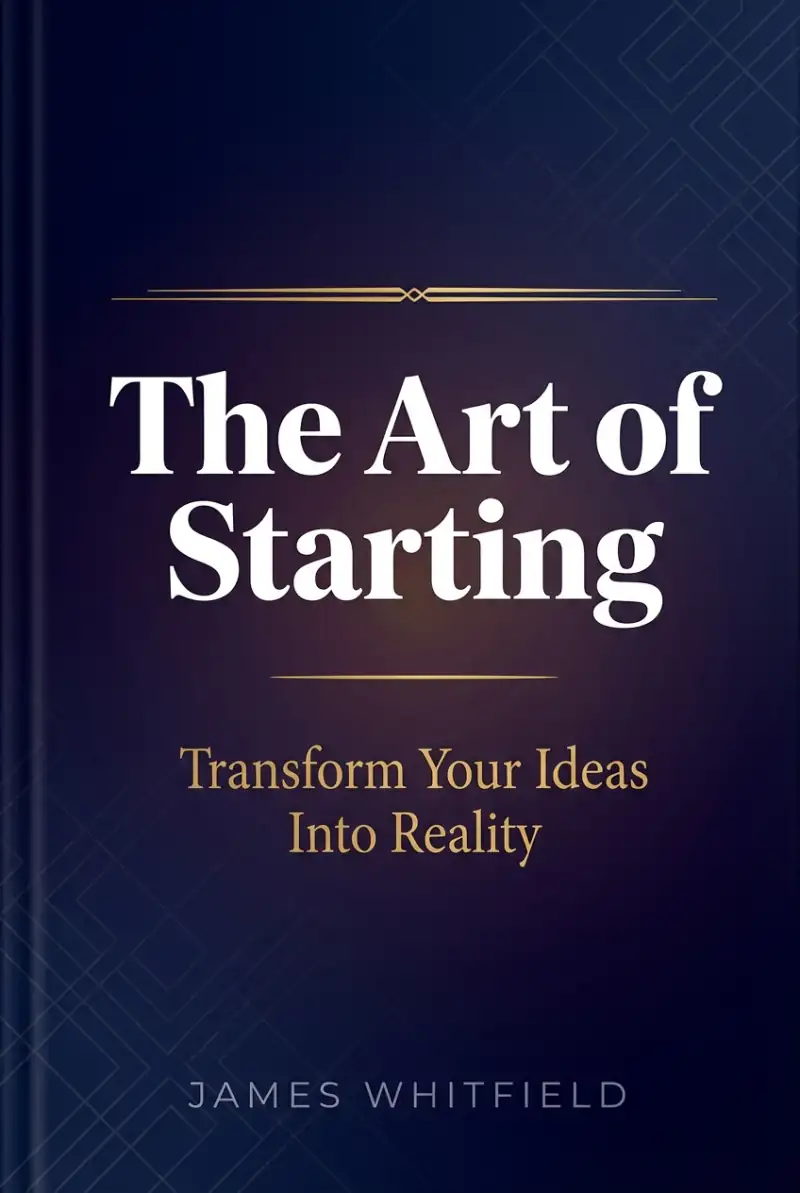
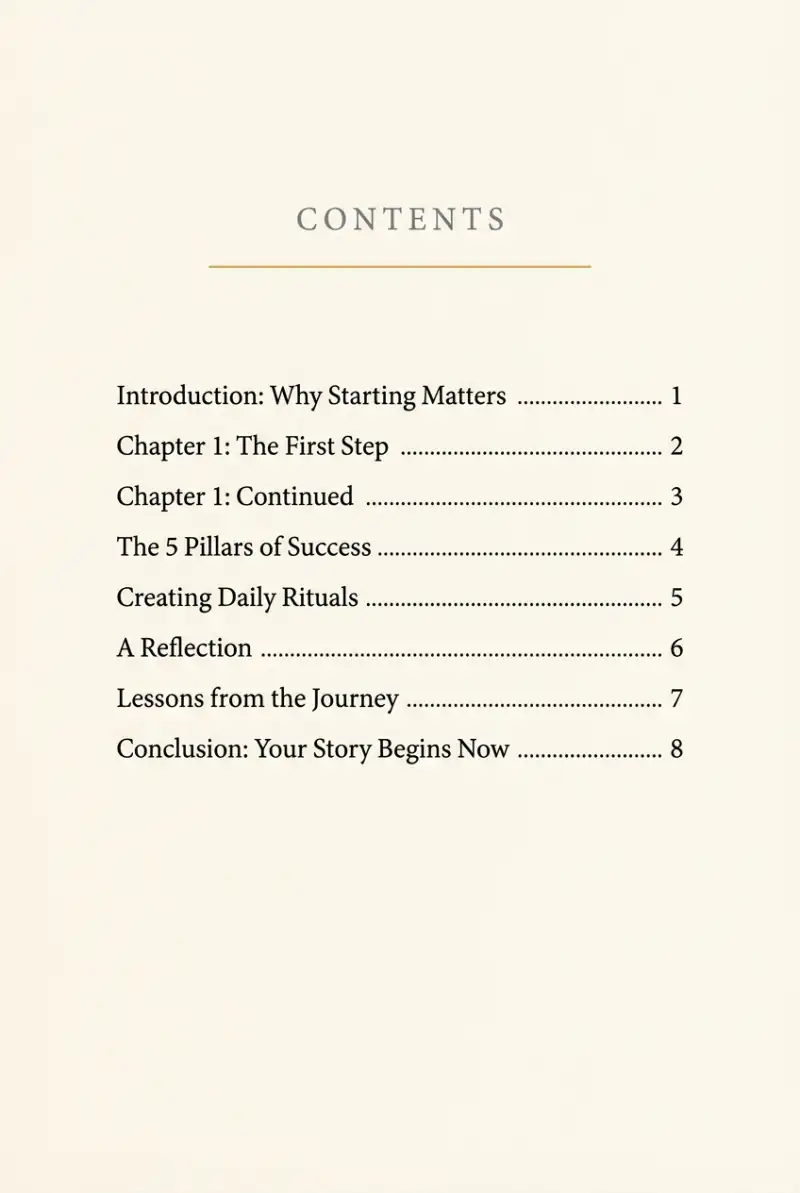
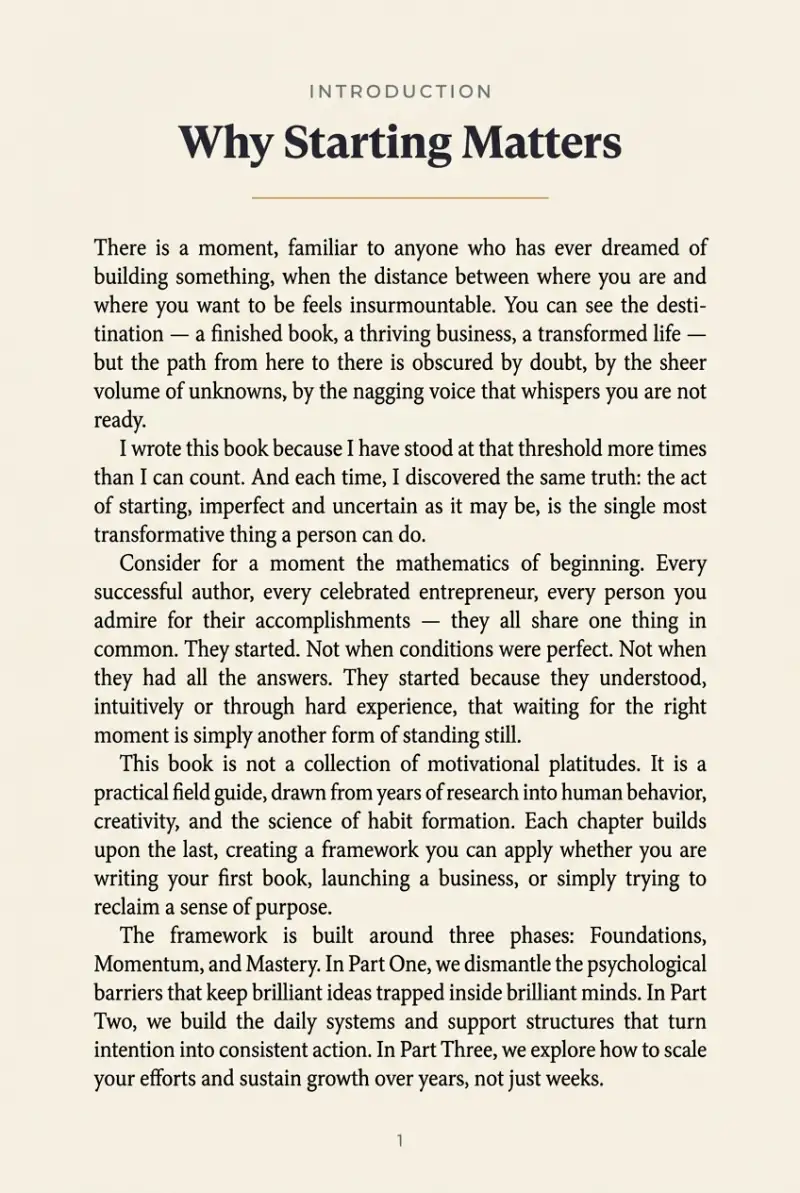
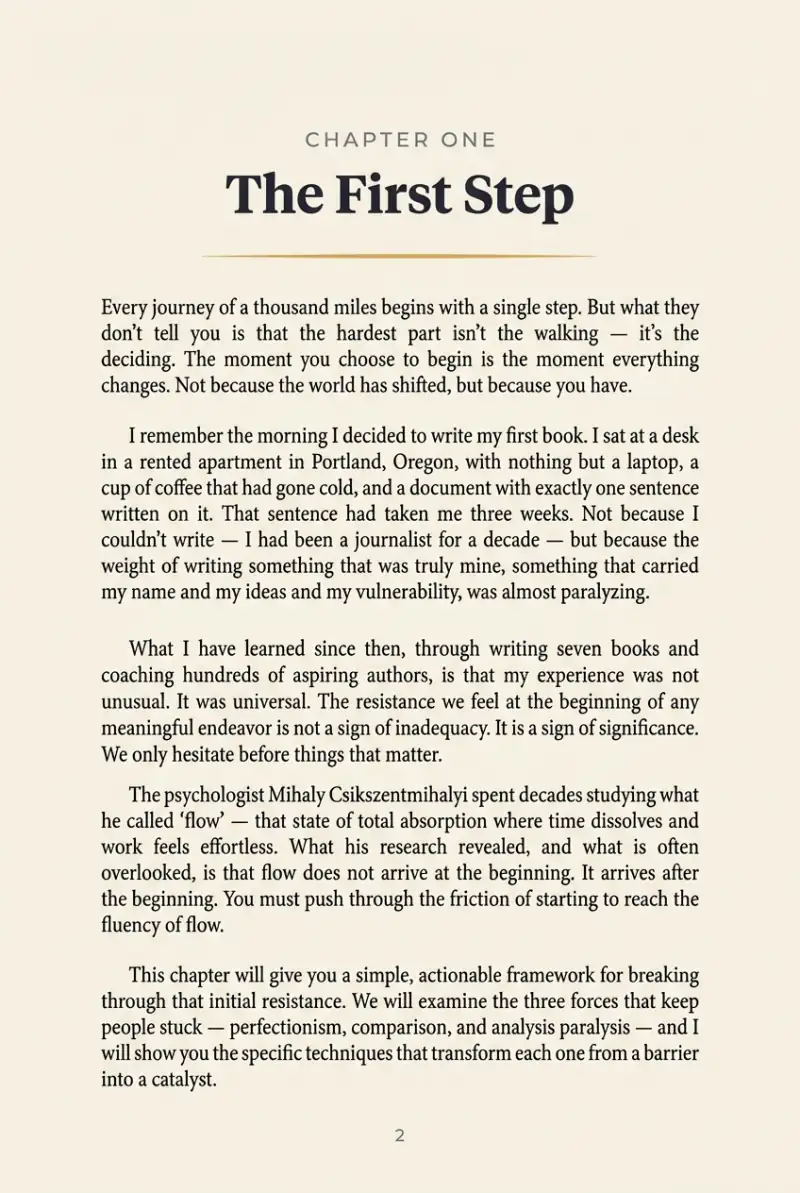
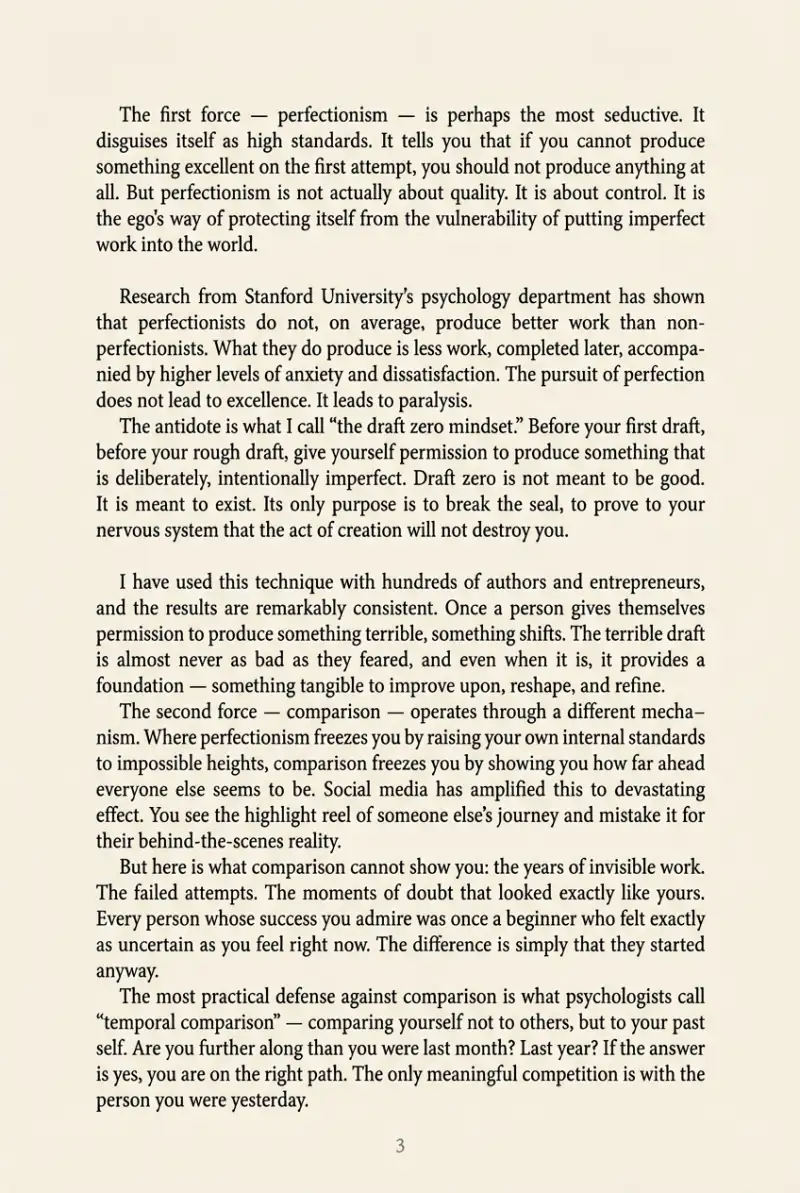
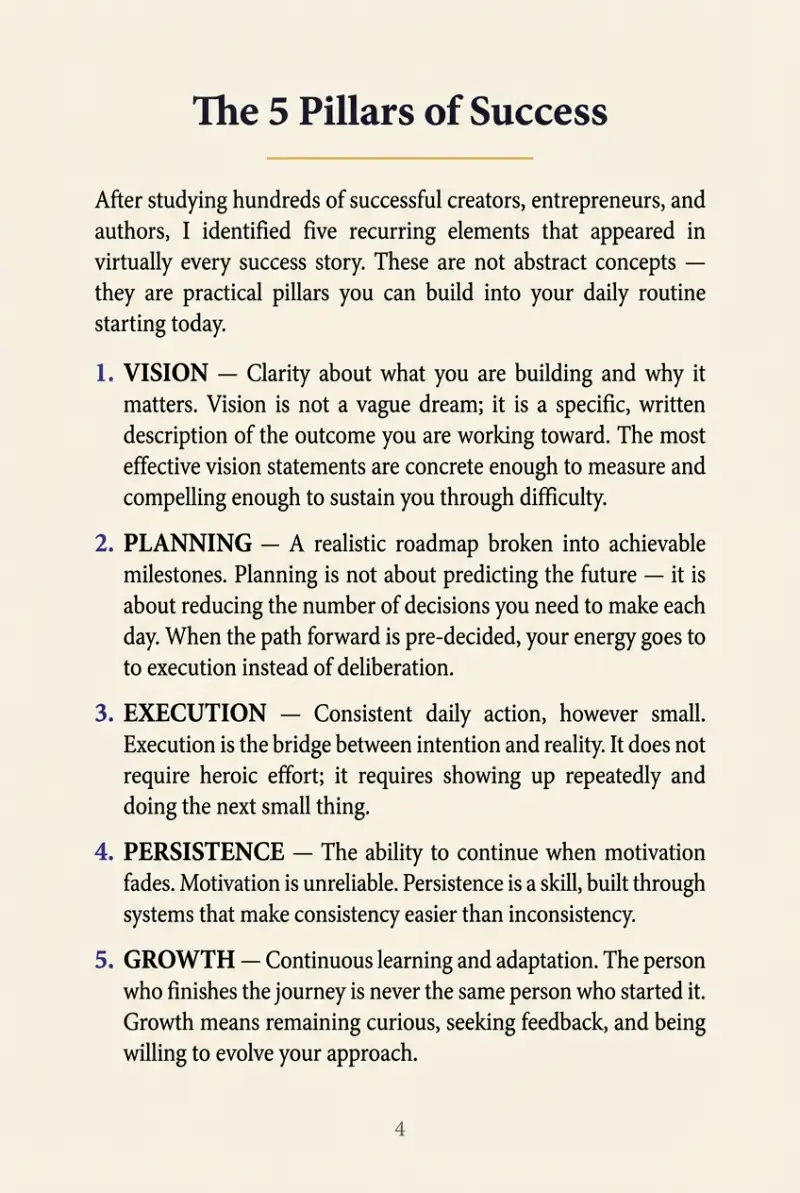
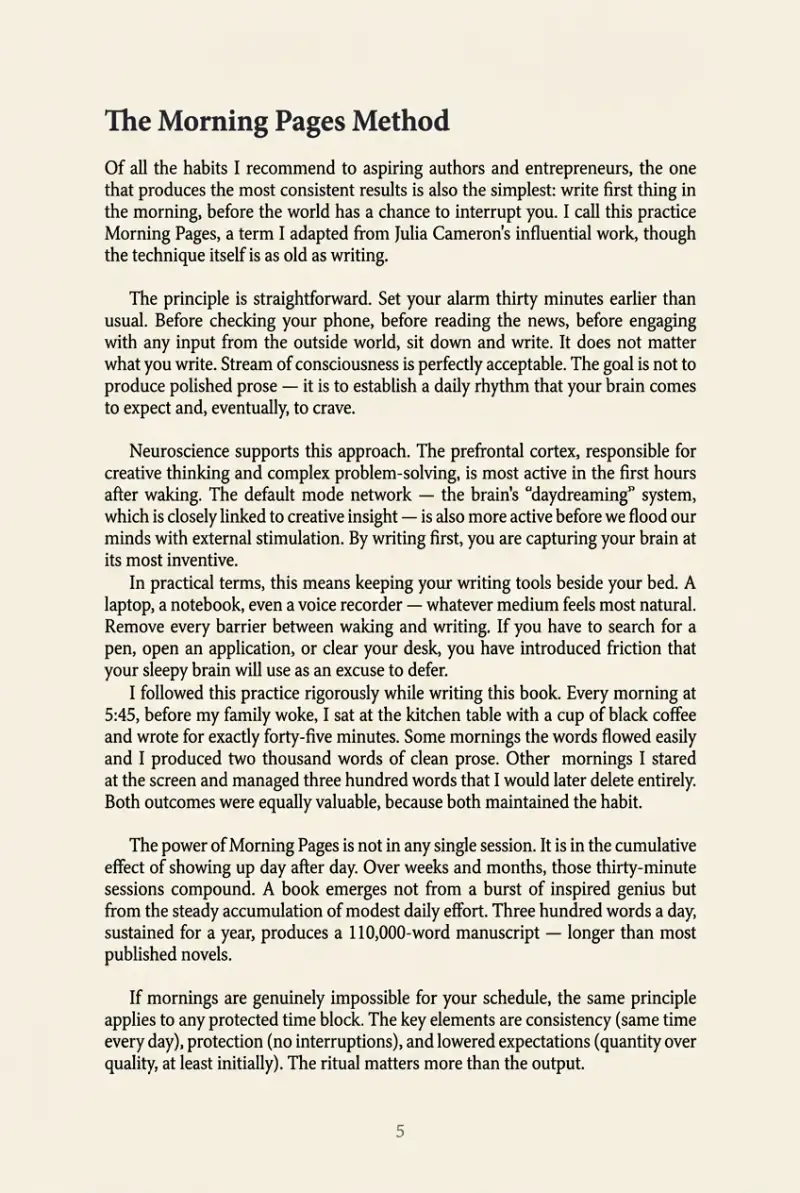
Cover · click the arrows or page edges, or use ← →
A real Automateed ebook export shown as an example of the chapter structure used by supported book projects.
Selling your audiobook — and what it costs to make
A roughly 90-second buyer sample
Publish your book to the Automateed marketplace and attach the audiobook as an optional add-on. Your public book page then plays a free sample of roughly 90 seconds — buyers can hear the narrator before they decide whether to buy. You set the price; $0 lead-magnet books work too. Do not send this AI narration to ACX unless ACX or Audible has explicitly authorized the workflow for you. The current ACX audio submission requirements say unauthorized text-to-speech, AI, and automated recordings are prohibited.
Honest pricing math
Audiobook narration is a premium feature that costs 10 ebook credits per book on a paid plan. The $25/month plan includes 8 credits (add a small top-up for your first audiobook); the $50/month plan includes 30 — enough for three audiobooks if you do not spend those credits elsewhere. Credit balances and plan prices can change, so confirm the current total shown in the app before starting a generation.
AI audiobook creator — FAQ
How does Automateed generate an audiobook from my book?+
Narration runs on the chapters of an ebook project. You open the audiobook dialog on a book, choose one narrator voice, and Automateed generates the audio chapter by chapter before assembling one merged MP3 download.
Can I upload a PDF or EPUB and get an audiobook directly?+
No. The current narrator works only with existing Automateed ebook, book and nonfiction projects; the imported-manuscript project type is not supported by this audiobook workflow. Do not treat it as a PDF-, EPUB- or DOCX-to-audio converter.
What do the AI narrator voices sound like?+
They are text-to-speech voices from the narrator catalog, presented under friendly names like Olivia, Quinn, Ethan and Ava. Every listed voice has a preview player, so you can hear a sample before choosing one for the book.
Can I use a different voice for each chapter?+
No — you pick one narrator for every chapter. Using one voice reduces audible variation across the book. If you retry an audiobook job, listen to the completed file again because regenerated speech can still vary in pronunciation or pacing.
Which languages are supported for audiobook narration?+
The voice picker filters the currently available narrator catalog by language variant and gender. Choose only a language and regional variant shown in the live picker, preview that exact voice, and review a generated sample before producing the full book because the voice catalog can change.
How much does it cost to create an AI audiobook?+
Audiobook narration is a premium feature on paid plans and costs 10 ebook credits per book. At the current rates, the $25/month plan includes 8 monthly credits and needs a top-up for one audiobook; the $50/month plan includes 30 credits, enough for three audiobooks if those credits are not used elsewhere. Confirm the live plan and credit total in checkout before generating.
What audio format do I get?+
MP3. You download the completed audiobook as one merged MP3 file from the original book project.
How do buyers preview my audiobook before purchasing?+
When you sell your book on the Automateed marketplace with the audiobook add-on, your public book page includes a free audio sample of roughly 90 seconds. Listeners can hear the selected narrator and pacing before deciding whether to buy.
What if the narrator mispronounces a name or term?+
Correct the manuscript text before starting a new audiobook generation — for example, spell a difficult name more phonetically. The current interface retries the audiobook job rather than regenerating one chapter by itself.
Can I publish an Automateed audiobook on Audible or ACX?+
Do not submit an Automateed AI-narrated file to ACX unless ACX or Audible has explicitly authorized that workflow for you. ACX’s audio submission requirements, updated April 15, 2026, say submitted audiobooks must be human-narrated unless otherwise authorized and prohibit unauthorized text-to-speech, AI, or automated recordings. Check the current retailer rule again before every submission. You can still sell the audiobook through Automateed and your own author website.
Can I narrate a children’s storybook or coloring book?+
No — narration currently supports ebook-type projects (ebooks, nonfiction and standard books). Visual formats like illustrated storybooks and coloring books are print-first products and don’t have a narration path yet.
Is there a free trial for the audiobook creator?+
You can inspect the separate book-creation preview before subscribing, but audiobook narration itself requires current paid access and 10 ebook credits for one book. Check the live plan and credit balance before starting the audio job.
Keep building on your book
Abridged and unabridged editions
Decide whether the audio should reproduce the complete text or use an authorized shortened edition.
OpenAudiobook production cost
Compare per-finished-hour quotes, included services, and the cash or royalty cost of production.
OpenKindle Unlimited payout
Understand how Amazon calculates KENP-based author earnings before comparing distribution routes.
OpenDirect sales and payout options
Review the current Automateed checkout, royalty ledger, hold, and payout routes.
OpenBook cover creator
Prepare the front-cover artwork used for the book and its audio edition.
OpenEPUB and Kindle compatibility
Check how a separate ebook file reaches current Kindle workflows.
OpenAdd narration to a supported book project
Open an existing ebook, book or nonfiction project, audition a narrator, generate the chapter-by-chapter audio and review the merged MP3 before attaching it to a listing.