Table of Contents
If you’re trying to get your music out there, you already know the cover matters. People do judge a book by its cover—especially when they’re scrolling fast on Spotify, Apple Music, or YouTube. I tested Album Cover AI because I didn’t want to spend days wrestling with design software or hiring a designer for every release. So… does it actually produce album art you’d be comfortable using?
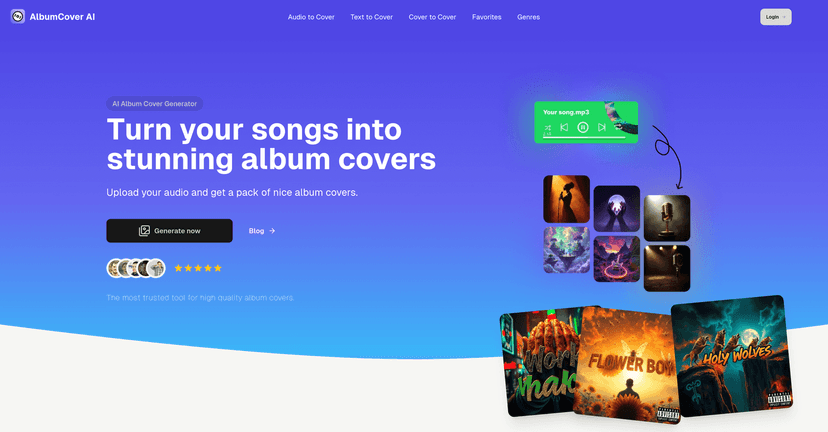
Album Cover AI Review: Can It Actually Make Covers?
Here’s what I liked right away: the tool is built for speed. I’m not exaggerating—once you’ve got your track ready, you can go from “idea” to “something usable” pretty quickly. The interface feels like it’s trying to get you to results fast, which is exactly what most independent artists need.
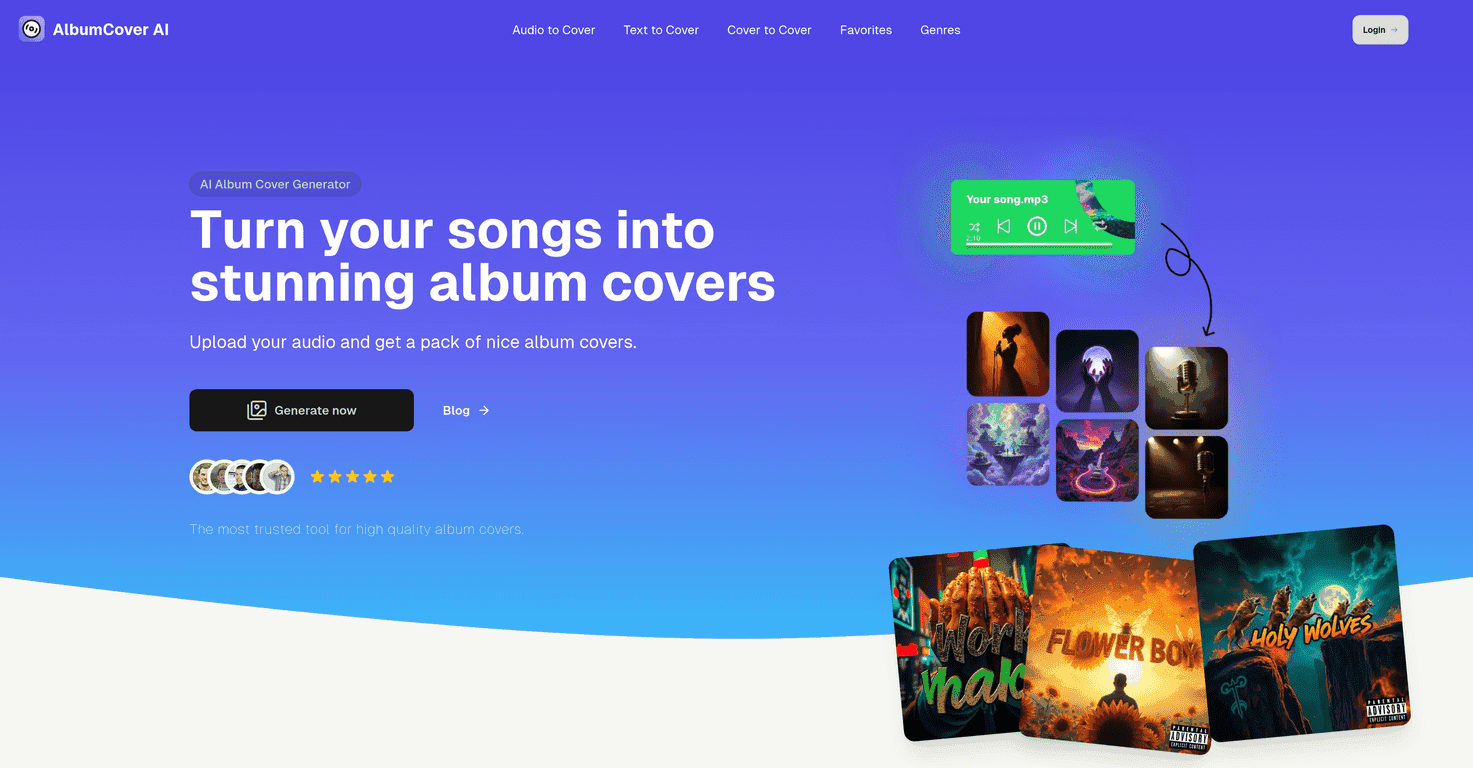
Album Cover AI gives you two main ways to generate artwork: audio-to-cover and text-to-cover. I tested both. With audio input, it tries to match the artwork to the vibe of the track. With text input, you basically steer the style and theme yourself.
What I noticed after a few runs: the “mood” part is real, but it’s not magic. If your song is upbeat and bright, you tend to get warmer colors and more energetic compositions. If it’s darker or more minimal, the designs usually lean that direction too. Still, you might need to try different styles before you find one that truly feels like your brand.
Also, the “cover pack” idea is smart. Instead of betting everything on one image, you can generate multiple options and pick the best one. That alone saves a lot of time compared to commissioning art for every draft.
Key Features
- Audio to Cover Generation — Upload a track and get visuals that match the vibe.
- Text to Cover Creation — Describe the theme, genre, or aesthetic when you don’t want to upload audio.
- Cover Packs with Multiple Designs — Generate more than one option so you’re not stuck with a single result.
- Mood-Based Designs — The tool attempts to reflect the emotional tone of your music.
- Customizable Style Options — Choose different art styles to see what direction you like best.
- High-Quality Visuals — The output is generally polished enough to use as album art.
- Ready-to-Use Formats — Download images you can upload to your distributor or social channels.
Pros and Cons (From My Hands-On Testing)
Pros
- Fast turnaround: I was able to generate multiple cover options in minutes, not hours.
- Easy for non-designers: You don’t need Photoshop skills to get something that looks “album ready.”
- Helpful variety: The different styles make it easier to find a visual that matches the song instead of forcing one look.
- Audio-driven results: When the track mood is clear, the artwork usually lands in the right emotional lane.
Cons
- Control is limited: You can steer the vibe and style, but you can’t fully dictate every element like a custom designer would.
- Results depend on the track: If your audio is mixed strangely or the mood isn’t consistent, the output can feel a bit “off.”
- You may still need iteration: I didn’t always find “the one” on the first try. Sometimes it took a couple of style swaps to get something I’d actually post.
Pricing Plans
Pricing wasn’t clearly listed in the content I reviewed, so I can’t give you exact numbers here. What I’d do in your shoes: check the official Album Cover AI site and look for current plans (often these tools have credits, subscription tiers, or pay-per-generation options). If you’re planning multiple releases, it’s worth making sure the plan covers the number of cover packs you’ll generate.
One practical tip: if they offer a trial or lower-tier plan, test it with one song you know well. That way, you’ll learn whether the tool matches your taste before you commit.
Wrap up
Album Cover AI is a solid option if you want professional-looking album covers without paying designer rates or spending forever learning layout tools. In my experience, the biggest win is speed plus variety—you can generate multiple directions and pick the one that fits your music best. Just don’t expect total creative control on the first generation. If you treat it like an idea machine (generate, compare, refine), it works pretty well.
If you’re ready to give your next release better visuals, I’d say it’s worth trying.
Promote Album Cover AI