Table of Contents
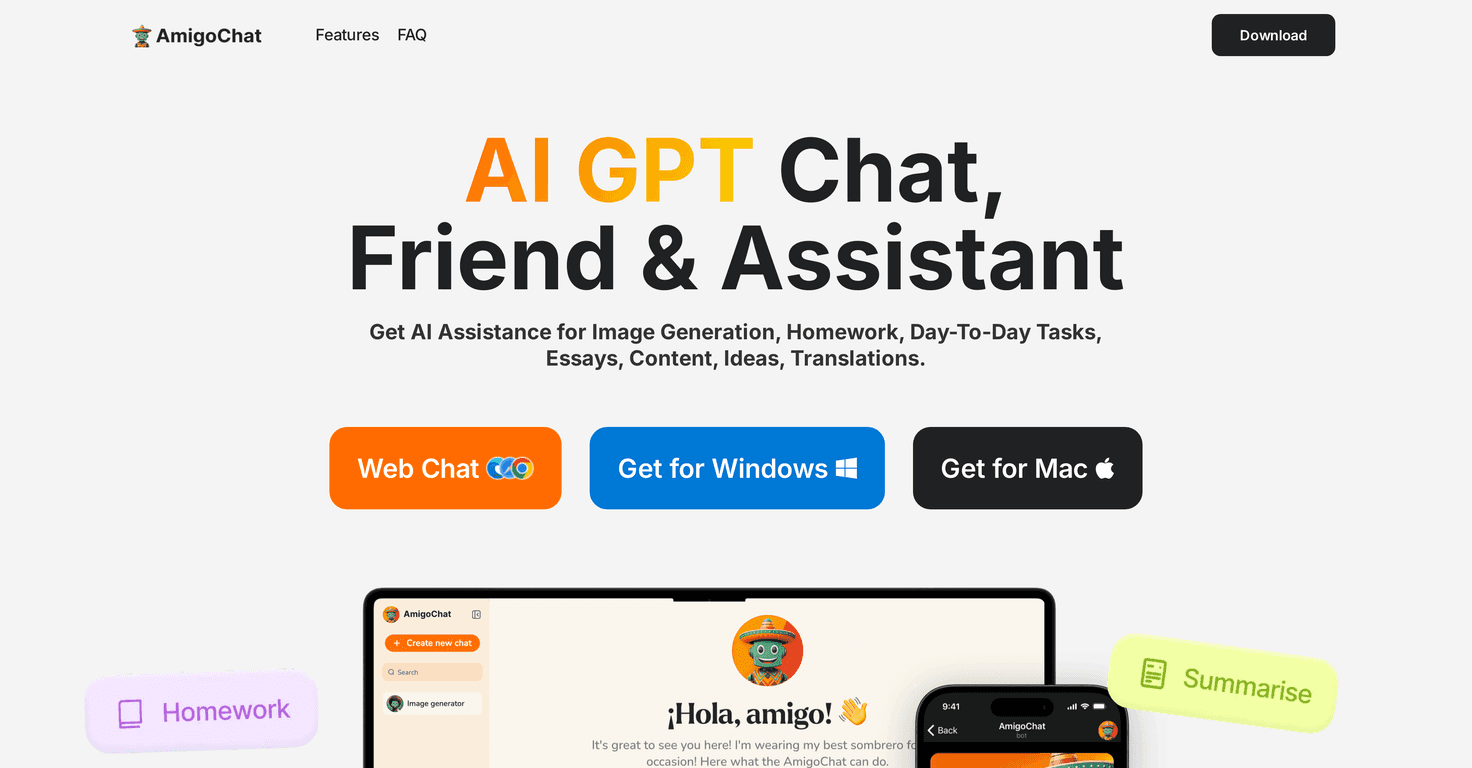
I’ve been trying a bunch of AI assistants lately, and AmigoChat stood out because it doesn’t feel like a single-purpose tool. It’s positioned as an everyday “friendly assistant” that can jump between tasks—writing, summarizing, image ideas, and even content help for YouTube. That’s exactly the kind of thing I like when I’m bouncing between schoolwork, drafts, and random creative projects.
In my experience, the interface is pretty straightforward. You type what you need, and it responds in a way that’s easy to work with right away. Still, I don’t want to oversell it: like most AI tools, it can be confidently wrong sometimes, and you’ll want to double-check anything factual (especially homework or anything that needs accuracy).

AmigoChat Review: Does This “Friendly Assistant” Actually Help?
Here’s what I tested first: quick, everyday prompts—summaries, rewriting a paragraph, and brainstorming ideas. AmigoChat handled those pretty smoothly. It’s the kind of tool that can save you time when you’re stuck staring at a blank page.
What I liked is the variety. It’s not just “chatting.” It’s also presented as a helper for:
- Homework support (math + writing help)
- Text summarization when you need the gist fast
- SEO content support for outlines and drafts
- YouTube content ideas like titles and scripts
- Image generation from a description
That variety is convenient. But the honest part? You still need to supervise it. When I asked for information that required precision, I had to fact-check. And if you lean on it for everything—without learning the underlying steps—you’ll miss the point of using an assistant in the first place.
Key Features I Actually Tried
- Image Generation: You describe what you want and it generates image concepts. In my tests, the results were best when I gave clear details (subject, style, background, mood). If you’re vague, you’ll get vague outputs.
- Homework Solver: It can help with both math and writing. For math, I noticed it’s more reliable when you provide the problem exactly and ask for steps. For writing, it works well for structure and brainstorming—just don’t submit it without reviewing.
- Text Summarization: I used it to summarize longer text into shorter bullet points. The summaries are useful for getting the main ideas quickly, but I recommend scanning for missing details if the topic matters.
- SEO Article Generation: It can help create drafts and outlines aimed at search visibility. What I found helpful was prompting for a specific keyword, target audience, and tone—otherwise it can sound generic.
- Hashtag Generation: Great for quick social posts. It’s usually better when you tell it the platform (Instagram vs. X), the niche, and the vibe you’re going for.
- YouTube Content Helper: It can generate video titles and even script-style content. When I asked for multiple title options, I got a decent variety—though I still adjusted wording to match my channel style.
- Text-to-Speech: It supports converting text to audio and vice versa. This is handy if you want to hear how something sounds before you record or publish.
- Secure Encryption: The tool claims your conversations and data remain private. I can’t verify encryption details from the outside, but it’s a positive feature to see mentioned.
Pros and Cons (Realistic Take)
Pros
- Multi-functional—it’s useful across school, writing, and content creation instead of being a one-trick app.
- Easy to interact with—responses are generally readable and quick to iterate on.
- Works across devices—it’s set up to be accessible on mobile and desktop, which matters when you’re not always at a desk.
- Privacy-focused messaging—encryption is mentioned, which is reassuring if you’re using it for personal drafts.
Cons
- Occasional inaccuracies: I’ve seen it give answers that sound right but don’t hold up under checking. If it’s factual (history, science, citations), verify.
- It’s easy to over-rely on it: If you let it do every step for you, you won’t build the skill you actually need—especially for homework.
- Limited offline functionality: If you expect to use it without internet, you’ll likely be disappointed. It’s a web/connected tool.
Pricing Plans: What Does AmigoChat Cost?
Pricing details aren’t clearly listed in the content I received, so I can’t give you exact numbers here. In cases like this, I usually recommend checking the official AmigoChat site directly for whether it’s a free plan, a freemium model, or subscription tiers.
If you’re comparing plans, here’s what I’d look for:
- How many messages/generations you get per day or month
- Whether image generation has separate limits
- Any differences in features for free vs. paid users
- Turnaround speed during peak times
For the most accurate info, visit the official page: AmigoChat.
Wrap up
AmigoChat is a solid option if you want one assistant that can handle writing help, summaries, SEO-style drafting, and content brainstorming (plus image generation). It’s especially useful when you need momentum—when you’re stuck and you just want a starting point.
Just don’t treat it like an automatic “answer machine.” I’d use it as support: ask for drafts, request step-by-step help, and then review what it gives you. Do that, and it can genuinely make your workflow faster without doing all the thinking for you.