Table of Contents
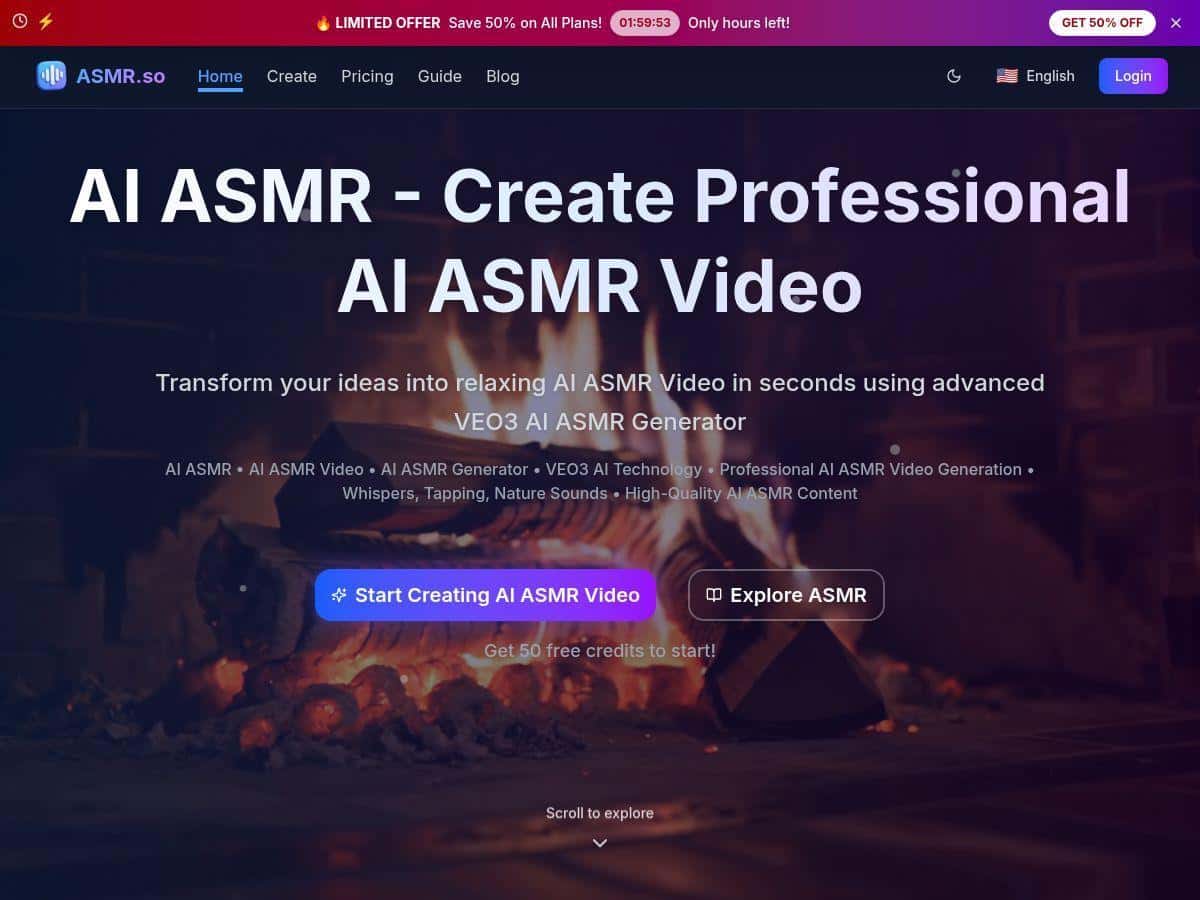
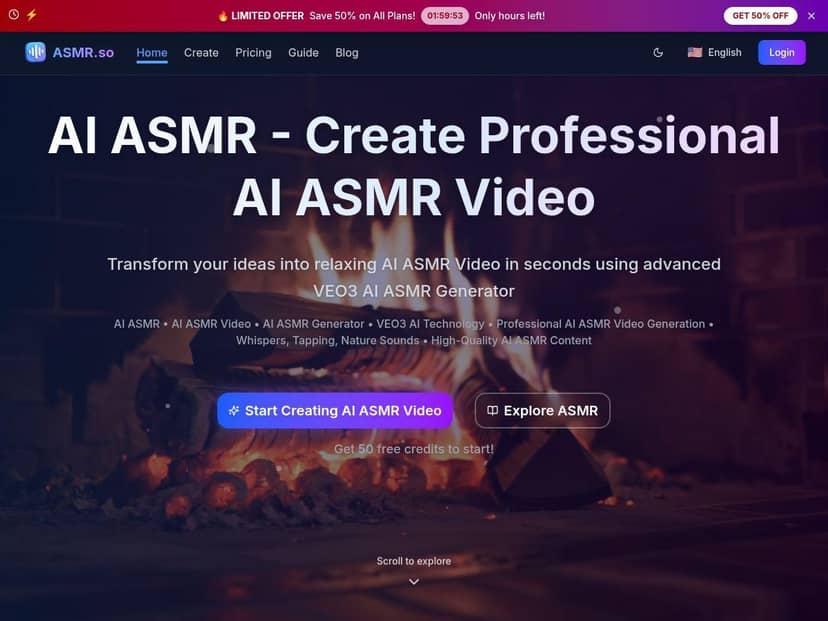
If you want calming ASMR videos without spending hours editing, ASMR.so is one of those tools that immediately sounds promising. I tried it because it’s marketed as quick AI video creation powered by Veo3 AI—and honestly, I wanted to see if it’s actually usable or just “cool demo” stuff.
ASMR.so Review: What I Actually Got (Fast vs High-Quality)
I tested ASMR.so after hearing about its quick video creation powered by Veo3 AI. What I liked right away: I didn’t have to “learn” anything complicated. I just signed up, opened the generator, picked a category, typed a prompt, and hit generate. That’s the whole loop.
Here’s what I did (and what I noticed):
- Category: I started with something basic like whispers because it’s easy to judge—either it feels intimate and soft, or it doesn’t.
- Prompt 1 (Fast Mode): “Soft whispering close to the microphone, relaxed breathing, calm mood, slow pace, neutral background.”
- Prompt 2 (Fast Mode): “Gentle tapping on a wooden surface, close-up camera, slow rhythmic taps, cozy room lighting.”
- Prompt 3 (High-Quality Mode): “ASMR hand movements with careful paper rustling, close-up, slow and soothing, warm desk lamp, realistic texture.”
Time to first download: In my testing, the “Fast Mode” generations were ready in under ~2 minutes most of the time (I timed my first run at about 90–110 seconds). That’s genuinely fast enough to churn out ideas for social posts.
Output specs: The videos I downloaded came through as high-resolution clips (the site advertises HD and 4K output), and the audio was the part that impressed me most. The sound felt clean—no robotic noise floor, and no weird “clipping” that you sometimes get with AI audio.
Where the realism holds up: For audio, it was soothing. The whisper and tapping prompts produced the right “type” of ASMR trigger quickly, and the pacing generally matched what I asked for (“slow,” “close-up,” “gentle”).
Where it didn’t fully nail it: The visuals occasionally looked a bit “too smooth” or stylized. It wasn’t always wrong—some clips looked convincingly close-up—but a few frames had that slightly artificial look you’ve probably seen in AI video. When that happened, it was usually tied to prompts that demanded very specific realism (“realistic texture,” “exact hand motion,” etc.).
Credits and tradeoffs: Fast Mode was noticeably cheaper in my usage, while High-Quality Mode cost more. The difference wasn’t just marketing—High-Quality outputs looked cleaner overall, but they also burned through credits faster. In my experience, High-Quality is best when you already know the prompt is going to work and you want the best final version, not when you’re still experimenting.
So… does ASMR.so live up to the hype? If your goal is quick, soothing ASMR content for social media or short relaxation sessions, yes. If your goal is “100% real trigger like a human ASMRist with perfect tactile realism,” you’ll still end up tweaking prompts and re-generating.
Key Features: Modes, Categories, and How the Prompts Affect Results
ASMR.so’s features are pretty straightforward, but the details matter—especially if you care about audio triggers and not just pretty visuals.
- Advanced AI ASMR Generation with Veo3 Technology
- In practice, Veo3 seems to handle both the video motion and the “ASMR vibe” surprisingly well. The biggest win is that you can describe what you want in plain language and get something coherent quickly.
- Create Videos in Under 2 Minutes with Fast Mode
- Fast Mode is what I used for testing. It’s great for iterating. I’d generate, listen/watch for whether the trigger type matched (whisper vs tapping vs rustling), then adjust the wording and re-run. It’s the kind of workflow where you can try 3–5 prompts in one sitting.
- Higher Quality Videos with High-Quality Mode
- High-Quality Mode is the “final pass.” What I noticed: motion and textures looked a bit more polished, and the overall clip felt more finished. The downside is cost—high-quality generations take more credits (the pricing summary you’ll see commonly references ~400 credits for high-quality in some plans), so I wouldn’t use it for every experiment.
- Over 8 Categories (and templates that steer the vibe)
- The site lists multiple ASMR categories. In my runs, whispers and tapping were the easiest to validate quickly. Other categories like nature sounds and general “ambient” style prompts also fit well if you’re aiming for background relaxation rather than hyper-specific triggers.
- One thing I learned: templates/categories influence how the model interprets your prompt. If you pick the wrong category (say, nature sounds when you actually mean tactile tapping), you’ll get something that’s “ASMR-ish” but not the trigger you want.
- HD and 4K Output with Crisp Audio
- The audio quality is the standout in my testing. It’s clean and listenable, and it doesn’t feel overly compressed. If you’re planning to upload to platforms where audio matters (TikTok, YouTube Shorts, Instagram Reels), this is a big deal.
- Easy-to-Use Interface
- It’s not a complicated editor. You’re basically choosing a category, deciding which mode you want, and writing a prompt. If you’ve ever used a text-to-video tool, you’ll feel at home fast.
- Flexible Credit System with No Expiration
- I like that credits don’t expire. It means you can buy a bundle, generate a few videos when inspiration hits, and come back later without feeling like you’re burning money sitting still.
Pros and Cons: What’s Great, What Needs Work
Pros
- Speed: Fast Mode is typically under ~2 minutes for a usable clip.
- Audio quality: The whisper/tapping style triggers sound crisp and relaxing.
- Good starting point: Even beginners can get something that feels “right” without technical skills.
- Category-based control: Picking the right category helps a lot with getting the trigger you want.
- Credits don’t expire: Makes it easier to plan around your content calendar.
Cons
- Visual realism varies: Some prompts produce slightly artificial visuals—especially when you ask for very specific tactile realism.
- High-Quality costs more: If you burn credits on lots of test prompts in High-Quality, it adds up fast.
- Prompt sensitivity: If your wording is vague, you might get the “category vibe” but not the exact trigger detail you were hoping for.
- Not perfect trigger replication: It can get close, but it won’t always match real human ASMR timing and micro-movements.
Pricing Plans: What I’d Buy (Starter vs Standard vs Premium)
Pricing-wise, ASMR.so is set up around credit bundles, and the best choice depends on how you plan to generate.
- Starter Pack: $9.90 for 600 credits. This is a decent way to test whether the output matches your expectations before committing.
- Standard Pack: $30 for 2000 credits. If you’re making content regularly and want room to experiment, this one makes sense. One way to think about it: you can usually get a meaningful number of Fast Mode videos, plus a few High-Quality attempts when you find a prompt that really works.
- Premium Pack: $60 for 4500 credits. This is for heavier creators who know they’ll generate frequently and want more flexibility.
My advice: Don’t start by burning everything in High-Quality. I’d use Fast Mode for 3 prompt types (whispers, tapping, and one “texture” prompt like paper rustling), then only switch to High-Quality once you’ve found wording that consistently produces the right trigger.
Wrap up
ASMR.so is a solid option if you want relaxing ASMR videos quickly and you don’t want to deal with heavy editing. The audio quality and speed are the big wins, and the mode system makes it easy to iterate without going broke. Just go in knowing the tradeoff: visuals can be a little artificial depending on the prompt, and you’ll likely need a few generations to get the “wow, that’s exactly what I wanted” clip.
If you’re the type who likes posting consistently (or you just want a steady stream of soothing triggers for yourself), it’s worth trying. Start with Fast Mode, test a few prompt variations, then use High-Quality as your final polish.